

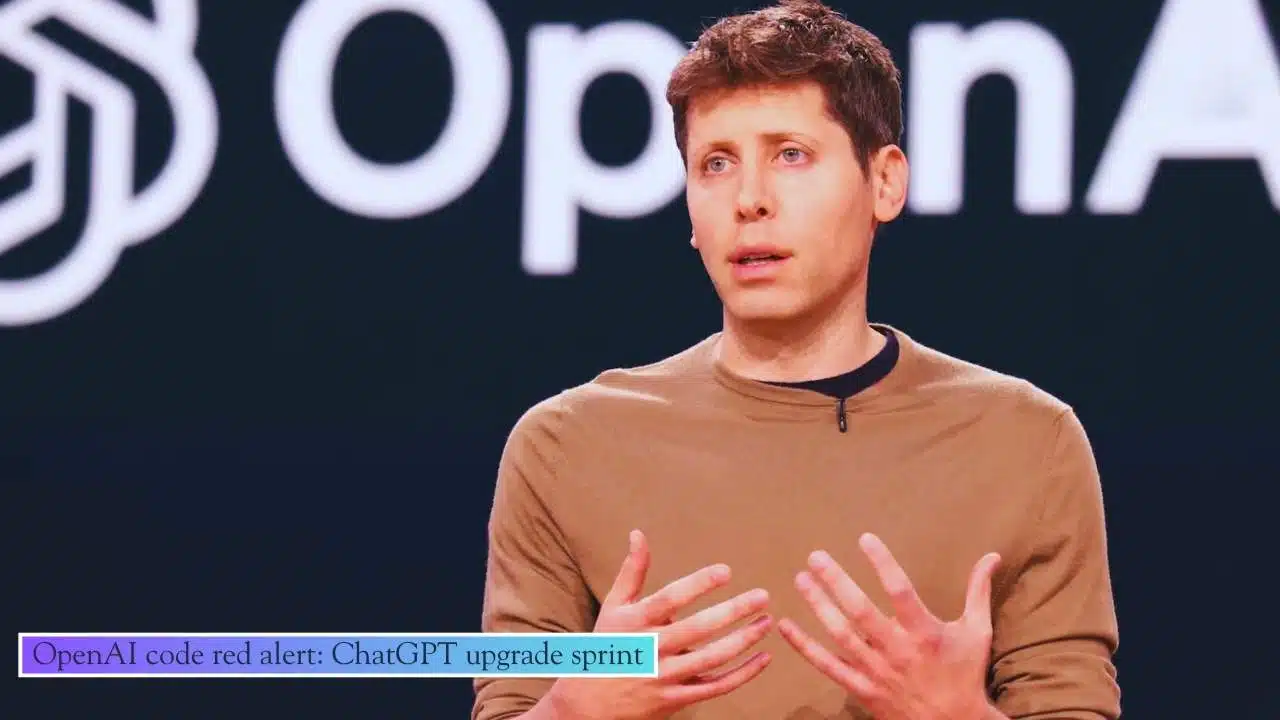
OpenAI code red alert: On Dec. 1, 2025, CEO Sam Altman told teams to prioritize faster, more reliable, more personalized ChatGPT, as Google expands Gemini 3 across Search and the Gemini app.
What happened inside OpenAI and what “code red” signals?
OpenAI has launched an internal “code red” push aimed at upgrading ChatGPT’s core experience. The trigger was an internal memo dated December 1, 2025, in which CEO Sam Altman urged teams to move with urgency on improvements to speed, reliability, and personalization—and to delay or de-prioritize some other initiatives.
In plain terms, “code red” is a company-wide sprint. It is not framed as a shutdown or a panic. It is a temporary reallocation of attention and resources toward the product millions of people use every day. The goal is straightforward: make ChatGPT feel better, faster, and more dependable in real-world use.
That matters because the AI assistant market is no longer a curiosity. For many people, an assistant is becoming as routine as email or search. In that world, a small decline in experience is costly. Users do not always complain. They simply switch.
OpenAI’s internal emphasis points to a bigger reality in the industry: the competition is shifting away from “which model is strongest in a lab test” toward “which assistant is most useful at 8 a.m. on a Monday.” That difference is huge.
Here is what OpenAI’s three priorities mean in everyday terms:
- Speed: How quickly ChatGPT starts responding, how consistent it stays under heavy load, and how quickly it completes multi-step tasks.
- Reliability: Fewer wrong answers, fewer confusing responses, fewer tool failures, and fewer outages or degraded performance.
- Personalization: Better ability to follow user preferences (format, tone, workflow), remember important context (with controls), and reduce repeated instructions.
A “code red” effort also implies trade-offs. When leadership says “focus,” it usually means some projects get paused. Reports around the memo indicate OpenAI planned to slow work on certain non-core initiatives for the short term so teams can ship improvements that affect the largest number of users.
Why Gemini 3 raised the pressure: scale, distribution, and user habits?
The backdrop to OpenAI’s sprint is Google’s rapid expansion of Gemini 3. In late 2025, Google highlighted massive usage numbers for its AI features:
- AI Overviews in Google Search: about 2 billion users per month.
- The Gemini app: more than 650 million users per month.
Those numbers matter because they represent distribution at a scale few companies can match. When AI answers appear directly in a product people already use daily—especially Search—adoption becomes frictionless. Users do not need to download anything, create a new habit, or learn a new interface.
This changes the competition in three ways:
- Speed becomes a feature, not a technical detail
If an AI answer appears instantly inside Search, users start expecting “instant” everywhere. Even small delays begin to feel like failure. - Reliability becomes the deciding factor for repeat use
When AI is used for quick decisions—shopping research, summaries, how-to steps, scheduling ideas—errors are remembered. Reliability becomes the line between “helpful” and “annoying.” - Personalization becomes the “stickiness” factor
If two assistants are similarly capable, the one that learns how a person prefers to work (and does so safely) tends to win long-term.
Google also introduced a faster Gemini variant positioned around low latency and efficiency, reinforcing the same pressure point OpenAI highlighted in its memo. In this phase of the market, a “fast enough” assistant with huge distribution can compete strongly, even if another system is better on some deep reasoning tasks.
Snapshot: the competitive squeeze in late 2025
| Factor | What’s changing | Why it matters for OpenAI |
| Distribution | AI answers are embedded in Search and mobile ecosystems | Reduces switching cost for users |
| User expectation | People expect near-instant responses | Raises the bar for latency and stability |
| Product focus | “Assistant quality” is now the battleground | Forces investment in UX, reliability, and trust |
| Cost pressure | Serving advanced models is expensive | Encourages “fast + efficient” default experiences |
The key point is not that one company “won” in a single moment. It’s that the market is tightening, and AI assistants are being judged like mainstream products. In mainstream products, speed and reliability often matter more than raw capability.
What OpenAI is likely to change in ChatGPT during the sprint?
A company-wide sprint typically targets improvements users will feel quickly. OpenAI’s focus areas suggest several practical categories where changes may appear. Some are visible in the interface, and others are “under the hood,” but both affect the user experience.
1) Faster default experiences, especially for everyday tasks
Many people use ChatGPT for writing, summaries, quick research, brainstorming, translation, and basic coding help. These use cases reward speed. During a sprint, OpenAI is likely to prioritize:
- Faster time-to-first-response.
- Fewer slowdowns during peak usage.
- Quicker completion of common workflows (draft → revise → format).
This often involves deploying more efficient default model options for routine tasks while keeping more advanced reasoning available when users need it.
2) A clearer and more predictable “which model am I using?” experience
When a chatbot automatically switches behind the scenes, users can experience inconsistency: a response style changes, speed changes, or the assistant suddenly becomes more verbose or more cautious. Some users like automatic routing. Others prefer control.
OpenAI’s recent product changes suggest it is actively tuning this balance—making default experiences simpler for broad audiences while retaining advanced options for power users.
3) Reliability improvements that reduce rework
In practice, “reliability” often means fewer moments where users have to redo a prompt. Sprint work often targets:
- Better handling of ambiguity (asking clarifying questions at the right time).
- Fewer confident mistakes.
- More consistent adherence to instructions (formatting, tone, constraints).
- Better safety behavior without unnecessary refusal for harmless requests.
Users may notice this as fewer “almost-right” answers that still require a lot of manual cleanup.
4) Stronger tool performance for search-like tasks
Modern ChatGPT usage frequently includes tool-driven actions such as browsing the web, summarizing results, or combining information from multiple sources. A reliability push usually improves:
- Fewer tool errors.
- Better fallbacks when a tool fails.
- Clearer messaging when information cannot be verified.
- Less “flaky” behavior across sessions.
This matters because the assistant market is converging with search. When people ask current-event questions, they expect the assistant to handle up-to-date information smoothly.
5) Personalization that feels useful, not creepy
The promise of personalization is simple: less repeated instruction, more consistent outputs, and a tool that adapts to how you work. But personalization can fail if users feel they have lost control.
A high-quality personalization system typically includes:
- Clear user control over what is remembered.
- Easy ways to view, edit, or delete memory.
- Transparent settings that explain what’s happening.
- Safe defaults, especially for sensitive data.
OpenAI has also been developing more proactive experiences, where the assistant can prepare updates or research without needing a fresh prompt every time. That style of product can be powerful, but it intensifies the need for trust and user control.
Key events shaping the “code red” moment
| Date (2025) | Event | Why it matters |
| Sep. 25 | OpenAI previewed a proactive update feature for ChatGPT | Signals a shift toward personalization and “push” experiences |
| Oct. 21 | OpenAI introduced an AI-first browser concept with ChatGPT at the core | Positions ChatGPT closer to search and web navigation |
| Nov. 18 | Google announced Gemini 3 across products and highlighted massive usage | Raises pressure through scale and distribution |
| Dec. 1 | OpenAI issued the internal “code red” memo | Concentrates resources on core ChatGPT improvements |
| Mid-Dec. | Google rolled out a faster Gemini 3 variant | Increases urgency around speed and efficiency |
The business and infrastructure reality behind the sprint
Under the hood, serving an AI assistant at global scale is expensive. Even when companies do not disclose every cost detail, the fundamentals are widely understood:
- Training frontier models requires enormous compute.
- Serving hundreds of millions of users requires steady, reliable infrastructure.
- Better latency often requires more capacity, better caching, and more efficient models.
That is why a “speed and reliability” sprint is not only a product decision. It is also an infrastructure and economics decision.
One visible example of this trade-off is how a company chooses default models for large user segments. A faster, cheaper-to-serve model can improve latency and reduce costs. But it must still be good enough that users feel satisfied. If users feel quality dropped, they churn. If quality is strong, most users are happy—and the product feels faster.
This is one reason many AI platforms are now offering “families” of models:
- Fast/instant for everyday tasks
- Reasoning/thinking for harder questions
- Pro/advanced for maximum quality and tools
That structure also supports clearer user choice. Some users want the fastest option by default. Others want the smartest option, even if it is slower. Making that choice transparent can improve trust.
The sprint also takes place in a capital-heavy period for AI. Major funding rounds, large infrastructure commitments, and huge chip investments have become routine talking points around leading AI labs. Even without dwelling on valuations, the direction is clear: the “assistant era” requires sustained investment, and investment decisions often push companies to prioritize product quality first so growth remains strong.
In that context, delaying experiments that could distract teams makes strategic sense. If a competitor is winning on speed or distribution, the response is not only “train a better model.” It is “ship a better product experience” and do it quickly.
What “winning” looks like in the assistant phase?
| Category | What users reward | What companies must deliver |
| Speed | Instant start, smooth sessions, quick workflows | Efficient models + strong infrastructure |
| Reliability | Fewer errors, stable tools, consistent behavior | Quality tuning + better evaluation + safer defaults |
| Personalization | Saves time, follows preferences, remembers context | Memory controls + transparency + privacy safeguards |
| Distribution | Always available where users already are | Integrations with browsers, phones, search, work apps |
| Trust | Clear limits, fewer hallucinations, honest uncertainty | Better citation behavior + improved browsing + guardrails |
What to watch next: signals for users, creators, and developers?
A “code red” sprint will be judged by what improves for real people. Over the next several weeks, the most meaningful signs will be practical, not flashy.
For everyday users, watch for:
- Faster response start times and fewer slow periods.
- Less inconsistency between sessions.
- Fewer confident mistakes on basic factual questions.
- Better instruction-following (format, tone, constraints).
- Smoother browsing/search experiences for current events and product research.
- More understandable personalization controls.
For creators and publishers, watch for:
- More people using assistants as the “first stop” for quick answers.
- Increased competition for basic informational queries.
- A stronger premium on original reporting, unique analysis, and first-hand data.
- More demand for clear expertise signals (who wrote it, why they’re credible).
For developers and AI builders, watch for:
- Clearer model selection guidance (speed vs reasoning).
- More stable behavior across updates.
- Improved tool reliability for agent-like workflows.
- Better performance consistency at high volume.
The biggest implication is that the AI race is entering a product execution phase. Model breakthroughs still matter, but the winners will likely be decided by who can provide an assistant that is:
- fast enough to feel effortless,
- reliable enough to trust for work,
- personal enough to reduce friction,
- and transparent enough to keep user confidence.

























