

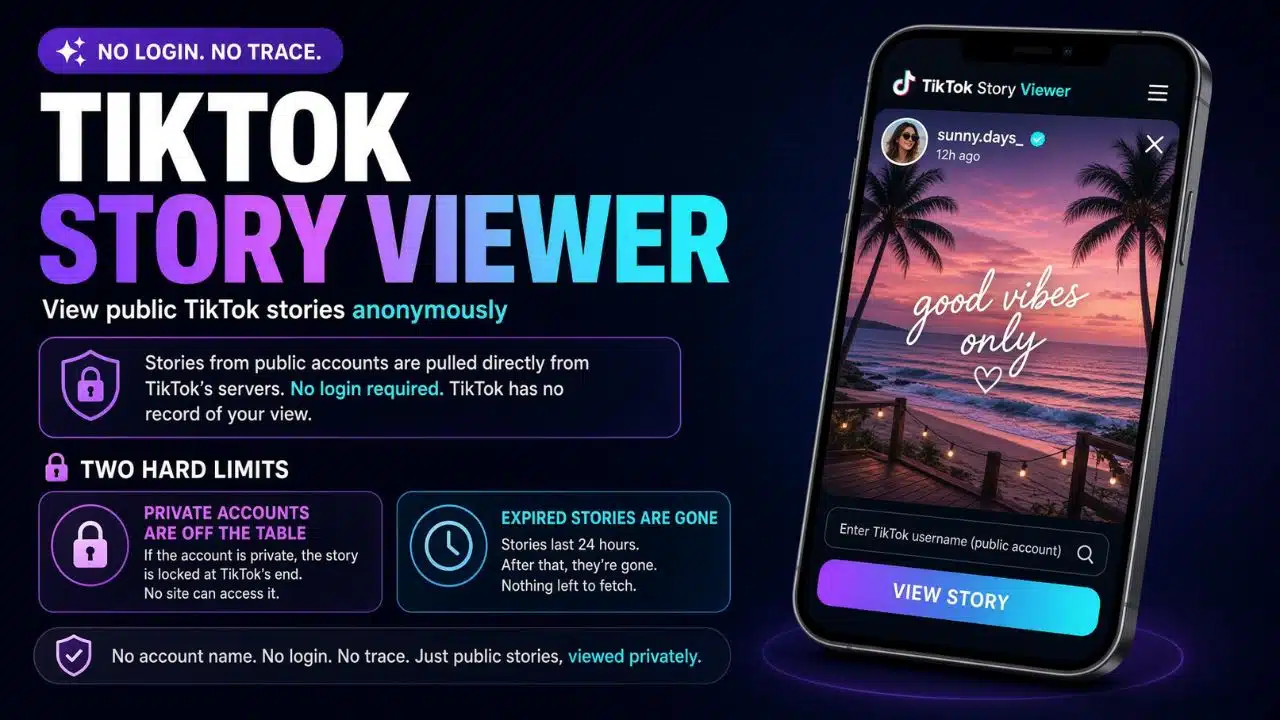
TikTok keeps a list. When you open someone’s story while you are logged in, your username lands in that list, and the person who posted it can scroll through and see you sitting there. There is no ghost mode. There is no setting to turn it off. That is the whole reason the search for a TikTok story viewer exists. Maybe you unfollowed an ex and still feel curious. Maybe you are watching a competitor’s account and would rather not announce it. Maybe you just do not like being counted.
I have sorted through the tools people recommend for this. Some of them do the job. Some are ad farms with a search box glued on top. A few are the kind of site I would close immediately. Here is what is worth your time.
How a TikTok Story Viewer Actually Works
The trick is not clever. These tools are not hacking anything.
TikTok stories from public accounts can be pulled from TikTok’s servers without a login. A third-party site fetches that content and shows it to you on their own page. Since you never signed in, TikTok has no account name to write down. Your view never reaches the list.
That mechanism sets two hard limits, and no tool escapes them:
- Private accounts are off the table. If someone’s profile is private, the story is locked at TikTok’s end. A website cannot open a door it has no key to. Any site claiming otherwise is lying to you.
- Expired stories are gone. Stories last 24 hours. After that, there is nothing left on the public side to fetch.
Keep both in mind while you read the list. Half the complaints about these tools (“it says no stories found!”) come down to one of those two things.
10 Ways To View TikTok Stories Privately
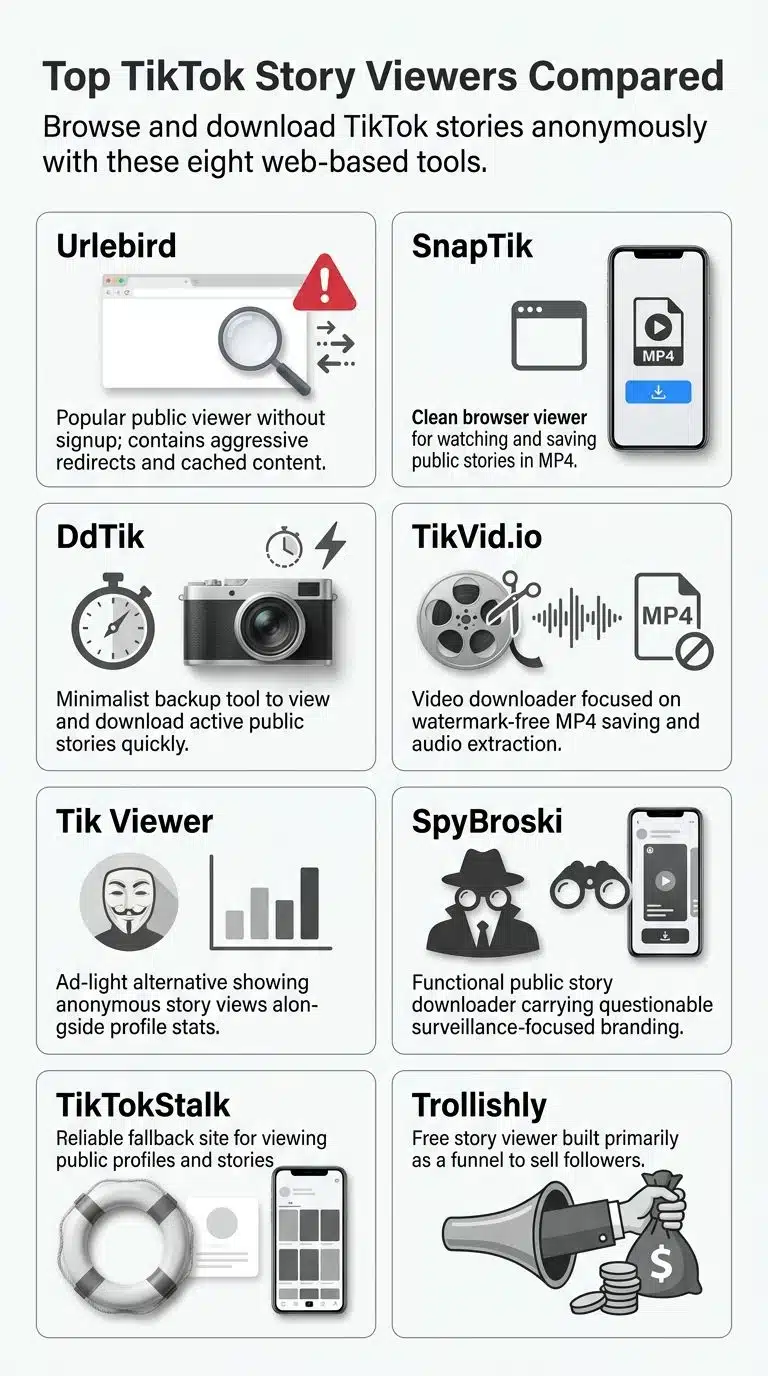
I have not ranked these by how loudly they advertise. I have ranked them by how likely you are to actually see a story and how little you have to risk to do it.
1. Your Own Browser, Logged Out
This is the one almost nobody mentions, because there is no website selling it.
Open a private or incognito window. Go to tiktok.com and type in the profile. Do not log in. If the account is public and has an active story, you may be able to open it, and your name has nowhere to go, because there is no account attached to the session.
It costs nothing. It has no ads. It cannot install anything on your machine. It is not passing your browsing through some stranger’s server. When people ask me where to start, this is it.
Two warnings. TikTok’s logged-out web experience changes often, and story support on desktop has been patchy rather than guaranteed. It will also push a login prompt at you. Dismiss it and keep going. If the story will not open logged out, then move down the list.
2. A Second TikTok Account
Slower to set up, and by far the most dependable option here. Make a fresh account. Do not connect your phone contacts. Do not use your usual photo or handle. Use it to view, and nothing else.
Your name still appears in the viewer list, but it appears as a stranger. That is a very different thing from appearing as you.
This is what I would use if I were checking competitor stories every day for work. Third-party sites break constantly. TikTok’s own app does not. If you are doing research on a schedule, keep that research account in a separate browser profile or a separate phone profile so it never touches your main login.
The obvious trade-off: it is more effort, and TikTok’s rules on multiple accounts are worth reading before you lean on it heavily for business use.
3. Urlebird
Urlebird has been around since roughly 2019 and is probably the best-known name in this space. You type in a username and it loads the public profile, videos, hashtags, and stories in a plain web layout. No sign-up. No app.
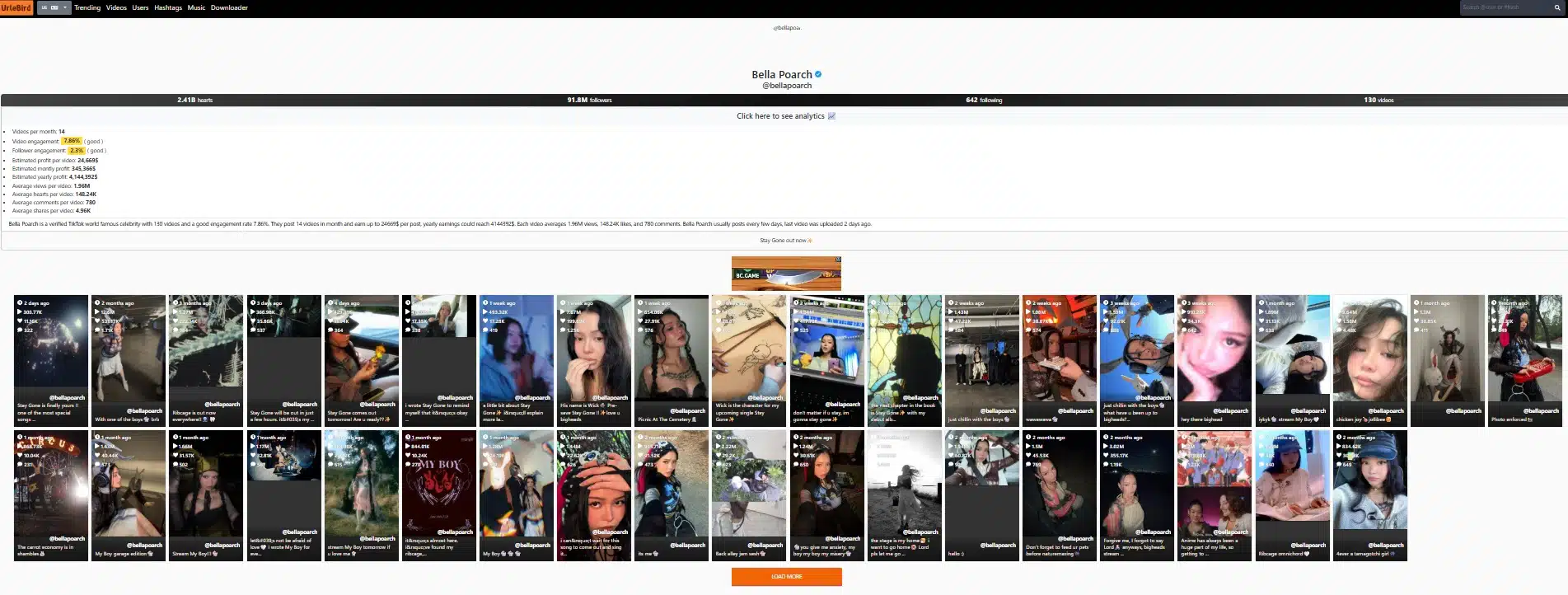
It is genuinely useful for browsing. It is also heavy on ads, and some of those ads are the pushy kind that try to redirect you somewhere else. Use an ad blocker and do not click anything on the page except the story itself.
One thing that makes creators uncomfortable, and it is fair: Urlebird sometimes keeps showing content after it has been taken down on TikTok. If you post publicly, that is a reason to think about what you put in a story.
4. SnapTik Story Viewer
SnapTik runs a story viewer page where you paste a profile link and get the account’s active stories. You can watch them there and save them in MP4 if you want a copy.
It is clean, it works in a browser on a phone or a laptop, and it does not ask you to register. SnapTik states plainly that the tool does not work on private, restricted, or login-only content, which I appreciate. Honesty about limits is a decent signal about a tool.
Downloading someone’s story is a bigger step than watching it. If the content is not yours, think about whether you have any business saving it before you tap the button.
5. DdTik
DdTik does one job. You enter a username or profile URL, it shows the active stories, and you can save them. Everything runs in the browser, with no extension and no account.
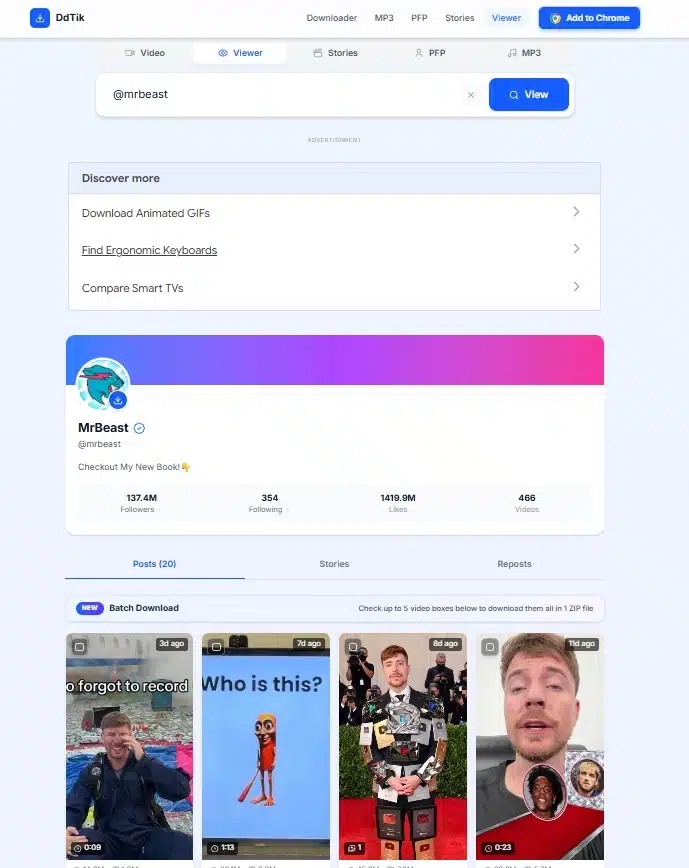
It is the sort of tool worth bookmarking as a backup rather than a first choice. When one of these sites goes down or starts returning empty results, having a second one to try saves a lot of frustration.
6. TikVid.io
TikVid is a downloader first and a story viewer second. It handles watermark-free MP4 downloads and audio extraction, and it does not need a login. If your real goal is grabbing video files, this is a reasonable pick. If your only goal is watching a story quietly, options 1 through 4 will get you there with less clutter.
7. Tik Viewer
A simple anonymous browsing site in the same family as Urlebird. Enter a creator’s username and you get their profile, recent uploads, and public stats like views, likes, and comments.
Its main selling point is a layout that is not buried in ads. That alone puts it ahead of several better-known names.
8. SpyBroski
Works as advertised for public accounts. Enter a username, watch stories, and download them—no login.
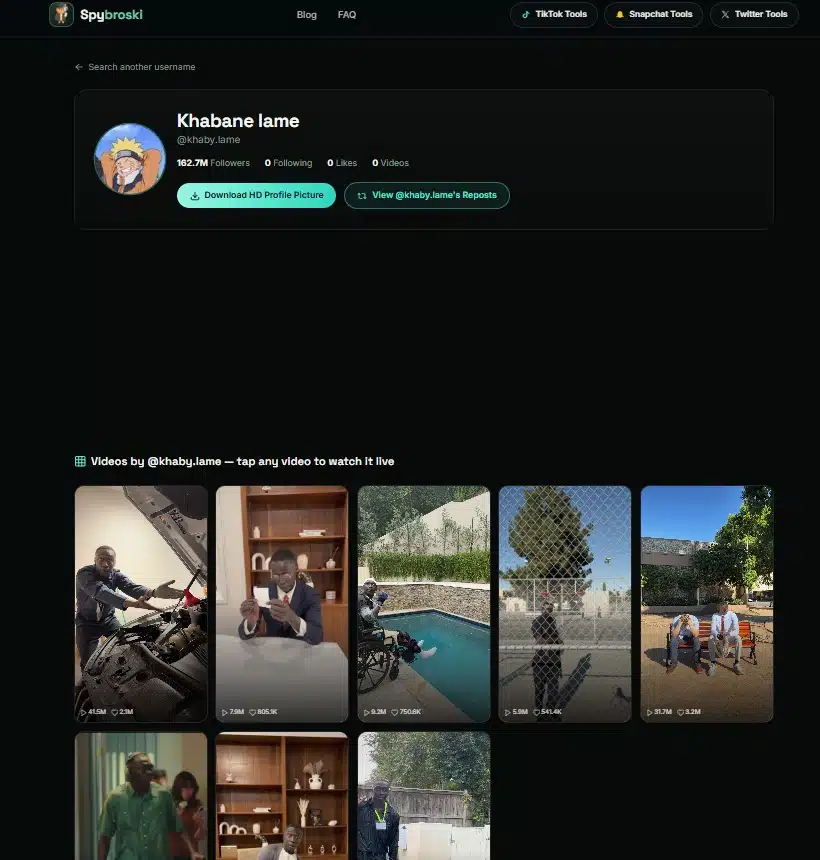
I will be blunt about the name. “Spy” branding tells you what audience the site is chasing, and it is not the competitor-research crowd. The tool being functional does not mean the use case it is selling is one you should buy into.
9. TikTokStalk
Another username-based viewer that shows profiles, stories, and profile pictures without a TikTok account. It gets mentioned mainly as a fallback when Urlebird is misbehaving.
Same caution as the name above. Same advice: treat it as a spare tire, not a daily driver.
10. Trollishly
Trollishly offers anonymous viewing, but the business behind it is selling engagement services, followers, likes, and analytics packages.
That mix is why it sits at the bottom. When a site’s real product is growth services, the free viewer is bait for the funnel. It works, but you are the lead, not the customer. Skip it unless you are already using them for something else.
What None of These Will Do
Worth stating flatly, because a lot of articles dance around it. They will not open a private account. They will not recover a story that expired. They will not tell you who viewed your story better than TikTok already does. They will not hide you if you are logged into TikTok in another tab and open the story there by mistake.
And turning off Profile View History in your TikTok settings does not hide you from anyone’s story viewer list. Those are separate systems. This confuses a lot of people.
Red Flags Worth Taking Seriously
I keep this list short because the signals are not subtle.
Walk away if a site:
- Asks for your TikTok username and password. No legitimate viewer needs your login. None. This is credential theft with a nice logo.
- Makes you complete a survey, download an app, or “verify you are human” before showing content. That is data harvesting.
- Claims it can show private accounts. Impossible, and the claim tells you what kind of operator you are dealing with.
- Wants a browser extension installed for something a plain web page can do.
- Asks for a phone number or email to “unlock” the story.
There is a broader risk too. TikTok’s terms do not permit unauthorized scraping of the platform, and TikTok actively blocks these tools. That is why a viewer that worked last month may return nothing today. Expect breakage. Do not build a workflow that depends on any single site.
Protecting Your Own Stories
If reading this made you think about your side of it, TikTok gives you real controls, and they work better than any third-party tool.
Set your account to private, and only approved followers can see your stories. Use the Close Friends list when you want a story to reach a handpicked group rather than everyone. Block someone and they lose access immediately.
A private account is the only setting that reliably keeps your stories out of every viewer’s site on this page. Everything you post publicly can be fetched, watched, and saved by a stranger. That is not a scare tactic. That is just how a public account works.
One Honest Note on Why You Are Doing This
Checking a competitor’s story without tipping them off is normal marketing. Watching an account you unfollowed because you would rather not restart a conversation is normal human awkwardness.
Repeatedly monitoring one specific person who does not want contact with you is something else, and no tool on this list makes that okay. If that is the situation, the answer is not a better viewer.
Final Thoughts
Most people searching for a TikTok story viewer expect a magic website. The reality is plainer. A logged-out browser window handles it for free, a second account handles it reliably, and the third-party sites are a convenient backup that will break sometimes and should never see your password.
Start with your own browser. Keep Urlebird or SnapTik as a fallback. Ignore anything advertising private-account access, and never trade your login for a 15-second clip.
Frequently Asked Questions (FAQs)
1. Does the person get a notification when I view their story?
No. TikTok does not push an alert. Your username simply shows up in the viewer list, which only the story owner can see. Your view is not visible to other viewers.
2. Why does the viewer list sometimes not match the view count?
The counters and the named list update on different schedules, and TikTok batches these updates rather than pushing them live. A gap of minutes or even a few hours is normal, and it gets worse on a weak connection. Neither number is proof that a story viewer tool was involved.
3. Is the person at the top of my viewer list watching me the most?
This is one of the most repeated claims on TikTok, and there is nothing behind it. The order reflects recency and how TikTok surfaced the story, not how interested someone is in you.
4. Can I get banned for using these sites?
Your account is not directly involved when you view while logged out on a third-party site, so a ban from viewing alone is unlikely. The bigger risks are handing credentials to a phishing page or installing something you should not have. Anything that asks you to log in is where real account trouble starts.

























