

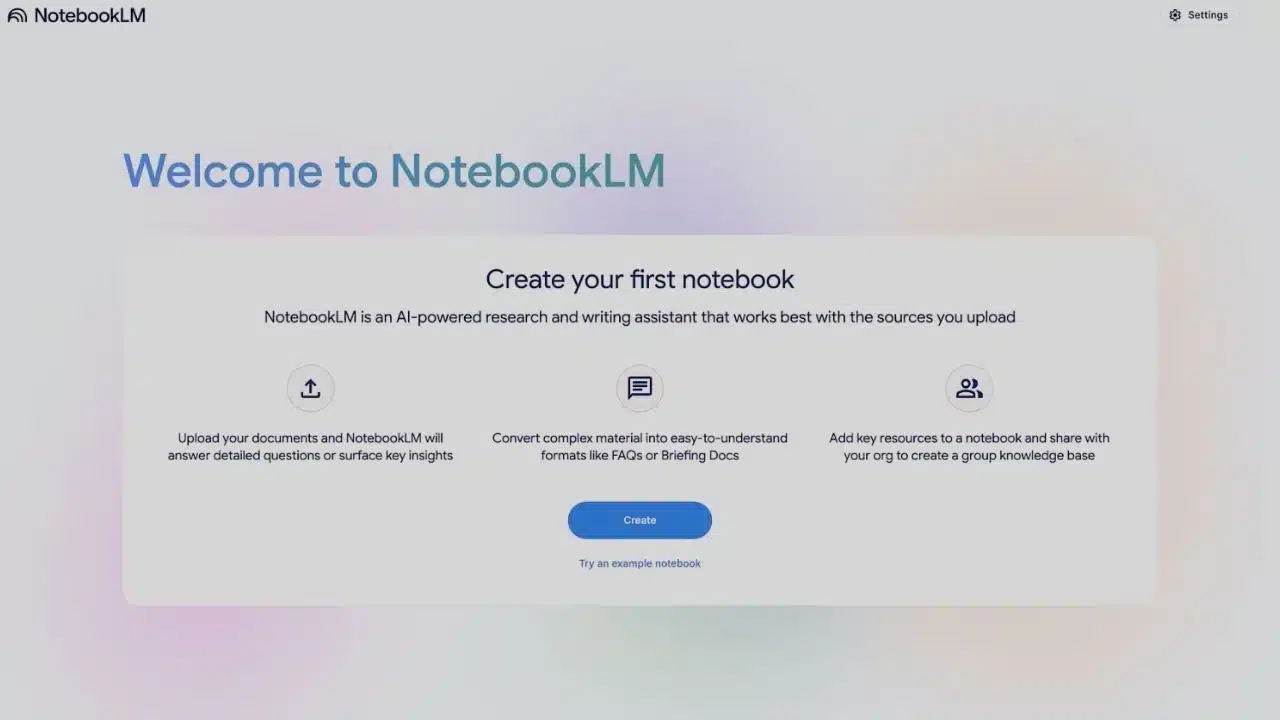
Google is starting to roll out a NotebookLM integration for Gemini that lets some users attach NotebookLM notebooks to chats for more grounded answers, starting on the web and appearing to be limited at launch.
What’s changing in Gemini?
Google’s Gemini chatbot is beginning to show a new NotebookLM option inside its attachment (plus) menu for some accounts. The feature is designed to let users bring an existing NotebookLM notebook into a Gemini conversation as a source of context.
In practical terms, this means Gemini can answer questions with awareness of the materials you’ve already organized in NotebookLM—such as documents, notes, and other sources you added to a notebook—rather than responding only from general model knowledge.
Key details at a glance
| Item | What it means |
| Feature | Attach/select a NotebookLM notebook inside Gemini |
| Goal | Ask Gemini questions grounded in notebook sources |
| Early availability | Appears limited/rolling out gradually |
| Where it shows up first | Gemini on the web (initially) |
| What it may enable | Faster Q&A, summarization, and drafting using your curated sources |
Why Google is linking Gemini and NotebookLM?
NotebookLM has been positioned by Google as a tool for understanding and working with your own information—an AI “research and thinking companion” built to stay grounded in sources you provide.
Gemini, meanwhile, is Google’s general-purpose assistant across consumer and workplace experiences. Combining them aligns with a clear product direction: reduce friction between “research mode” (NotebookLM) and “assistant mode” (Gemini).
For users, the value is straightforward:
- Less copying and pasting between tools.
- More context-aware answers based on the exact materials you uploaded/collected.
- Cleaner workflows for studying, writing, planning, and analysis.
How the NotebookLM integration works (and what users can do)?
Based on how NotebookLM is designed, the integration is expected to behave like a “bring your own context” layer:
Likely workflows
- Ask questions about your notebook’s sources (for example: “What are the key findings in my research notes?”).
- Summarize a notebook or a section of it.
- Draft content using your notebook as the factual base (briefing notes, outlines, email drafts, etc.).
- Cross-check: ask for supporting quotes, sections, or pointers back to sources (NotebookLM is known for source-grounded interactions).
What’s still limited right now?
Early signals indicate the feature is:
- Not available to everyone yet.
- More visible on Gemini web than on mobile at the start.
- Not fully explained via a broad consumer announcement (at least at the time the rollout was spotted).
NotebookLM’s growth set the stage for this move
NotebookLM has steadily expanded from an experiment into a mainstream Google AI product:
- It began as Project Tailwind and rolled out as NotebookLM via Google Labs.
- It added standout features like Audio Overviews, which convert your sources into a “deep dive” discussion format.
- It introduced NotebookLM Plus, a higher-limit version with premium features.
- Google later launched official mobile apps to make NotebookLM usable everywhere.
This matters because Gemini integration is most compelling once people already have notebooks full of sources—and NotebookLM’s broader availability makes that more common.
Enterprise already has a “Gemini + NotebookLM” connection
While the consumer Gemini integration is emerging through a gradual rollout, Google has already documented a similar concept on the business side.
In Gemini Enterprise, Google describes NotebookLM Enterprise as integrated into the Gemini Enterprise web app, including steps for accessing it and adding sources from enterprise search results into notebooks. Google’s documentation also highlights security and sharing considerations—like how adding a document as a notebook source can create a copy that may not automatically reflect changes to the original.
This enterprise integration is an important signal: Google has been building the “assistant + notebook” model in workplace products, and consumer Gemini appears to be moving in the same direction.
Privacy and “grounding” are central to the pitch
One reason NotebookLM stands out in Google’s own descriptions is its emphasis on working from user-provided sources and keeping the experience tied to your materials.
Google has also stated in NotebookLM updates that personal data is not used to train NotebookLM—a key reassurance for users who upload sensitive study, work, or planning documents.
As Gemini begins to accept NotebookLM notebooks as attachments, user trust will likely hinge on how clearly Google explains:
- What notebook content is shared into a Gemini chat session?
- How long that context persists?
- What account/workspace controls apply?
- Whether any additional logging or retention differs from using NotebookLM directly.
NotebookLM’s path to Gemini integration
| Date | Milestone | Why it matters |
| May–July 2023 | Project Tailwind becomes NotebookLM (Google Labs rollout) | Establishes the “AI notebook grounded in your sources” concept |
| Oct 17, 2024 | NotebookLM updates Audio Overviews + removes “Experimental” label | Signals maturity and wider readiness |
| Dec 13, 2024 | NotebookLM adds new interface, interactive audio, and NotebookLM Plus | Moves toward power-user and team workflows |
| Early 2025 | NotebookLM Plus added to Google One AI Premium | Expands paid access and usage |
| Apr 2025 | Audio Overviews expand to 50+ languages (beta) | Broadens global utility |
| May 2025 | Google launches NotebookLM mobile apps | Makes notebooks easier to build on-the-go |
| Dec 2025 | NotebookLM begins appearing inside Gemini (web) for some users | Brings “notebook grounding” directly into the chatbot |
What to watch next?
Several practical questions will shape how big this change becomes:
- Rollout scope: when it expands beyond limited accounts.
- Mobile support: whether Gemini mobile gets the same NotebookLM attachment option.
- Notebook selection: whether users can attach multiple notebooks and how Gemini handles conflicts.
- Controls: clearer privacy, retention, and sharing settings for notebook-based chats.
- Education and Workspace overlap: how this fits alongside Google’s education and enterprise integrations.
Google’s NotebookLM integration for Gemini is a logical next step in making AI assistance more context-driven and useful, especially for people who already rely on notebooks to organize reading, research, and project materials. If Google expands access and clarifies controls, this could become one of the most practical ways to keep Gemini’s answers grounded in what users actually care about: their own documents.


























