Leveraging digital advertising and keeping track of customer data may be two of the most important aspects of any business that wishes to be successful. Over the last decade, big changes have happened in terms of privacy concerns, questions about cookies, and the rise of ad blockers. Advertisers used to rely on Facebook Pixel to keep track of data through cookies, but this practice has fallen out of favor and changes have had to be made across the board. To meet public concerns and overcome browser restrictions, more businesses are turning to data-driven solutions such as the Facebook Conversion Application Programming Interface (API). Conversion API has become a hot topic and something many businesses are considering embracing. If you’re still on the fence or unsure about Conversion APIs, don’t worry because we’ll tell you exactly what you need to know below.
What is Conversion API?
In the past, businesses relied solely on Facebook Pixel, also known as the Meta Pixel, which is a piece of code you put on your website. This piece of code allows data teams to monitor conversions, retarget visitors, and gain important insights during the customer journey. If a visitor clicks something on your website, Facebook Pixel would report the actions back to your data team, which would give you the ability to analyze this data in a multitude of ways. This helps business leaders make more intelligent decisions, personalize ads for potential customers, and create a more intimate relationship with their consumer base. However, cookies are slowly becoming a thing of the past and Facebook Conversion API was developed to meet the needs of consumers.
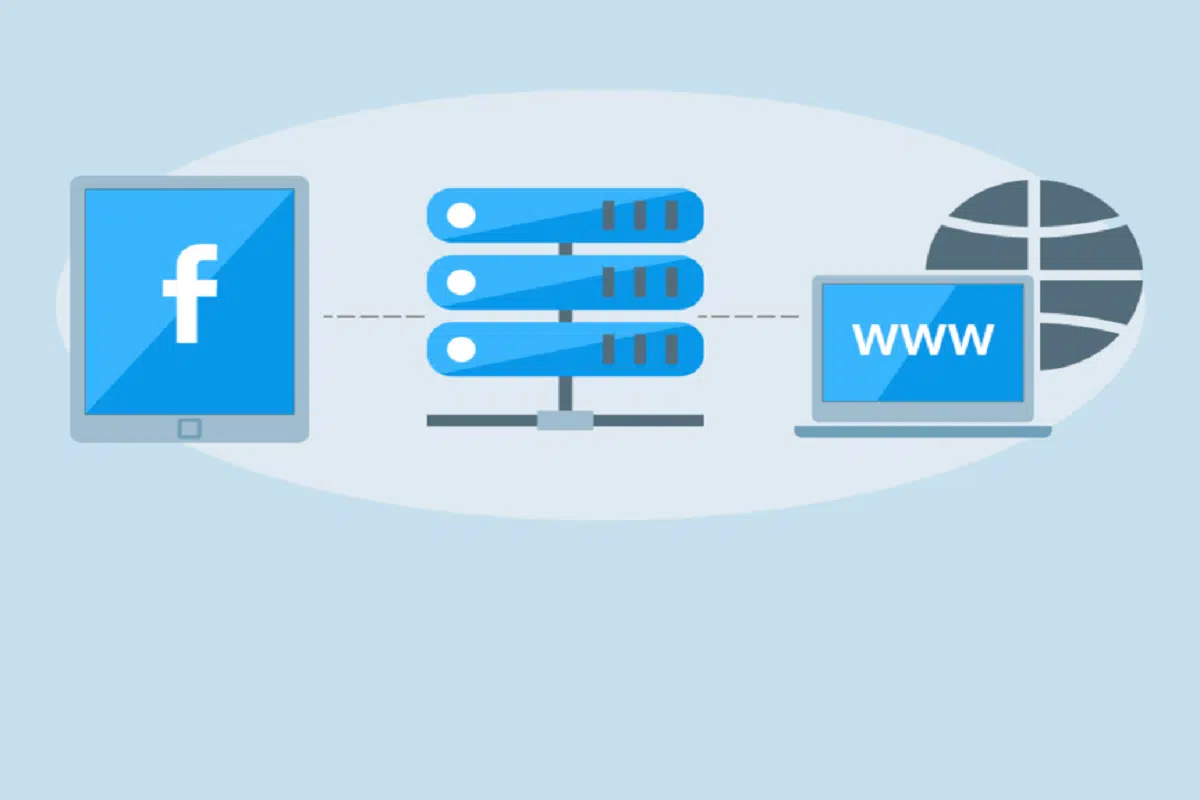
Facebook Conversion API is a native Facebook tool that allows data teams to share web and offline events. Data is given directly to Facebook’s server, so you no longer have to worry about ad blockers, connection problems, loading errors, or browser restrictions. This is known as server-side API, which gives each website visitor a unique ID, which allows the server to track users’ data. You’ll be able to see what links are most frequently clicked, what’s being purchased, abandoned carts, subscriptions, and more.
How to Get the Most Out of Conversion API?
There is a multitude of features that data teams can take advantage of when they’re using Conversion API. Some companies can choose to rely purely on Facebook Conversion API, but if you want a full picture of customer data, it would be wise to use this in combination with Facebook Pixel. Facebook Pixel shows you the entirety of the customer journey while Facebook Conversion API shows you the results. Facebook Pixel helps you see essential information such as demographics, behavioral data, and psychographics. Facebook Conversion API fills in the rest of the picture by providing website events as well as offline events. Combining these two tools together can increase customer conversions, build stronger audiences, and craft more personalized ads for the future.
Benefits of Conversion API
Facebook Conversion API comes with several benefits that keep advertisers coming back to the platform time and time again. Data teams will have increased data control, and improved accessibility, and you can share data events in real time. Another great benefit is the ability to track events. Probably the most helpful aspect is tracking the buyer’s journey from the very first click all the way to the purchasing event. Businesses can see what’s working and make changes where they deem it necessary. Another beneficial feature is data accuracy. Data accuracy is highly important for businesses looking to perform optimally. Since data is shared directly with the server, data stays accurate on a more consistent basis. Faster webpage load times are another key benefit of Facebook Conversion API. You can also create better marketing campaigns by looking at important events such as subscriptions, abandoned carts, links clicked, and more. This helps businesses allocate more resources toward products that are selling well and opens up the opportunity to retarget customers who visited their website already.
Conclusion
Having the ability to analyze and interpret data is a vital part of any business’s success, especially in this digital age. Effective advertising that brings results relies on customer data and data insights. Thankfully, there are tools such as Facebook Pixel and Facebook Conversion API, which streamline this crucial process. Conversion APIs help businesses gain deeper insights into their customers while respecting data privacy. Cookies are becoming a thing of the past, so more businesses are embracing Facebook Conversion API. Despite the setbacks in data availability for Facebook Pixel, it’s still a worthwhile tool when combined with the power of the Facebook Conversion API. This combination gives advertisers a big-picture view of data, gain deeper insight into the customer journey, and helps increase the likelihood of converting visitors into returning customers. Conversion APIs are becoming essential and are likely to continue serving as a reliable tool for business leaders around the globe.