

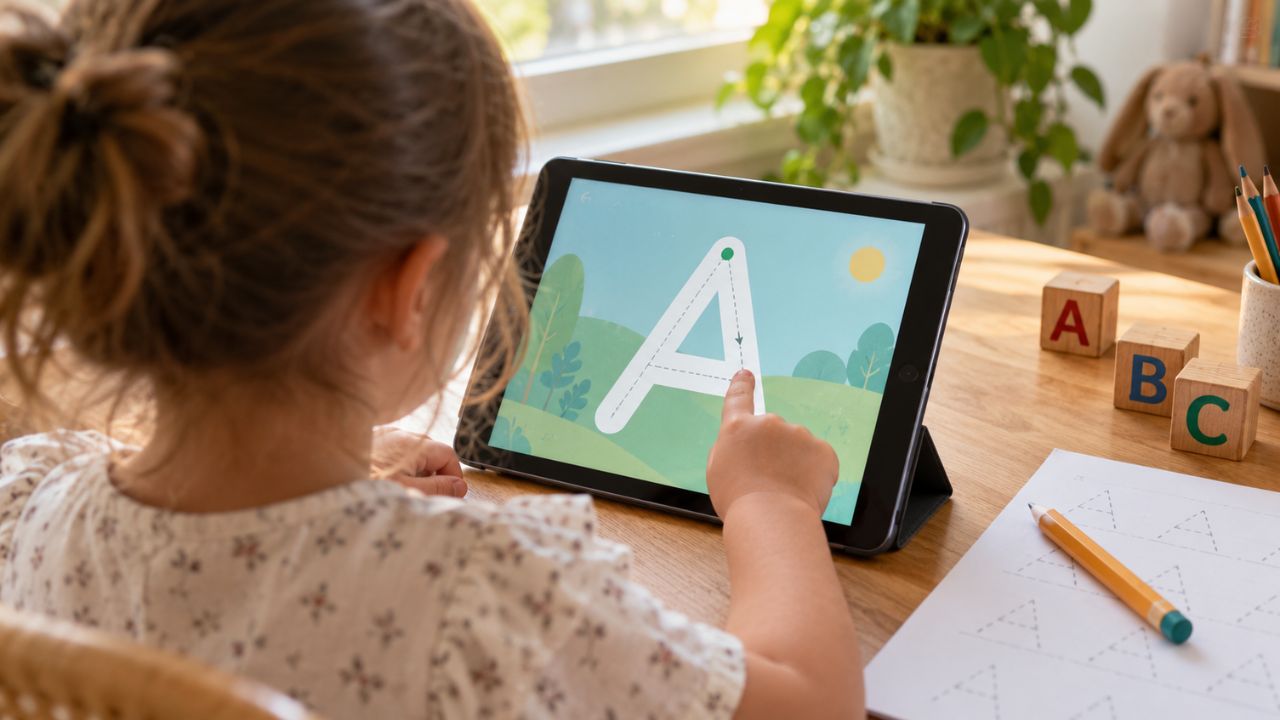
Bright animations and cheerful music can hold a child’s attention, but attention alone is not learning. The most useful alphabet app features give children repeated, active practice with letter shapes, names, and sounds, and make it easy to use those skills away from the screen.
No app can guarantee that a child will learn to read. Alphabet apps work best as one part of a wider routine that includes conversation, shared reading, songs, drawing, and writing. Still, the right features can make short periods of screen time more purposeful.
Here are nine features worth looking for and why they matter.
1. Clear Links Between Letter Shapes, Names, and Sounds
Children need to connect three pieces of information: what a letter looks like, what it is called, and the sound or sounds it commonly represents. A useful app presents these together instead of treating them as unrelated facts.
For example, the child sees M, hears “em,” and then hears /m/ in a familiar word such as moon. The audio should be clear, and the example word should genuinely begin with the target sound. For consonants, it is also helpful when the app models a clean sound rather than adding a strong “uh” after it.
One example is enough at first. Children benefit more from a clear connection they can practise than from a rapid stream of pictures, words, and effects.
2. Sound Awareness Connected to Print
Learning the alphabet is not only a visual task. Children also need to notice sounds within spoken words. An effective app may ask them to identify the first sound in sun, choose two words that begin alike, or blend simple sounds into a word.
These activities are most useful when the app connects the sound back to a visible letter. A game that asks, “Which word starts with /s/?” should then show or reinforce the letter S. This helps the child understand that spoken sounds can be represented in print.
The task should stay appropriate for the learner. A child who is still identifying first sounds does not need to be rushed into complex spelling patterns.
3. Active Recall, Not Just Tapping Along
Watching a letter appear while a voice names it is exposure. Learning becomes stronger when the child has to retrieve the answer.
Look for prompts such as:
- “Find the letter B.”
- “Which letter makes this sound?”
- “Match the capital letter to its lowercase partner.”
- “What sound comes at the beginning of fish?”
The important detail is that the child chooses before the app reveals the answer. Constant hints, glowing buttons, or automatic demonstrations can turn a learning activity into a guessing game.
A good app gradually reduces support. It may model a task first, offer a small hint after an error, and later ask the child to answer independently.
4. Guided Tracing With Sensible Letter Formation
Tracing can help children notice a letter’s structure and practise the movement used to form it. The strongest tracing activities show where to start, the direction to move, and the order of strokes. They also allow a reasonable margin for developing motor control.
Alphabet Magic Trace & Phonics includes separate uppercase and lowercase tracing activities alongside letter matching, letter discovery, phonics, and spelling practice. That combination gives children more than one way to work with a letter instead of repeating the same tracing task.
However, tracing on glass is not the same as writing with a crayon or pencil. Use screen tracing as an introduction or extra practice, then invite the child to form the same letter on paper, in sand, with dough, or in the air.
5. Feedback That Helps the Child Try Again
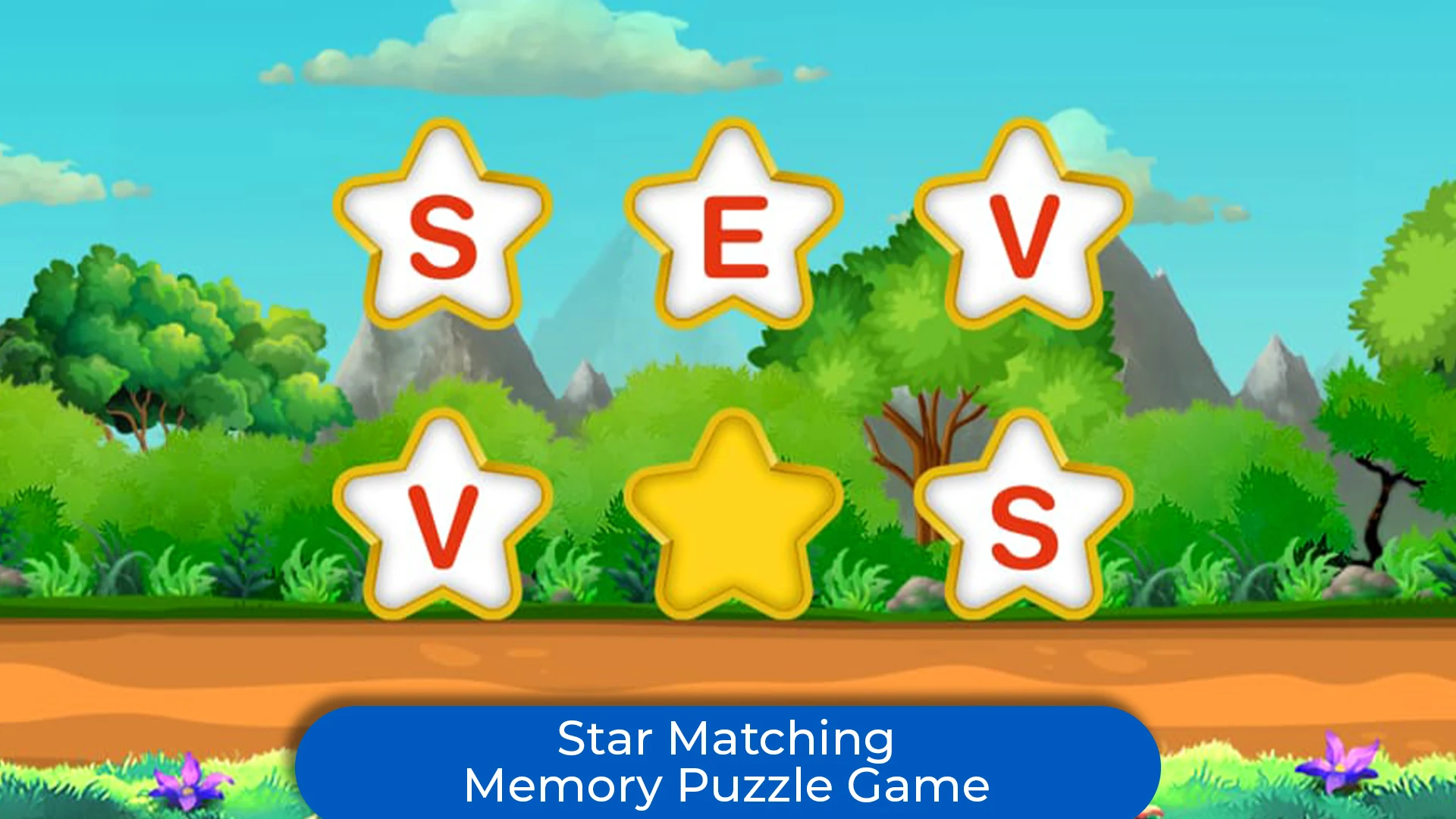
A sound effect for every tap may feel rewarding, but it does not necessarily tell a child what happened. Useful feedback is immediate, calm, and specific.
If a child selects the wrong letter, the app might repeat the target sound, narrow the choices, or demonstrate the answer before giving another attempt. During tracing, it might point back to the starting position rather than simply marking the whole attempt wrong.
Avoid apps that punish mistakes with harsh sounds, remove progress, or reveal the correct answer so quickly that the child never thinks. Errors are a normal part of learning. The aim of feedback is to guide the next attempt, not merely announce success or failure.
6. Progression That Fits the Child’s Current Level
Alphabet knowledge develops unevenly. A child may recognize the letters in their name but confuse similar forms such as b and d. Another may name many capitals but know few lowercase letters or sounds.
A well-designed app starts with manageable tasks and increases difficulty in small steps. Ideally, it notices repeated errors and offers extra practice without trapping the child in endless repetition. Parent or teacher controls that allow activities to be chosen manually are also useful.
The need for a suitable level applies beyond literacy. For example, 123 Magic Number Fun: Math Kid includes activities covering number tracing, recognition, counting, matching, sequences, and early operations. At the time of review, its Google Play listing displayed a Teacher Approved badge. That label is a helpful signal, but it does not replace checking whether the content and difficulty suit a particular child.
7. Spaced and Mixed Review
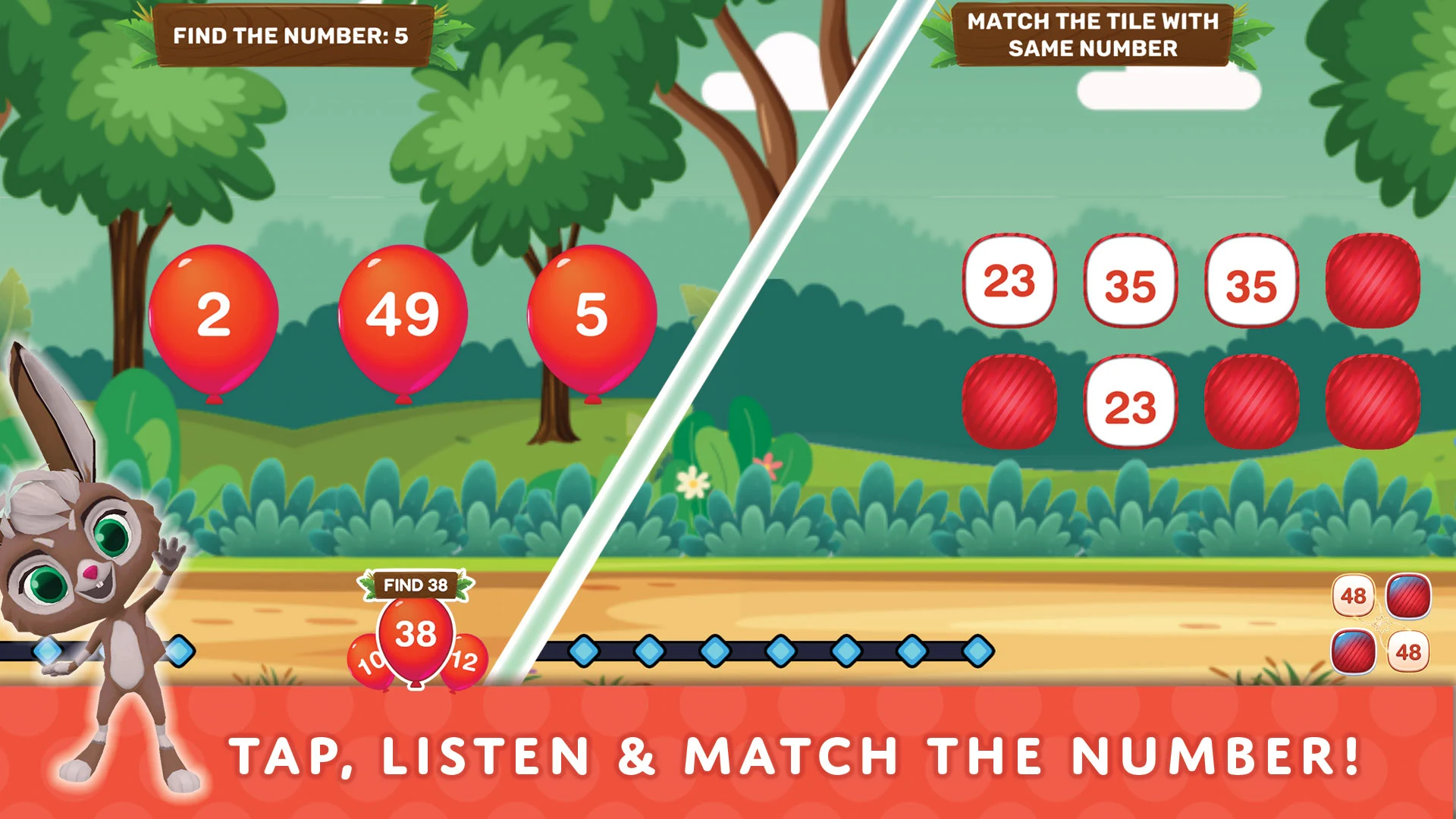
A child who identifies a letter correctly once has not necessarily learned it. Useful apps bring letters back after time has passed and mix newer material with previously practised material.
This is better than completing one letter and never seeing it again. A child might meet A in a tracing activity, recognize it in a matching game later, and identify its common sound during a future session. The changing task asks the child to retrieve the same knowledge in different ways.
Review should be brief and purposeful. Repetition helps when the child still has to think; repeating an identical animation or swiping through the alphabet in order can create familiarity without reliable recall.
8. Uppercase, Lowercase, and Readable Visual Variation
Children eventually need to recognize both forms of each letter. An app should teach uppercase and lowercase explicitly and include matching activities such as A–a, G–g, and R–r.
It also helps to show letters in more than one clear, child-friendly typeface. Printed a and g, for example, can look different across books, signs, and digital screens. Limited visual variation helps children learn the identity of a letter rather than memorizing one exact image.
Variation should come after a clear introduction. Decorative fonts, distorted characters, and busy backgrounds make recognition harder for beginners. Readability matters more than visual novelty.
9. Focused Interaction That Leads Beyond the Screen
Every tap, drag, and swipe should serve the learning goal. If the task is to find T, moving unrelated objects or dismissing pop-ups adds distraction rather than useful practice.
The best alphabet apps keep instructions short, controls predictable, and rewards proportionate. They also make it easy for an adult to extend the activity: “Can you find a T on this cereal box?” or “What else begins with /t/?”
That transfer matters. A child has not fully learned a letter only because they recognize it in one game. The stronger sign is that they can notice it, name it, say its common sound, or write it in a book, on paper, or in the world around them.
The Best Feature Is Learning That Lasts
An alphabet app does not need endless games or dazzling rewards to be valuable. It needs clear teaching, active responses, helpful feedback, well-paced review, and opportunities to connect screen practice with real reading and writing.
Choose the app that helps a child think, try, remember, and use what they have learned elsewhere. That is a better measure of quality than screen time, download numbers, or how loudly an app celebrates a correct tap.
Frequently Asked Questions on Alphabet App Features
1. What age should a child start using an alphabet app?
There is no single correct age. Many children become interested in letters during the preschool years, but readiness matters more than a birthday. Start when the child enjoys sounds, books, drawing, or noticing print, and keep the activity playful and brief.
2. Should children learn letter names or letter sounds first?
They do not have to be separated. Children can learn a letter’s shape, name, and most common sound together. The pace should remain manageable, with plenty of review before more letters are added.
3. Is tracing on a tablet as good as writing on paper?
It is useful practice, but it is not an equal replacement. A screen can teach stroke direction and letter shape, while crayons and pencils provide different movement and physical feedback. Using both gives the child broader experience.
4. Can an alphabet app teach a child to read?
An app can support important early skills, including letter knowledge, sound awareness, and simple phonics. Reading also requires vocabulary, comprehension, fluency, and experience with real language. Shared books, conversation, and adult guidance remain essential.
5. How can I tell whether an alphabet app is helping?
Look for progress outside the app. The child should gradually recognize, name, match, give the common sound for, or form letters with less help. If they only succeed by following screen cues, reduce the hints and practise the same skill with books, objects, or paper.
























