
AI negative prompt records are useful only when you can establish which exclusions were saved, which revision a job used, and which result belongs to that job. A polished image cannot answer those questions. I built and ran a small record system to examine the evidence behind them.
For this article, “negative prompt record” means saved exclusion text together with the identifiers and settings needed to trace its use. It is a working definition, not an industry standard. The seven cases below test that record lifecycle, from saving multilingual text to checking an exported manifest.
First-Hand Review: What My Local Test Revealed
The most useful result came from changing a record after queuing a job. The current record moved to revision 2, but the queued job retained revision 1 and its original exclusion. That small distinction would matter whenever someone edits a reusable preset while work is waiting.
The second finding concerned attribution. I supplied completion callbacks in the opposite order from submission. Matching by job ID preserved the correct record; matching by position would have associated the first callback with the wrong exclusion. Finally, an export could have a valid checksum and still lack a required field. Integrity and completeness needed separate checks.
My recommendation is to begin with immutable job snapshots, stable job IDs, and explicit validation rules. They make later image comparisons interpretable. A folder of attractive outputs without those records leaves too much uncertainty about what actually ran.
Review method: This was an assistant-operated Python/SQLite experiment executed on November 17, 2026, at 2:54 p.m. Bangladesh time. I built the prototype specifically for this article and ran seven cases. All seven passed. No image-generation model or provider API was called. The screenshots show official documentation inspected for context; the accompanying executable code, database, and JSON log hold the experiment’s evidence.
The Case Study: Following AI Negative Prompt Records Through a Job
The prototype had two tables: one for versioned records and one for queued job snapshots. A record could contain an exclusion such as text; a job copied the selected revision and raw text when queued. A separate function prepared a request field according to a locally configured capability flag.
I wrote the acceptance rules before running the cases. Exact text had to survive storage. An empty string was an explicit choice, while null or missing input was rejected. The demonstration length limit was 120 Unicode code points. Those were application choices, not universal requirements for AI services.
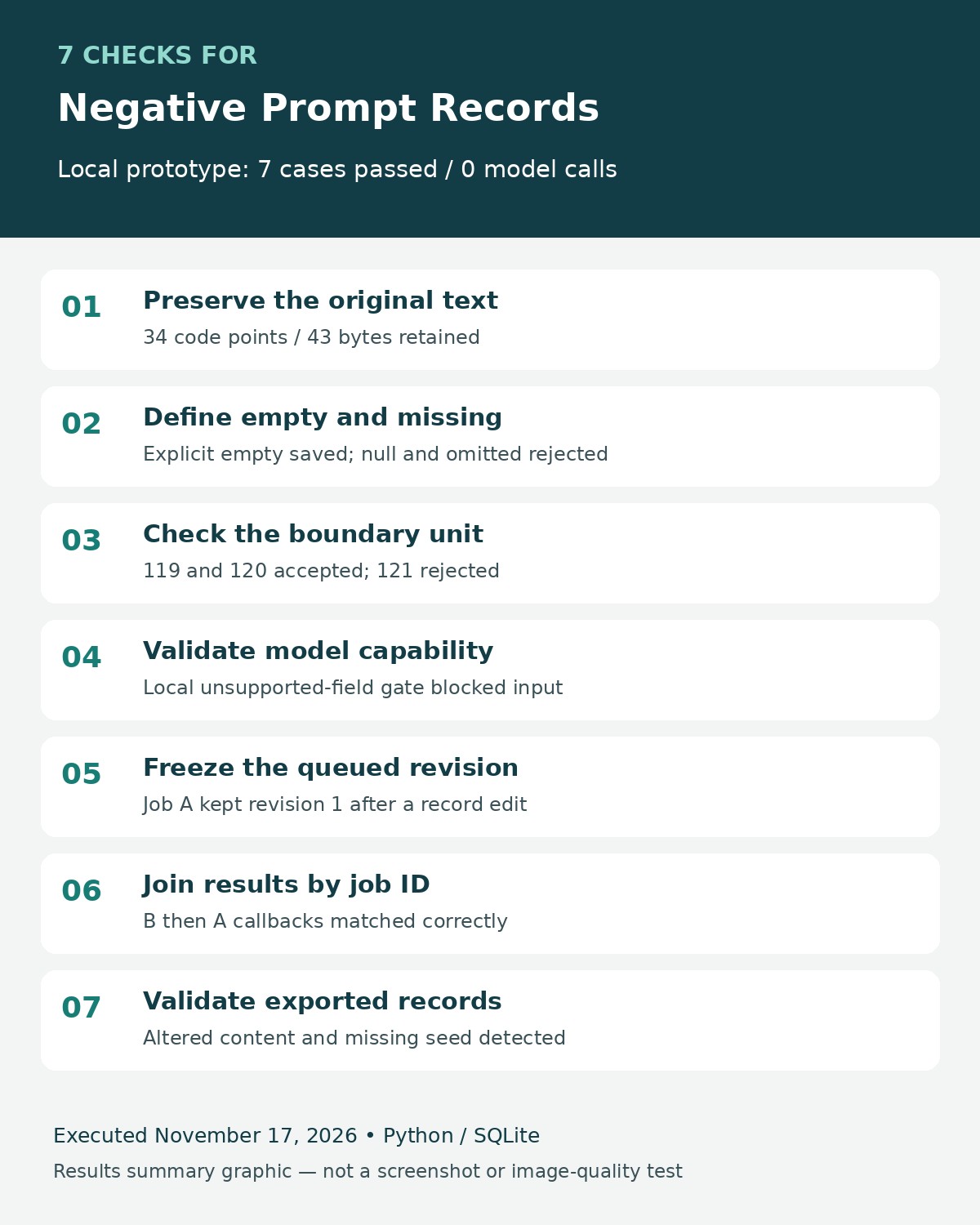
The environment was Python 3.12.14 and SQLite 3.53.1 on Linux. The run produced this summary:
| Case | What I checked | Observed result |
|---|---|---|
| NP-01 | Exact text storage | 34 code points and 43 UTF-8 bytes preserved |
| NP-02 | Empty, null, and omitted input | Empty saved; null and omitted rejected |
| NP-03 | Length boundary | 119 and 120 accepted; 121 rejected |
| NP-04 | Local capability validation | Unsupported nonempty exclusion blocked |
| NP-05 | Revision at queue time | Job A retained revision 1 after revision 2 was saved |
| NP-06 | Reversed callback order | Both callbacks matched by job ID |
| NP-07 | Export checks | Round trip passed; alteration and missing seed detected |
Seven passes describe these seven fixtures in this implementation. They are not a reliability percentage for a commercial product. I also included deliberately faulty alternatives, such as looking up the newest revision, to demonstrate why the acceptance rules matter. These were injected negative controls, not bugs discovered in a vendor’s system.
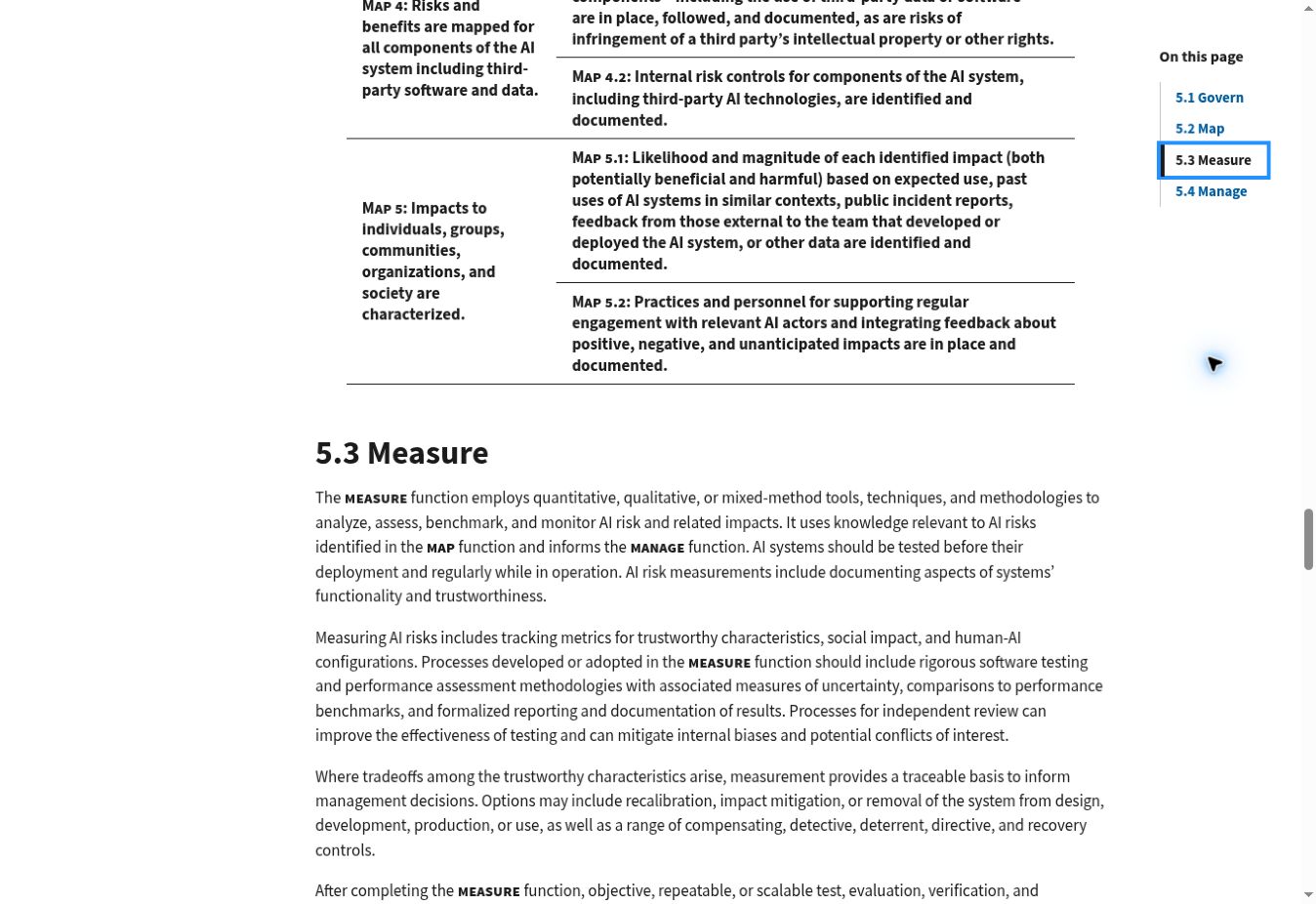
The approach follows a useful principle in the NIST AI Risk Management Framework: document evaluation methods and results, including the limits of what was measured. NIST did not prescribe or validate this particular seven-case suite.
1. Check Whether the Exact Text Survives Storage
I started with a string containing spaces, an accented character, Bengali text, and a newline. In Python’s escaped representation, the input was:
' blur, café, লেখা\nextra fingers 'The retrieved value matched the input exactly, including its UTF-8 bytes. It contained 34 Unicode code points and occupied 43 bytes. Those two counts are different because some characters require multiple bytes in UTF-8.
For the negative control, I stripped the outer spaces and replaced the newline with a space. The comparison detected the change. That does not establish that whitespace would change a model’s output. It establishes that the stored text no longer represents the original input exactly.
This is worth testing wherever an editor, database, or export step might clean up a prompt automatically. If your product intentionally normalizes text, preserve the submitted value separately and record the transformation. Otherwise, a reviewer cannot distinguish the author’s wording from the application’s rewritten version.
The pass condition should be precise: compare the retrieved raw string with the submitted string. A visual glance at a text field can miss trailing spaces and line breaks.
2. Keep Empty, Null, and Missing Values Distinct
An empty exclusion field can mean “use no exclusions.” A missing field can mean that a form or integration failed to send it. Treating both as the same event can conceal a data problem.
In my prototype, an explicit empty string saved successfully. Both null and omitted input produced a validation error. The rule forced the caller to make an explicit choice before saving a record.
Another application might legitimately inherit a default when a field is omitted. That is a different contract and needs a different expected result. The important part is to define the behavior before testing it, rather than deciding afterward that whatever happened was acceptable.
For a production workflow, I would add the resolved exclusion and its origin to the job snapshot: user-entered, inherited from a preset, or explicitly empty. That additional origin field was not implemented in this experiment. It is a practical extension for teams investigating why two apparently similar requests behaved differently.
3. Test the Length Boundary in the Correct Unit
I set a deliberately small demonstration limit of 120 Unicode code points and submitted three strings made from the character é.
| Input length | UTF-8 size | Result |
|---|---|---|
| 119 code points | 238 bytes | Accepted |
| 120 code points | 240 bytes | Accepted |
| 121 code points | 242 bytes | Rejected |
The boundary behaved as specified. The last input was rejected instead of being silently shortened.
The useful lesson is the unit, not the number 120. A service may constrain bytes, tokens, or another measure. A user-perceived character can also contain more than one Unicode code point. My test did not measure tokenization or grapheme clusters, and its limit should not be copied into a provider integration as though it came from model documentation.
Before adapting this case, identify the actual constraint and test just below, exactly at, and just above it. If truncation is intentional, record the original and transmitted versions. Otherwise, an exclusion near the end of a long list might disappear while the saved preset still appears complete.
4. Validate Support Before Preparing the Request
A database accepting a negative prompt does not establish that a selected model supports a corresponding request field.
I tested a local capability gate with text, watermark. When support was configured as enabled, the function produced:
{"negative_prompt": "text, watermark"}With support disabled, the same nonempty input raised Negative prompt unsupported by configured adapter. An empty exclusion on the unsupported route produced an empty payload object.
These observations verify the local branching logic. No request reached a provider, so they cannot establish what any provider would accept, ignore, or apply.
The distinction matters in practice. Google’s Imagen documentation describes negative prompting as a legacy feature unavailable beginning with imagen-3.0-generate-002 and newer models. Hugging Face’s Stable Diffusion pipeline documentation also ties negative-prompt behavior to the pipeline’s guidance configuration. I checked those documents during research; I did not run either system.
For a real integration, key capability rules to the exact model and API version, then verify the transmitted request and returned response. A generic “supports AI images” label is too broad to support a claim about negative prompting.
5. Preserve the Revision Selected When a Job Was Queued
This was the clearest miniature case study in the run. I saved the record cup at revision 1 with text, queued job A, and then saved revision 2 with text, watermark.
The database now held two valid descriptions of the record at different moments:
| Object | Revision | Exclusion |
|---|---|---|
| Queued job A | 1 | text |
| Current cup record | 2 | text, watermark |
Job A kept its original revision and text. My deliberately incorrect latest-revision lookup returned the newer exclusion, and the test detected that mismatch.
The consequence is easy to overlook. If a history screen displays today’s preset beside yesterday’s output, someone may credit an exclusion that was never part of the original job. The image and record can both look plausible while their association is wrong.
I would therefore show the job’s stored snapshot in generation history and offer a separate link to the current editable preset. Production systems also need tests for simultaneous edits and transaction behavior; this single-process experiment did not test those conditions.
6. Match Completion Events by Job ID
For the next case, I created job B from a portrait record containing extra fingers. I then supplied two callback stubs in this order: job B, followed by job A.
Looking up each callback’s job ID produced extra fingers for B and text for A. Both associations were correct. Pairing callbacks with the submission list by position would have attached the wrong record to the first callback.
The callbacks were local test objects with placeholder artifact names. They were not generated images, and I did not test a real asynchronous provider or network queue. The experiment isolates the matching rule so it is straightforward to inspect.
That rule is a useful starting point for an integration test: submit distinguishable requests, retain their identifiers, and verify every completion against its own identifier. Duplicate callbacks, retries, timeouts, and unknown IDs deserve additional cases. They were outside this seven-case run, so its pass result should not be treated as a complete queue audit.
7. Check Both Export Integrity and Required Metadata
I exported a JSON manifest containing the exclusion, model label, revision, seed, dimensions, steps, and scheduler. The model label was local-test-fixture; the settings were test data, not an executed image-generation request.
The unmodified export returned exactly the same manifest after import. Changing the exclusion without updating its SHA-256 checksum produced Checksum mismatch. Removing the seed and recomputing the checksum still failed, this time with Missing replay field: seed.
That second failure is important. A checksum can show that content matches a supplied digest, but it cannot tell you whether the content includes everything your application requires. Nor does an unkeyed checksum authenticate a file against someone able to change both the manifest and its digest.
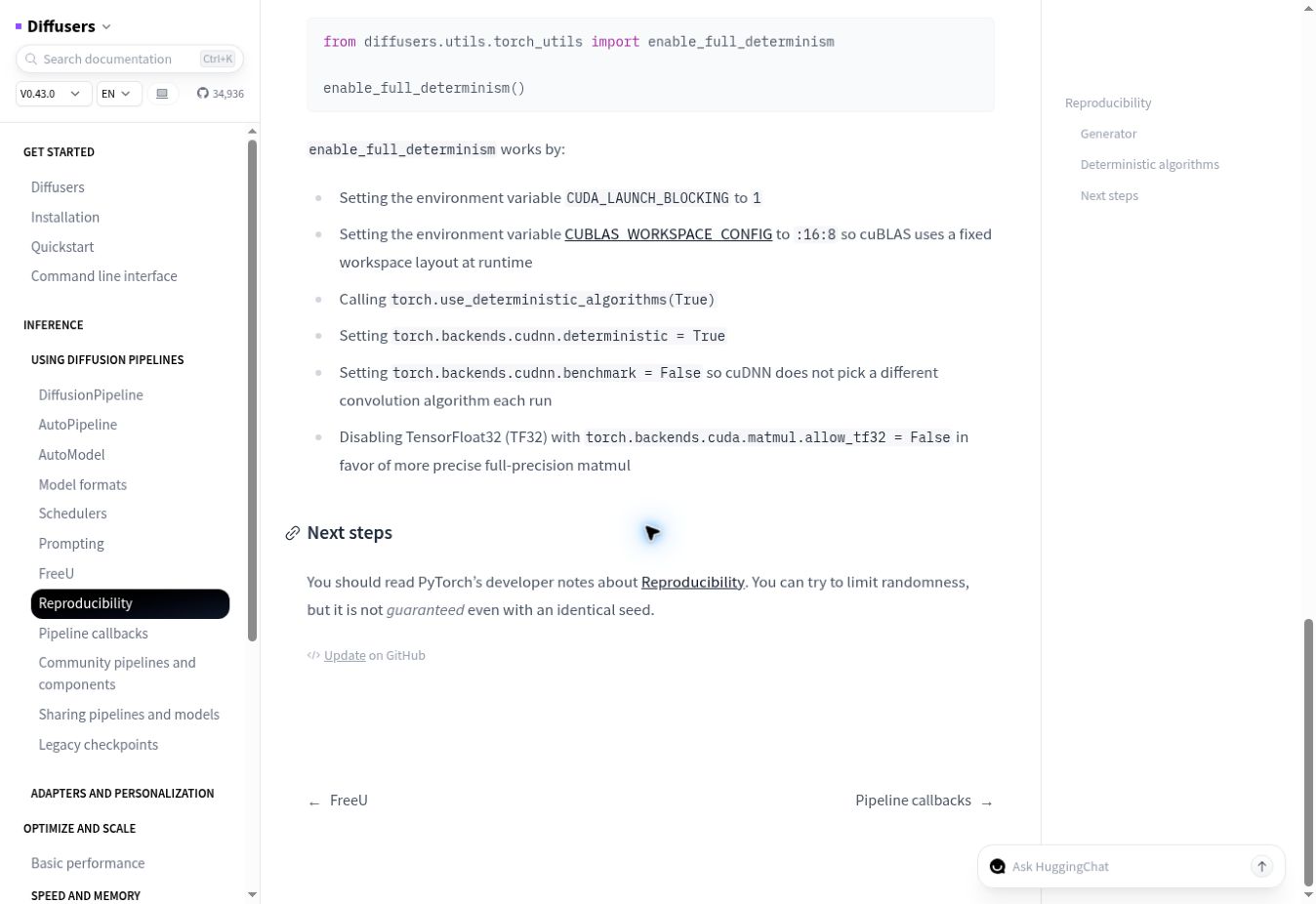
Even a complete manifest does not promise identical images. Hugging Face’s reproducibility guidance explains that controlling randomness has limits, including with an identical seed. For an actual replay investigation, retain the environment and model details that affect execution as well as the request metadata.
What I Would Test Before Claiming Better Images
This experiment establishes record behavior. To evaluate visual improvement, I would run a separate paired comparison on a model with verified negative-prompt support: the same positive prompt and controlled settings, first without exclusions and then with them, across multiple selected seeds.
Before seeing the images, I would define observable criteria such as unwanted lettering, missing requested objects, and composition changes. I would retain every output, record failures as well as successes, and review whether an exclusion removed something the brief actually needed. Editorialge’s guide to AI image generation mistakes provides additional visual checks for that review.
No visual success rate can be calculated from this case study because it generated no evaluation images. The seven passing cases support a narrower, useful conclusion: this prototype preserved and traced its records according to the stated rules.
For AI negative prompt records, I would make that traceability the first milestone. Save exactly what was submitted, preserve what each job selected, and verify what returns. Then an image comparison has a dependable record behind it.