

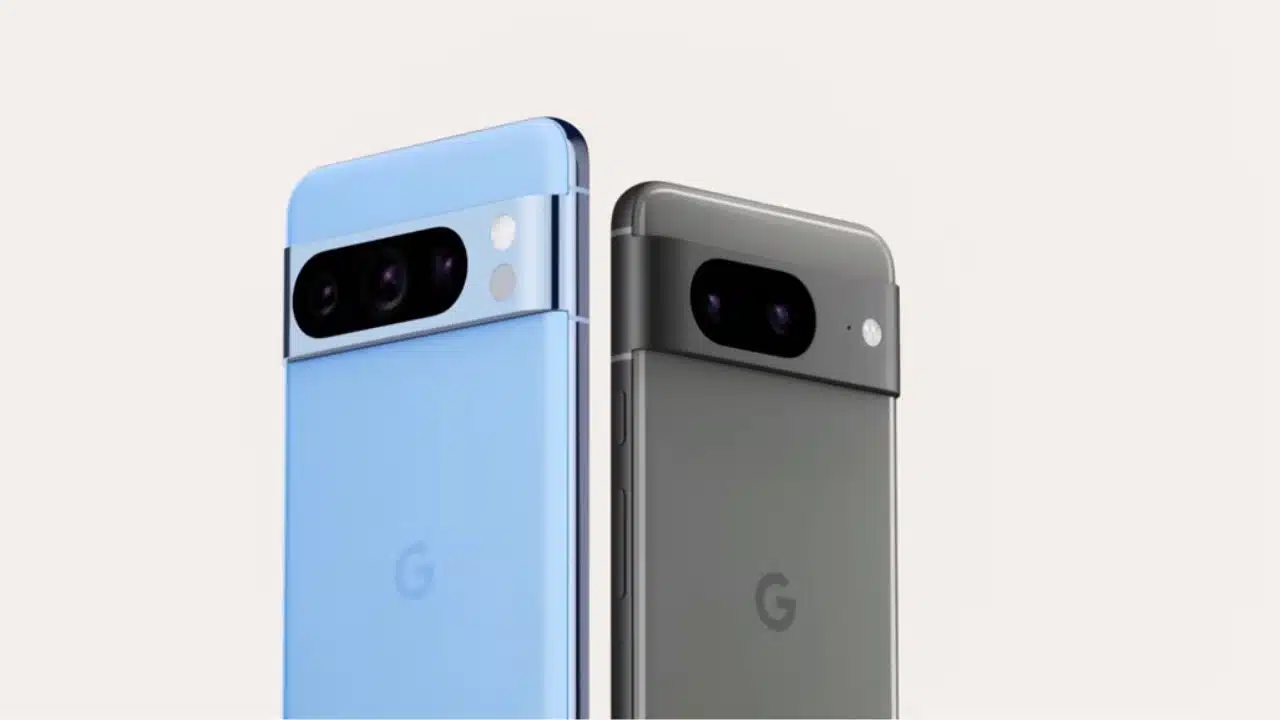
Enhancing your photos and videos on your phone just got a whole lot simpler, thanks to four brand-new AI-driven editing features introduced in Google Photos for the Pixel 8 and Pixel 8 Pro.
These updates take advantage of the advanced AI technology developed by Google Research, which powers tools like Magic Eraser and Photo Unblur. They incorporate fresh technology and techniques, including generative AI, to offer users a broader range of editing options. With these new features, you can now focus more on what truly matters in your photos and videos – whether it’s capturing the perfect group shot where everyone has their eyes open or reducing annoying background noise in your favorite videos.
Improve group photographs with Best Take
We’ve all been there – trying to capture that ideal group photo where everyone looks their best, but someone’s always blinking or looking away, especially when kids are involved. Well, the good news is, Google Photos is here to make it stress-free for you.
Introducing the new “Best Take” feature in Google Photos, designed to alleviate the hassle of achieving that perfect group shot. This clever feature analyzes a series of similar photos taken in quick succession and automatically creates a blended image, ensuring that everyone’s best expressions are captured. And here’s the best part: if you prefer a different expression from another shot you took, you can manually select it to create the group photo of your dreams. No more worries about those missed smiles or closed eyes!
Magic Editor Reimagines Photos
Earlier this year, we unveiled Magic Editor, an exciting experimental editing feature that’s making its way to Google Photos. Magic Editor harnesses the power of generative AI to simplify the process of making intricate edits to your photos, allowing you to bring your images closer to your memory of a moment.
Imagine you want to adjust the size or position of a subject in your photo – with Magic Editor, it’s a breeze. Just tap on the object you wish to edit, and then effortlessly drag to reposition it or pinch to resize it. Furthermore, you can take advantage of contextual suggestions to enhance aspects like lighting and background. For instance, you can transform a dull gray sky into a picturesque golden-hour sunset. And here’s the cool part: once you’ve chosen an edit, Magic Editor offers you multiple result options to ensure you achieve the precise look you desire.
Magic Editor is an exciting addition to our Labs, and it’s still in its early stages. We understand that there might be moments when the result doesn’t match your initial vision. That’s where your feedback comes in – your insights will play a crucial role in enhancing this product over time, so you can achieve the best possible edits. This is just the start, as we have plans to introduce more intuitive generative AI features to Magic Editor in the future, opening up new ways for you to bring your photos to life.
Use Audio Magic Eraser to remove irritating video sounds
Just like those unexpected photobombers can ruin your photos, annoying background noises can be a real distraction in your videos, taking away from what you’re trying to capture. But fear not, because we’ve got a solution.
With the help of advanced machine learning models, we’ve introduced Audio Magic Eraser. This nifty tool is designed to identify various sounds in your videos, such as background conversations, music, or wind, and separate them into distinct layers that you have full control over. And the best part is, with just a few taps, you can easily reduce these distracting noises, allowing your video to sound exactly the way you want it to. Say goodbye to unwanted background noise and hello to a more polished and focused video!
Zoom Enhance Focuses on What Matters Later
Exciting news for photography enthusiasts! The Pixel 8 Pro is about to get even more impressive with the upcoming Zoom Enhance feature. This handy tool allows you to zoom in on any photo after you’ve taken it and crop it to highlight exactly what you want. Powered by generative AI, Zoom Enhance cleverly fills in the gaps between pixels and predicts fine details, offering you more options when it comes to framing and focusing on the key elements of your photo.
But that’s not all – we’ve also made significant improvements to the Magic Eraser feature on the Pixel 8 Pro. Thanks to generative AI, Magic Eraser can now tackle even larger distractions, including shadows and objects attached to those distractions, resulting in high-quality photos.
The best part is that you won’t have to wait long to try these exciting features out. Best Take, Magic Editor, and Audio Magic Eraser will all be available on the Pixel 8 and Pixel 8 Pro starting October 12. Get ready to take your photo and video editing to a whole new level!


























