Listen to the Podcast:
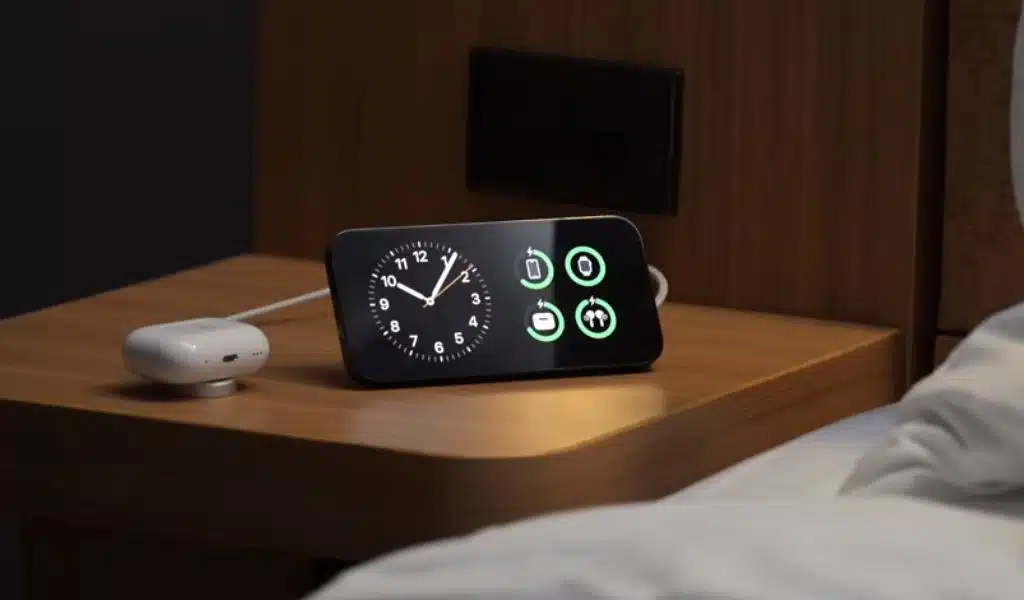
The best new thing about iOS 17 isn’t the live transcripts of voicemails, the interactive tools, or even the system-wide stickers. No, the new StandBy mode that fits on a table is the coolest new thing.
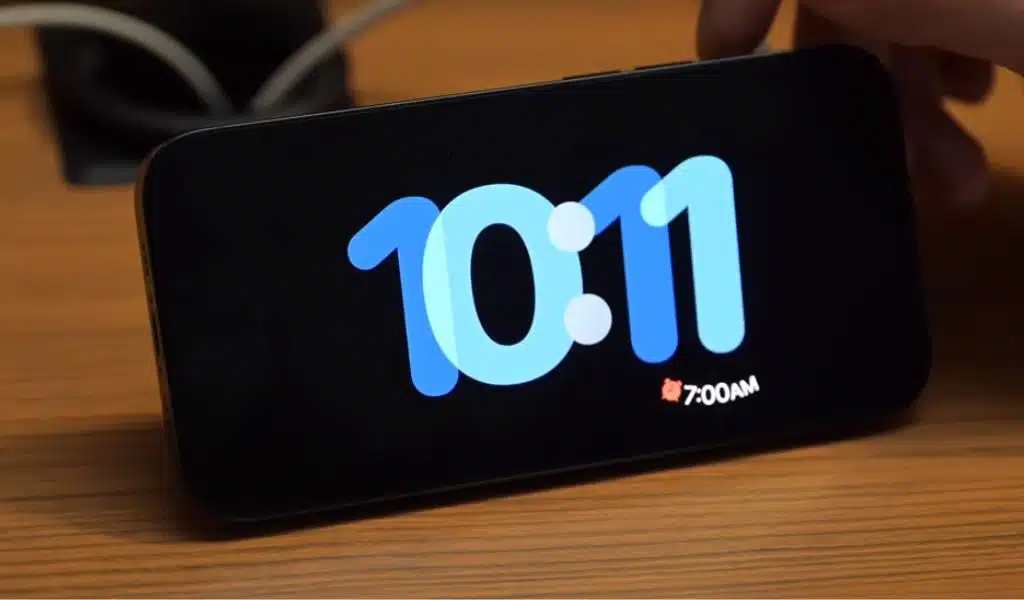
StandBy, also called “Nightstand Mode,” turns your iPhone into an alarm clock, a clock radio, or a calendar. But it’s not just for going to sleep and getting back up. As we’ll see in a moment, when you dock your iPhone with iOS 17, StandBy can take over the whole screen. This makes it a useful status board. StandBy also comes with a bunch of tools for developers to make it work with other gear. This makes us think that Apple might even have a version of StandBy that works as a home hub all on its own. Let’s take a look.
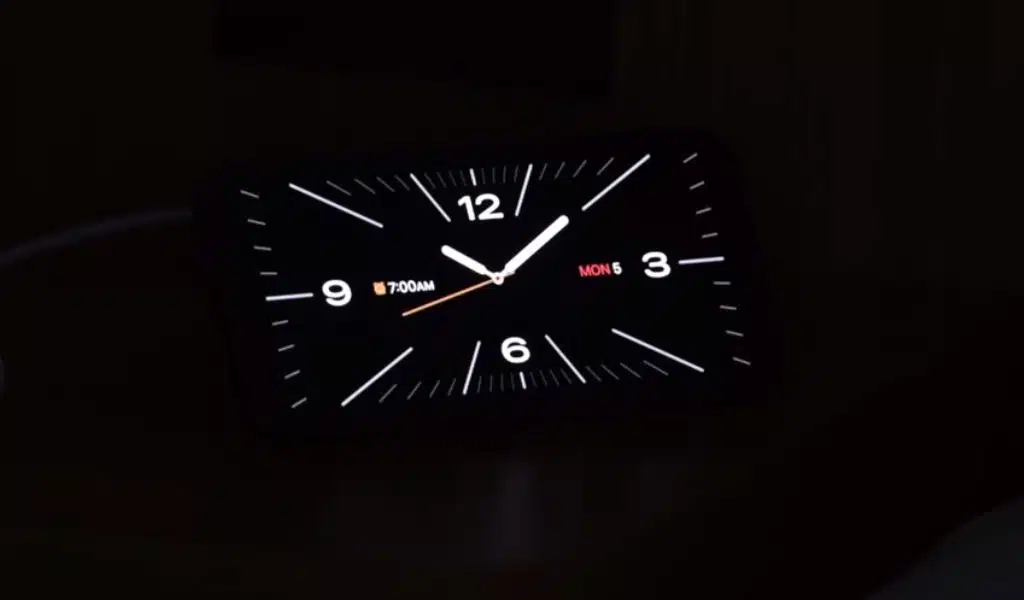
“StandBy is really cool, and it’s like ‘a little operating system inside an operating system,'” tech tip writer Muhammed Abdulhadi told. “It’s like a little operating system inside an operating system because it’s full of little features that make life better.” “It has its own screen for playing music.” And really smooth animations. You can still access your control center from it, and if you click on a widget that starts an app when the screen is locked, it immediately goes back to Standby mode when you click on it again.
Your iPhone Nightstand Companion
It’s a typical Apple experience to use StandBy. Your iPhone turns on as soon as you place it on a charger in landscape mode. The Nightstand Mode on the Apple Watch is equivalent to this. That part is the same, I suppose. StandBy is far more customisable than the watch version. The StandBy selections are all gorgeous, in contrast to the dull faces on the Apple Watch.
You can choose to show a traditional clock and date or one of several other analog and digital clock faces. But you can also choose to show tools on the whole screen. This lets you use the iPhone as a status board while you’re out and about. You could put your list of things to do there. Or, you can use it to show the cover picture for the song that is currently playing, along with controls for play/pause and skip. Or, you can see what Siri told you.
And there’s something else. Live Activities can be used with StandBy. For example, let’s say you ordered pizza. If the pizza place’s app supports Live Activities, the lock screen window will show you how your tasty order is coming along. If you’re using StandBy, that widget will take up the whole screen on your docked phone, so you can see at a glance when your pizza will arrive.
It’s a cool trick, but Apple seems to have put a lot of work into making it work. For example, if you have more than one MagSafe charging dock in your home or office, you can set each one to show a different default dock display. The dock’s MagSafe ID tells the phone what to do, so you can have an alarm clock by your bed and music in the kitchen, for example.
iOS 17 StandBy Beyond the Nightstand
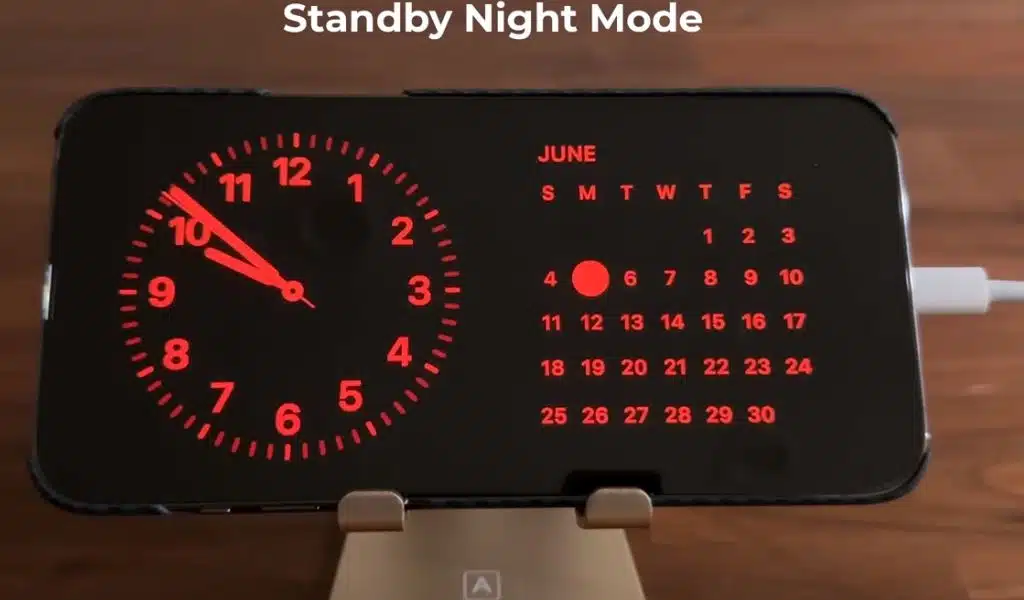
If you have an iPhone with a screen that stays on all the time, like the iphone 14 Pro models, the StandBy screen will stay on. If you have any other iPhone, you have to tap the screen to wake it up. This seems strange, since StandBy only works when the phone is plugged in. StandBy can also tell when the room is dark and changes the screen to red to make it easier on your eyes.
But there’s more. Not even close. Apple has also made DockKit, which is a set of tools that developers can use to make iPhone mounts that move. This is meant to be used while taking photos and movies, but it’s easy to see how it could also work for StandBy.
If your phone was in a robotic stand that followed you around the room, it would always face you. Or it could only turn to face you when a FaceTime call comes in. This brings us to an oddly clear hole in Apple’s lineup: a home hub with a screen.
StandBy is really cool, and it’s been called “a little operating system inside an operating system” because it has lots of little tools that make life easier.
“This is smart. It’s almost like a Trojan horse to fight all the Alexas and Google hubs out there. If Apple can make the iPhone a real home hub device, they can tell their many iPhone customers that they don’t need to buy an Alexa or Google to do the same thing. TheKDub, an iPhone user and fan of the app StandBy, said this in a MacRumors forum post.
Take another look at what StandBy can do, and then picture it on a HomePod with a screen. It’s a clock and a music player, and it can show you the feed from your front door camera, track your pizza delivery, and make FaceTime calls that follow you around the room.
Everything is in place. All it needs is a sleek box made of metal and plastic to hold them.