There’s no denying the meteoric rise of Netflix in digital entertainment. As one of the world’s leading streaming platforms, it’s revolutionized how we consume television shows and movies. But did you know that you can share Netflix account with others? Let’s delve into the ins and outs of Netflix account sharing.
Sharing your Netflix account with your family and friends can save money and conveniently keep everyone entertained. However, with Netflix’s new device verification system, knowing how to share your account safely and legally is important. Here is a step-by-step guide on sharing your Netflix account to another device.
The Evolution of Netflix: A Quick Overview
From its humble beginnings as a DVD rental service, Netflix has become an entertainment behemoth. Its influence has not only altered the landscape of television and film but also transformed how we share digital content.
The Netflix Multi-Screen Policy
Netflix has a multi-screen policy that caters to families and friends who want to share an account. Depending on the subscription plan, it allows for simultaneous streaming on multiple devices, opening a pathway to shared viewing experiences.
Preparing Your Device: Requirements and Compatibility
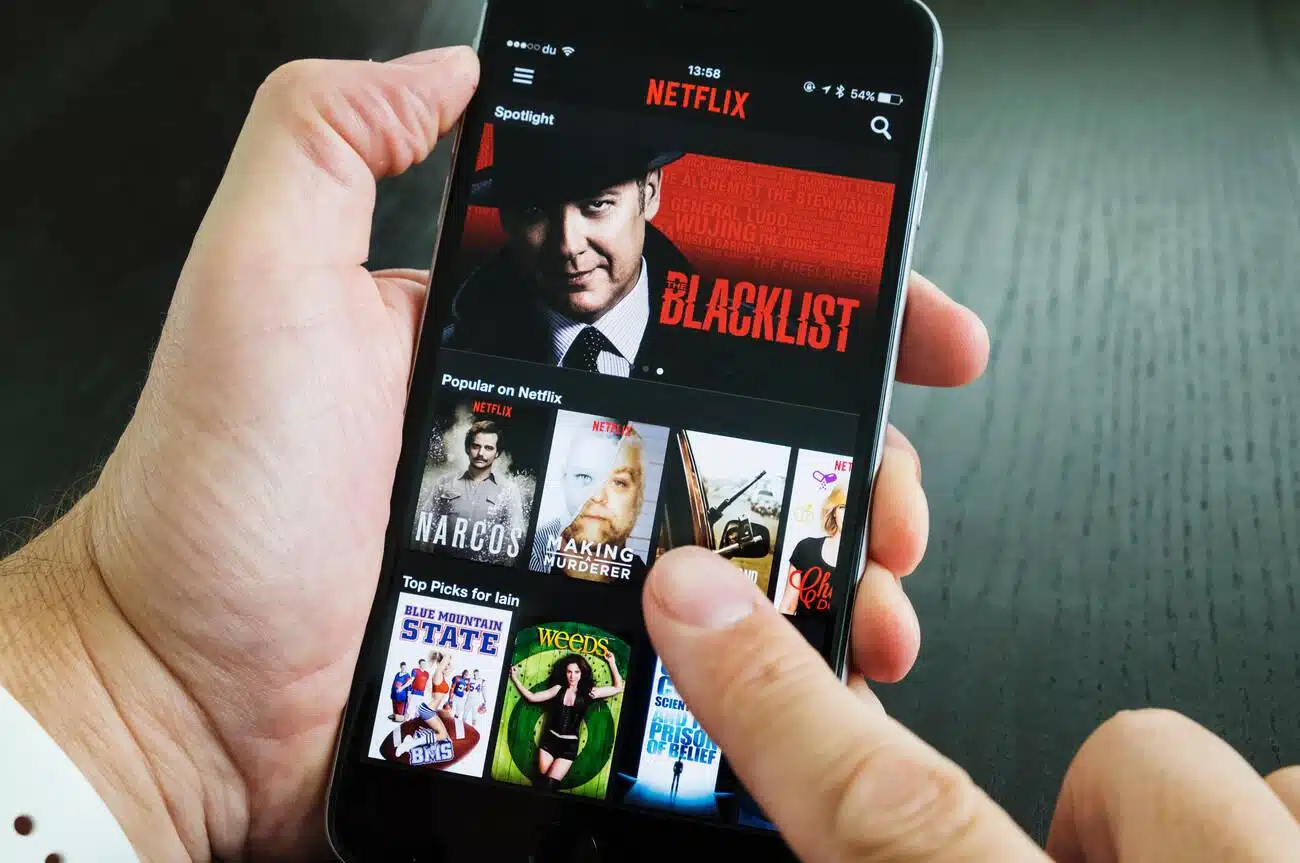
Before sharing your Netflix account, ensure the recipient’s device is compatible. Most smart devices, from smartphones and tablets to laptops and smart TVs, are Netflix-ready.
Step 1: Check Your Subscription Plan
Netflix offers different subscription plans with varying numbers of devices that can be used to watch content simultaneously. Before sharing your account, ensure your subscription plan allows multiple devices to access your account. Netflix offers three different subscription plans – Basic, Standard, and Premium. The Basic plan only allows one device to access your account, while the Standard and Premium plans allow two and four devices, respectively.
Step 2: Create Additional Profiles
Each profile on your Netflix account allows personalized recommendations and viewing history. To create an additional profile, go to your account settings and select “manage profiles.” You can create a new profile and set viewing restrictions, such as parental controls.
To share your account, simply provide your login information (username and password) to the person you want to share with. Remember that, according to Netflix’s terms of service, sharing your account should only be with individuals within your household. Sharing your account with someone outside your household may result in a warning message or additional fees.
Related Read: 25 Best Oscar-Winning Movies on Netflix
Sharing your Netflix account varies slightly depending on the device.
Sharing Netflix on Mobile Devices
On a mobile device, open the Netflix app, tap the sign-in button, and enter the account credentials.
Sharing Netflix on Desktop/Laptop
On a computer, visit the Netflix website, click the sign-in button at the top right corner, and enter the account details.
Sharing Netflix on Smart TVs
On Smart TVs, the process is similar to mobile devices – open the Netflix application, select sign-in, and input the account credentials.
Personalizing Each Netflix Profile
Each profile can be personalized with a unique name, avatar, and language. You can also set maturity ratings to filter out content based on age appropriateness.
Parental Controls on Netflix: Ensuring Safe Viewing
Netflix provides robust parental controls, allowing you to set PIN-protected profiles and adjust content visibility based on maturity ratings. This ensures a safe viewing environment for younger viewers, even when sharing an account.
Common Issues with Netflix Account Sharing and Their Solutions
While Netflix account sharing is seamless, you might encounter issues like streaming limits or profile mix-ups. Most of these problems can be solved by logging out and back in or by ensuring you’re not exceeding the screen limit of your subscription plan.
Netflix Account Sharing: Understanding the Legalities
While account sharing is generally accepted, it’s crucial to note that Netflix’s terms of service stipulate that your account should not be shared with individuals beyond your household. The company has been known to turn a blind eye to this rule, but it’s essential to understand it.
Geographical restrictions can limit your Netflix experience. However, you can bypass these barriers with a Virtual Private Network (VPN). That said, Netflix has stringent policies against VPN usage and possesses sophisticated technology to detect and block such activities.
Protecting Your Netflix Account: Essential Security Tips
Sharing your account details can pose security risks. To mitigate these, never share your credentials on unsecured networks, change your password regularly, and monitor your account for any unusual activity.
Troubleshooting Common Netflix Issues
If you encounter issues while sharing your Netflix account, Netflix’s Help Center provides extensive troubleshooting guides. From connectivity issues to streaming quality, there’s a solution for almost every problem.
Maximizing Your Netflix Experience: Tips and Tricks
To get the most out of your shared Netflix account, consider creating separate profiles, personalizing content preferences, downloading content for offline viewing, and exploring hidden categories with Netflix codes.
Advantages and Disadvantages of Netflix Account Sharing
Account sharing comes with pros, like cost-splitting and shared experiences, but cons, like potential security risks and violation of terms of service. It’s essential to weigh these factors before deciding to share your account.
Conclusion
While Netflix account sharing offers many benefits, it’s not for everyone. Factors like your viewing habits, trust in the people you’re sharing with, and willingness to risk potential issues should all play a role in your decision.
As streaming services continue to evolve, so will their account-sharing policies. It’s crucial to stay informed about these changes and adapt accordingly. After all, being savvy about consuming digital content can only enhance your viewing experience.