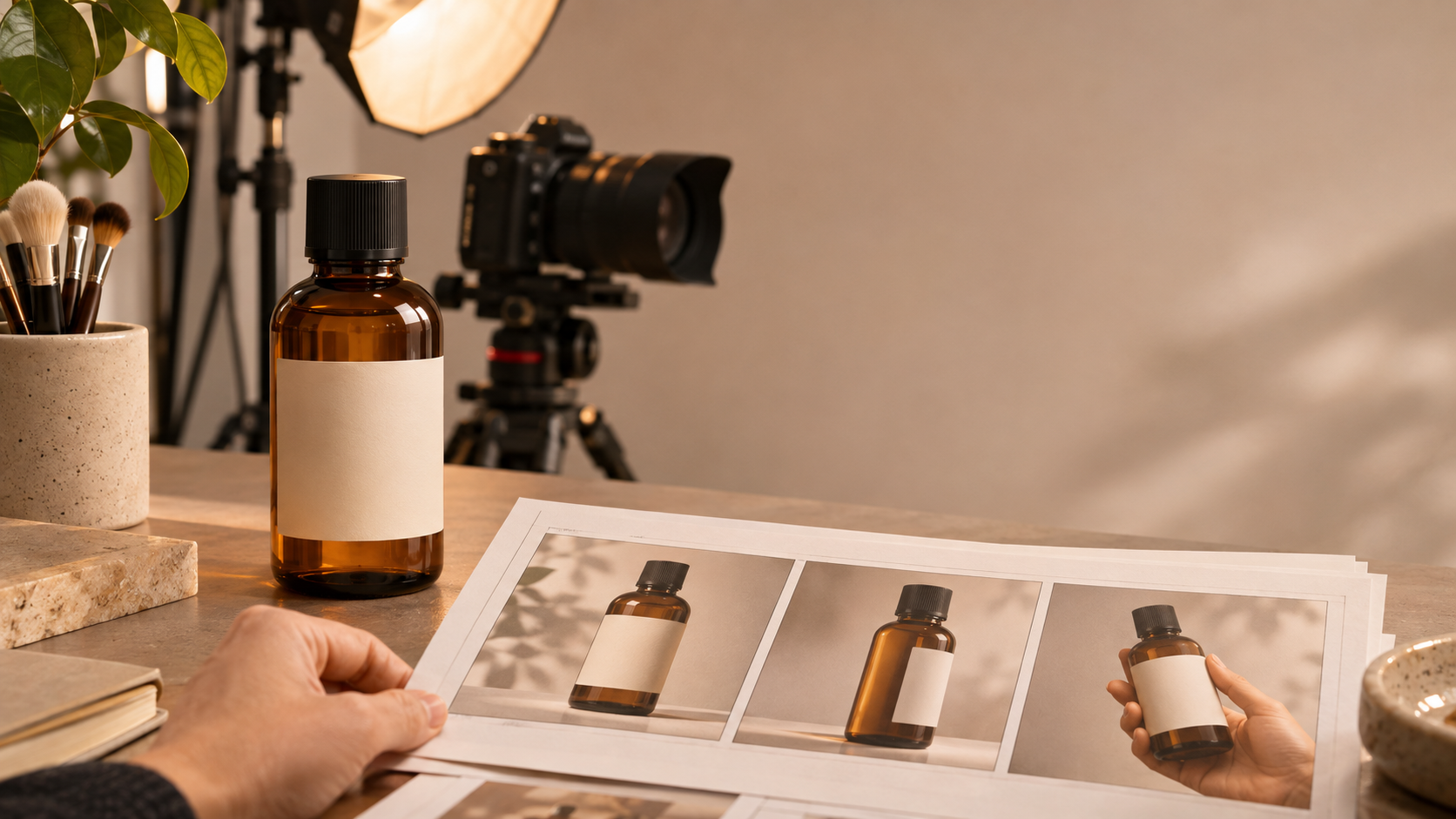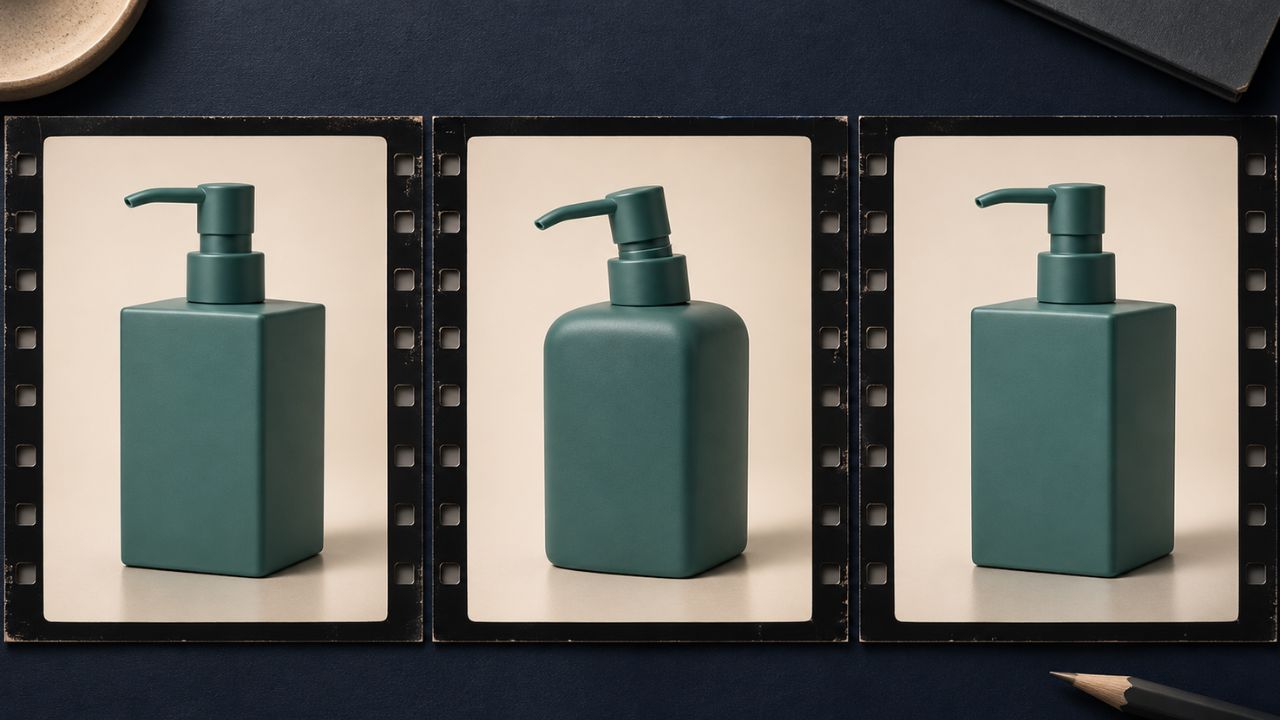
The pump bottle looks right in the first frame. Halfway through the turn, the shoulder rounds off and the nozzle gets shorter. By the final frame, the bottle looks right again. If you only check the opening image and the final thumbnail, you can approve a clip that briefly shows a different package.
AI video changes product shape between frames when the model generates a plausible moving image but fails to preserve the object’s geometry. This is a form of temporal inconsistency, meaning a detail that should persist changes over time. Before rerendering, compare the suspect frames with the approved product at a similar angle and find the first frame where a fixed feature changes.
Why a good first frame can still lead to shape drift
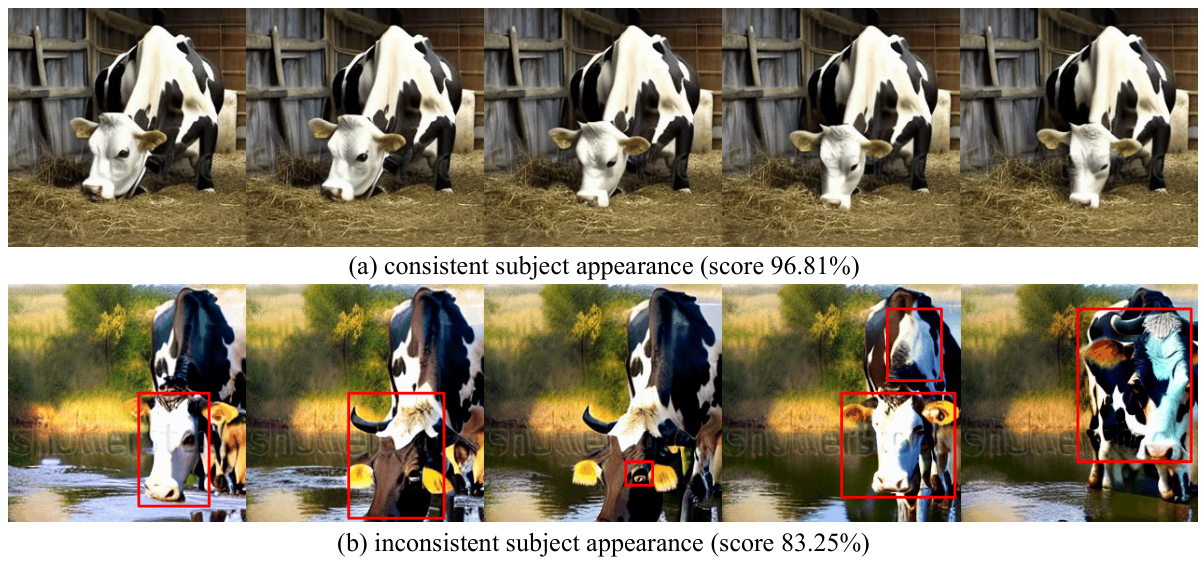
A video generator can use information across frames. In its original Sora research, OpenAI described a diffusion model that works with patches spanning space and time. The same report identified temporal consistency as a challenge and said the model sometimes retained objects through occlusion. That distinction matters for a product shot. A model can keep the bottle recognizable for the whole clip while losing the exact proportions that distinguish one SKU from another.
In a photo-guided workflow, the reference can supply the visible silhouette, surface finish, and label position. A single front view leaves the depth, side profile, and concealed details uncertain. As the camera moves around the bottle, the generator has to depict surfaces the reference may never have shown. If the shoulder starts to change just as the side becomes visible, review that turn first. A hand crossing the frame gives you another useful checkpoint: compare the product just before it disappears and right after it comes back into view.
Runway’s image-to-video guide advises using the image for composition and appearance and focusing the text on motion and camera work. For a troubleshooting pass, use a clear product reference and ask for one motion you can inspect. “Locked camera. Soft light moves across the backdrop. The bottle remains upright and still” gives you a simpler comparison than a prompt that combines a full orbit, a hand pickup, and a focus pull.
How to tell shape drift from perspective
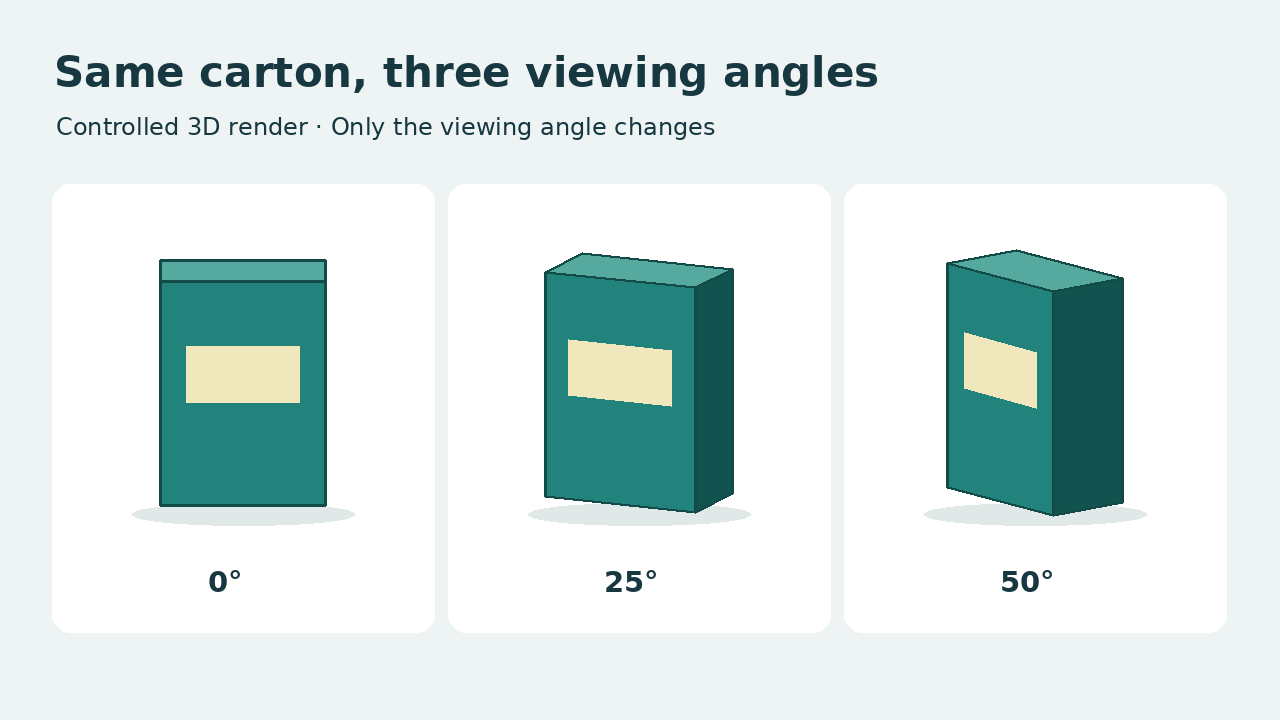
A round lid can appear elliptical as the camera angle changes. The near side of a box can look wider when the camera moves closer. These changes are expected. Raw pixel widths taken from different angles make a poor test for shape drift.
Choose a few landmarks that belong to the approved SKU. For a pump bottle, start with the junction between the neck and shoulder, the base corners, and the point where the nozzle attaches. At similar viewing angles, look for changes in relationships between those features. A nozzle that briefly attaches lower on the cap or a flat shoulder that grows a second step is easier to diagnose than a bottle that simply looks wider. Use approved side and three-quarter views when available. Those references can also help teams plan the stills they need for AI product photography.
Watch once at normal speed. Then step through the first visible wobble, the widest turn, and the frames around any occlusion. Check the original generated clip as well as the delivery export. If the bend appears only in the export, compare any retiming, frame interpolation, or stabilization you applied. Switch off one operation at a time and review the same frame range before spending credits on another generation.
Choose the fix based on where the shape changes
| What you see | What to try next |
|---|---|
| The first frame already shows the wrong shoulder or lid | Replace the input with an approved, sharper product image and check the opening frame again. |
| The silhouette shifts as a hidden side comes into view | Reduce the camera arc or use a supported workflow with a verified additional view. |
| A lid or handle changes after a hand passes in front | Keep the product visible, move the hand away from the key feature, or cut around the interaction. |
| The raw clip is clean and the export introduces the bend | Disable retiming, interpolation, or stabilization individually and compare the same frames again. |
| The exact shape drifts in consecutive usable takes | Use approved product imagery, filmed footage, or a verified 3D asset for the product and generate the surrounding motion separately. |
For example, suppose a front-facing bottle becomes rounder during a turn. Keep the same reference and settings for the next attempt and change just the size of the camera move. Save the prompt, source image version, and output so you can compare both takes at the same point. If the smaller move gives you a usable shot, you have a practical production choice. That comparison alone cannot establish what the model inferred internally.
If the shot requires a full rotation of a new package, a turntable capture or an approved 3D model can give the team a source for views a front photo cannot supply. Generative video can still handle the setting, lighting effects, or background motion. If you’re choosing a service for recurring SKU work, test it with the same product references and motion brief across your shortlist. This comparison of AI video generators for ecommerce covers product fidelity and image-to-video workflows.
Approve the product at the hardest frame
Before delivery, review the moment when the viewer sees the most demanding angle, the weakest outline, or the product’s return from behind another object. Compare that frame with the approved SKU and record the timecode, the landmark you checked, and the source reference. If the landmark changes in a way that misrepresents the product, trim the shot, regenerate it with simpler motion, or use a verified product asset. The frame that makes the product hardest to recognize is often the one that tells you whether the shot is ready.