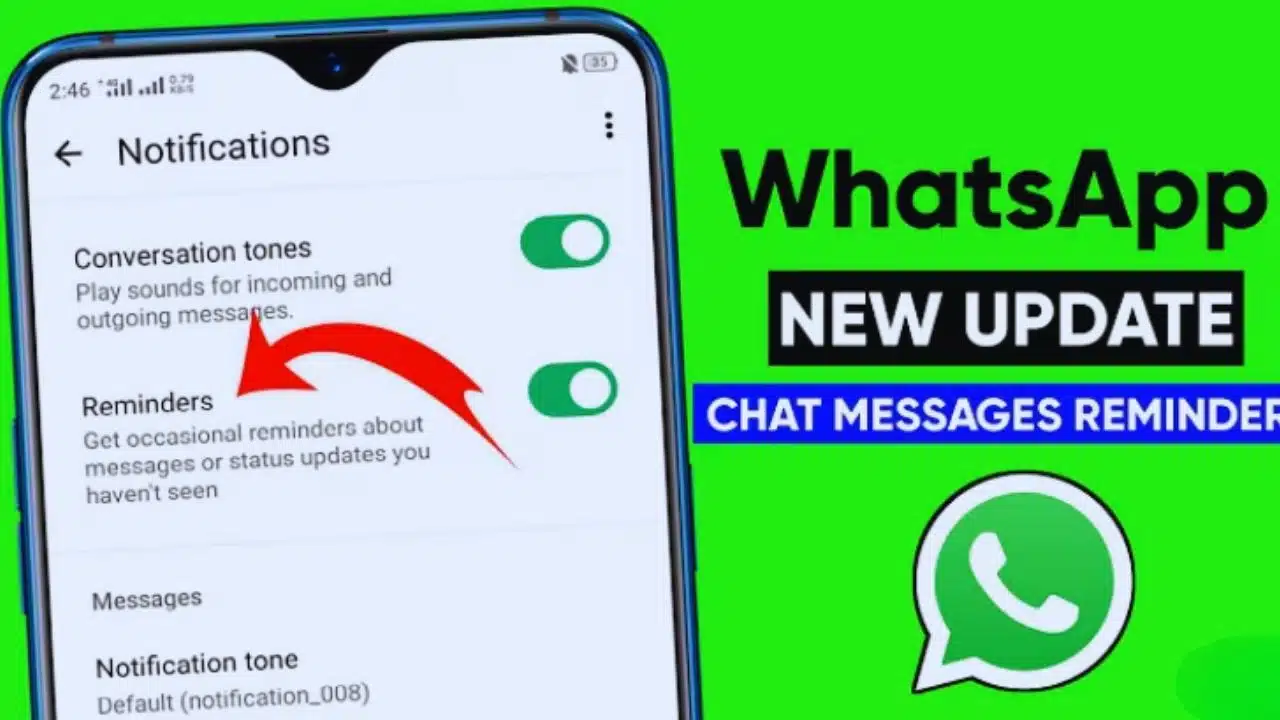
WhatsApp is constantly working on new tools to make everyday communication smoother and more productive. The platform, which has more than 2.7 billion active users worldwide, often experiments with features that make chat management easier. The latest addition to its growing set of tools is the “Message Reminder” feature. This function allows users to set reminders on specific WhatsApp messages, ensuring that important notes, plans, or deadlines never get lost in the flood of daily conversations.
Currently, the feature is rolling out to iPhone users running version 25.25.74 of the app. It will soon be available for Android users, as testing is already underway on beta versions.
Why the Feature Was Needed
In today’s fast-moving digital world, most people are part of multiple WhatsApp groups—family chats, work-related groups, community circles, and more. It’s very easy for critical messages to get buried under hundreds of casual updates, forwarded memes, or unrelated discussions.
- Imagine you receive an urgent office update in the morning, but by evening, it has been pushed up by hundreds of other messages.
- Or you see a plan for a family gathering, think of replying later, and then forget completely.
- Students and professionals often get important dates, links, or deadlines in group chats and lose track of them.
This is exactly the kind of situation WhatsApp wants to solve. The Message Reminder feature ensures that you can tag a particular message and get reminded about it at the right time—without scrolling endlessly through chat history.
How the WhatsApp Message Reminder Works

The new feature works much like the alarm or reminder tools built into smartphones, but with a special focus on chat-specific messages. Here’s how it works:
- Select the Message
- Long-press on any WhatsApp message—whether it’s text, an image, a voice note, or a video.
- A menu will appear with several options. Among them is the new “Remind Me” option.
- Set the Reminder Time
- You can choose from preset time intervals such as 2 hours, 8 hours, or 1 day.
- For more flexibility, there is also a custom option where you can select the exact date and time when you want the reminder.
- Visual Indicator
- Once the reminder is set, the selected message will show a bell icon, which only you can see.
- This ensures that the reminder remains private—other participants in the chat will not know that you’ve flagged a message.
- Get the Notification
- At the scheduled time, WhatsApp will send you a notification on your device.
- The notification will contain the full message content, along with previews of any attached media (images, videos, or audio).
- Tapping the notification takes you directly to the message, without having to scroll through the entire chat.
- Auto-Clearing for Clarity
- Once a reminder has triggered, it is automatically cleared so that your chats don’t get cluttered with old reminders.
Benefits of the New Reminder System
The introduction of the reminder feature is not just a small upgrade; it significantly changes how people can use WhatsApp as a personal organizer.
- Managing Busy Chats
- In highly active groups—such as office project groups, college batches, or community forums—critical updates are often missed.
- This tool lets you pull out only the most important messages and schedule a time to revisit them.
- Improved Productivity
- Work deadlines, meeting times, or follow-up actions can now be pinned with reminders.
- Instead of using third-party apps or manual notes, users can keep their workflow within WhatsApp itself.
- Better Personal Planning
- Family events, appointments, or even reminders to respond to loved ones can be managed directly from chat messages.
- For example, if someone sends a reminder about paying a bill on a certain date, you can set a WhatsApp reminder instead of creating a separate phone calendar entry.
- Privacy Maintained
- Unlike group announcements or pinned messages, the reminder is completely private.
- Only you see the bell icon, and no one else knows you have scheduled a reminder.
Availability: iOS First, Android Soon
- According to WABetaInfo, the feature is currently available to iOS users who have updated to version 25.25.74 of WhatsApp.
- Early reports confirm that WhatsApp has already begun testing the feature on Android beta versions, which means a wider rollout to all Android users is expected soon.
- The staged rollout approach is common for WhatsApp. The company usually tests new features in smaller batches to check for bugs before expanding globally.
Comparison with Other WhatsApp Features
This update fits into WhatsApp’s broader strategy of making the app not just a messenger, but also a life management tool. Over the past year, WhatsApp has introduced several similar features:
- Chat Lock and Hidden Chats for better privacy.
- Pinned Messages to highlight important notes in chats.
- Chat Filters to sort conversations by unread, groups, or personal chats.
- Events and Polls in Groups for easier coordination.
The Message Reminder adds to this ecosystem by directly tackling the issue of forgetfulness in busy conversations.
How It Helps Different User Groups
- For Professionals: Keep track of project updates, meeting links, or client requests.
- For Students: Don’t miss assignment deadlines or exam schedules shared in class groups.
- For Families: Easily remember birthday wishes, family event dates, or travel details.
- For Everyday Life: Remember to respond to important personal messages without relying on your memory alone.
The Bigger Picture: WhatsApp as a Productivity Tool
WhatsApp has traditionally been seen as a simple messaging app. But with features like multi-device support, chat locks, AI-generated stickers, and now message reminders, it is clearly moving into the territory of apps like Slack, Microsoft Teams, or even personal organizers.
By letting users set actionable reminders directly on messages, WhatsApp reduces the need for switching between apps, thereby making the platform a central hub for both personal communication and productivity management.
The WhatsApp Message Reminder feature may sound small, but it’s one of those changes that can have a big impact on how people use the app daily. With this tool, WhatsApp is not just helping people chat—it is helping them organize their lives better.
For now, only iPhone users with version 25.25.74 can use it, but Android support is on the way. Once it becomes widely available, this feature is likely to become as essential as chat search or pinned messages.
In short, WhatsApp is stepping up as not just a messenger but also a reliable digital assistant in everyday life.