Most school headsets get used three or four times and then sit in a cupboard. The hardware is rarely the reason. The app is. Store shelves are full of two-minute demos with no lesson behind them, and half the titles in older “best of” lists are dead; Google Expeditions, the most famous school VR app of its time, shut down back in 2021.
So this list only includes VR and AR apps for education that are alive, updated, and built for a real subject. Each one names the age group it fits, what it costs, and where it falls short.
1. Prisms VR: The Strongest Case for Headsets in Math Class
Prisms is the rare VR product that schools keep paying for. Students solve a real problem—water use, virus spread, sound waves—by walking around the data instead of reading it off a page. The company covers grades 4–12 math and science, with humanities content rolling out.
Adoption is the interesting part. Prisms has run in hundreds of US districts across dozens of states, which is unusual for classroom VR. A WestEd evaluation cited by districts using it reported better results on targeted math assessments compared with peers.
Two honest limits. First, you cannot buy it as a parent or a single teacher—it is sold to schools and districts, and pricing comes after a demo call. Second, it works because teachers are trained to run it. Dropped into a school with no training, it becomes another cupboard headset.
2. Merge EDU: The Cheapest Real Start in AR
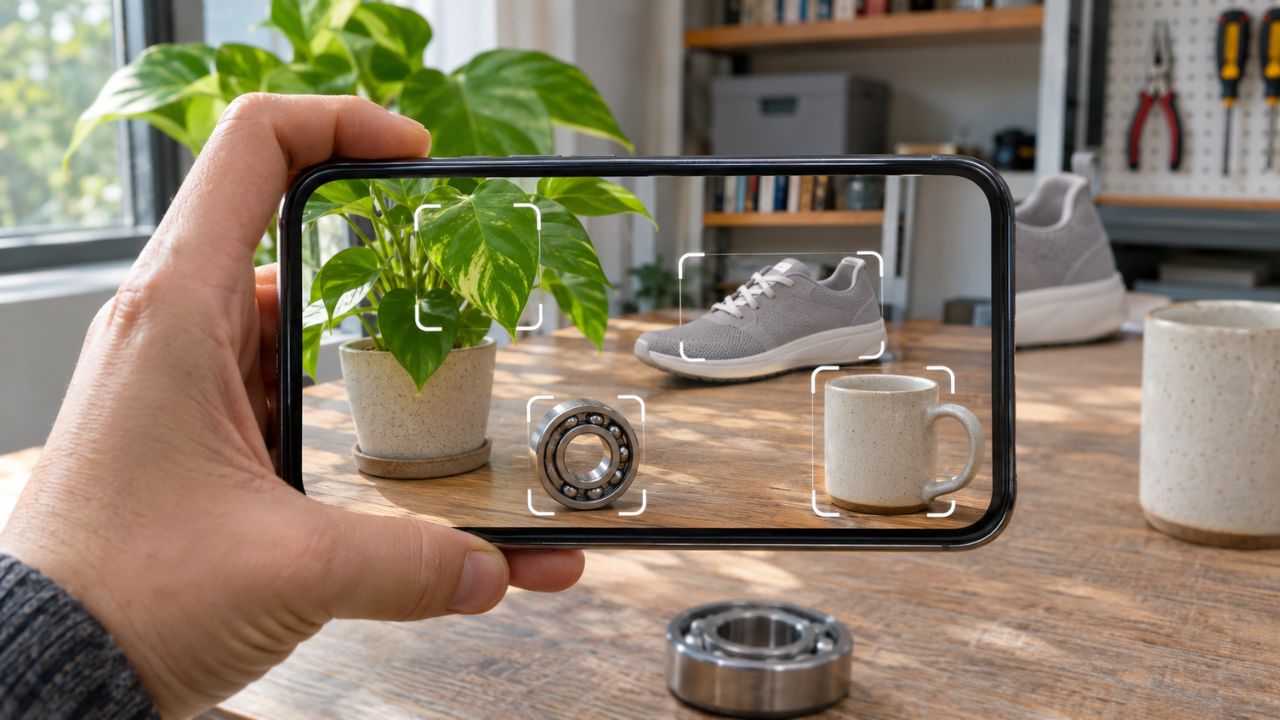
A Merge Cube is a foam cube that costs roughly US$20–$25. Point a phone or tablet at it, and a heart, a volcano, or the Earth’s core sits in the student’s hand.
The Merge apps are free to download, but the full science library needs a subscription. That pricing model catches people out, so check what your subject actually needs before buying a class set of cubes.
The best fit is Grades 3–8. It also solves the biggest problem with school VR: no headsets, no motion sickness, and no age limits. One cube shared between two students works better than one each, since they talk more.
3. CoSpaces Edu: Students build, Instead of Watch
Everything above is content someone else made. CoSpaces flips it. Students build 3D scenes in a browser, add behavior with block coding or JavaScript, then view the result in VR, in AR, or on a Merge Cube.
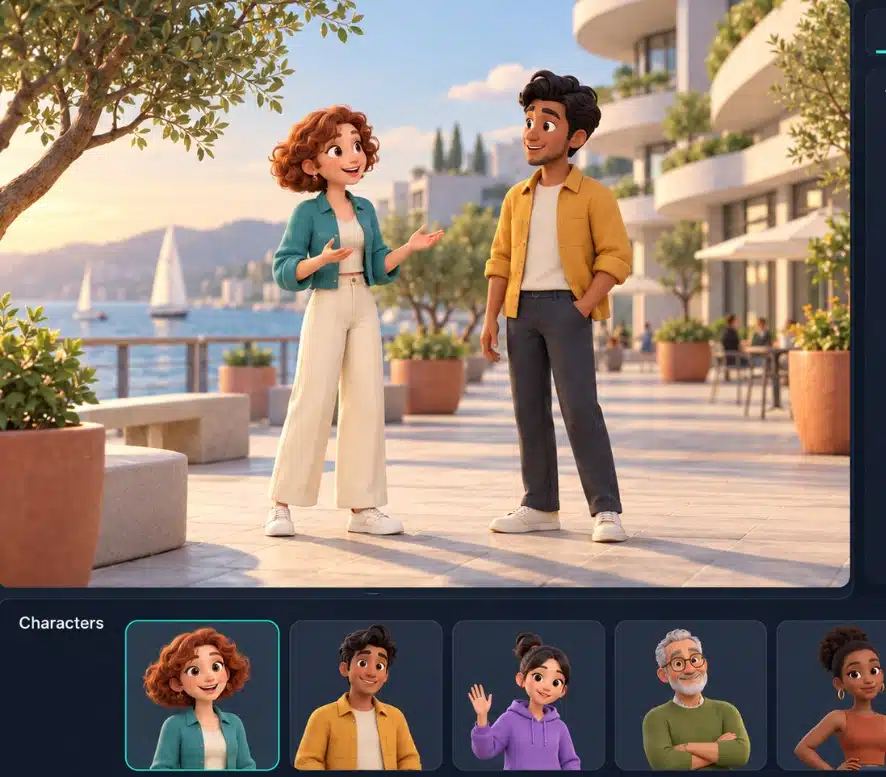
The free plan is genuinely usable: up to 29 students, one class, and two projects. Pro starts at US$50 a year for the first seat plus about US$7 per extra seat, with a small add-on for Merge Cube creation. It is COPPA and FERPA compliant, which matters if your school checks that.
Expect the first project to take longer than planned. Building is slower than viewing—that is the point, but plan two or three lessons, not one.
4. 3D Organon: Anatomy at University Level
This one is not for a Grade 6 science lesson. 3D Organon covers 15 body systems with well over 18,000 structures, definitions in 16 languages, dissection tools, cadaver image comparisons, and multi-user sessions where a lecturer and students share the same virtual body.
It runs on Quest headsets and PC VR, and also on desktop, tablet, and phone — which is the practical route for students without a headset. Some of the heavier modules want a VR-ready computer. Hundreds of universities use it, and the price sits at the institution level, not the student level.
5. Nanome: Chemistry You Can Grab
Nanome lets you pull a protein apart with your hands, load real structures from public databases like RCSB and PubChem, and stand inside a molecule with classmates in the same room.
It came out of drug discovery, and it shows. Pharma teams use the same tool. For a first-year chemistry course that is a strength; for a school class it is too much. The app is free to download, with academic and lab licenses for the full toolset.
Skip it unless someone on staff already knows molecular modelling.
6. JigSpace: For the “How Does this Actually Work” Moment
JigSpace shows step-by-step 3D breakdowns—a jet engine, a lock, an engine cylinder—that you can place on a desk in AR and pull apart. Teachers can also build their own explanation, called a “jig,” and share it as a link or embed it in an LMS.
The app is free, runs on iPhone, iPad, Android, Mac, Windows, and Apple Vision Pro, and has paid plans for teams. The ready-made library leans engineering and product rather than curriculum, so treat it as a demonstration tool for one hard concept, not a course.
7. Mission- ISS: the Best Free Thing on a Quest
Made with NASA, the European Space Agency, and the Canadian Space Agency, this puts students inside the International Space Station. They float, dock a cargo capsule, and go on a spacewalk. It is free.

There is no assessment and no lesson plan attached. Pair it with a worksheet on microgravity or Newton’s laws and it earns its slot. On its own it is a fifteen-minute wow.
8. Noun Town: Vocabulary Practice Without the Fear
Noun Town teaches through speaking. Students name objects and talk to characters, and the app checks pronunciation with the headset mic. It covers 13 languages, including Japanese, Korean, Mandarin, Spanish, German, and Arabic, with over 1,000 words and phrases.
There is a one-time purchase for personal use and a separate commercial license for schools, with a free trial. It also runs in mixed reality, so students see the room around them—useful in a class of thirty.
It builds vocabulary and confidence, not grammar. Use it beside a course, never instead of one.
9. SkyView Lite: Free AR that Works on Any Phone
Point a phone at the sky, day or night, and it labels stars, constellations, planets, and satellites passing overhead. No headset, no login, no cost. It is identification rather than deep astronomy, but for a homework task—find three constellations and sketch them—nothing beats free.
Before You Spend Money on VR and AR Apps for Education
A few things sink more programs than bad software:
- Cleaning and storage. Thirty sweaty face pads need wipes, charging, and a locked cupboard. Budget for it.
- Age rules. Meta allows parent-managed accounts from age 10, so headsets are a poor fit for younger primary classes. Tablet AR is the answer there.
- Wi-Fi. Headsets update in large batches. A weak school network turns lesson day into download day.
- One teacher champion. Every school where this works has one. Every school where it fails does not.
Start with one subject and one clear problem your students already struggle with. Buy for that.
Final Thoughts
The best VR and AR apps for education are not the flashiest ones. They are the ones with a lesson attached, an active developer, and a price your school can actually approve.
If the budget is small, start with Merge EDU or SkyView and spend nothing on hardware. If a math or science department wants a serious program, look at Prisms and ask for the training details before the headsets. If you teach at the university level, 3D Organon and Nanome are the two worth a demo.
And check the store listing before you commit. This space moves fast, and apps disappear.