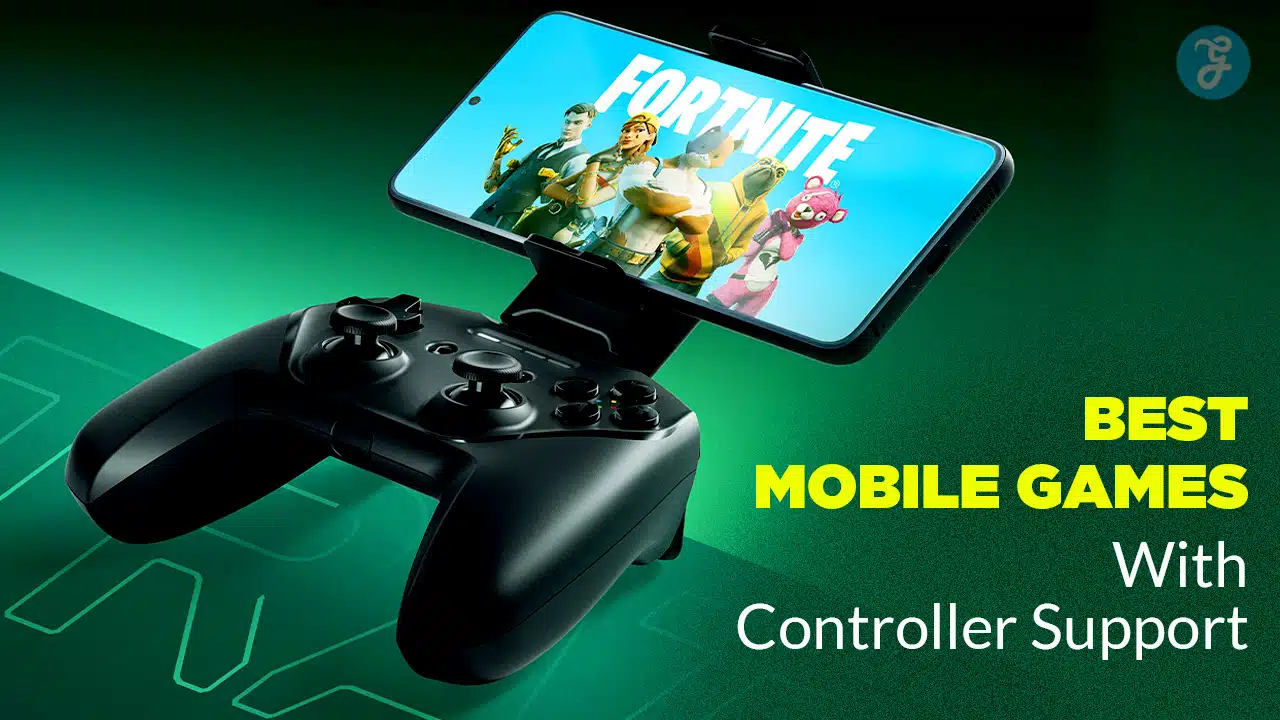
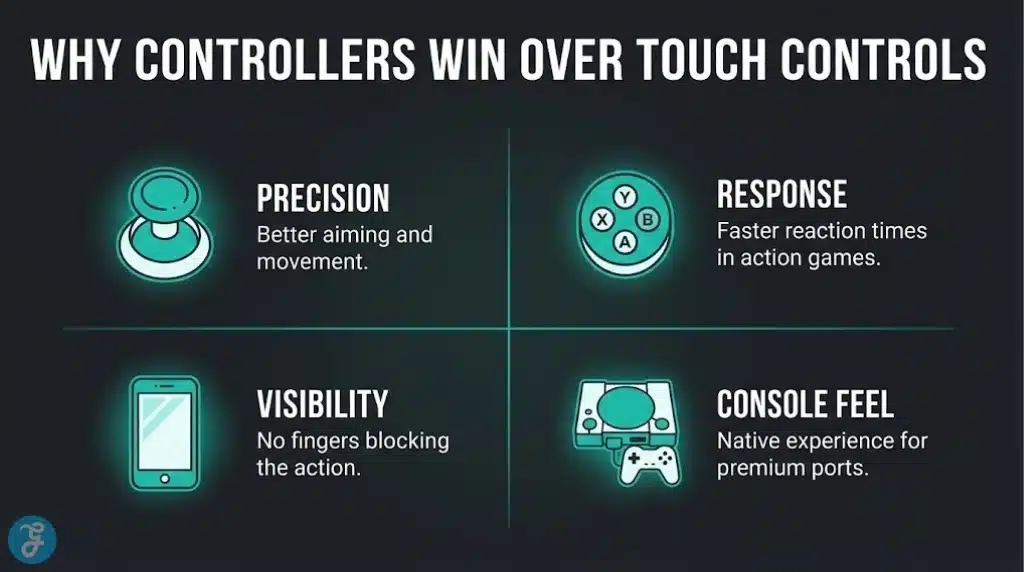
Touch controls can be fine for quick sessions, but if you want mobile gaming to feel smooth, precise, and console-like, a controller changes everything. It turns messy on-screen buttons into clean muscle memory, makes aiming and movement consistent, and lets you play longer without your hands cramping or your thumbs covering half the screen.
That’s why this list of 15 Best Mobile Games With Controller Support (iOS & Android) isn’t about games that merely recognize a controller. These are titles where controller play is clearly supported and actually feels better and tighter movement, more reliable camera control, and gameplay that holds up whether you’re on an iPhone, iPad, or Android device with a Bluetooth pad or a mobile controller like Backbone-style grips.
Comparison Table
| Game | Platforms | Genre | Online/Offline | Why It’s Great With a Controller |
|---|---|---|---|---|
| Call of Duty: Mobile | iOS, Android | FPS | Online | Native controller support + fair matchmaking for controller users |
| Minecraft | iOS, Android | Sandbox | Both | Precise building/movement feels way better on sticks |
| Terraria | iOS, Android | Sandbox action | Both | Combat + inventory management is smoother with buttons |
| Stardew Valley | iOS, Android | Cozy sim | Offline | Menus + combat feel far less fiddly with a controller |
| Dead Cells | iOS, Android | Action roguelike | Offline | Fast combat needs precision; controller support is a game-changer |
| Alien: Isolation | iOS, Android | Survival horror | Offline | Full controller support makes it feel console-native |
| Vampire Survivors | iOS, Android | Roguelite | Offline | One-stick control works, but controller visibility/comfort wins |
| TMNT: Shredder’s Revenge | Android (Netflix/paid) | Beat ’em up | Online options | Arcade brawler that’s made for a controller |
| Streets of Rage 4 | Android | Beat ’em up | Online options | Same vibe: best played with buttons |
| Castlevania: SotN | Android | Metroidvania | Offline | Classic exploration/combat fits controller perfectly |
| Warframe | iOS | Action | Online | Fast movement + aiming feel far better with a controller |
| Assassin’s Creed Mirage | iOS | Action-adventure | Offline/Online | Console-style controls finally make sense on mobile |
| Resident Evil Village | iOS | Survival horror | Offline | Tension + aiming + inventory is best with physical controls |
| Death Stranding Director’s Cut | iOS | Action/adventure | Offline | Traversal-heavy gameplay benefits from analog movement |
| Wreckfest | iOS | Racing | Offline/Online | Throttle/steering precision is dramatically better |
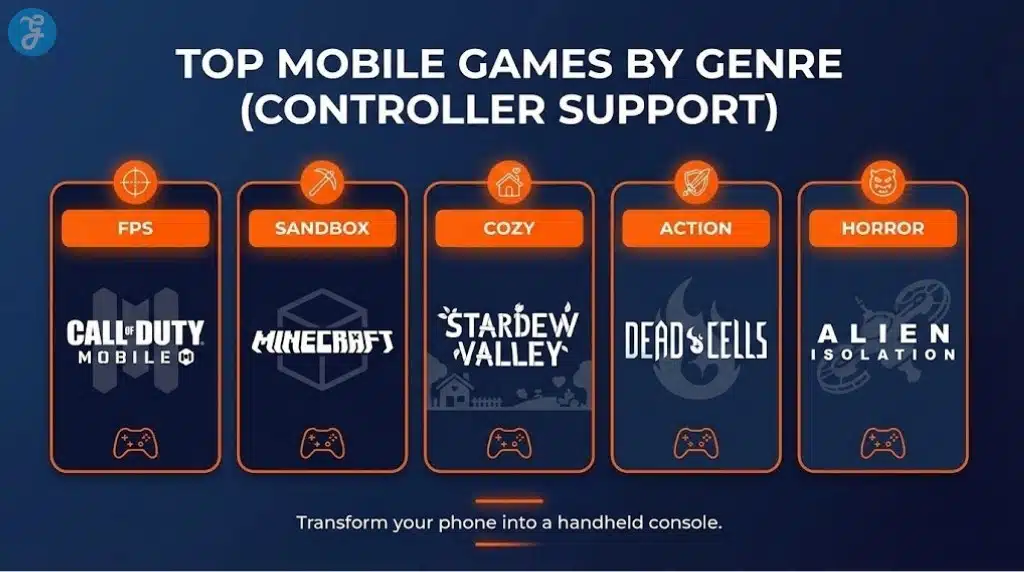
15 Best Mobile Games With Controller Support
Here are 15 of the best mobile games with controller support:
1) Call of Duty: Mobile
If you want the most “console-like” competitive FPS on mobile, COD Mobile is the easiest win, with controller support for common gamepads and a fairness layer that matches controller players together. It’s fast, responsive, and built for long sessions.
-
Best For: Competitive FPS fans on mobile
-
Pros: Strong controller feel, established modes, fair controller matchmaking
-
Cons: Aggressive monetization and progression pressure
2) Minecraft
Minecraft with a controller is pure comfort: movement, camera control, and building all feel more natural than touch. It’s also one of the best “endless” games you can keep installed forever.
-
Best For: Creative play, survival worlds, long-term progression
-
Pros: Massive replay value, great with sticks/buttons, works across devices
-
Cons: UI/inventory can still feel busy on small screens
3) Terraria
Terraria becomes much easier to love with a controller because combat, quick movement, and hotbar management feel less cramped. If you like loot, bosses, and building, it’s ridiculous value.
-
Best For: Sandbox action + boss progression
-
Pros: Huge content depth, great replayability, smoother controls with controller
-
Cons: Inventory/crafting can overwhelm new players
4) Stardew Valley
A controller fixes most of the “touchscreen friction,” especially in menus and combat, making Stardew feel calmer and more consistent. It’s still the coziest long-game you can play in short daily bursts.
-
Best For: Cozy sessions and long-term progression
-
Pros: Relaxing loop, tons to do, controller makes it feel cleaner
-
Cons: A few moments still require touch input
5) Dead Cells
Dead Cells is fast and punishing in a good way, and the difference between touch and controller is night-and-day for dodges, parries, and clean movement. If you want skill-based action, start here.
-
Best For: Hardcore action roguelike fans
-
Pros: Precision combat, deep replay, controller support makes it “click”
-
Cons: Difficulty can be steep early
6) Alien: Isolation
This is one of the best “how is this running on a phone” ports, and it’s explicitly built to feel right with a controller. The tension and stealth pacing land way better with physical controls.
-
Best For: Survival horror fans
-
Pros: Console-quality experience, full controller support
-
Cons: Not for anxious players (it’s intense)
7) Vampire Survivors
Even though the game can be played with minimal input, a controller makes movement more comfortable and keeps your screen clearer during chaotic moments. It’s a perfect “quick run” game with deep unlocks.
-
Best For: Low-effort, high-reward runs
-
Pros: Addictive progression, quick sessions, controller comfort advantage
-
Cons: Visual chaos can get overwhelming
8) TMNT: Shredder’s Revenge
A classic arcade beat ’em up that’s basically designed around controller play, with smooth combat flow and multiplayer chaos. If you miss couch co-op energy, this hits.
-
Best For: Brawler fans and co-op vibes
-
Pros: Controller-perfect combat, satisfying old-school style
-
Cons: Availability/pricing can depend on how you access it (subscription vs purchase)
9) Streets of Rage 4
Another top-tier modern beat ’em up where touch controls never feel as good as buttons. It’s a clean pick for short runs or long mastery sessions.
-
Best For: Stylish brawler combat
-
Pros: Great feel on the controller, satisfying combos
-
Cons: Not as “endless” as roguelikes unless you love replaying stages
10) Castlevania: Symphony of the Night
A legendary metroidvania that simply belongs on a controller, with exploration and combat that feel natural on sticks and buttons. If you’ve never played it, mobile is a great excuse.
-
Best For: Metroidvania fans and retro classics
-
Pros: Timeless design, controller-friendly pacing
-
Cons: Some UI/format quirks can show their age
11) Warframe
Warframe’s speed, aiming, and movement benefit massively from a controller, turning it into a more console-native experience on mobile. It’s a strong pick if you want a deep online action grind.
-
Best For: Online action and long-term progression
-
Pros: Fast combat, huge content, controller improves feel
-
Cons: Complexity can be overwhelming at the start
12) Assassin’s Creed Mirage
This is a premium iOS action-adventure that makes far more sense with a controller than touch. If you want a story-driven, stealth-leaning experience on mobile, this is a headline pick.
-
Best For: Story-driven action on iOS
-
Pros: Console-style gameplay, controller-first feel
-
Cons: iOS-only and heavier on storage/performance
13) Resident Evil Village
If you want full-throttle survival horror on iPhone/iPad, Village is one of the biggest showcases—and a controller helps with aiming, movement, and inventory management under pressure.
-
Best For: Horror fans who want a premium port
-
Pros: Big, cinematic experience; controller helps precision
-
Cons: iOS-only and hardware-demanding
14) Death Stranding Director’s Cut
Traversal-heavy gameplay becomes smoother with analog movement and physical inputs, and it’s a uniquely “different” mobile experience compared to typical arcade titles. If you want something slow-burn and cinematic, pick this.
-
Best For: Cinematic, slower-paced adventure fans
-
Pros: Unique gameplay loop; controller makes movement feel natural
-
Cons: iOS-only and not for players who want constant action
15) Wreckfest
Wreckfest is the “crashy” racing pick where a controller immediately improves steering, throttle control, and overall consistency. If you like destruction and physical driving feel, it’s a blast.
-
Best For: Racing fans who want a controller-first feel
-
Pros: Better steering precision, satisfying physics chaos
-
Cons: Not as clean as pure sim racing (it’s intentionally messy)
How to Choose a Controller Game for Mobile
Quick Checklist:
-
Pick offline-friendly games if you travel or hate ping spikes
-
If you play competitively, check whether the game separates controller lobbies
-
Choose games with simple UI if you’re on a small screen
-
If you use a telescopic controller, prioritize games with lots of camera movement (shooters, action,
Small Decision Table
| What You Want | Best Type of Pick |
|---|---|
| Most “console-like” feel | FPS/action games (COD Mobile, Warframe) |
| Stress-free sessions | Cozy / survival loops (Stardew, Vampire Survivors) |
| Skill mastery | Action roguelikes (Dead Cells) |
| Endless replay | Sandbox games (Minecraft, Terraria) |
Set Up Tips to Reduce Lag
-
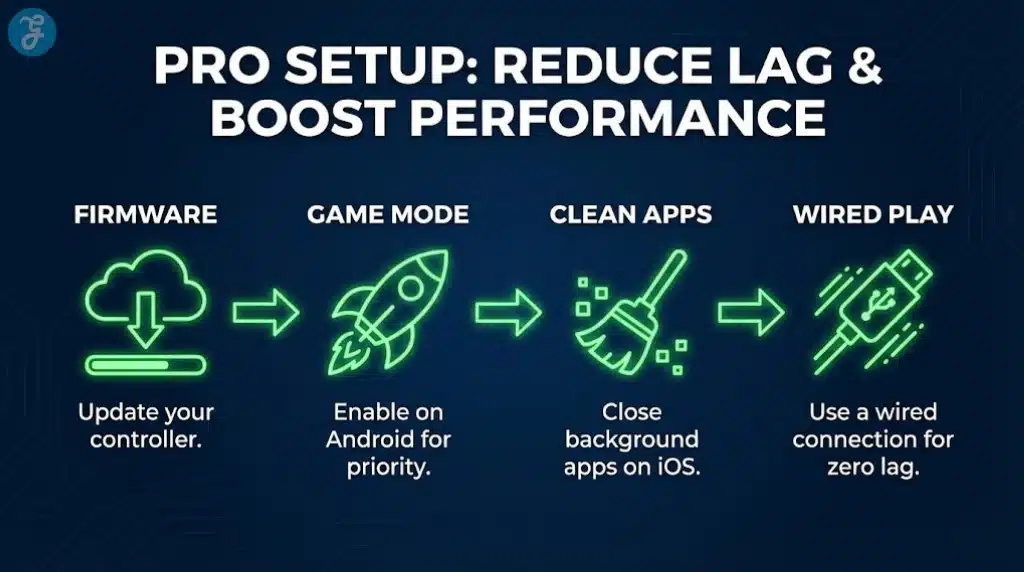
Use Bluetooth low-latency modes if your controller supports it (and keep the controller updated)
-
Turn on Game Mode (Android devices often have it; iOS benefits from closing background apps)
-
If your controller supports it, USB-C wired play can feel tighter than Bluetooth
Wrap-Up
If you want one safe recommendation, start with Minecraft for endless value or Call of Duty: Mobile for the most competitive controller-friendly experience. If you prefer premium, console-style ports, the App Store’s controller-friendly lineup (like Assassin’s Creed Mirage, Resident Evil Village, and Death Stranding Director’s Cut) is the fastest way to make your phone feel like a handheld console.