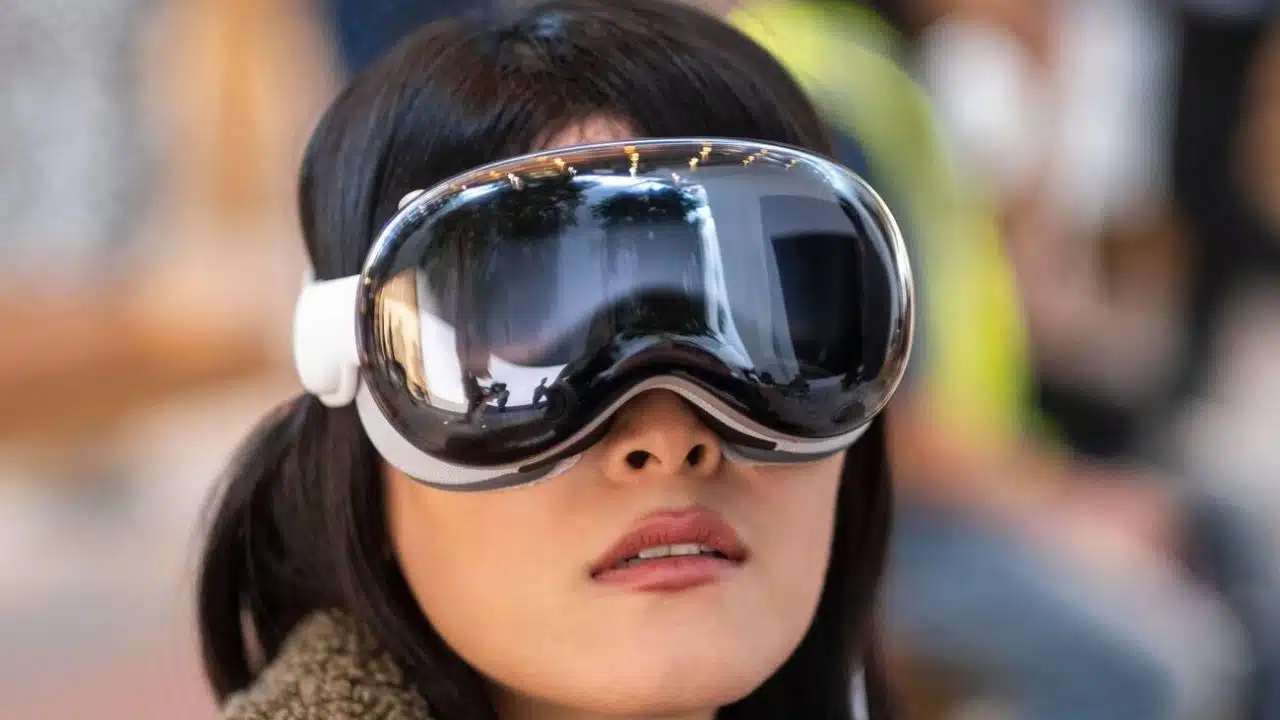
Do you have some time to explore one of Apple’s most significant, daring, and divisive product launches in recent history? Apple continues to offer demonstrations of its Apple Vision Pro at stores throughout the United States.
If you’re similar to us and don’t happen to have $3,500 casually stashed in a coat pocket, or if you lack any other extremely affluent companions to hang out with, this might be your sole opportunity to experience Apple’s exclusive “spatial computer” firsthand. In addition, it is possible that the availability of the 30-minute demos will soon be limited.
The reporter was unable to obtain a headset from the company prior to the official unveiling. Once the product was available, I wasted no time scheduling a demo appointment at one of the Apple Stores in New York City. Despite the short time since the launch on Feb. 2, I found it necessary to schedule my demo a week ahead. It is important to plan ahead and consider the time slot before making any banking arrangements, regardless of the day or time.
To schedule the demo, please visit the official Vision Pro page and locate one of the stores in your area. Currently, the available time slots for booking demos are limited until Feb. 18. Apple has specified that you can only schedule appointments up to a week ahead. The company does not have a specific date for when it intends to conclude these demo sessions. We will have to wait and see how much interest remains and how long Apple will continue to support the complex in-store demo setup.
In the cozy depths of the 5th Avenue Apple Store in Manhattan, you’ll find 16 faux-leather couches clustered towards the back of the basement shop. Every station had a tray that was magnetically attached to the seat. The staff, referred to as “Geniuses,” moved around distributing headsets on bamboo platters, resembling servers at a sophisticated wine and cheese event. I selected this location because it’s where Aarish Syed, Apple’s first Vision Pro customer, enthusiastically embraced the VR headset and captured a selfie while the crowd cheered for him, celebrating his incredible win in the world’s most expensive single-ticket scratch-off lottery.
All the stations were fully booked, even though it was only 11 a.m. on a Monday. It is important to arrive punctually and make sure to approach one of the staff members who are overseeing the appointments, typically the one carrying a tablet. It appears that my device was in pristine condition, indicating that Apple places great importance on cleanliness. They can be quite particular about the way you handle and wear the device, even though Vision Pros have proven to be quite resilient. The demo lasts for a duration of 30 minutes, and it is important to be aware that it is carefully selected and, to some extent, restricted.
The demo area has a similar feel to other Apple launches, such as their latest iPhone. However, the Vision Pro demos are notably more intricate than what we typically see. First, you need to give Apple permission to scan your face in order to find the perfect fit for their workers. It can be quite frustrating, especially for individuals like myself who have facial hair that tends to disrupt the functionality of the face-scanning application. After receiving your Vision Pro, you will be guided through the necessary steps of securing it, making sure the seal is properly adjusted, and managing the headset controls. There are only three gestures that you need to focus on: the “pinch” select gesture, the wave to cycle through web pages or photo reels, and the pinch and drag with two hands to resize different windows.
Apple is highlighting its immersive spatial video and 3D content viewing experiences. A significant portion of the demo focuses on examining images and videos with a spatial element, captured using both the Vision Pro and the iPhone 15 Pro. It’s worth noting that the ones taken with the headset exhibit superior quality compared to the smartphone versions. In addition, the staff will kindly offer you the opportunity to enjoy a brief preview of the 3D rendition of The Super Mario Bros. Movie within the simulated in-headset cinema mode.
You have the privilege of spending a few minutes browsing on Safari and exploring one or two other apps of your preference. Experience the spatial environment and effortlessly navigate between the full-color passthrough and the stunning faux-3D visual environments. During the demo, you’ll be transported to a breathtaking lakeside vista. And once you’ve explored a few of these apps, your demo comes to an end. Just by trying on the headset and feeling its shape and weight, you can easily assess its overall comfort.
It is evident that Apple has put in a tremendous amount of effort, considering the number of concurrent demos. Throughout the interaction, the workers inquire about your thoughts and whether you are contemplating the purchase of the $3,500 headset. I was eager to share my experience with the Vision Pro, so stay tuned to see how impressed I was with Apple’s innovative non-VR VR headset.