

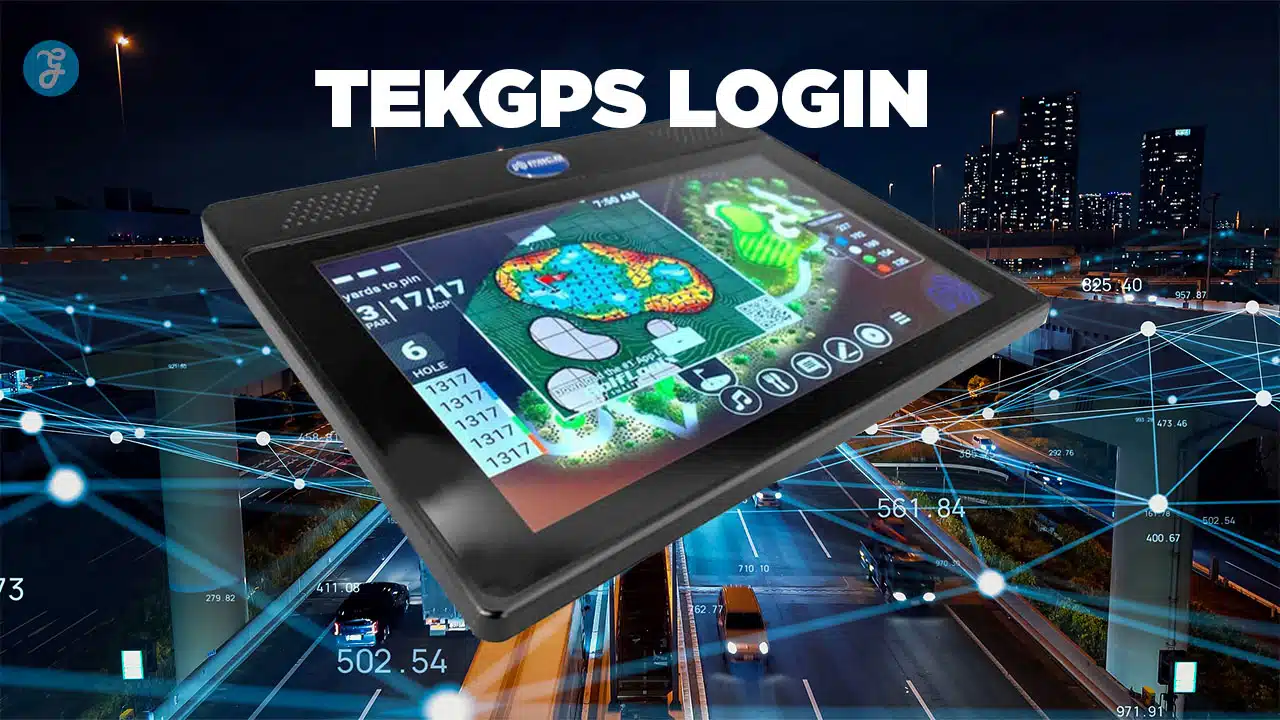
Most fleet management platforms just show you dots on a map. They provide a location but not the context you need to make smarter, faster decisions.
Many golf course superintendents and fleet managers spend too much time wrestling with clunky systems to track their vehicles.
The TekGPS login changes that.
This platform, powered by Pace Technology, gives you real-time control over your entire fleet of golf carts and service vehicles. It is an intuitive system that delivers actionable data to boost efficiency and keep your fleet data safe.
This guide will break down what the TekGPS platform offers. We’ll cover the login process, explore the powerful dashboard tools that save you time, and share critical tips for using the system effectively.
Key Takeaways
- TekGPS from Pace Technology offers real-time GPS tracking for fleets and is used by over 1,000 golf courses, often integrated with E-Z-GO carts.
- The dashboard features live maps with vehicle locations, battery level monitoring, and driver behavior alerts for speeding or unauthorized use.
- Key functionalities include geofencing to set digital boundaries, automated maintenance reminders, and pace-of-play monitoring to improve course efficiency.
- For enhanced security, use strong, unique passwords managed by a tool like Bitwarden or 1Password and enable two-factor authentication.
- The platform includes support resources like live chat, phone support, and an online help center with guides and video tutorials.
What is TekGPS and What Are Its Benefits?

TekGPS is a specialized fleet management platform developed by Pace Technology, formerly known as Textron Fleet Management. While it serves various industries, it has become a leading solution in the golf world, where it is integrated with E-Z-GO vehicles like the RXV and TXT models to provide precise, real-time fleet data.
The system allows managers to establish digital boundaries with geofencing, monitor vehicle health, and even send two-way messages directly to operators.
The benefits translate directly to your bottom line. A 2025 Fleet Technology Trends Report noted that fleets using GPS tracking are seeing significant savings, with fuel costs reduced by an average of 16% and accident costs cut by 22%. By analyzing route efficiency, idle time, and driver behavior, TekGPS helps you identify and eliminate waste.
According to the 2025 Fleet Technology Trends Report, 47% of fleets that adopt GPS tracking technology see a positive return on investment in less than one year.
Pace Technology also offers integrations with third-party software like Golf Genius, allowing for live tournament leaderboards and an enhanced golfer experience. This ability to connect with other systems creates a more unified and powerful course management ecosystem.
How to Complete the TekGPS Login
Accessing your TekGPS account is a simple process. Follow these steps to get to your fleet management dashboard quickly and securely.
- Open a modern web browser like Google Chrome or Mozilla Firefox and navigate to the official TekGPS website at tekgps.net.
- Find and click the “Sign In” button, which is usually located in the top-right corner of the homepage.
- Enter the email address associated with your account in the first field.
- Type your password carefully into the second field, making sure your caps lock is off.
- For convenience on a private, secure computer, you can check the “Keep me signed in” box.
- Click the “Login” button to continue.
- If you have two-factor authentication (2FA) enabled, the system will ask for a verification code from your phone or authenticator app.
- Once logged in, you will be on the main dashboard. It’s a good practice to quickly verify that your fleet information is displayed correctly.
- If you forget your password, use the “Forgot Password” link on the login page to start the reset process via email.
- If you have persistent login issues, clearing your browser’s cache and cookies can often resolve them. Also, confirm that your company’s firewall or VPN is not blocking access.
- When you are finished, always use the “Sign Out” button to securely close your account.
What Features and Tools Are Available After Logging In?
Once you complete the tekgps login, you gain access to a powerful suite of tools for complete fleet oversight. The platform provides real-time fleet tracking, detailed analytics, and communication features that simplify daily operations.
Dashboard Overview
The main dashboard is your command center, offering a clear, at-a-glance view of your entire operation. You will see a live map showing each vehicle’s location and current status, with data refreshing every few seconds.
From the dashboard, you can quickly access different modules to monitor maintenance alerts, review driver performance, and send messages to individual vehicles or the entire fleet. This centralized layout ensures you can spot and address potential issues before they become larger problems.
Key Functionalities for Pace Technology Users
TekGPS is filled with features that give you detailed control over your fleet. These tools are made to improve efficiency, safety, and overall vehicle management.
Vehicle and Asset Management
- Real-time GPS Tracking: Monitor the precise location of every vehicle on a live map.
- Geofencing: Create virtual perimeters and get instant alerts when a vehicle enters or leaves a designated zone. This is perfect for keeping carts off sensitive turf or securing them after hours.
- Maintenance Reminders: Automate service scheduling with alerts based on mileage or engine hours to prevent breakdowns.
- Speed Monitoring: Get notifications if a driver exceeds a set speed limit, helping improve safety and reduce wear on your vehicles.
Driver and Performance Tools
- Driver Scorecards: Track metrics like harsh braking, rapid acceleration, and speeding to create safety profiles for each driver and identify coaching opportunities.
- Idle Time Tracking: Identify vehicles that are wasting fuel by idling. According to the U.S. Department of Energy, excessive idling can reduce fuel economy by up to 33% during highway driving.
- Two-Way Messaging: Communicate directly with drivers to provide updates or new instructions without needing a phone call.
Reporting and Analytics
- Custom Reports: Generate detailed reports on mileage, stops, battery usage, and more to make data-driven decisions.
- Route Planner: Optimize routes to find the most efficient paths, saving both time and fuel.
- The mobile app: Access core tracking and management features from your smartphone or tablet, allowing you to manage your fleet from anywhere.
How to Enhance Your Experience with TekGPS
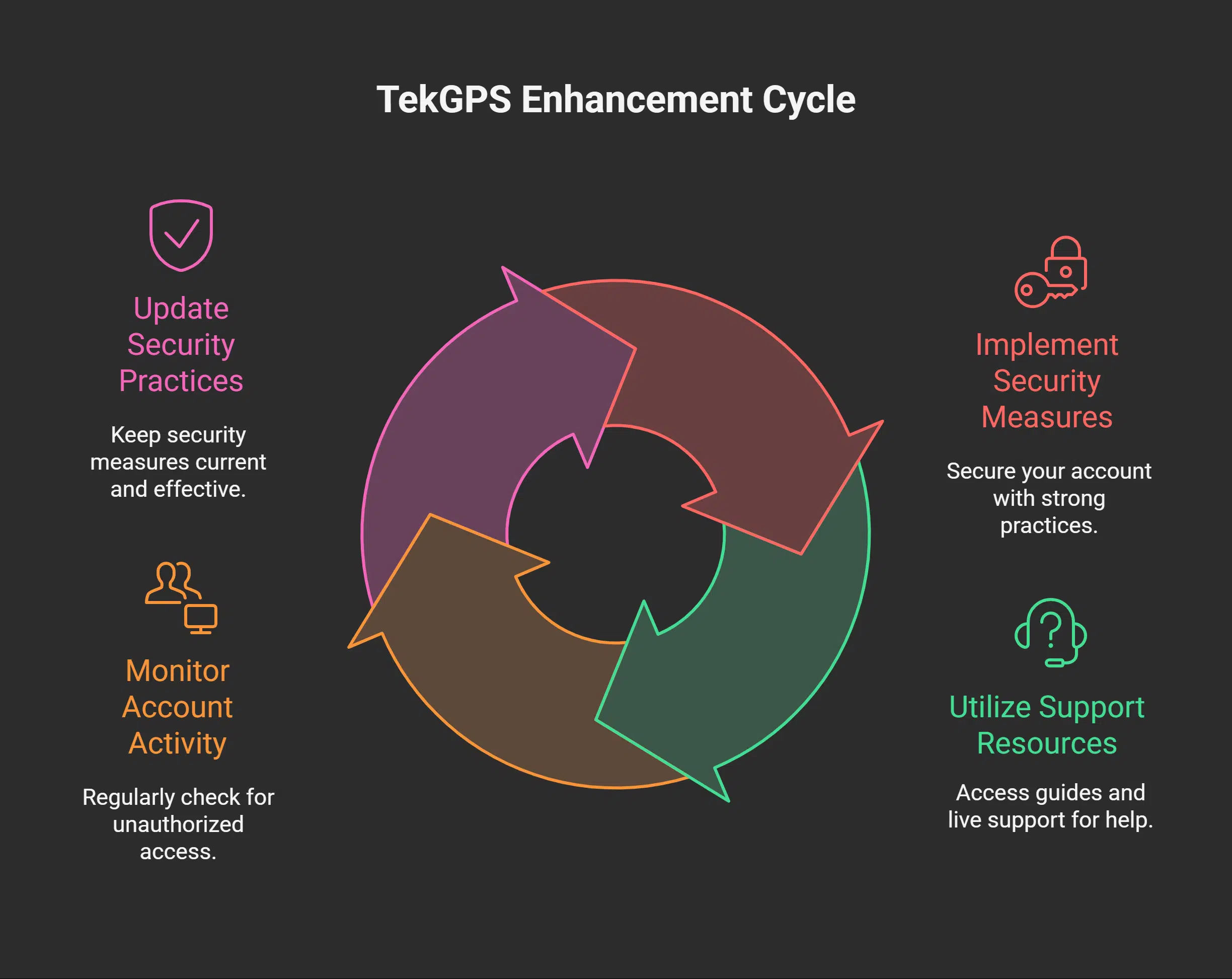
To get the most out of the TekGPS platform, it helps to adopt a few smart tips and best practices. These recommendations will help you secure your account and use the system’s resources more effectively.
Security Best Practices
Protecting your account is critical for safeguarding your fleet’s data. Following modern security standards is the best way to prevent unauthorized access.
- Use a Password Manager: Instead of reusing simple passwords, use a password manager like 1Password, Bitwarden, or LastPass to generate and store long, unique passphrases.
- Follow NIST Guidelines: The National Institute of Standards and Technology (NIST) now recommends focusing on password length over complexity. A passphrase of 12-16 characters is considered highly secure according to the 2025 NIST guidelines.
- Enable Two-Factor Authentication (2FA): If available, activate 2FA. This adds a crucial layer of security by requiring a second verification code, usually from your phone.
- Review Login History: Periodically check your account’s login history for unrecognized IP addresses or sign-in times that occur outside of your normal working hours.
- Beware of Phishing: Always double-check that the website address is correct before entering your credentials.
- Avoid Public Wi-Fi: Do not access your TekGPS account on unsecured public Wi-Fi networks where your data could be intercepted.
Utilizing Support Resources
When you have a question or a technical issue, TekGPS provides several resources to help you find a solution quickly.
The first place to check is the online help center, which is filled with detailed user guides, how-to articles, and video tutorials. For more immediate assistance, you can use the live chat feature directly from the dashboard. Some support services, like those offered by similar platforms, promise a maximum wait time of one minute for live chat.
If you have a more complex issue, phone support is available to speak with a technical expert. For tracking non-urgent requests, you can submit a ticket through the support portal, which allows you to monitor the status of your inquiry. Many services aim to resolve over 70% of support tickets in less than one business day.
Takeaways
The TekGPS platform gives you the detailed oversight needed to manage a modern fleet effectively. By using the TekGPS login, you get access to powerful tools for real-time tracking, data analysis, and team communication, all in one user-friendly interface.
Adopting this technology can lead to significant savings in both time and money. It empowers you to run a more efficient, safer, and more profitable operation.
FAQs on TekGPS Login
1. What is TekGPS Login for fleet management?
The TekGPS Login provides access to a complete fleet management platform from Pace Technology. It allows you to track vehicles in real-time, monitor driver behavior, manage maintenance schedules, and analyze operational data from a single dashboard.
2. How do I sign in to my TekGPS account?
To sign in, visit the official TekGPS website (tekgps.net) from Pace Technology. Enter your registered username and password into the login fields and click the login button to access your account dashboard.
3. What can I do after I log in to TekGPS?
After logging in, you can view the live location of all your vehicles, set up geofences, analyze reports on fuel consumption and driver performance, and communicate with your drivers. The platform provides a full overview of your fleet’s activities.
4. Is TekGPS Login hard to use?
No, the platform is designed with a user-friendly interface. The dashboard is organized logically, making it easy for new users to find the tools they need for effective fleet management.

























