

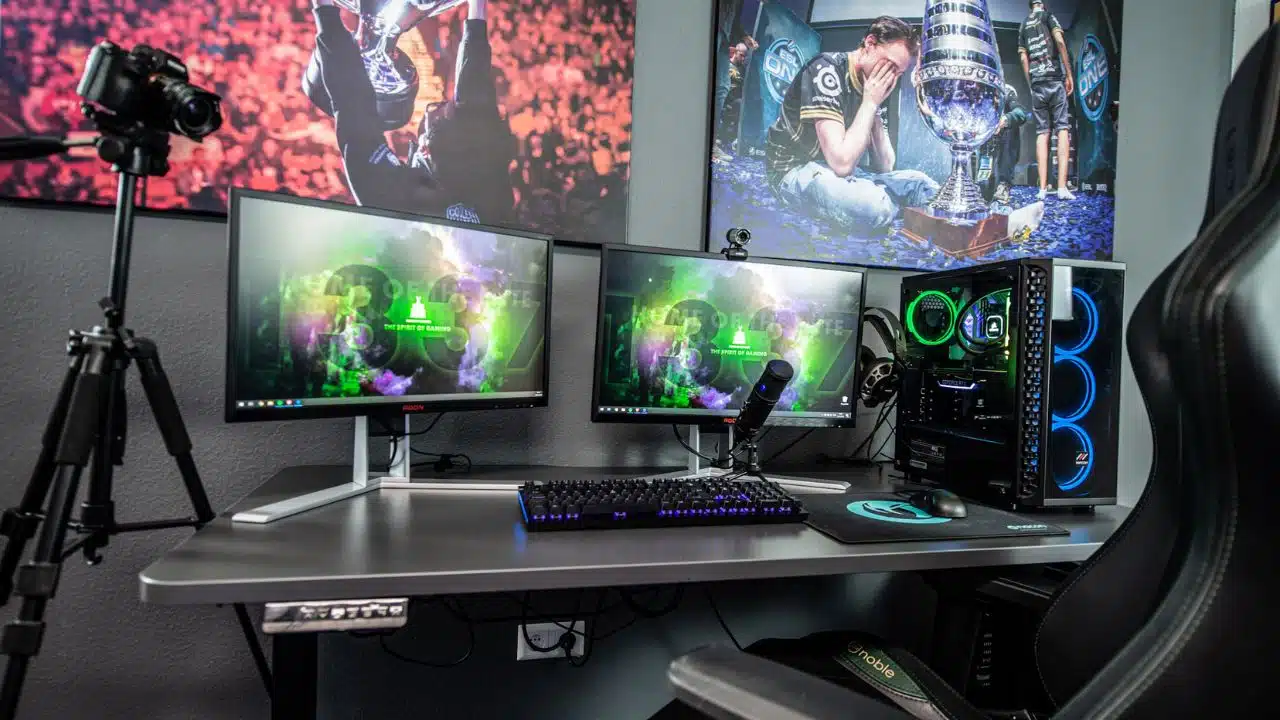
Gaming is constantly evolving. New titles are released all the time, packed with amazing graphics, new features, and complex mechanics. To keep up with it all, you need a gaming computer that can handle it. Over time, though, your once-high-performing machine might start to feel like it’s dragging behind. If you’re noticing lag, crashes, or just can’t run the latest games smoothly, it might be time to consider upgrading your gaming computer.
Why Enhance Your Gaming Performance
If you’re into online games or love the thrill of casino games and competitive play, upgrading your rig can help you play and cash out with ease. The best iGaming sites usually cater to payment systems that enable instant payouts and a vast library of games. However, none of this matters if you have a slow device or connection.
A good gaming PC can make all the difference between a frustrating, lag-filled session and a smooth, enjoyable gaming experience. Whether you’re diving into a battle royale or taking on some multiplayer action, a top-performing computer keeps everything running at its best.
If your system is starting to stutter or feel sluggish, it might be time to make some upgrades. A fresh GPU, faster storage, or more memory can make a huge difference and bring back the fun, frustration-free gaming you’ve been missing.
Your Games Are Struggling to Keep Up
The first and most obvious sign that it’s time for an upgrade is when your games start struggling. If you’ve noticed stuttering, long loading times, or just low frame rates, it’s a sign that your current system can’t keep up with the demands of newer titles. Most of us have experienced that moment when the game freezes or starts lagging. If your machine’s not able to handle the graphics and mechanics of today’s games, it’s time to consider upgrading your GPU or CPU.
New Games Won’t Run at All
Ever been excited to try the latest game only to find that your system can’t even load it? It’s one of the clearest signs your computer’s getting a little outdated. If your PC is struggling to run new games, or if you’re forced to reduce graphics to make them playable, it’s time for a change. New games have higher system requirements, and older components can’t always keep up. If you’re hitting “play” only to get a crash or error message, your hardware is definitely showing its age.
Upgrading your components will let you enjoy all the new features and settings that come with today’s hottest titles. Plus, it’ll save you from the headache of spending hours trying to fix bugs or troubleshoot issues.
You’re Dealing with Major Slowdowns
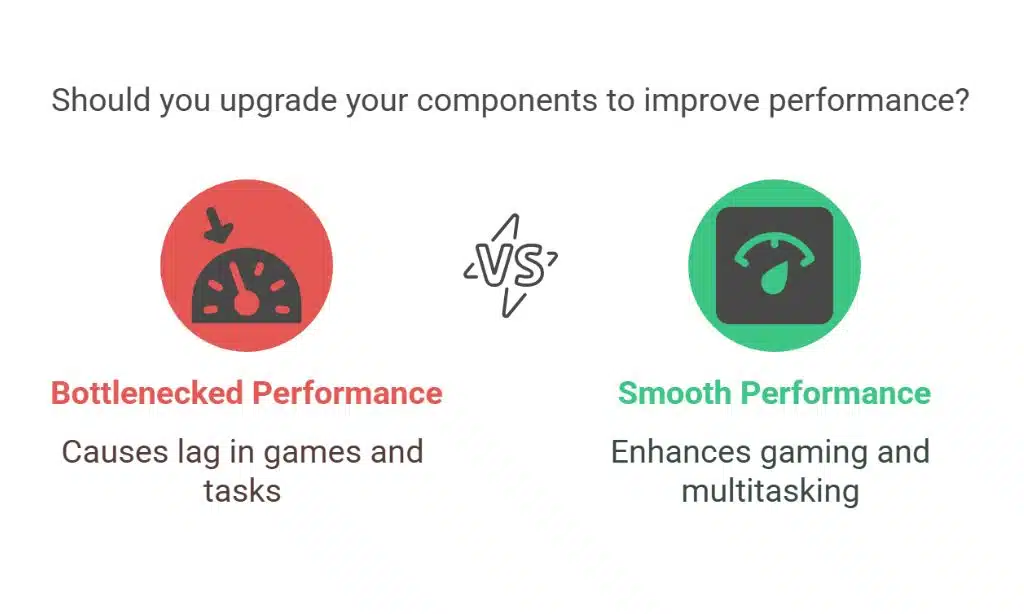
Have you noticed your computer lagging not only during games but also when you’re doing simple tasks like browsing the web or switching between apps? This could be a sign of a bottleneck somewhere in your system. A bottleneck happens when one part of your computer is much slower than the rest, making everything feel sluggish. This is often caused by an outdated CPU or GPU. While your system might run fine for simpler tasks, newer games and apps require more power from your components.
Long Load Times Are Draining the Fun
We’ve all been there—waiting forever for a game to load or your system to boot up. If your PC is taking longer than usual to get into the action, you might want to think about upgrading your storage. If you’re still running a traditional hard drive [HDD, it’s time to switch to a solid-state drive [SSD]. Not only will an SSD speed up load times, but it will also make your overall system feel snappier. You’ll notice a difference in load times across all your games and applications, making those long waits a thing of the past.
Frequent Crashes or Freezes
It’s one thing if a game crashes once in a while. But if your system is freezing regularly or throwing up the dreaded blue screen of death, it’s time to pay attention. Crashes are often a sign that your hardware isn’t able to handle the workload anymore. It could be a failing GPU, an overheating processor, or a power supply issue.
It’s worth doing a bit of troubleshooting to figure out the culprit. Once you identify the problem, you can either fix the issue with a component upgrade or replace the part entirely. Either way, upgrading the failing parts will help you avoid those annoying interruptions during your gaming sessions.
Running Out of Storage Space
As games continue to grow in size, keeping up with storage can be tough. If you’re constantly finding yourself uninstalling games to make room for new ones or dealing with low disk space, it’s time for an upgrade. Modern games can take up dozens of gigabytes, and if your hard drive [or even your SSD] is near full, your system’s performance can slow down.
Upgrading your storage to a larger SSD or adding a secondary hard drive can solve this problem. That way, you won’t need to choose between your favorite games or have to delete one to try out a new release. Plus, with more storage, your system won’t slow down when it’s nearing capacity.
You Can’t Access New Features
If you’re into the latest advancements in gaming, like ray tracing or virtual reality [VR], and your system can’t keep up, it’s time for an upgrade. These advanced features are amazing for creating realistic environments and enhancing immersion, but they require newer hardware to run smoothly. If you’re stuck with an old GPU or can’t experience VR at all, upgrading to a more powerful GPU will open the door to these cutting-edge features.
Optimizing Your Gaming Experience Before You Upgrade
If you’re not ready to make the leap to a full upgrade just yet, there are still ways to optimize your gaming experience with your current setup. As highlighted in an article from Editorial, adjusting certain in-game settings can help you get the most out of your PC without the need for new hardware right away.
Your PC Is Simply Too Old
Sometimes, it’s not one specific issue that causes problems—it’s just that your PC is showing its age. If your components are several generations behind, it might be time for a full upgrade. Sure, you can replace individual parts to extend the life of your system, but if it’s really old, it might be time to start fresh.
Upgrading your gaming PC isn’t just about keeping up with the latest games. It’s about making sure you’re always ready for whatever comes next.





















