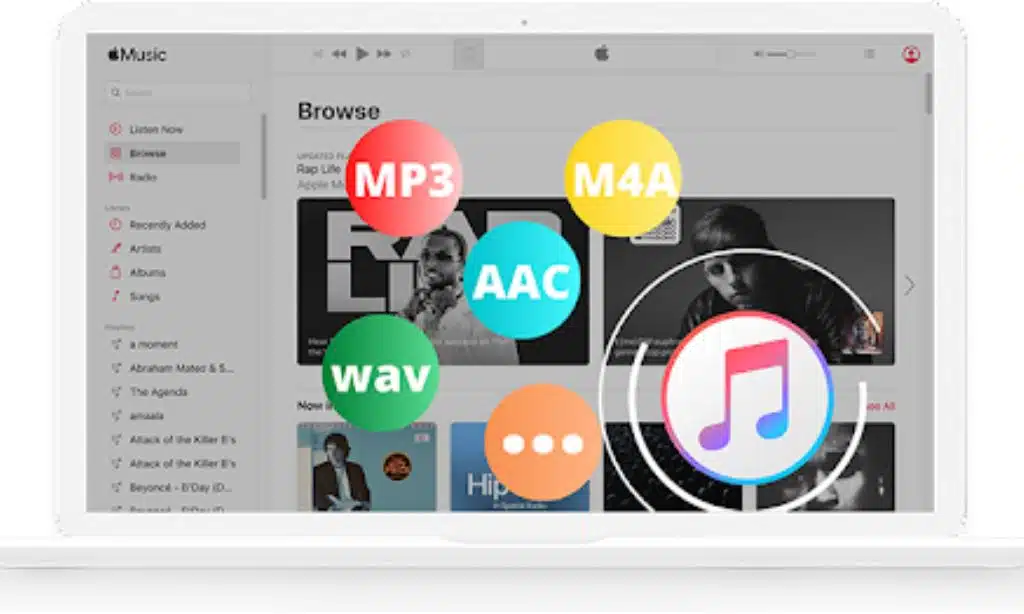
Are you fed up with being limited by the format of Apple Music tracks, yet want to access all your favorite tunes on any device or media player? Pazu Apple Music Converter will revolutionize your musical experience!
Pazu Apple Music Converter makes it simple and affordable to convert Apple Music tracks and playlists to MP3, M4A, AAC, FLAC, WAV and AIFF formats for playback on various media devices.
Say goodbye to compatibility issues and hello to enjoying your music wherever you go.
Why Choose Pazu Apple Music Converter?
Unlimited Downloads with High-Speed Conversion
Pazu Apple Music Converter stands out for its ability to convert unlimited songs effortlessly.
Both the trial version and licensed version provide users with this capability – fast conversion speeds let you save both time and effort by quickly converting files.
Retain Original Audio Quality
Preserving the original audio quality is crucial when converting your Apple Music tracks. Pazu Apple Music Converter excels in maintaining the highest audio quality possible.
No matter if it’s an old song from the 1930s or a recent hit from 2023, you can enjoy every track without worrying about compromising sound quality.
Easy-to-Use Interface
Pazu Apple Music Converter boasts an easy and intuitive design that makes it accessible for both new users and regular users.
It features built-in Apple Music web player and multilingual interface: English, Deutsch, Español, Français, 日本語, 简体中文 for an unmatched global experience.
Customizable Output Formats and Settings
Pazu Apple Music Converter gives you the freedom to choose among several output formats, such as MP3, M4A, AAC, FLAC, WAV and AIFF. Simply pick the one that meets your needs best!
Additionally, custom output settings like audio quality, filename format and volume control give you full control of converted files.
How to Convert Apple Music with Pazu Apple Music Converter?
Converting your Apple Music tracks to your desired format is a breeze with Pazu Apple Music Converter. Follow these simple steps to convert your Apple Music files:
Step 1: Download and Install Pazu Apple Music Converter
Step 2: Launch Pazu Apple Music Converter and Login
Step 3: Select Output Format and Customize Settings
Step 4: Add and Convert Apple Music Tracks
Step 5: Enjoy Your Converted Apple Music Tracks
The Benefits of Pazu Apple Music Converter
Pazu Apple Music to MP3 Converter offers numerous benefits that enhance your overall music experience. Let’s take a closer look at some of these advantages
Flexibility to Listen Anywhere
Pazu Apple Music Converter makes listening to Apple Music tracks anytime, anywhere a breeze – without an active subscription! Convert your tracks into their desired formats for compatibility on any device or media player without restrictions or limits.
Preserve ID3 Tags and Metadata
Pazu Apple Music Converter ensures that all ID3 tags and metadata, including title, artist, album, genre, and cover art, are preserved during the conversion process. Your converted tracks will retain all the essential information, allowing for a seamless music organization and navigation experience.
Efficient Batch Conversion
Pazu Apple Music Converter’s batch conversion functionality enables you to convert multiple songs, albums or playlists simultaneously – saving both time and effort when dealing with expansive music libraries.
User-Friendly and Intuitive
Pazu Apple Music Converter was designed with an accessible, user-friendly interface in mind to cater to users of all skill levels. From novice users to more seasoned experts alike, this software makes converting Apple Music tracks a simple process.
Regular Updates and Technical Support
Pazu Software provides regular updates and technical support, ensuring their users enjoy an exceptional experience with their software. They strive to improve it continuously, and address any potential issues or concerns as soon as they arise.
Conclusion
Unlock the true potential of your Apple Music library with Pazu Apple Music Converter. This powerful tool offers advanced features, lightning-fast conversion, and a user-friendly interface, making it the ultimate solution for all your music conversion needs. Start converting your Apple Music files today and enjoy your favorite tracks offline on any device or media player.
FAQs
Q: Can I convert Apple Music tracks with Pazu Apple Music Converter without an active Apple Music subscription?
A: You need an Apple Music subscription or free trial to access Apple Music playlists and convert them with Pazu Apple Music Converter. After conversion, you can play the songs any time even without Apple Music subscription.
Q: Will the converted tracks retain their original audio quality?
A: Yes, Pazu Apple Music Converter excels in maintaining the highest audio quality possible during the conversion process. You can enjoy your favorite tracks without compromising the sound quality.
Q: Can I convert multiple songs, albums, or playlists at once?
A: Absolutely! Pazu Apple Music Converter supports batch conversion, which converts multiple songs, albums or playlists at the same time. This feature saves both time and effort if you have an extensive music collection.
Q: Is Pazu Apple Music Converter easy to use?
A: Yes, Pazu Apple Music Converter features an intuitive user-friendly interface that is accessible to users of all levels of expertise. From beginners to experts alike, users will find it simple and effortless to navigate their way around this software and convert their Apple Music tracks.
Q: Does Pazu Apple Music Converter offer technical support?
A: Pazu Software is committed to offering regular updates and technical support services in order to provide users with an enjoyable experience. They continuously enhance the software, addressing any issues or concerns as they arise.
Don’t miss out on the opportunity to enjoy your Apple Music tracks on any device or media player. Try Pazu Apple Music Converter today and unlock a whole new world of music possibilities!