

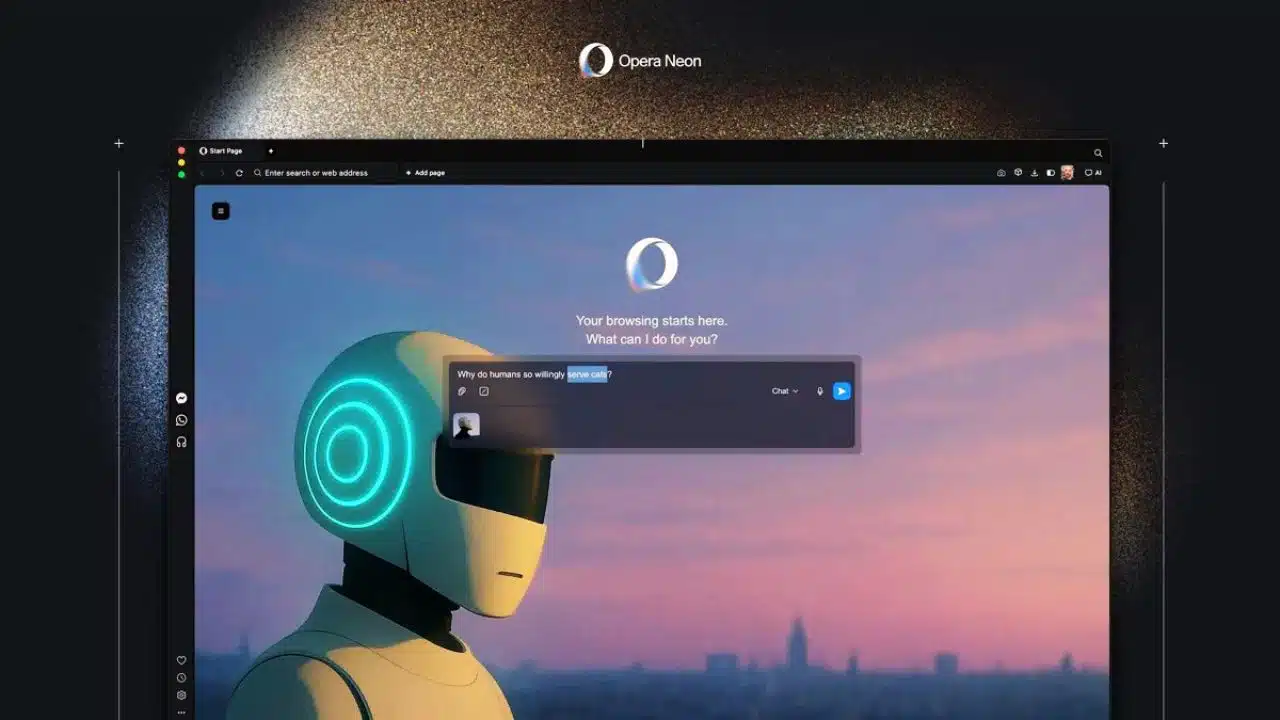
Opera has introduced a groundbreaking enhancement to its experimental Neon browser, adding a streamlined one-minute deep research mode that promises to revolutionize how users gather and process information online. The latest update represents a significant step forward in bringing agentic AI capabilities into mainstream browsing, combining speed with comprehensive research depth for time-conscious digital professionals.
Faster Research Without Sacrificing Quality
The new one-minute Deep Research mode accelerates Opera’s Deep Research Agent (ODRA), transforming complex information gathering into a rapid, efficient process. Rather than delivering shallow results, the feature employs parallel processing technology that divides research tasks among multiple simultaneous researcher threads, enabling the system to tackle different aspects of a query simultaneously. This represents a middle ground between casual chat responses and exhaustive deep research reports—ideal for professionals who need more context than a quick answer but lack time for comprehensive analysis.
Opera explained the methodology behind this acceleration: In the new one-minute-research mode, Opera Neon is dividing the problem as much as possible in order to employ as many ‘researchers’ as possible on the same task. The result is structured, citation-backed reports that cross-check information from multiple sources while maintaining research integrity and quality standards.
An Expanding Ecosystem of AI Agents
The research tool update arrives as part of a larger enhancement to Opera Neon’s AI capabilities. Alongside the faster research mode, Opera introduced model selection functionality in Neon Chat, allowing users to switch between cutting-edge AI models including Google’s newly released Gemini 3 Pro and Nano Banana Pro for image generation and editing. Users can now select preferred models for individual conversations and even switch mid-conversation while maintaining full chat history.
The Deep Research Agent ODRA itself has evolved considerably since its October debut, when it became the fourth major agent in Opera Neon alongside Chat, Do, and Make. The agent was developed over more than two years and represents a core component of Opera’s proprietary AI engine, positioned to rival deep research tools from industry giants like Google and OpenAI.
Google Docs Integration Expands Neon’s Reach
Further strengthening its productivity credentials, Opera Neon’s Do agent now operates directly within Google Docs, a feature requested by the Neon community. Users can now leverage the browser’s automation capabilities to create new Google documents, edit existing ones, add web-sourced information, or rename files—all without switching tabs or tools. This integration transforms the browser into a unified workspace where research findings can flow seamlessly into document creation workflows.
The Vision Behind Experimental AI Browsing
Opera Neon functions as the company’s testing ground for cutting-edge AI technologies. Krystian Kolondra, Executive Vice President of Browsers at Opera, noted that the platform’s architecture enables integration of the latest AI advancements barely hours after they become available, positioning Neon as a rapid-iteration laboratory for future browser capabilities. The subscription-based service, priced at $19.99 monthly, remains in early access through an invite-only waitlist.
The one-minute research feature encapsulates Opera’s broader vision: transforming browsers from passive navigation tools into active research assistants capable of understanding user intent and delivering actionable intelligence at web-speed. As digital professionals increasingly rely on AI-powered workflows, tools like ODRA’s accelerated research mode signal how the next generation of browsing will operate.



























