

In the world of proprietary futures trading, information is as valuable as capital. For Topstep traders, the Topstep dashboard serves as the command center for their entire trading journey. It’s more than just a login page; it is the centralized platform where you track progress, manage accounts, and navigate the path from evaluation to getting paid.
Whether you are just starting a Trading Combine or are a seasoned Funded Trader, understanding the nuances of your dashboard is critical for efficiency and success. This guide provides a comprehensive walkthrough of the Topstep dashboard, its key features, and how to leverage it to manage your trading business effectively.
What is the Topstep Dashboard?
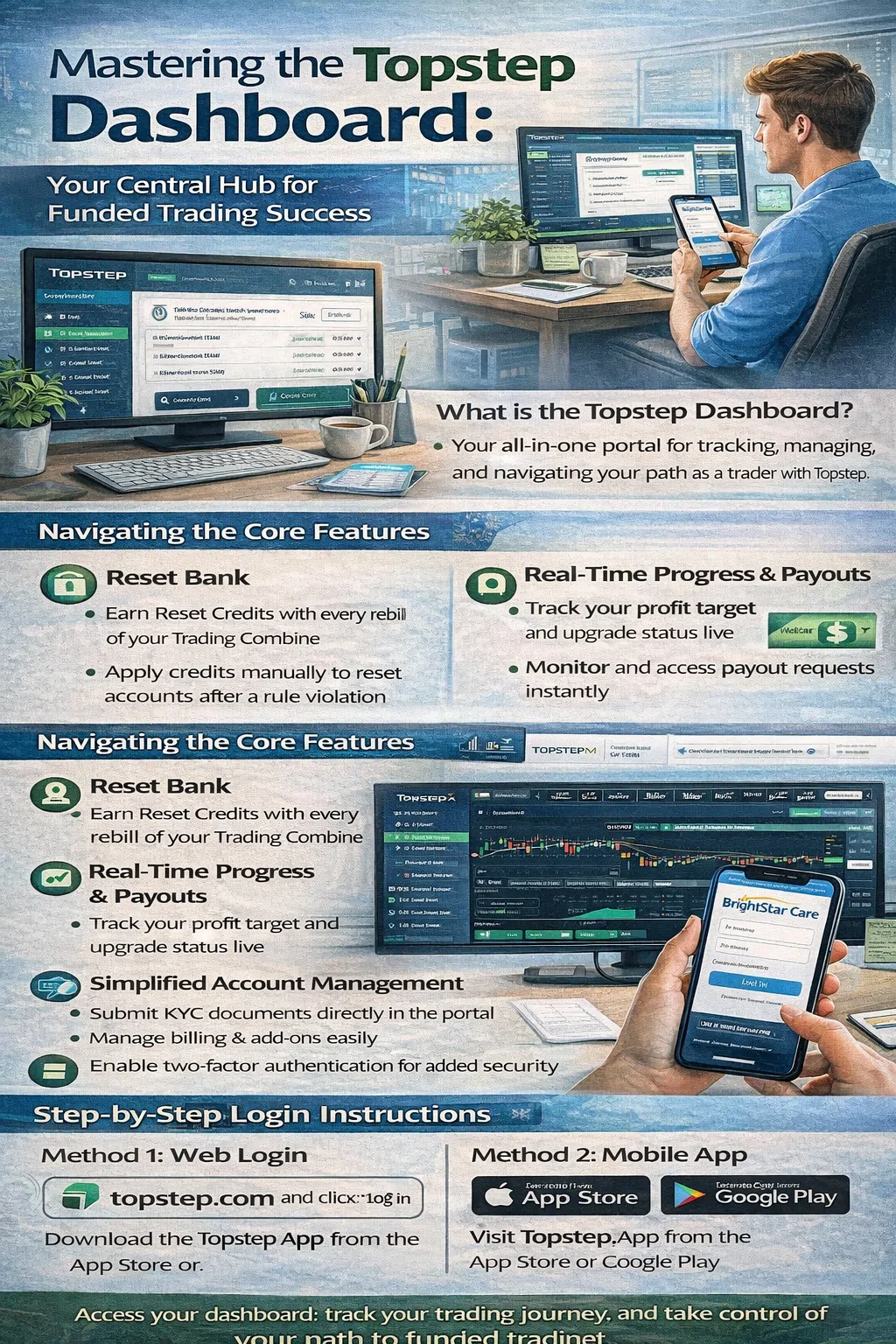
The Topstep dashboard is a personalized, web-based portal designed to give you a holistic view of your trading activity with the firm . It moves beyond simple account management by integrating performance analytics, account resources, and educational tools into a single, streamlined interface.
Its primary purpose is to replace confusion with clarity. Instead of juggling multiple tabs or spreadsheets to track your profit targets, loss limits, and payout status, the dashboard consolidates this data into real-time, actionable insights. For traders using the latest version of the platform, this means instant updates and greater control over your funding journey .
Topstep has continually evolved its technology, and the new Topstep dashboard represents a significant leap forward in user experience and functionality . Here are the essential features you need to know.
The Reset Bank: Managing Your Safety Net
One of the most innovative features is the Reset Bank. In the past, a rule violation often meant an automatic reset tied to your rebill. The new system empowers you with more control.
- How it works: Every time your Trading Combine subscription rebills, you earn a Reset Credit, which is deposited into your Reset Bank .
- Applying Resets: You can now choose when to apply these credits. If you have a losing day or violate a rule, you can manually reset that specific account directly from the dashboard using a banked credit .
- Expiration and Stacking: Be mindful that while older credits may not expire, credits issued recently are valid for one year from the issue date. The dashboard clearly displays how many credits you have and their expiration dates, allowing you to stack them and apply the oldest ones first .
Real-Time Progress Tracking and Payouts
Gone are the days of waiting until the end of the day to see where you stand. The new dashboard emphasizes real-time updates .
- Instant XFA Activation: If you hit your profit target in the Trading Combine, the dashboard updates instantly, allowing you to activate your Express Funded Account (XFA) immediately without delay .
- Payout Tracker: The platform includes a dedicated tracker for your payouts. You can monitor the status of your requests in real time. Furthermore, when a payout is processed, the amount is deducted from your balance instantly, ensuring you can continue trading without administrative interruptions .
Simplified Account and Profile Management
The dashboard is built to be your one-stop shop for administrative tasks.
- KYC Verification: You can submit and track your “Know Your Customer” (KYC) documents directly within the platform to verify your identity, a crucial step for security and compliance .
- Billing and Subscriptions: Updating payment methods, viewing billing history, and managing add-ons like Level 2 data or practice accounts are all handled through the billing section .
- Two-Factor Authentication (2FA): For enhanced security, you can enable 2FA within the dashboard settings to protect your account .
Leveraging TopstepX and TradingView Integration
A major evolution in the Topstep ecosystem is the introduction of TopstepX, a proprietary trading platform deeply integrated with the dashboard . While the dashboard is for management, TopstepX is for execution.
When you launch TopstepX from your dashboard, you are entering a trading environment powered by TradingView charts. This integration is seamless:
- Native TradingView Charts: You get access to professional-grade charting tools directly in your browser without needing a separate TradingView account .
- Proprietary Risk Tools: The platform includes exclusive features like the Tilt™ indicator, which provides real-time market sentiment, and advanced order types like bracket orders and trailing loss limits that help you adhere to risk management rules effortlessly .
- Commission-Free Trading: TopstepX offers commission-free trading, which is a significant advantage for active traders, allowing you to keep more of your profits .
The dashboard acts as the launchpad for this powerful trading interface, bridging the gap between account management and market engagement.
Why the Dashboard Updates Matter
For traders on the legacy system, understanding the update schedule was crucial. While the new dashboard offers more real-time data, some elements, like detailed trade reports, may still process on a schedule. Historically, the legacy dashboard updated once per day after the trade reports ran, typically by 6:00 PM CT .
The shift to real-time updates in the new dashboard for critical metrics like balances and account status is a game-changer. It allows for better intraday decision-making and removes the anxiety of waiting for end-of-day reports to see if you’ve met a goal .
Frequently Asked Questions
To ensure this article serves as a prime resource for voice search and AI overviews, here are answers to the most common questions about the Topstep dashboard.
How do I access my Topstep dashboard?
You can access your dashboard by visiting the official Topstep website and clicking the “Log In” button. Use the email address and password associated with your Topstep profile to enter your personalized dashboard .
Why aren’t all of my accounts showing up in my new Topstep dashboard?
This is a common point of confusion. The new Topstep dashboard is designed to only display accounts that were purchased within the new platform. If you have older accounts from the legacy system, they remain accessible via the legacy dashboard at app.topsteptrader.com .
What is the Reset Bank on the Topstep dashboard?
The Reset Bank is a feature where your Reset Credits are stored. Every time your Trading Combine subscription rebills, one credit is deposited here. You can then use these credits to manually reset an account that has violated a rule, giving you more flexibility and control over your evaluation process .
How do I cancel my Trading Combine subscription on the dashboard?
To cancel, navigate to the Billing page within your dashboard. You will see a list of your active subscriptions. Identify the subscription ID you wish to cancel (you can cross-reference this on your Accounts page) and click the “x” next to it. Follow the prompts to confirm the cancellation .
Why is my Topstep dashboard not updating?
If you are on the legacy dashboard, it typically updates once daily after trade reports are processed. If you are on the new dashboard, ensure you have a stable internet connection. Most metrics, like balances after a payout or hitting a profit target, should update in real-time, but comprehensive trade statistics may still have a brief processing period .
Can I use a Practice Account through my dashboard?
Yes. If you have an active Trading Combine subscription, you can activate a Practice Account. Go to the Accounts tab, select Add Ons, and click the “Activate” button for the TopstepX Practice Account. This allows you to test strategies without risk .
A Global Trading Perspective
Topstep serves a global community of traders, and its dashboard is designed with an international audience in mind . When using the dashboard, traders from any region should note:
- Neutral Language and Support: The platform uses clear, universally understood financial terminology. Phone number fields require a country code to accommodate international users .
- Accessibility: As a web-based platform, the dashboard is accessible from anywhere with a stable internet connection, ensuring traders in various time zones can manage their accounts.
- Focus on Futures: The dashboard’s metrics are tailored to CME Group futures products, a globally recognized market, making the data relevant whether you are trading from North America, Europe, or Asia .
The Topstep dashboard is an indispensable tool for anyone serious about building a career as a funded futures trader. It transforms the complex process of managing evaluations, resets, and payouts into a streamlined, intuitive experience. By mastering its features—from the innovative Reset Bank to the seamless integration with TopstepX—you empower yourself to focus on what matters most: your trading.




























