Ever copy an AI answer into your notes and then wonder, “Can I actually trust this?” That is the exact problem I wanted to solve, because ai-generated text can sound polished even when the facts are weak.
I use tools like ChatGPT too, but I never copy and paste them straight into schoolwork. A February 2025 OpenAI report said more than one-third of college-aged young adults in the United States use ChatGPT, so this is already part of real student work, not a side issue.
The hard part is that confidence is not proof. In a 2025 research note, OpenAI said even newer models still hallucinate, so I use a repeatable way to verify ai-generated information before I trust it.
I am going to show you the exact checks I follow, in order, so you can catch fake citations, weak evidence, and outdated facts before they hurt your grade.
Effective Techniques to Verify AI-Generated Text and Information
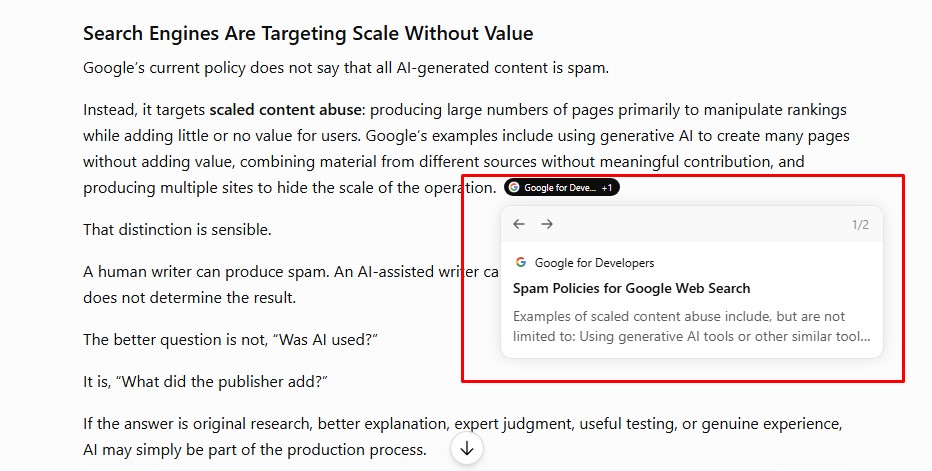
I never trust a single ai detector, a single citation, or a single polished paragraph on its own. My routine is simple: scan the draft, verify the source trail, cross-check the claim, and then read for contradictions.
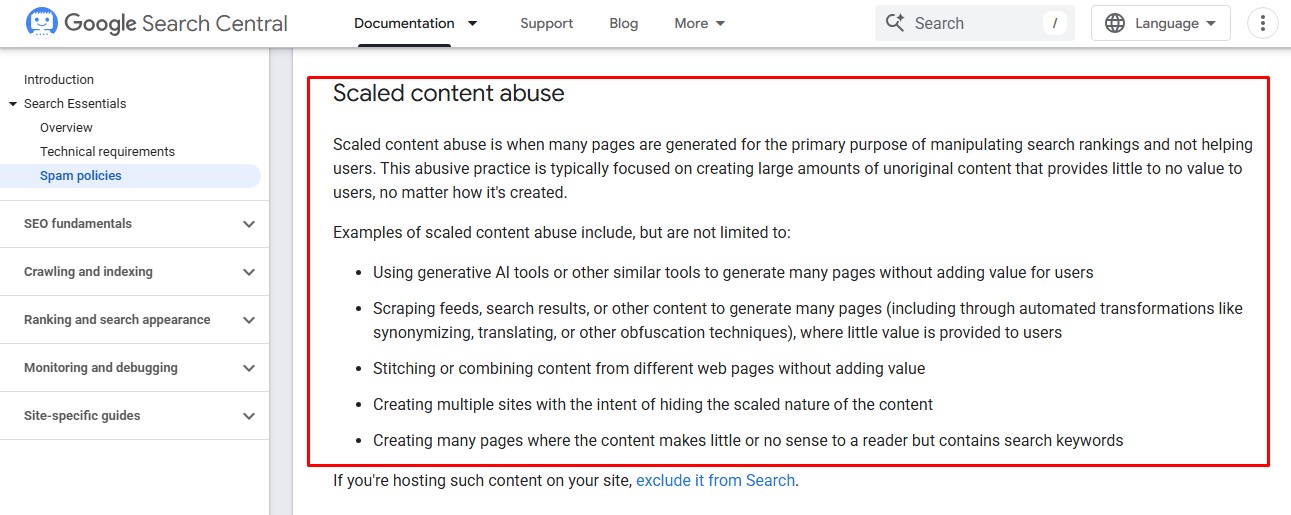
That order matters because each tool catches a different problem. An ai detector can help detect ai-generated patterns, but only a source check can tell me whether the fact, citation, and context are real.
| Tool | What I use it for | Useful detail | What it cannot prove |
| GPTZero | Quick screening of longer prose | Its FAQ says it has served over 17 million users and can highlight sentence-level patterns, which makes it useful for a fast first pass. | GPTZero also says results should start a conversation, not punish students, so I never treat it as final proof. |
| Turnitin | Reviewing class submissions | Its AI writing score is separate from the similarity score, and exact scores under 20% are hidden because false positives are more likely. | A similarity score is not a plagiarism verdict, and the AI model does not reliably read every format. |
| Scribbr | Public second opinion when I want a quick benchmark | In its 2026 comparison of 10 detectors, the average accuracy was 60%, with the best premium result at 84%. | That range is a good reminder that detection tools can still miss ai-generated writing and misread human-written text. |
So I treat detection tools as triage, not judgment. They help me decide where to look harder, and that is very different from deciding a piece of work is guilty of plagiarism.
Evaluate Source Citations for Accuracy
The first thing I do is ask the AI to show its sources, then I verify every field in the citation. I want the title, author, year, journal, page range, and DOI to line up before I trust anything built on that reference.
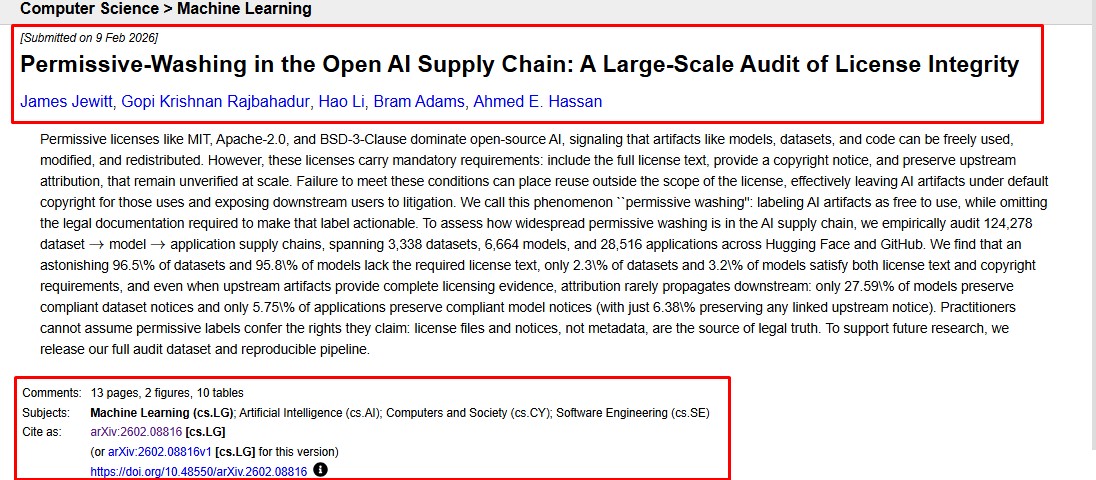
A 2023 published analysis reviewed 636 ChatGPT citations and found both fabricated references and serious errors inside real ones. That is why I check the full citation, not just the author name.
- Search the exact title in quotes in Google Scholar or your library catalog, such as NUsearch.
- If a DOI appears, compare the title, author, journal, and year in Crossref or a DOI lookup. A real DOI should not point to a different paper.
- Use Ctrl+F inside the source to find the exact statistic, phrase, or finding the AI used.
- Open “Cited by” or “All versions” in Google Scholar if the first result looks incomplete or paywalled.
- Ask a librarian for database help or interlibrary loan when the source looks real but access is blocked.
If I cannot find the source in a catalog, database, or DOI record, I cut it from my draft.
This one habit has saved me more time than any detector. Fake citations look convincing at a glance, but they usually fall apart as soon as I test the title, DOI, and page details against the real record.
Compare Claims Against Trusted Sources
After I verify the citation, I check the claim itself. A real source does not help if the ai-generated text twists the number, strips the context, or lifts one sentence out of a much bigger argument.
Stanford’s CRAFT program teaches lateral reading, which means opening new tabs and checking outside sources instead of trusting the first polished answer. I use that habit every time a chatbot gives me a date, statistic, or historical claim.
- Start with an official government page, university page, or original report.
- Find one independent explanation so you can compare wording, scope, and context.
- For research claims, search Google Scholar and subject databases such as ERIC, PsycINFO, MLA International Bibliography, or ACM Digital Library.
- If the AI gives you a statistic, trace it back to the original study or report instead of citing the summary.
- Use plagiarism checkers and content similarity detection as a final screen, not as a replacement for fact checking.
This checklist keeps me from mistaking clean ai content for verified evidence. It also protects academic integrity, because I am citing the real source rather than a chatbot’s version of it.
Identify Contradictions in AI-Generated Content
Even when every sentence sounds smooth, ai-generated content often gives itself away through inconsistency. I do one read for the main argument, then a second read just for dates, numbers, definitions, and version names.
Turnitin’s guide updated in March 2026 says its AI writing model does not reliably detect non-prose like bullet points, tables, annotated bibliographies, or code. That is a big reason I still do a manual review, especially when the answer comes back as neat bullet points.
- Highlight every date and make sure the timeline stays the same from beginning to end.
- Mark every number, percentage, and unit. If 12% becomes 18% later, stop and verify.
- Check whether key terms keep the same meaning in the introduction, body, and conclusion.
- Compare software versions, model names, and release years carefully, because generative ai tools often blur them together.
- If you drafted in Google Docs, check version history. Sudden shifts in tone or sentence structure tell you where closer verification is needed.
When dates move, definitions shift, or totals change, I stop editing for style and start verifying for accuracy.
Assessing the Timeliness and Context of Information
This is where a lot of students get tripped up. AI can produce a clean answer built on stale facts, especially for artificial intelligence, software, law, campus policy, and current events.
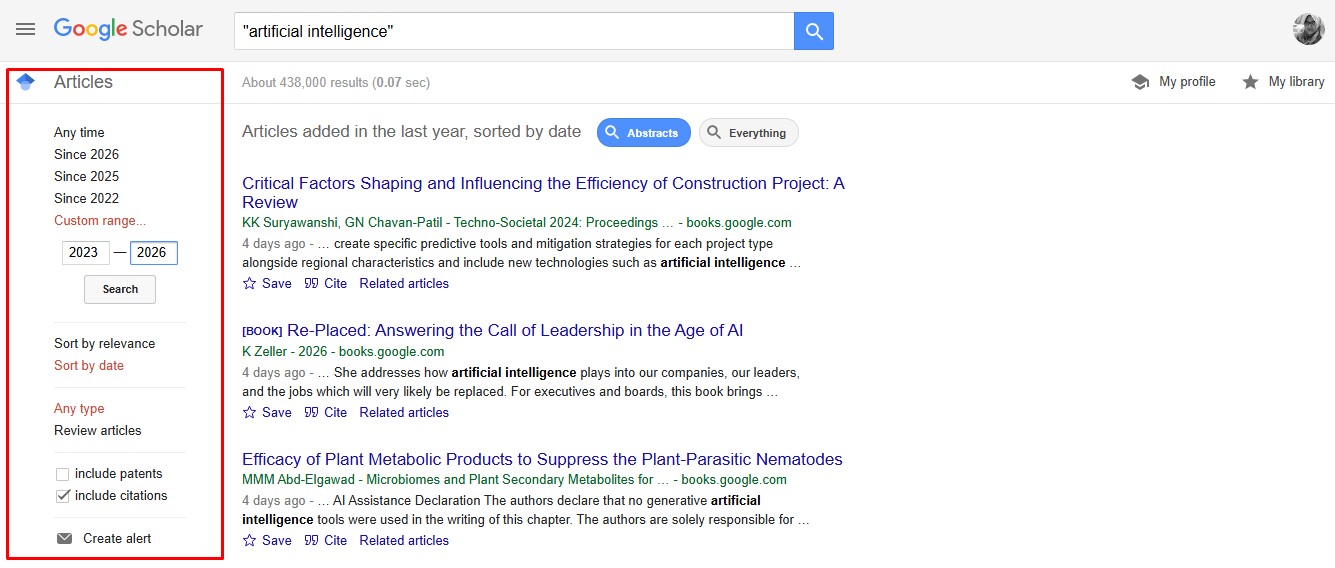
Google Scholar’s help pages point researchers to the “Since Year” and “Sort by date” filters when they need newer papers. I use those first, then compare the source date to the event, policy, or tool version the sentence is actually talking about.
- For fast-moving topics, I aim for 2026 sources first, then late 2025 if full-year data is the newest complete option.
- I check both the publication date and the last updated date, because those are not always the same.
- I match the source to the exact version in question. A GPT-4 era rule may not fit a GPT-5 era tool.
- For news, policy, or product claims, I confirm with two recent independent sources or the original announcement.
- When I need depth fast, I use librarian-curated research guides because they narrow me to the right databases faster than a broad internet search.
If the dates do not line up, I either rewrite the claim with context or remove it. Old facts are one of the easiest ways for ai-generated text to sound current when it is not.
Seek Expert Insights on Specialized or Complex Subjects
Some topics are too high-stakes for a quick scan. If the paragraph deals with medicine, law, engineering, accounting, or research methods, I want a human expert to confirm the parts that could cause real harm if they are wrong.
Northwestern’s student guidance says to check the syllabus and academic integrity expectations before using generative ai in assignments, and to talk with the instructor when the rules are unclear. I think that is the safest approach, especially when ai use for assignments sits in a gray area.
| Who I ask | Best for | What I bring with me |
| Librarian | Finding real sources, fixing fake citations, choosing the right database | The exact claim, the citation, and the keywords I already tried |
| Instructor | Course rules, academic misconduct questions, and citation expectations | The assignment prompt and the section where I used AI |
| Subject expert | Technical accuracy in fields like medicine, law, statistics, or engineering | The draft paragraph, supporting sources, and the part that still looks uncertain |
To keep the process practical, I use a short escalation flow.
- Do a quick source check first, and keep it under 10 minutes.
- If the claim still looks weak or conflicting, ask a librarian or instructor within 48 hours.
- If it remains unresolved and the topic is high-stakes, get subject expert review before you submit.
This keeps me from sending every small question to an expert while still protecting the parts of a paper that really matter.
Wrapping Up
My rule for ai-generated text is simple: use the tool for a draft, then verify the facts like a researcher.
GPTZero’s FAQ says the tool has served over 17 million users, but even GPTZero says detection should start a conversation, not automatic punishment. That is the mindset I use with every ai detector and every piece of ai-generated writing.
If I cannot confirm the source, date, and context, I do not use the claim. That habit protects academic integrity, lowers plagiarism risk, and helps me use ai tools like ChatGPT more responsibly.
Frequently Asked Questions on How Students Can Verify Ai-generated Information
1. How can I tell if a piece of writing was written by AI?
Look at sentence structure, note low burstiness, and watch for odd repeats or very even rhythm, ai models often leave these marks. Check perplexity scores when you can, and use artificial intelligence content detection to help tell if a piece is written by ai.
2. How do I use tools like Scribbr or Quillbot to check text?
Run the text through artificial intelligence content detection, try a citation checker, Scribbr, and test paraphrase likelihood with a paraphrase tool, Quillbot. Treat tool flags as one way to check, they can give false-positive results, so do more checks.
3. How do I check facts, and avoid inaccurate information from generative artificial intelligence?
Check every claim with trusted sources, copy a key sentence into a search, and confirm accuracy and precision. Ask ai for sources, but verify them, because generative artificial intelligence can invent facts.
4. Is it okay to use generative AI for assignments, and where in the writing process is it useful?
Use of generative ai can help with bullet points, idea drafts, and quick outlines, but do not rely on ai to write final work. Many schools view ai use for assignments as academic misconduct unless you cite it, so keep most work as human-written content.
5. How can teachers prevent students from hiding AI use, and spot synthetic media?
Ask for drafts, give in-class writing, check for a mismatch with a student’s normal voice, and test images with reverse search for synthetic media. Look at metadata, ask for edits, and ask the student to show how the work was made, to prove it was created by a human.
6. What if a detector says text is likely written by AI, but I think a human made it?
Know that detectors have limits, false-positive hits happen, and no tool is final; use source checks, a manual read for burstiness, and scan for odd specific words. Trust your judgement, ask a teacher or peer for a second look, and use more than one method to test the ability to detect ai-generated work.