

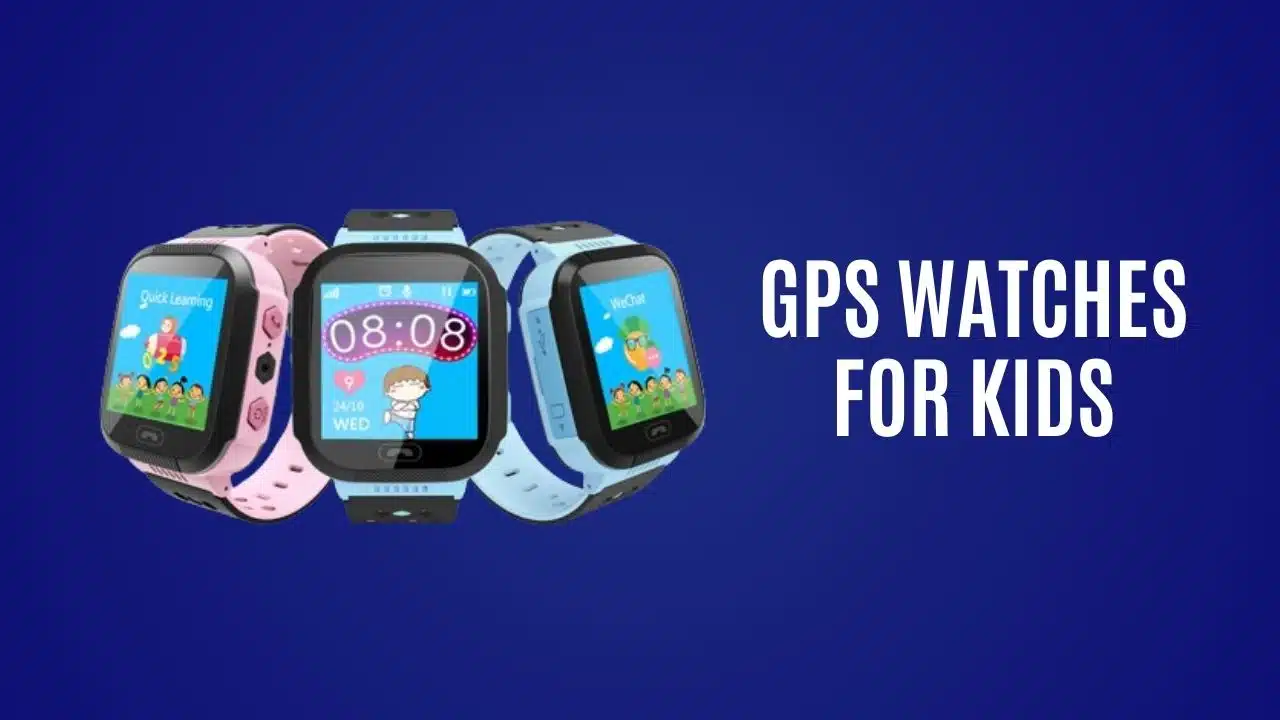
It is more important than ever for parents stay in touch with their children. It is high time for parents to keep their kids safe and also support their need for freedom from some protective measures. Fortunately, technology has stepped in to help.
Introducing GPS watches for kids – a technology that helps you keep track of your child’s whereabouts all the time. In this blog post, you will get to know why it’s important, how to choose the best one, top-rated GPS watches, tips for using GPS watches for kids, and what the future holds for child safety technology.
The Need for GPS Watches
Child safety is a growing concern for parents worldwide. The anxiety of not knowing where your child is can be overwhelming, especially when they start exploring the world on their own. Whether it’s a trip to the park, a visit to a friend’s house, or simply walking to school, having a reliable tracking device can offer peace of mind.
GPS watches provide an effective solution to this problem. They combine the functionality of a traditional watch with advanced GPS tracking capabilities, allowing parents to monitor their child’s location in real-time. This technological advancement ensures that you are always connected with your child, no matter where their adventures take them.
Features to Look For
When selecting a GPS watch for your child, it’s essential to consider several key features that will enhance both safety and functionality.
Battery Life
A long-lasting battery is crucial for continuous tracking, especially during extended activities or when you’re on the go. Look for watches that offer extended battery life, preferably those that can last several days on a single charge.
This ensures you won’t be interrupted by frequent recharging, allowing you to focus more on your activities and less on maintaining the device. Additionally, some models come with power-saving modes that can further extend battery life when needed.
Geofencing
Geofencing allows you to set safe zones for your child. If they venture outside these predefined areas, you’ll receive instant alerts. This feature is particularly useful for ensuring they stay within safe boundaries.
Two-Way Calling
Two-way calling enables direct communication between you and your child. In case of emergencies or simple check-ins, being able to call each other provides an extra layer of security and comfort.
SOS Button
An SOS button allows your child to send an immediate distress signal to you and other designated contacts. This feature is invaluable during emergencies, ensuring swift responses.
By simply pressing the button, your child can alert you to their exact location and situation, providing peace of mind for both you and them. This critical function can be particularly useful in scenarios such as getting lost, facing a threatening situation, or needing urgent medical assistance.
Durability and Water Resistance
Kids can be rough on their belongings, so a durable, water-resistant watch is necessary. Look for watches built to withstand daily wear and tear, as well as exposure to water.
Ease of Use
The watch should be user-friendly, with an intuitive interface that your child can easily navigate. Simple operation ensures that they can utilize its features without frustration.
Tips for Using GPS Watches
To maximize the benefits of a GPS watch for kids, consider these practical tips:
- Set Up Properly: Ensure the watch is correctly set up with accurate contact information and emergency numbers. Familiarize yourself with the app’s functionalities for seamless usage.
- Establish Boundaries: Use geofencing to establish safe zones and discuss these boundaries with your child. Explain the importance of staying within these areas for their safety.
- Privacy Settings: Educate your child about privacy and the importance of not sharing their watch with strangers. Regularly review and update privacy settings to protect their data.
- Regular Maintenance: Regularly charge the watch and check for software updates to ensure optimal performance. Inspect the device for any signs of wear and tear, replacing parts as needed.
- Emergency Protocols: Discuss emergency protocols with your child, including how and when to use the SOS button. Reassure them that it’s okay to reach out if they feel unsafe or unsure.
The Future of Child Safety Technology
The landscape of child safety technology is continually evolving. Innovations such as AI-powered tracking, enhanced wearable tech, and integration with smart home devices are on the horizon. These advancements will further improve the accuracy, functionality, and ease of use of child tracking devices.
For instance, AI algorithms can predict patterns and alert parents to unusual behavior, enhancing preventive measures. Wearables may also become more versatile, incorporating health monitoring features to track vitals and overall wellness.
Conclusion
A GPS watch for kids is the next level of reassurance available for parents who want to ensure their child’s safety. We all know how much better we feel when we know where our little ones are at all times, and when we have direct communication with them.
Now, with all these possibilities in the palm of your hand, new children’s safety devices are taking child tracking to an entirely new level. Unlike any other safety device on the market today, a GPS watch provides real-time tracking, geofencing, and direct communication. With more advances coming daily, the horizon is wide for the future of child safety.
























