

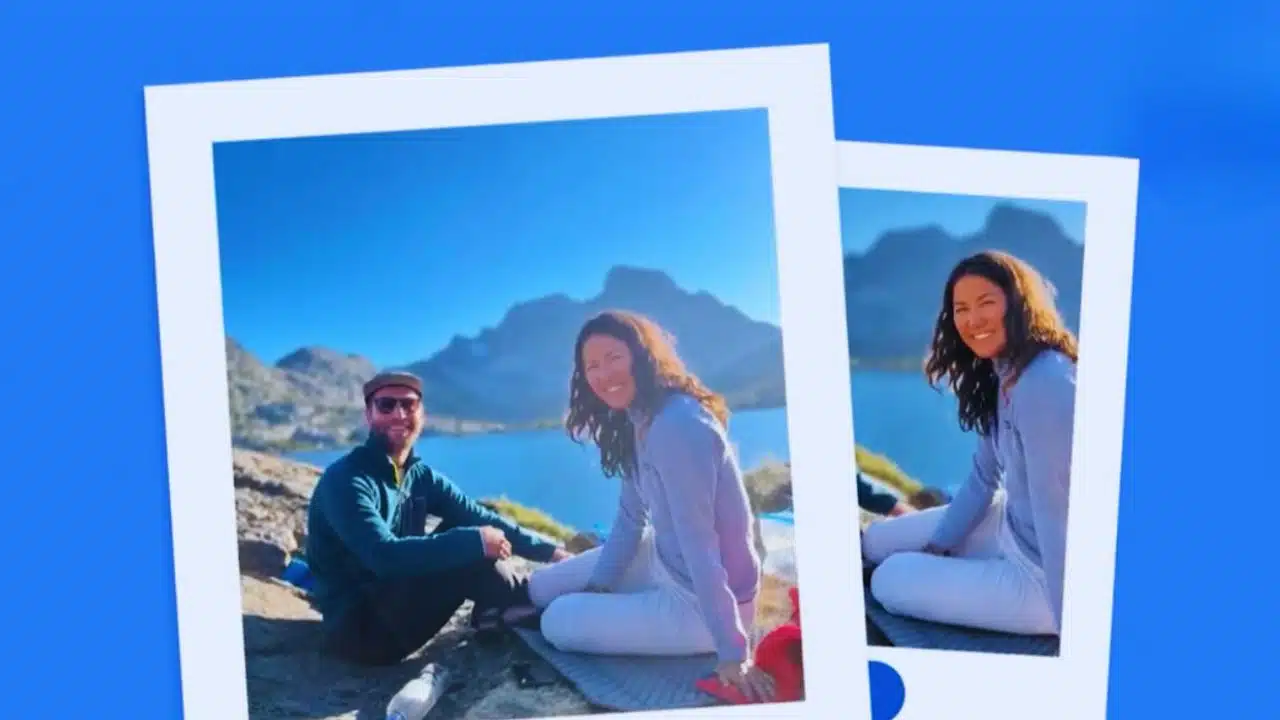
Google is bringing one of its most innovative AI features — conversational photo editing — to iPhone users. The latest update to Google Photos introduces a wave of intelligent tools that blend natural language processing with powerful image-generation technology, allowing users to edit their photos simply by describing what they want to change.
Until now, this “Help me edit” feature was exclusive to Pixel and select Android devices. With this rollout, iPhone users in the United States can now use their voice or text to command Google Photos to adjust or transform images. You can open a photo, tap the “Help me edit” button, and type or say something like “brighten the background,” “remove the stranger behind me,” or “make my smile look natural.” The AI then interprets the request and performs a series of contextual edits automatically, turning complicated retouching tasks into a simple conversation.
This expansion also brings a redesigned editor interface to iOS. The new layout introduces intuitive one-tap editing suggestions, gesture-based controls, and simplified sliders that allow users to make complex adjustments without diving into menus. Everything is designed to reduce friction — whether you want to crop, enhance lighting, or apply filters, the app now anticipates your intent and offers personalized options.
The feature leverages Google’s deep learning capabilities, including its Nano Banana AI model, which runs efficiently on-device for faster and privacy-preserving edits. This model enables Google Photos to go beyond conventional photo correction and move toward generative creativity. Users can now transform ordinary photos into artistic renderings — such as digital paintings, sketches, or mosaics — with stylistic consistency and realistic texture. Nano Banana uses multimodal training, meaning it understands both the content and context of a photo, allowing it to recreate elements naturally when altering light, background, or facial expressions.
Another major enhancement is in facial recognition–based editing. Google Photos now uses private face groups that you’ve already tagged in your library to improve the precision of edits involving people. This lets the AI accurately make changes like opening blinked eyes, removing glasses, smoothing uneven lighting across faces, or subtly adjusting expressions — for instance, adding a smile — while maintaining realism. These updates demonstrate how Google’s AI can reference your own photos securely to produce edits that reflect your natural appearance, not a generic face model.
In addition, Google is introducing a new “Ask” button that will appear for both Android and iPhone users. Tapping it launches a chatbot-style interface, allowing users to interact directly with Google Photos in conversational form. You can ask the assistant to edit, enhance, or explain aspects of a photo — for example, “make the sky look dramatic,” “show me all photos from Paris last summer,” or “who’s in this picture?” This conversational assistant bridges the gap between photo editing and visual search, making Google Photos a more dynamic and helpful companion for managing memories.
Android users are also getting new ready-made AI templates — pre-built editing prompts that let you instantly apply a certain look or theme without typing. Popular examples include “put me in a high-fashion photoshoot,” “create a cinematic portrait,” or “turn this into a watercolor painting.” The templates leverage Nano Banana’s generative power to stylize photos with artistic effects that previously required professional editing software. iPhone users are expected to receive these templates soon after initial Android testing.
The “Ask Photos” feature — which allows you to search your library with natural queries such as “show me my graduation photos” or “find pictures where I’m with my dog on the beach” — is being expanded to over 100 new regions and supports 17 additional languages. This makes photo discovery simpler for millions of users worldwide who can now talk to Google Photos in their native languages. Combined with the new AI editing suite, this positions Google Photos as both a visual archive and an intelligent editing studio.
Google has also emphasized user privacy and transparency in this rollout. Edited photos will include metadata or subtle visual markers to indicate AI involvement, ensuring authenticity and accountability. The company says on-device AI models like Nano Banana help minimize the need for cloud processing, keeping private photos secure while speeding up results. It also ensures users maintain full control — AI suggestions can be previewed, refined, or completely reversed before saving.
Overall, this expansion signals a new era for mobile photo editing. Instead of learning complex tools or relying on third-party apps, users can simply tell Google Photos what they want and see the results instantly. The app becomes a creative partner capable of interpreting your intent, refining portraits, removing unwanted elements, or completely re-imagining your pictures.
For iPhone users, especially those accustomed to manual adjustments in the Photos app, this update delivers a more natural, fluid, and intelligent experience. Whether you are a casual photographer, a content creator, or simply organizing your memories, Google Photos now acts as an AI-powered studio in your pocket. The combination of conversational editing, personalized face adjustments, artistic transformations, and expanded global language support represents one of the most comprehensive AI updates Google has ever rolled out for mobile photography.
Why This Update Matters for Everyday Users
This update transforms Google Photos from a simple storage and backup service into an AI-first creative platform. It redefines how users think about editing: instead of sliders, filters, and technical jargon, it’s now about conversation and intent. For instance, someone unfamiliar with photo software can now say “make this look like a professional headshot,” and the AI will adjust lighting, tone, and sharpness automatically.
The accuracy of facial editing also has deeper implications. By using your own photo history to reference your real features, Google’s AI ensures that any modification — from opening closed eyes to softening a smile — stays authentic rather than artificial. This kind of contextual editing could eventually eliminate the “uncanny valley” effect that often appears in poorly AI-generated portraits.
The creative power unlocked by the Nano Banana model goes beyond aesthetics. It invites users to express themselves artistically, turning snapshots into unique illustrations or stylized compositions. This opens new possibilities for artists, influencers, and content publishers who want to create high-impact visuals quickly and ethically.
At a broader level, the “Ask Photos” feature expansion makes image management far more intuitive. As libraries grow into tens of thousands of photos, being able to simply ask for “my 2022 travel pictures with friends” saves time and reduces friction. The multi-language rollout ensures this benefit is accessible across global markets, supporting Google’s mission to make AI universally useful.
This AI-driven evolution of Google Photos also points to a shift in the digital content ecosystem. As image-generation and natural-language editing merge, platforms like Google Photos, Canva, and Adobe Firefly are converging toward a single goal: enabling anyone — regardless of skill — to produce professional-quality visuals instantly. It’s not just an update; it’s a milestone in the democratization of creativity through AI.
For businesses, publishers, and media creators, including international digital media outlets, these tools could streamline creative workflows and reduce dependence on separate editing teams. The ability to generate quick variations, adapt photos for different formats, or localize imagery using voice-based prompts could accelerate production timelines dramatically.
In essence, Google’s new AI-powered update is more than a convenience; it represents a philosophical shift in how humans interact with technology. By turning language into a creative instrument, it breaks down the last barrier between imagination and execution. For iPhone users now gaining access to these features, the experience of editing photos will feel less like a technical process — and more like a natural dialogue between creativity and intelligence.



























