


Document management is crucial in today’s digital era. Many professionals encounter situations where they need to edit a PDF file. Although converting PDFs is pretty simple, several things can make conversion difficult. Knowing these typical mistakes can help you avoid them, save time, and get what you want.
Underestimating the File Compatibility
Another common mistake concerns file compatibility. Software converts PDF differently. Failure to recognize a format could result in corrupted content or missing important information. It is important to choose software that preserves the integrity of the data while converting. Before choosing the tool, make sure the PDF version is supported. This is one of the most vital steps to consider when you convert PDF to editable PDF format.
Ignoring Formatting Concerns
Preserving formatting is a big challenge while converting. If done improperly, the text alignment, font types, and image placements may remain clumsy. Those issues can easily be avoided by prioritizing tools that focus on format retention. Extract samples for the conversion process and ensure they are error-free before making the final conversion. This ensures that any potential issues are caught early.
Neglecting Image Quality
Images are the backbone of many documents, and Image quality must not be compromised. This may lower the quality of the images in the conversion process so you get pixelated or distorted colour. A program that has a higher level of image handling will ensure a superior result. Experiment by trying out different options to determine what works best for preserving visual quality.
Text Recognition Tools
For scanned PDFs, text recognition becomes a must. Paper is not just material to throw away; optical character recognition [OCR] technology is essential to converting scanned images into editable text. But not every OCR tool produces accurate results. While high-quality OCR tools come at a price, they are a good investment, as they ensure improved accuracy, so there is less need to manually correct problems. One should always check the output for missing text or mismatched strings.
Overlooking Security Measures
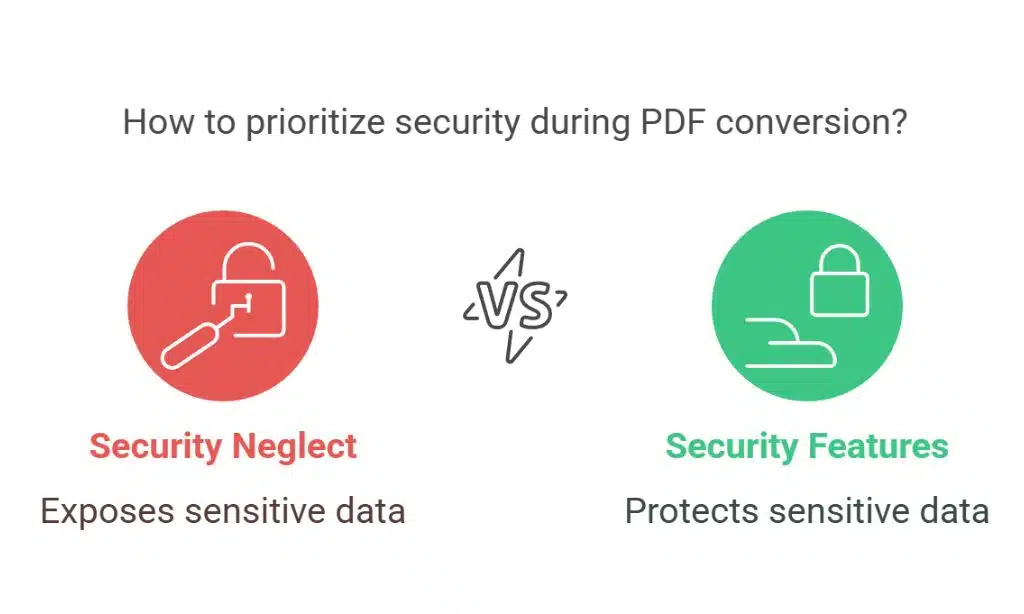
Security is seldom prioritized during the PDF conversion process. Unfortunately, if appropriate precautions are not taken, sensitive information may unintentionally be made available. Look for software that has security features, such as password protection and encryption. This ensures that sensitive data is protected during the transition.
Disregarding File Size
File size plays a big role in affecting the quality of a newly converted document. But the larger the file you take away from your product, the more it can be compressed, and the more detail is lost. On the flip side, capping files on the smaller end may lead to gnarled stretching of content. You need to strike a balance between the extent of the file store and quality. Choose tools that let you play around with compression settings to ensure the final product is of the desired quality.
Neglecting to Review the Result
You should also check the final output, which is an imperative step after the conversion is done. Not doing it would lead to errors that are not visible, thus affecting the usage of the document. Having a well-versed review can bring your remaining mistakes to light, which you have the time to rectify. Solicit help from a colleague or use some of the automated proofing tools to catch missed problems.
Choosing the Wrong Software
Not every conversion tool is the same. Choosing a program that may not be dependable can yield unsatisfactory results. Research and reviews are valuable tools that help customers decide on what software will work best for their specific needs. When choosing, take your time and compare things like usability, reliability, availability of customer support, etc. Making an informed choice for construction with retention [or a construction system] makes it easier to avoid common mistakes.
Not Taking Licensing and Permissions into Account
Do not ignore legal concerns while converting to PDF. The documents may be restricted for editing or distribution. License agreements and permissions need to be understood to avoid legal headaches. Make sure to check the specific terms for the document before converting it.
Conclusion
When converting all top PDFs to an editable format, paying attention to every detail is necessary. The key to achieving a one-stop transition from static to dynamic documents for professionals is steering clear of the pitfalls. Timely conversion from one file to another — addressing file compatibility, formatting, image quality, and security, among other aspects. Carefully reviewing the output and the tools best suited for the endeavor also adds to a seamless process. With this knowledge, anyone can confidently navigate the complexities of converting PDFs and the many tools available.




























