


Because so much web traffic is created from mobile, businesses can no longer avoid mobile. No longer will consumers settle for slow loading, clunky, or underdressed looking sites because people are on mobile. Instead, from the reading experience of a website to the browsing and buying experience of an eCommerce site, consumers expect the same access and options and more because if they know how quickly and efficiently they have to get things done, they know if a site is accessible on all platforms, it’ll be just as effective.
Thus, a Content Management System [CMS] fosters inter-channel accessibility, usability, and functionality. An excellent CMS simplifies mobile optimization as well. With the option for businesses to adjust responsive design, manage site speed, and easily modify navigation, mobile users can get what they need without worrying about crashes, lagging load speeds, or chaotic pages. Therefore, businesses with a CMS have a versatile, changing, and growing option that allows for adjustments for what future mobile developments may be to create quality experiences that keep users on the page and converting.
Enabling Responsive Web Design for a Seamless Mobile Experience
A CMS also controls much of a website so that websites automatically switch and more dynamic designs emerge to create the same experience on a desktop vs. tablet vs. smartphone. If a site is not responsive, or if it is not created to at least adjust and function properly on a mobile device, for example, users are met with illogical graphics, text they cannot see or read, and annoying drop-down or sliding menus that frustrate them enough to exit the site.
A site with a CMS, for example, will have a functioning and available product page, cart, and checkout page on mobile all working just as they do on a desktop. A responsive design allows for customer scrolling, pinching, and zooming into images and payment options without issue. These features are all made possible through a CMS that offers so many ready-made templates and design layouts to choose from that resize automatically.
Enhancing Mobile Page Speed and Performance
Website loading speed is essential to user experience and user engagement. If a site fails to load in time, users don’t even see it and bounce away. Therefore, a CMS must be robust in the performance department. It manages all content delivery, reduces unnecessary coding by having less on the administrative and public-facing sides, and boasts caching capabilities to reduce loading times. For instance, a news site on a CMS doesn’t have to think about certain aspects because CSS functionalities exist like lazy loading [i.e., images and videos don’t load all at once but load as they come into view so the first load is quicker and scrolling becomes easier]. In addition, a CMS usually has out-of-the-box opportunities that compress media files, readjust JavaScript rendering, and engage Content Delivery Networks [CDN] to spread information more effectively. These changes help with mobile use and mobile SEO because sites that load quickly rank higher.
Improving Mobile SEO for Higher Search Visibility
A CMS is necessary for mobile-first indexing, this means that the mobile version of a site is what Google uses as the attention version for its ranking algorithms. Therefore, if a site is not mobile optimized or friendly, it will drop in rankings and be invisible to the consumer. A CMS allows for businesses to implement mobile SEO best practices via things like metadata and content structuring/page indexing. Think of a travel site working off a CMS.
It’s properly tagged for mobile search with destination guides, hotel offerings, and reservation forms. The ability to create mobile URLs, structured data, and lightning-fast load times exists with a CMS. Thus, everything a potential traveler needs access to is in one place with little hassle. When businesses capitalize on CMSs to enhance their mobile SEO, their likelihood of obtaining organic traffic and higher rankings significantly increases.
Ensuring Consistent Content Across All Devices
A CMS means a centralized content management system which permits consistency across channels and devices. For example, someone going to the company website from a desktop site versus a mobile or tablet site should see the same branding, information, and CTA and is more likely to see the same with a CMS as opposed to without because without, there are more access points to different content and different information instead of a centralized dashboard. For instance, a digital learning site that offers courses and resources would need a CMS to ensure that course material, learning videos, and assessments are all accessible and properly formatted for viewing across mobile devices.
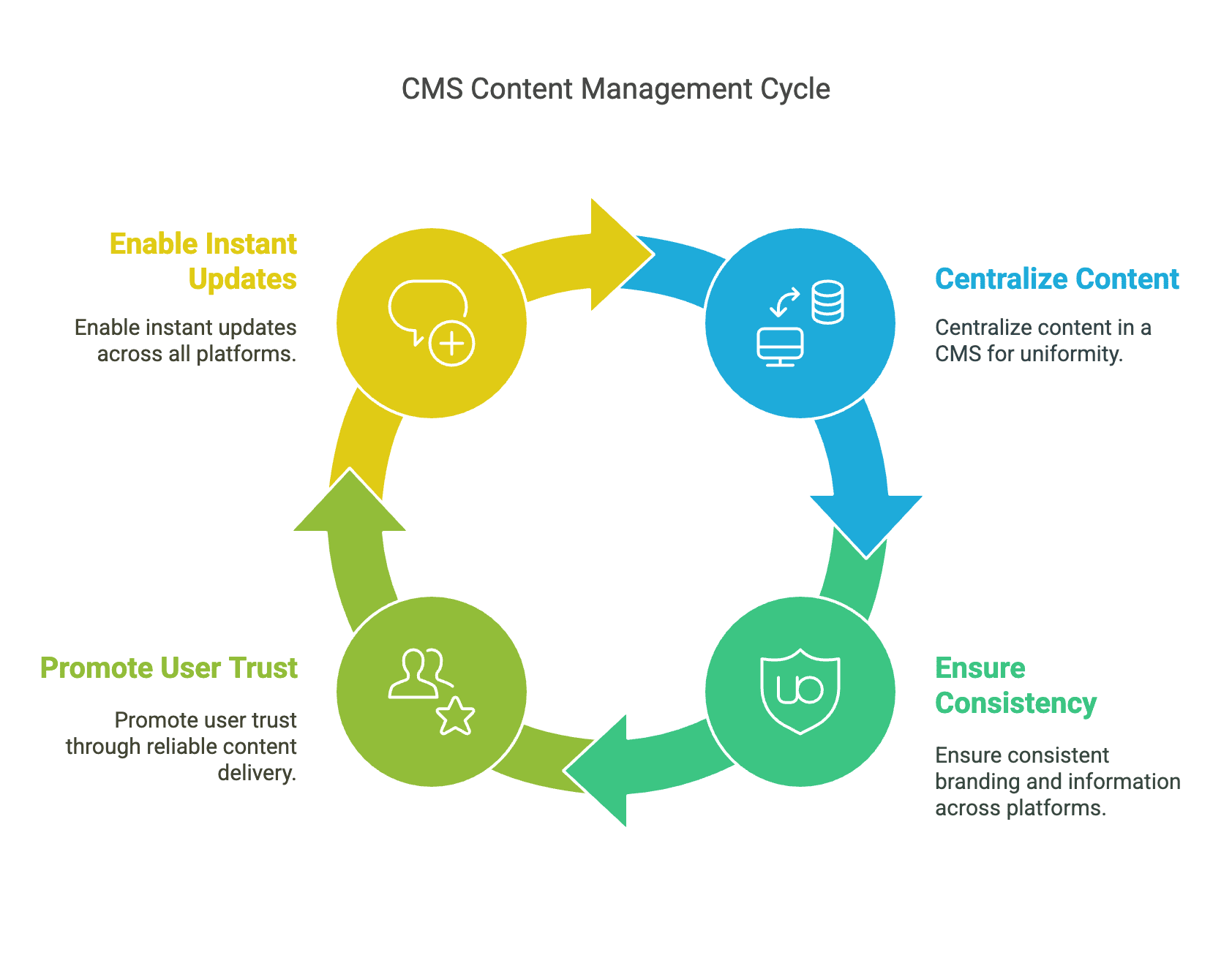
Such uniformity promotes user trust and engagement since they never have to worry about a page displaying improperly or content being missing from apps. Furthermore, a CMS allows for editing and changing content in multiple areas at once and almost instantaneously; instead of waiting to access the separate version of the site at a later date to edit and change articles, businesses can publish simultaneously everywhere without concern.
Mobile relies heavily on navigation. If a menu isn’t designed appropriately or something isn’t easily tappable, users will get frustrated and exit. Bad navigation makes for higher bounce rates. Benefits of headless CMS over WordPress become evident in mobile optimization, as headless CMS solutions provide greater flexibility, faster performance, and seamless multi-device experiences compared to traditional WordPress setups. A CMS allows for quick adjustments to a mobile site so that an effortless, user-friendly experience is guaranteed. For example, a restaurant chain with a CMS can develop its own mobile menu, enabling customers to not only view meals but also simultaneously comprehend ordering and their location, all on one page. The system creates the transfer page fluidity needed to facilitate internal travel. Expandable dropdowns, buttons pressed by thumb interaction, and large CTAs offer the optimum mobile experience, giving customers more access to what the site has to offer.
Supporting the Growth of Mobile Commerce [M-Commerce]
With the rise of m-commerce, brands now need a CMS that supports the mobile shopping journey. For example, a CMS that enables mobile checkout reduces cart abandonment because it works with payment solutions such as Apple Pay and Google Pay to ensure fast, effortless payment. For instance, the CMS enables an electronics store to streamline its checkout by minimizing fields on a form and enabling payment options. A mobile responsive way to shop means people can get what they need quickly and without distraction, increasing conversion rates. In addition, the CMS allows for targeted marketing efforts that generate within the app/push notifications for sales and critical new inventory. This keeps people active in the store and willing to purchase.
Leveraging CMS Analytics to Optimize Mobile Performance
Since mobile optimization is an ongoing endeavor, the opportunity to have a CMS to collect data on how people use the site from their personal devices is critical. This is how businesses learn what’s successful and what’s ineffective by assessing how people engage with their site and how they engage on their site. For example, an eCommerce clothing company can use CMS analytics to understand which of its mobile pages is visited most often, how long people are on specific product pages, or where they exit the purchasing funnel. This enables firms to fine-tune their mobile offerings through page positioning, rewriting content, and better functionality. They have all of this information at their disposal for continual use in real-time decision-making that enhances the mobile experience and boosts conversion.
Takeaways
Mobile optimization relies upon a CMS because a CMS is how sites are built in the first place. CMSs ensure speed, responsiveness, and accessibility across devices as they facilitate responsive web design, increased site speed, fundamental SEO features, and on-the-go navigation; thus, a CMS is critical to creating a foundation that truly captivates users. With web traffic increasingly derived from mobile, it’s just a matter of time before companies that go mobile-first and subsequently exploit CMS functions for their advantage get ahead. Because CMS facilitates navigation and engagement, as well as goal fulfillment, an upgrade is critical for any company to remain on par in a mobile-driven realm. Thus, companies that take the plunge to make their CMS more mobile responsive will enjoy highe customer engagement rates and increased online discoverability for years to come.



























