

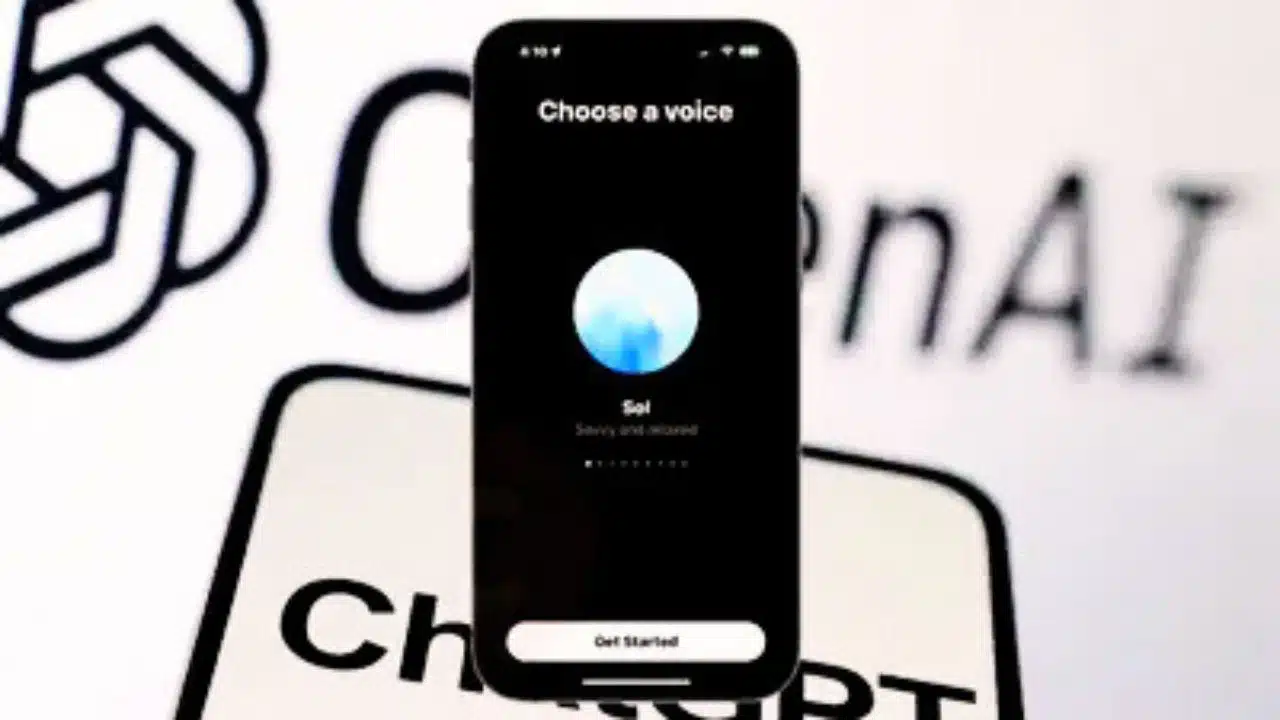
OpenAI has rolled out a major update to ChatGPT, embedding Voice Mode directly into the primary chat interface for all users across web and mobile platforms. This change eliminates the need to switch to a separate full-screen view, allowing users to speak naturally while viewing real-time text transcripts, responses, and visual elements like maps or images in one seamless window.
The rollout began on November 25, 2025, requiring only an app update or browser refresh to access, positioning ChatGPT as a more intuitive multimodal assistant amid intensifying competition.
From Separate Screen to Unified Chat
Previously, activating Voice Mode transported users to a dedicated screen with a pulsing blue orb, limiting access to chat history and rich content like visuals during conversations. The new integration places a microphone icon in the chat composer, enabling instant voice input with live transcription that refines in real-time as users speak, including handling pauses, intonation, and interruptions.
Responses now appear concurrently as spoken audio and on-screen text, complete with interactive elements such as weather cards or route maps, all within the ongoing thread for easy scrolling and review. This hybrid approach blends voice with text history, making interactions feel more like natural dialogues rather than disjointed modes.
How It Works Across Platforms
On mobile apps and web, users tap the mic to start, with ChatGPT processing speech alongside text inputs in a stateful conversation that supports modality switches without losing context. Paid subscribers on Plus, Pro, or higher plans access Advanced Voice Mode for faster responses, more expressive tones, and low-latency turn-taking powered by models like GPT-4o.
Those preferring the original experience can toggle “Separate mode” in Settings > Voice Mode to revert to the full-screen UI, ensuring flexibility for diverse preferences. Privacy controls remain robust, with transcripts sent for processing but options for data management, especially in enterprise settings.
Real-World Impact and Use Cases
This update streamlines everyday tasks: commuters query routes and see maps inline before responding verbally; cooks with messy hands dictate recipes while viewing steps; students practice languages with instant transcript feedback. Knowledge workers benefit from voice-dictation into searchable threads, reducing context-switching in multitasking workflows.
For content creators monitoring global trends, it enables hands-free news queries with visual summaries, aligning with rising voice adoption in mobile computing as reported by industry surveys.
Competitive Edge in AI Voice Race
OpenAI’s move counters Google’s Gemini Live and incumbents like Siri, emphasizing multimodal fusion where voice, text, and visuals coexist without friction to drive mainstream adoption. By defaulting to in-chat voice, the company bets on conversation as the future UI, maturing its tech from cautious rollouts to ubiquitous access.
This positions ChatGPT closer to an always-available assistant, potentially reshaping how millions engage with AI daily amid broader industry shifts toward real-time, low-latency models.

























