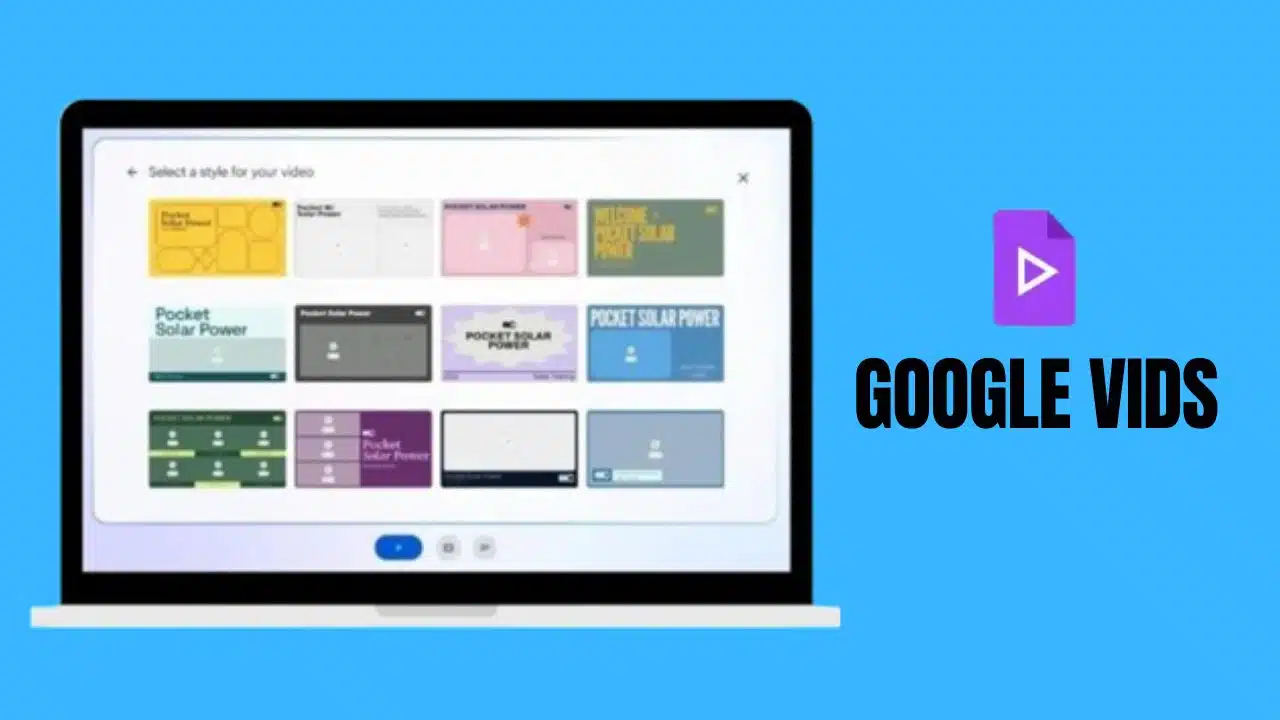
Google has just announced a groundbreaking addition to its Workspace suite at the highly anticipated Cloud Next 2024 conference. The new tool, called Google Vids, is set to transform the way users create professional-quality videos by leveraging the power of generative AI. This innovative feature aims to simplify the process of producing engaging video content for a wide range of purposes, including team recaps, important announcements, training reels, and much more.
With Google Vids, users can quickly and easily generate compelling video content by simply describing their goals, target audience, and desired video length. The AI assistant then takes this information and generates a draft with suggested scenes, carefully curated stock videos, eye-catching images, and appropriate background music. Users have the flexibility to customize and rearrange these elements to their liking, ensuring that the final product aligns with their unique vision and requirements.
One of the standout features of Vids is its advanced voiceover capabilities. Users have the option to add a personal touch by recording their own voice or can save time by selecting from a range of AI preset voices that suit their needs. This eliminates the need for time-consuming voiceover work and allows users to focus on crafting the perfect message for their audience.
Google Vids will be seamlessly integrated into the Workspace suite as a web app, alongside popular tools like Docs, Slides, Sheets, and Slides. The user interface has been meticulously designed to be intuitive and user-friendly, ensuring that even those with limited video editing experience can navigate the tool with ease. Additionally, Vids promotes seamless collaboration among team members, allowing multiple users to work together on a single project, streamlining the creative process and fostering a sense of teamwork.
The initial testing and rollout of Google Vids is set to commence in June 2024. During this phase, Google will gather valuable feedback from early adopters to refine the tool and ensure that it meets the needs of its diverse user base. Based on the insights gained during this period, Google will make an informed decision on whether to make Vids widely available to all Workspace users, potentially revolutionizing the way businesses and individuals create and share video content.
As the demand for engaging video content continues to rise, particularly in the realm of business communication and training, tools like Google Vids are poised to become indispensable assets for organizations looking to stay ahead of the curve. By harnessing the power of AI-driven capabilities and seamlessly integrating with the familiar Workspace suite, Vids has the potential to significantly reduce the time and effort required to produce high-quality videos, empowering teams to communicate more effectively and efficiently.
Moreover, the introduction of Google Vids demonstrates the company’s commitment to pushing the boundaries of AI technology and providing its users with cutting-edge tools that enhance productivity and foster creativity. As the world continues to embrace digital transformation, innovations like Google Vids will undoubtedly play a crucial role in shaping the future of work and communication.