You built an app, but few people find it. Many indie developers face low visibility and slow growth, and that feels rough. Apps that rank high get most downloads; about 70% start with a store search. This post covers the best app store optimization tools, including features, pros, and cons, plus quick tips to boost keywords, visuals, and conversion rates. Ready to climb the charts?
1. AppTweak
AppTweak helps indie developers boost their app’s visibility. It offers keyword research and competitor insights to enhance app store performance.
Features & Description (AppTweak)
It helps indie devs find high-value keywords fast. Users get search volume, difficulty scores, and trend charts. The app shows how rivals rank, and it tracks shifts in store rankings.
Teams can watch conversion rates for icons, screenshots, and descriptions.
Reports link keyword moves to organic traffic changes. Marketers use the data to test visual assets and tweak metadata. The dashboard updates daily, so you see fresh performance data.
Pricing fits small teams, and a trial lets you test features.
Pros & Cons (AppTweak)
Here are quick pros and cons of AppTweak for indie developers.
| Readers | Pros (Summary) | Cons (Summary) |
|---|---|---|
| AppTweak, a popular ASO tool, aimed at small teams. | Keyword research is deep, it shows search volumes and difficulty. | Price can be steep, for solo devs or tiny teams. |
| Store performance reports, give clear trends over time. | Some advanced reports need higher plans, so costs rise. | |
| Competitor tracking works well, you can spot moves fast. | Learning curve exists, new users need time to learn features. | |
| Localized keyword suggestions, help apps rank in many countries. | Data for smaller markets can be sparse, less reliable. | |
| Nice UI, simple layout, dashboards load quickly. | Mobile A/B testing is limited, you may need another tool. | |
| Price plans start monthly, and offer tiered features. | Free trial is short, decisions must be quick. | API access costs extra, budgets must stretch. |
2. Appfigures
Appfigures is a powerful tool for indie developers. It helps track app performance and gather key data.
Features & Description (Appfigures)
You get daily store stats, downloads, and revenue in one dashboard, so you can track app rankings and organic traffic. The tool shows keyword research, search volume, and rank changes, and it flags opportunities to boost app visibility.
The platform adds competitor analysis, screenshot and icon tracking, and visual assets reports to help with conversion rates. Simple charts and exportable analytics tools make user acquisition and mobile growth work feel less like guesswork.
Pros & Cons (Appfigures)
Readers, here are quick pros and cons of Appfigures, in short points.
| Pros | Cons |
|---|---|
|
|
3. MobileAction
MobileAction is a tool for indie developers to boost app visibility. It helps with keyword research and competitor analysis, making apps stand out in stores.
Features & Description (MobileAction)
MobileAction assists indie developers in increasing their app visibility. It provides tools for keyword research, download optimization, and competitor analysis. Developers can monitor their app’s performance effortlessly.
They receive insights into store rankings and conversion rates. This tool also supplies visual assets to improve apps’ appeal.
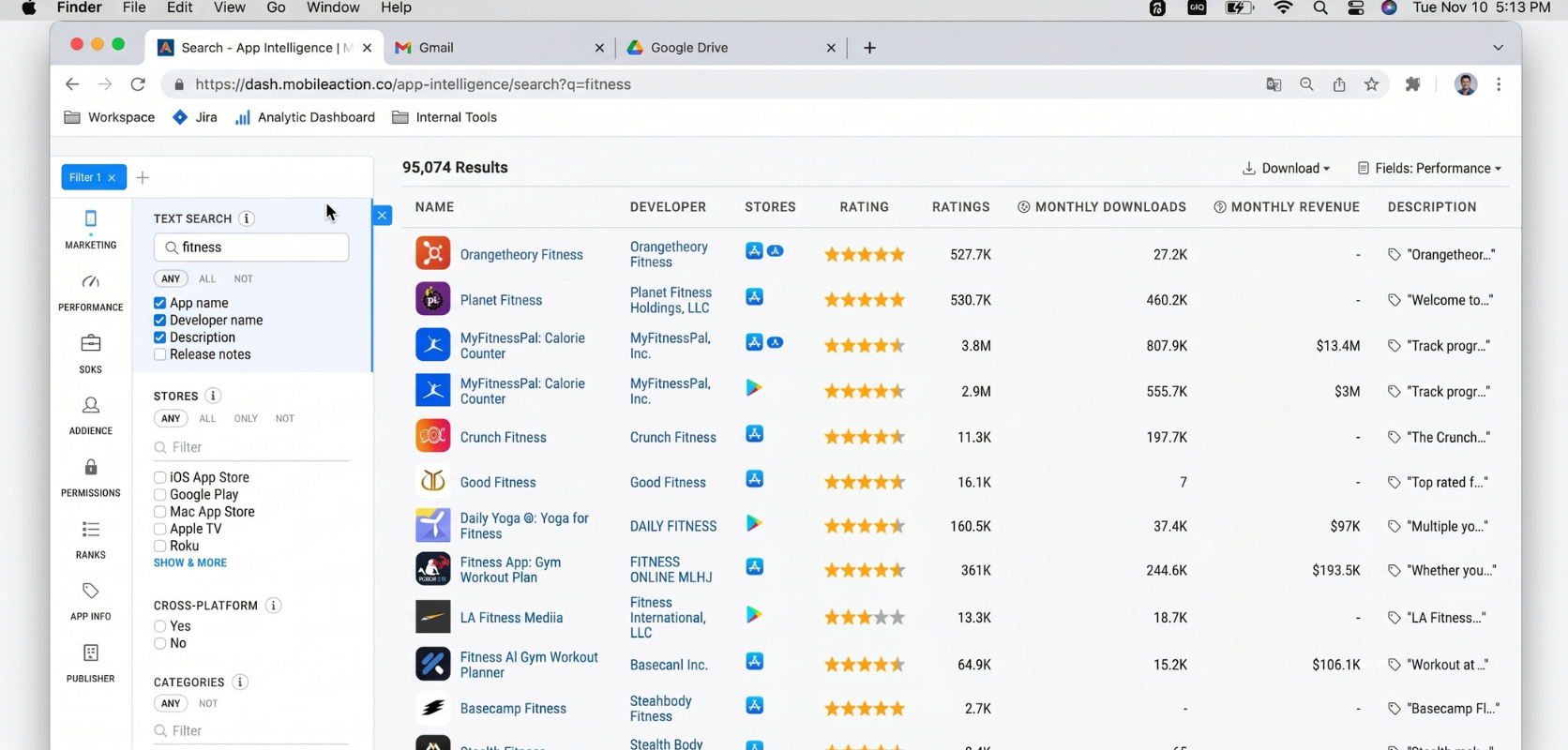
With MobileAction, users examine keywords to identify the best ones for growth. The platform displays trends that aid in mobile app marketing decisions. User acquisition becomes simpler through targeted strategies based on analytics data.
It effectively supports developers aiming to enhance user engagement and organic traffic.
Pros & Cons (MobileAction)
Here are quick pros and cons to weigh.
| Pros | Cons |
|---|---|
|
|
4. Sensor Tower
Sensor Tower helps developers track app performance. It gives insights on user acquisition, revenue estimates, and keyword rankings.
Features & Description (Sensor Tower)
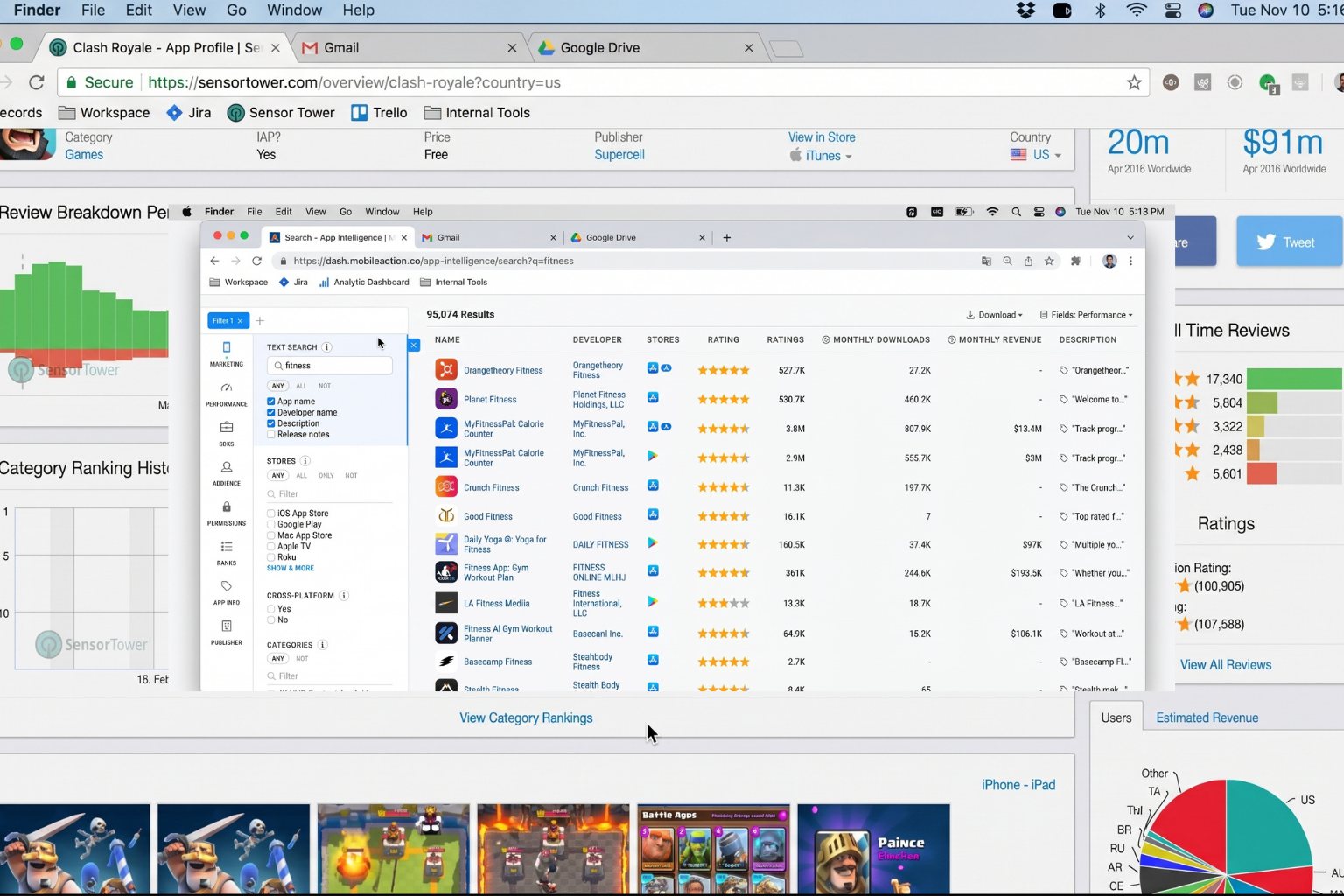
Sensor Tower offers many features that assist indie developers. It provides app store analytics, keyword research tools, and market insights. Users can track their app rankings over time.
They can see how their competitors perform too. The platform shows download estimates and revenue reports for apps. This data helps developers understand trends in mobile growth.
The user interface is friendly and easy to use. Developers find valuable information quickly with just a few clicks. Sensor Tower also offers visual assets for better presentations and marketing efforts.
With detailed competitor analysis, users gain an advantage in the app store environment. App visibility increases as teams utilize these insights to enhance downloads and improve conversions effectively.
Pros & Cons (Sensor Tower)
Sensor Tower offers great tools for app store optimization. It helps with keyword research and competitor analysis. Users can track their app’s performance, which is useful for mobile growth. The analytics provided help improve download optimization.
One downside is the cost; it might be high for indie developers. Some users find the interface a bit complex at first. However, once you get used to it, the insights are valuable. Its strong points lie in enhancing app visibility and improving conversion rates, despite its few drawbacks.
5. SplitMetrics Optimize
SplitMetrics Optimize helps you test app store visuals. It identifies what captures users’ attention best. You can try different icons, images, and layouts. This tool demonstrates how each change influences downloads.
It’s an excellent way to enhance your app’s appeal!
Features & Description (SplitMetrics Optimize)
SplitMetrics Optimize helps developers enhance their app store listings. It offers A/B testing for visual assets like icons and screenshots. This feature allows you to see what attracts more users to your app.
You can test different designs, colors, or text to find the best fit.
The tool also provides analytics to monitor performance. It shows how well your app is doing in terms of downloads and user engagement. Developers can compare their apps against competitors as well.
This gives insights into what works best in the market. In summary, SplitMetrics Optimize is beneficial for indie developers who want to increase visibility and attract more users through effective strategies.
Pros & Cons (SplitMetrics Optimize)
SplitMetrics Optimize offers clear benefits and some drawbacks. Users can test different app store layouts easily. This helps improve app visibility and increases download optimization. It allows for better analysis of conversion rates, too. The tool also simplifies A/B testing for visuals and descriptions.
On the other hand, it may be challenging for new users to use at first. Some features require time to master completely. The cost might be a consideration for indie developers working with tight budgets. Despite these drawbacks, many find SplitMetrics Optimize useful in improving their app’s performance in stores like the Apple App Store or Google Play Store.
Best App Store Optimization Tools: Final Thoughts
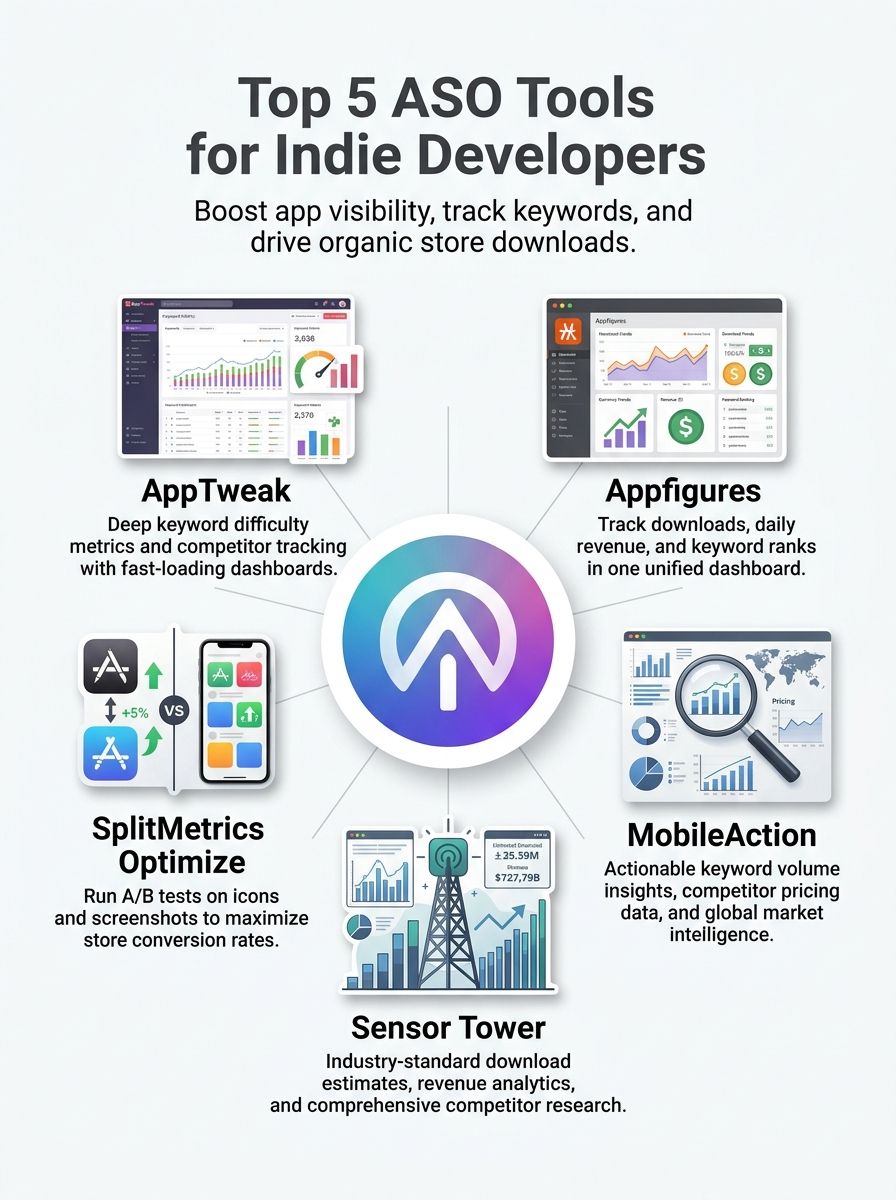
You have now learned about five great tools for app store optimization. AppTweak, Appfigures, MobileAction, Sensor Tower, and SplitMetrics Optimize can help indie developers increase visibility and boost downloads.
Each tool offers unique features that make them practical and easy to use. By applying these strategies, you can see real changes in your app’s performance and user engagement. Each step you take now contributes to your success in mobile app marketing, so prepare yourself and get started!