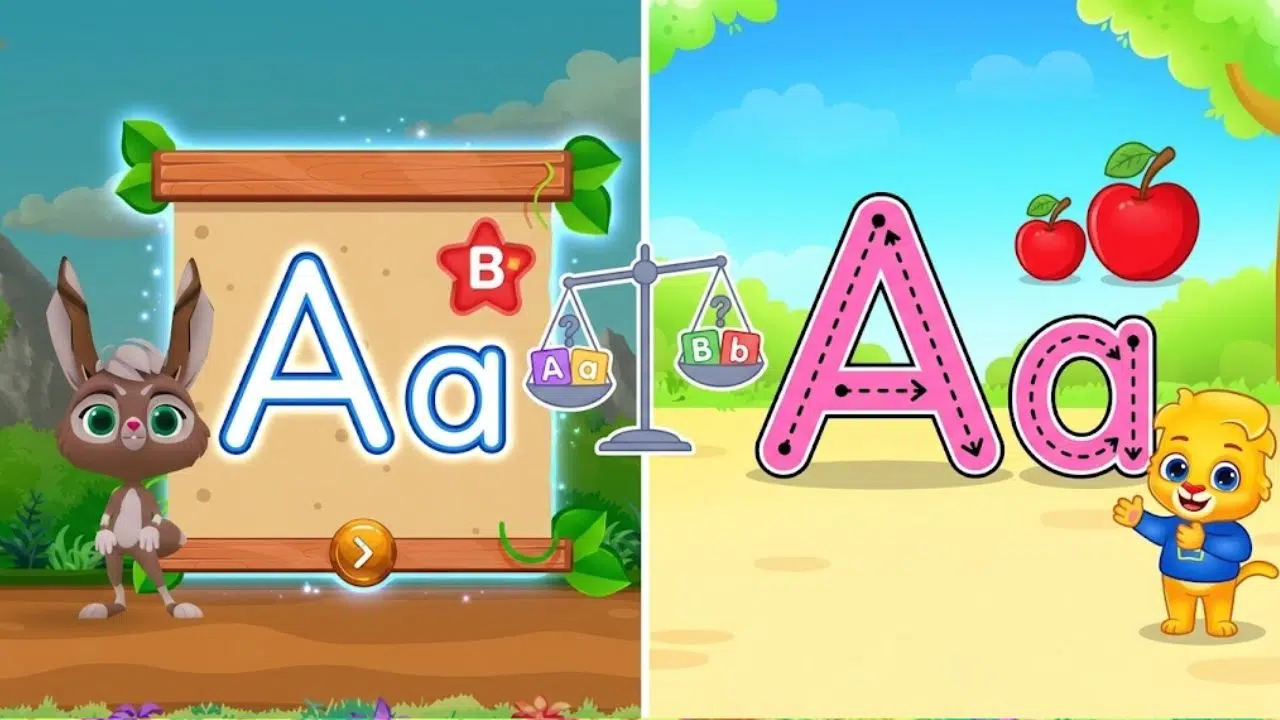
Alphabet Magic vs ABC Kids comes down to more than whether both apps include uppercase and lowercase letters. Parents also need to know whether a child can see how each letter is formed, follow the tracing path, and practice without getting lost in other activities.
I have firsthand experience with Alphabet Magic Trace & Phonics. My nephew used it from around age three to four and a half. He knew uppercase letters before he started. Over time, he practiced lowercase letters, letter sounds, and tracing. He needed some help at first, then became more independent.
I have not completed the same tracing test with ABC Kids, so I can’t claim that I watched a child use both apps under matching conditions. This comparison uses my experience with Alphabet Magic and the apps’ current Google Play descriptions for the feature-by-feature details. The practical question is which app appears to make uppercase and lowercase practice easier to follow.
Alphabet Magic vs ABC Kids: What Counts as Clear Practice?
For a young learner, clear practice means the app makes the next step easy to understand. A child should be able to tell which letter they are practising, where to begin, and which direction to move. The app should also make a useful distinction between capital and lowercase forms.
Tracing alone does not prove that a child can write a letter independently. It gives them a chance to look at a shape and move a finger along it. A parent can learn more by asking the child to find the same letter in a book or try drawing it on paper.
The apps describe similar core features. Alphabet Magic lists separate uppercase and lowercase tracing activities, along with letter matching, phonics games, and other mini-games. ABC Kids also lists uppercase and lowercase tracing, phonics pairing, and letter matching. Both apps therefore cover the basic practice this comparison is about. Their public descriptions do not show enough detail to judge which tracing guide is visually clearer in use.
Alphabet Magic vs ABC Kids: How Alphabet Magic Fits Our Practice
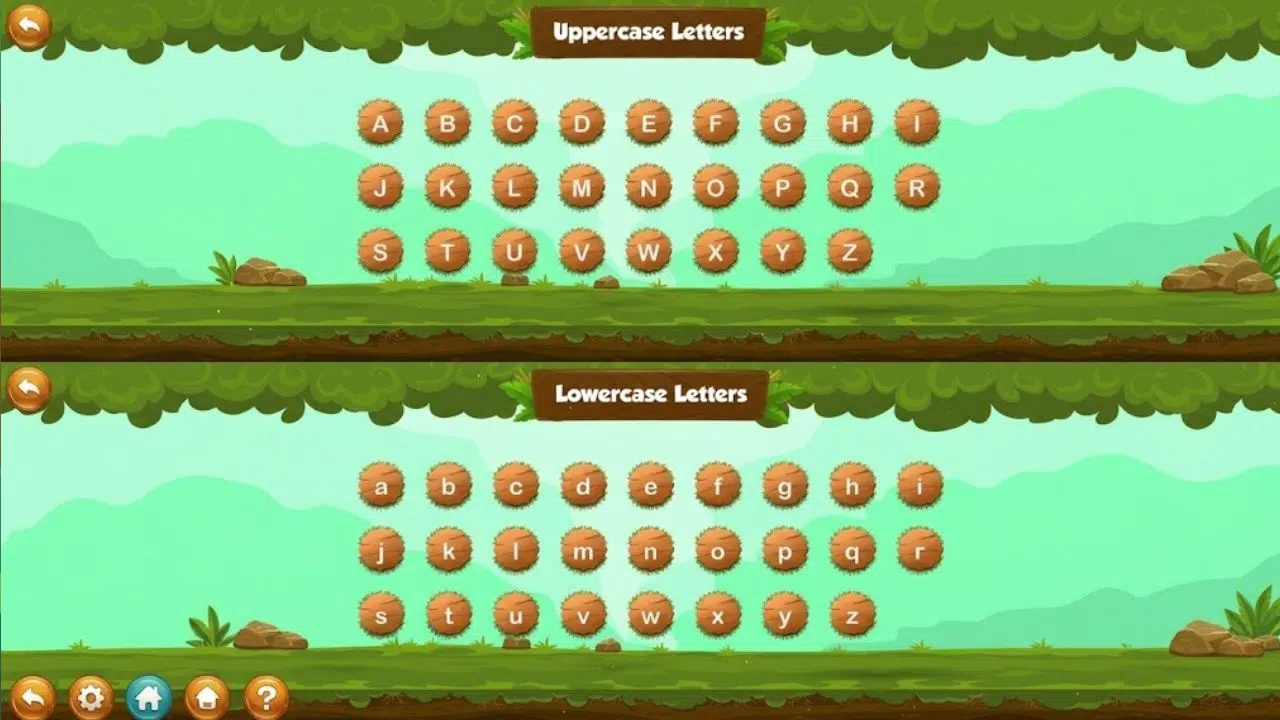
When my nephew began using Alphabet Magic, he already recognized uppercase letters. The app became part of his practice as he learned lowercase letters, letter sounds, and how to trace the shapes.
At first, he needed help. That mattered more to me than whether he could tap through a game by himself. I wanted to see whether he could follow the activity, understand what the letter was, and keep trying. With time, he became more comfortable using the app independently.
His learning was not limited to the screen. He began to recognize letters outside the app, such as in books and other places where he saw written words. That gave me a better signal than a completed tracing round: he was noticing letters in everyday settings.
Alphabet Magic’s listing describes two separate tracing activities, one for uppercase letters and one for lowercase letters. It also lists matching, phonics, and spelling activities. That range may help a child move between recognizing letters, hearing sounds, and tracing shapes, though the listing alone cannot tell us how well each activity works for a particular child.
Alphabet Magic vs ABC Kids: What ABC Kids Lists for Letter Learning
ABC Kids – Tracing & Phonics is published by RV AppStudios. Its Google Play listing says children can trace, listen to, and match both uppercase and lowercase letters. It also describes phonics pairing, matching exercises, sticker rewards, and a Teacher Mode with report cards and controls for tracing and phonics activities.
Those parent controls may be useful for adults who want to adjust the activities or review the app’s report cards. The listing also says the app has no third-party ads or in-app purchases. That is a helpful point for families who want to avoid ads and prompts to buy extra content.
Alphabet Magic also has a wider set of listed activities, including Cosmic Letter Discovery, Star Match, Star Connect, Twinkle Tap, Ocean Adventure, and spelling practice. The number of activities may provide variety, but more activities do not automatically mean clearer tracing. A direct comparison would need to check the letter guides themselves, not just the number of games each listing names.
Alphabet Magic vs ABC Kids: Uppercase and Lowercase Coverage
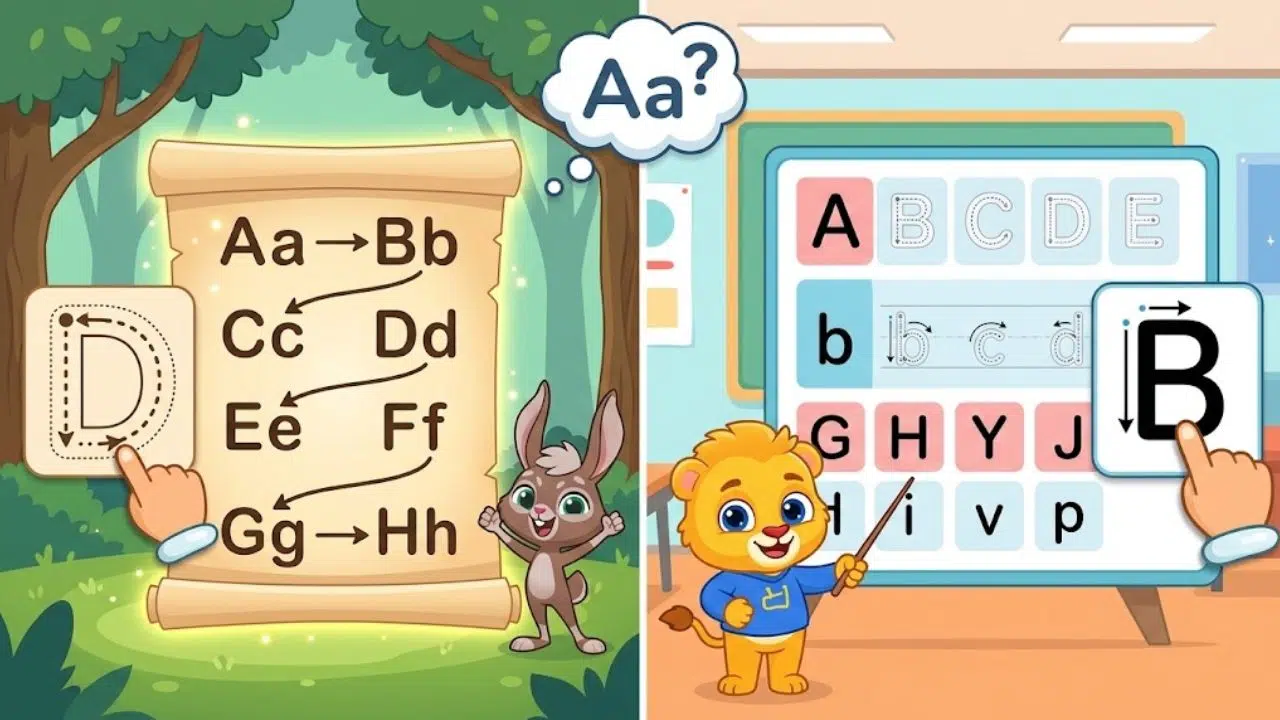
Both apps state that they include uppercase and lowercase practice. That is useful for a child who knows capital letters but is still learning the smaller forms. In my nephew’s case, lowercase practice was an important next step because he had already learned uppercase letters before using Alphabet Magic.
A good comparison should check whether each app keeps the two forms easy to tell apart. For example, does the app show the capital and lowercase letter together? Does it say the letter’s name or sound? Does the child have to choose between similar forms, or trace them separately?
Alphabet Magic lists separate tracing activities for the two letter cases. ABC Kids says both forms can be traced, listened to, and matched. Neither app’s public description provides enough information to say which gives clearer visual guidance, better stroke feedback, or more effective practice for distinguishing similar forms. Those are questions for a side-by-side test.
Alphabet Magic vs ABC Kids: Phonics and Extra Activities
Letter names and letter sounds are related, but children may not learn them at the same pace. In our use of Alphabet Magic, my nephew worked on letter sounds as well as lowercase forms and tracing. The app lists phonics activities alongside its tracing games, which gave him more than one way to engage with letters.
ABC Kids also lists phonics pairing, tracing, and matching. Its Teacher Mode lets adults toggle tracing and phonics games, according to the listing. This could help a parent focus a session on one type of activity, but I would want to see how easy those controls are to use in practice.
For either app, I would keep sessions short and stay nearby, especially for a younger child. The app can support practice, but it cannot replace conversation, books, paper, crayons, and time spent noticing letters in daily life.
Alphabet Magic vs ABC Kids: Privacy and Parent Controls
Parents may want to check more than the learning features. Google Play’s current listing for ABC Kids says the app collects no data and shares no data with third parties. It also says the app has Teacher Mode and report cards. These details are based on information provided in the Play listing and may change.
Alphabet Magic’s Google Play listing says it may collect and share device or other IDs. It also states that data isn’t encrypted and can’t be deleted. Parents should review the current listing and privacy policy before installing, since disclosures and practices can change.
These details do not answer which app teaches letters better. They are still relevant to a family’s decision, particularly if a parent wants to understand what information an app may handle or wants more built-in controls.
Alphabet Magic vs ABC Kids: Which App Seems Better for Different Children?
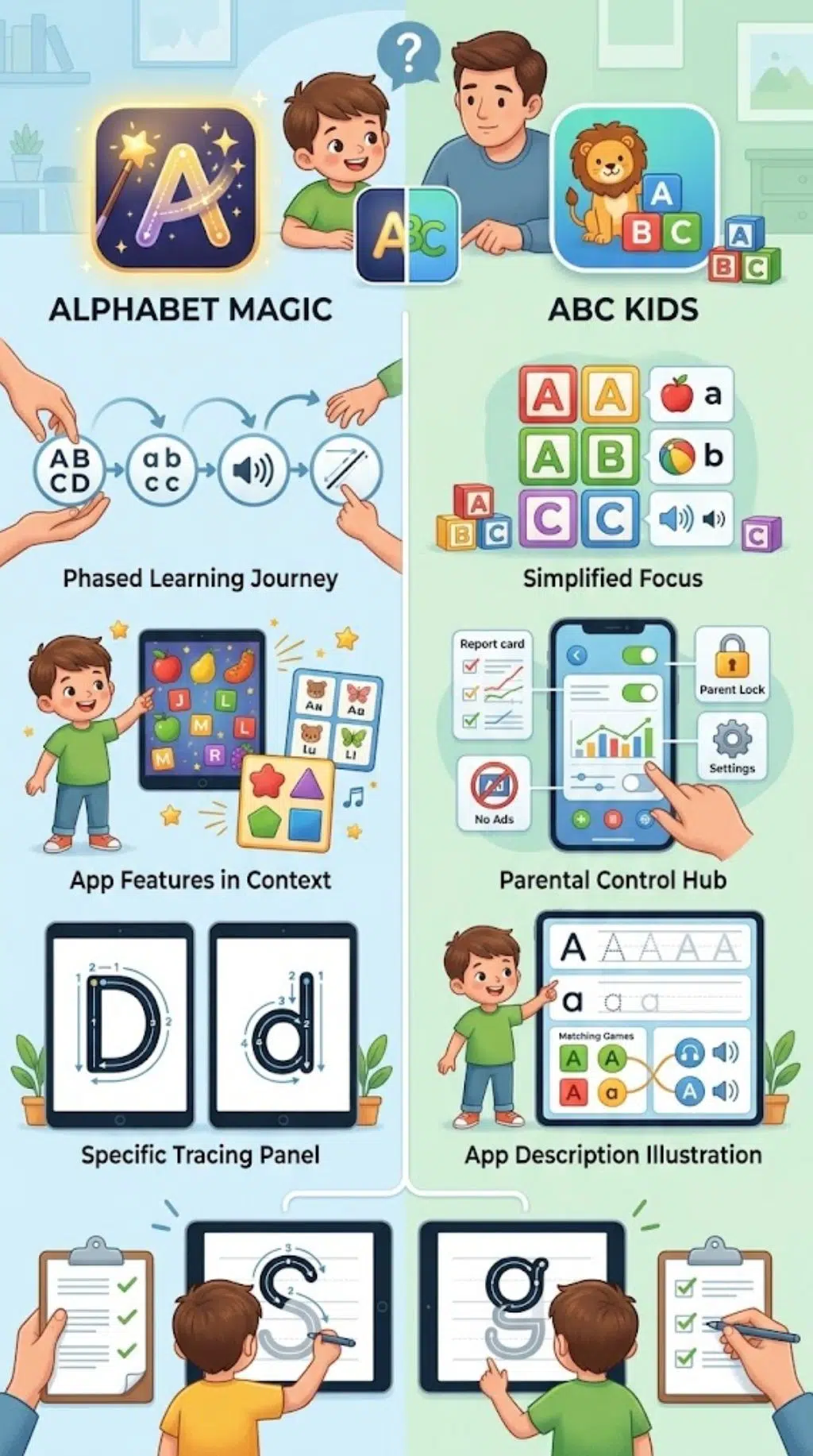
Based on my experience, Alphabet Magic suited my nephew as he moved from uppercase recognition toward lowercase letters, sounds, and tracing. He needed help at first but later became more independent. That is my experience with one child; another child may respond differently.
ABC Kids may appeal to families looking for an app whose listing emphasizes a simple alphabet-and-phonics focus, parent controls, report cards, and no third-party ads or in-app purchases. Its description includes uppercase and lowercase tracing, listening, and matching.
Alphabet Magic may suit families who want letter practice alongside a wider assortment of mini-games, including spelling and letter matching. Its listing describes separate uppercase and lowercase tracing activities.
Neither feature list tells me which app gives clearer tracing guidance. To answer that fairly, I would need to test both with the same child, device, letter set, and session length, then compare where the child needed help.
Alphabet Magic vs ABC Kids: How to Compare Them at Home
A short home test can make the choice more concrete:
- Use the same device and let the child try each app for the same amount of time.
- Choose the same uppercase and lowercase letters in both apps, such as A/a, M/m, and S/s.
- Watch whether the child can identify the letter and find where to start tracing.
- Note whether the directions are clear and whether the child needs reminders.
- Ask the child to find or write each letter on paper afterward.
- Record which activity held the child’s attention and which parts caused frustration.
Avoid treating speed or a game score as proof of learning. Notice whether the child can recognize a letter beyond the tracing screen and whether the practice feels manageable.
Alphabet Magic vs ABC Kids: Final Verdict
Alphabet Magic vs ABC Kids is a close comparison on the basic feature list: both apps describe uppercase and lowercase tracing, phonics, and matching activities. My experience with Alphabet Magic showed that it could support my nephew as he moved from uppercase recognition to lowercase practice, letter sounds, and tracing. He needed help at first and grew more independent over time.
I can’t fairly say that Alphabet Magic gives clearer practice than ABC Kids without observing the same child use both apps on the same tasks. ABC Kids lists useful parent features, including Teacher Mode and report cards, while Alphabet Magic lists a broader set of mini-games. For now, choose based on the activities and parent features that suit your family, then try a short, matched session to see which tracing guide your child follows more easily.
Frequently Asked Questions (FAQs): Alphabet Magic vs ABC Kids
Is Alphabet Magic or ABC Kids better for uppercase and lowercase practice?
Both apps list uppercase and lowercase tracing. I haven’t compared them with the same child on the same tasks, so I can’t say which gives clearer guidance.
Does ABC Kids teach letter sounds?
Yes. Its Google Play listing describes phonics activities alongside tracing and letter matching.
Does Alphabet Magic include lowercase letters?
Yes. Its listing describes separate uppercase and lowercase tracing activities, as well as phonics and matching games.
Which app has more parent controls?
ABC Kids lists a Teacher Mode and report cards. Check the current app listing for details, since features can change.
How can I tell which app suits my child?
Let your child try the same uppercase and lowercase letters in both apps for similar amounts of time. Notice whether they can find where to start, follow the tracing path, and recognize the letters afterward on paper.