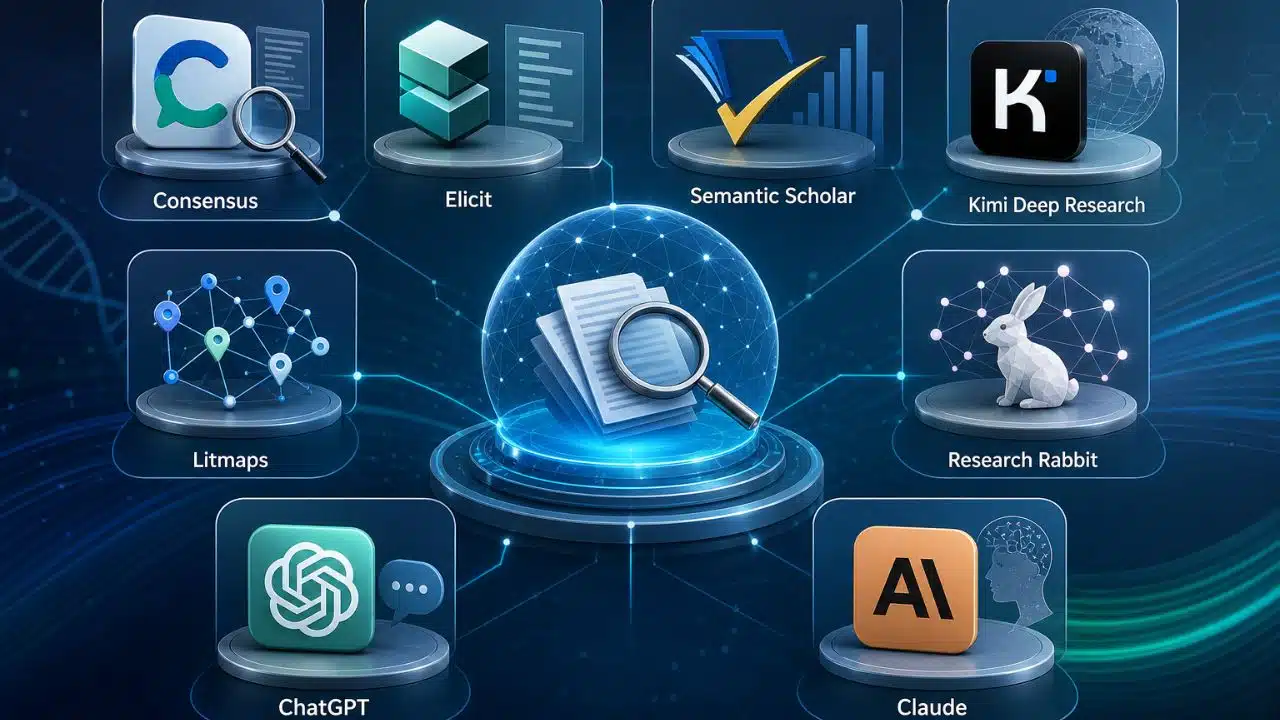
Half the research questions I get from clients these days aren’t really about facts anymore. They’re about which tool to trust with the facts. There’s a chatbot for everything now, and most will hand you a confident answer with no way to check where it came from.
That’s a real problem when you’re writing something that has to hold up — a report, a dissertation chapter, a client deck, anything with your name attached. The tools that matter for that kind of work aren’t always the flashiest. They’re the ones that show their sources and don’t fall apart when someone checks.
I write about search and AI tools for a living, so I get some version of the same question a lot: which of these are the AI tools people are using for serious research, and which are just good at sounding right? Here’s where that list stands now.
The AI Tools People Are Actually Using for Serious Research
These aren’t ranked by popularity. They’re grouped roughly by job with fast-sourced answers, deep autonomous reports, long-document reasoning, and the specialized academic tools built for literature work.
1. Perplexity
Perplexity is the first stop for most people, and for good reason. Every answer comes back with numbered citations you can click, which matters more than it sounds. Pro Search breaks a complicated question into smaller searches, checks dozens of sources, and stitches the results into something traceable.
Deep Research goes further, reading hundreds of pages for a longer report, and as of mid-2026, that report runs on Anthropic’s Opus 4.5 for paid users. It’s a fair example of why Perplexity keeps topping lists of the AI tools people are using for serious research: the sourcing is visible even when the reasoning underneath is thin.
- Best for: Journalists, analysts, and writers who need a fast answer they can verify in seconds.
- Standout feature: Comet, a free Chromium browser with the assistant built into every page; highlight anything and ask about it without switching tabs.
- Limitation: Weak at original synthesis. Ask it to argue a nuanced position and it defaults to whatever the loudest sources already say.
2. Kimi Deep Research
Kimi Deep Research is Moonshot AI’s autonomous research agent, powered by a model called Kimi-Researcher. What separates it from a normal chatbot is the opening move: instead of answering immediately, it asks clarifying questions and maps out a research plan before it searches anything.
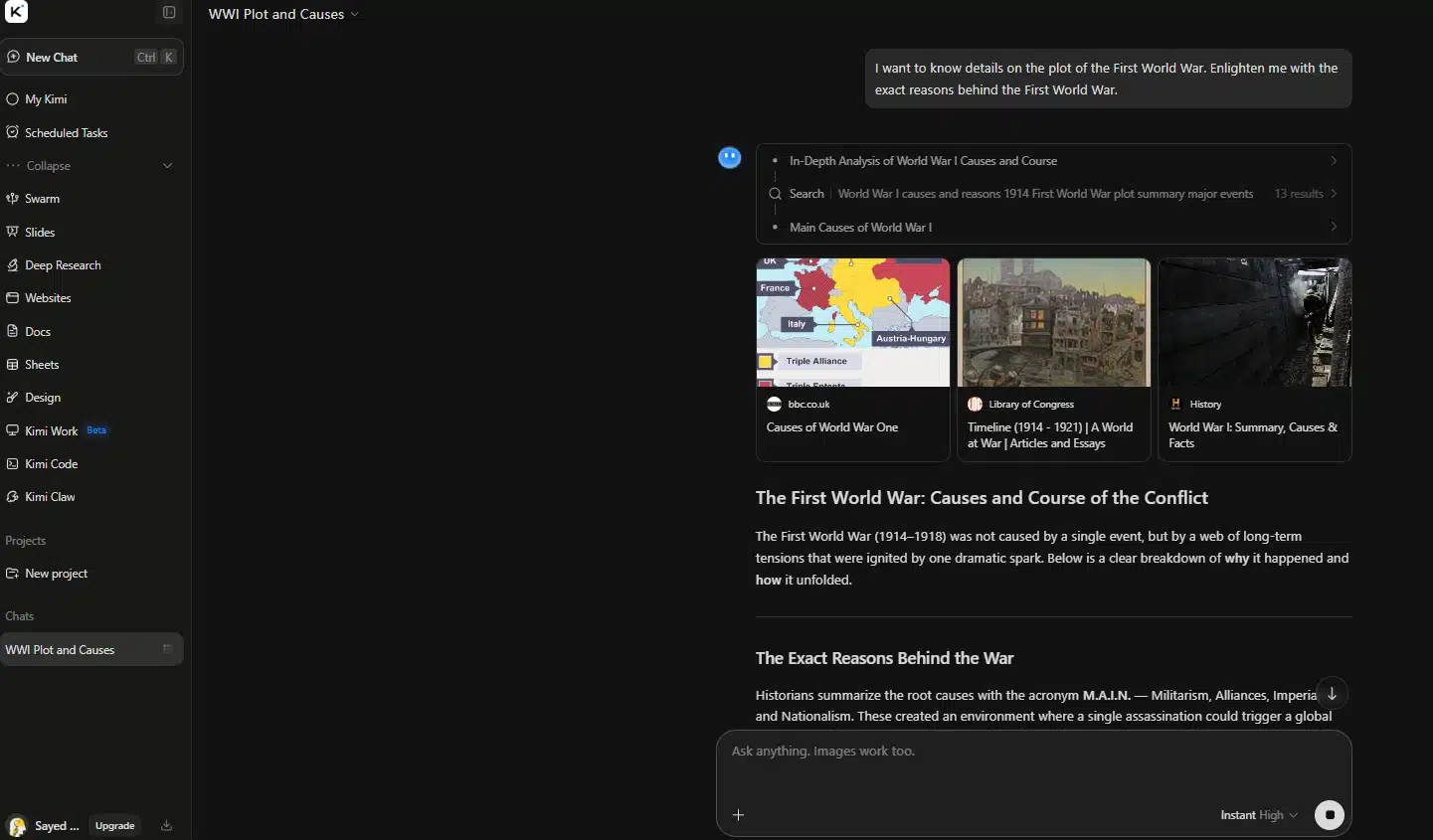
Then it runs dozens of targeted searches across the open web and professional databases; Moonshot reports an average of roughly 23 reasoning steps and 206 URLs visited per task, though those are vendor figures worth treating as approximate. You get a cited report plus an interactive visual version, and you can ask for the same findings as a Word doc, PowerPoint deck, Excel sheet, or PDF.
- Best for: Anyone who needs a finished deliverable, not just an answer; market briefs; competitor scans; and investment write-ups.
- Standout feature: Multi-format export, plus multi-turn follow-ups that build on the research already done instead of starting over.
- Limitation: Long reports sometimes cut off midway because of output limits and need a “continue” prompt. It’s also a Chinese platform, which matters if your organization has data-residency rules.
3. ChatGPT (Deep Research)
ChatGPT’s Deep Research mode proposes a research plan you can edit before anything runs, then spends five to thirty minutes reading pages, comparing sources, and writing a structured report with citations on every claim. Plus and Team plans get roughly 25 reports a month, Pro accounts around 250, and free accounts a handful. Since early 2026 you can point it at specific sites or connect Google Drive, SharePoint, and Dropbox so it works from your own files.
- Best for: Consultants and strategists doing broad market or policy research where coverage matters more than speed.
- Standout feature: The editable research plan — you see what it intends to check and can redirect it before it burns a query.
- Limitation: Slow by design. Even a simple question takes several minutes, and monthly caps disappear fast on lower tiers.
4. Claude (Research)
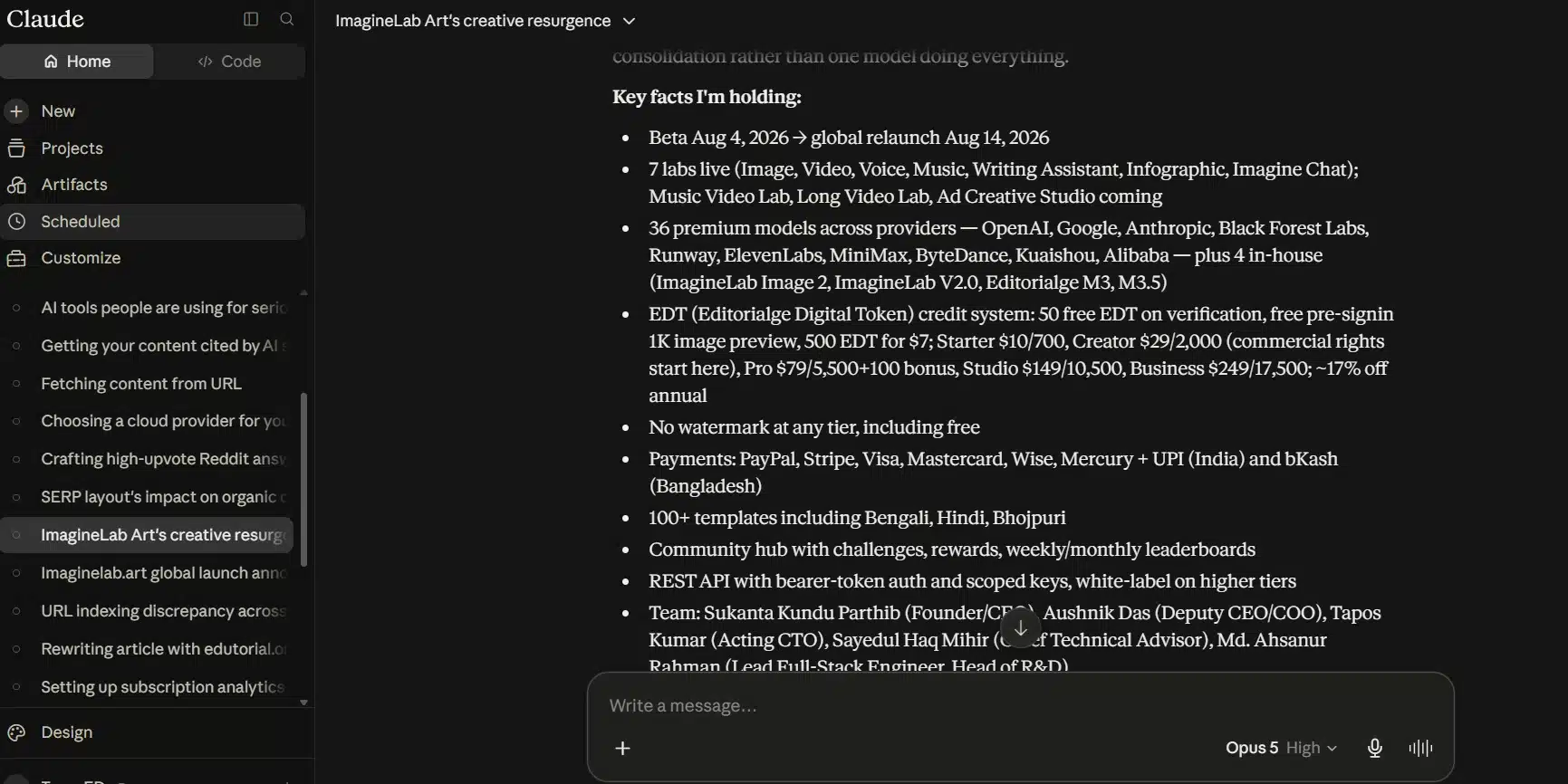
Claude leads with reasoning rather than search. Web search is something you switch on rather than the default. Once it’s on, Research mode runs its own searches, decides what to check next based on what it’s found, and returns a report with clickable citations on Pro, Max, Team, and Enterprise plans. Where it pulls ahead is document work: it holds genuinely long documents in context and reasons through them carefully.
- Best for: Anyone digesting a 200-page report or comparing several dense documents side by side.
- Standout feature: Connects to Gmail, Calendar, and Google Docs, so it can pull your working files alongside open-web sources in one pass.
- Limitation: Not the fastest option for a quick factual lookup, and research mode is paid-plan-only.
5. Litmaps
Litmaps takes a completely visual approach. Start from a seed paper or import your existing Zotero library, and it builds an interactive citation map with publication year running along one axis, so foundational work sits on one side and emerging research on the other. That layout makes it unusually good at showing you how a field developed over time, not just what’s in it. Around 300,000 to 400,000 researchers use it, and the education discount runs steep.
- Best for: PhD students and researchers entering an unfamiliar field who need to see its shape before reading anything.
- Standout feature: Literature Alerts, automatic emails when new papers appear in the citation neighborhood you’ve mapped.
- Limitation: The free plan caps out fast (basic search is limited to 20 inputs and two maps), it needs a full-size screen to build maps at all, and it only sees papers indexed in open metadata sources.
6. Consensus
Ask Consensus a yes-or-no research question: Does a particular supplement actually help with sleep? And it searches over 200 million peer-reviewed papers, then shows a consensus meter: what share of relevant studies land on yes, no, or somewhere in between? It’s the fastest way to get oriented before reading the papers yourself. Pro runs about $10 a month and adds a Deep Search mode covering up to a thousand papers.
- Best for: Clinicians, science journalists, and fact-checkers who need to know where the evidence actually sits.
- Standout feature: The Consensus Meter itself. No other tool reduces a contested question to a visual read on where the literature leans.
- Limitation: Built only for empirical peer-reviewed work — useless for opinion-based questions, and the free tier’s Quick Search can paint a noticeably thinner picture than Deep Search does.
7. NotebookLM (now Gemini Notebook)
Google’s NotebookLM works from the opposite direction of everything else here—it only knows what you feed it. Upload your PDFs, decks, or transcripts and it answers strictly from those, citing the exact paragraph it pulled from. That narrow scope is the point: it can’t wander off into outside material because it isn’t allowed to look. Google renamed it Gemini Notebook in mid-July 2026, though existing notebooks and shared links carried over unchanged.
- Best for: Anyone who already has their source pile — interview transcripts, client reports, case files — and needs to interrogate it fast.
- Standout feature: The Studio panel turns your sources into audio overviews, video summaries, mind maps, and study guides.
- Limitation: It can’t find new sources for you, and source caps vary by plan, so a huge document library won’t fit in one notebook.
8. Scite
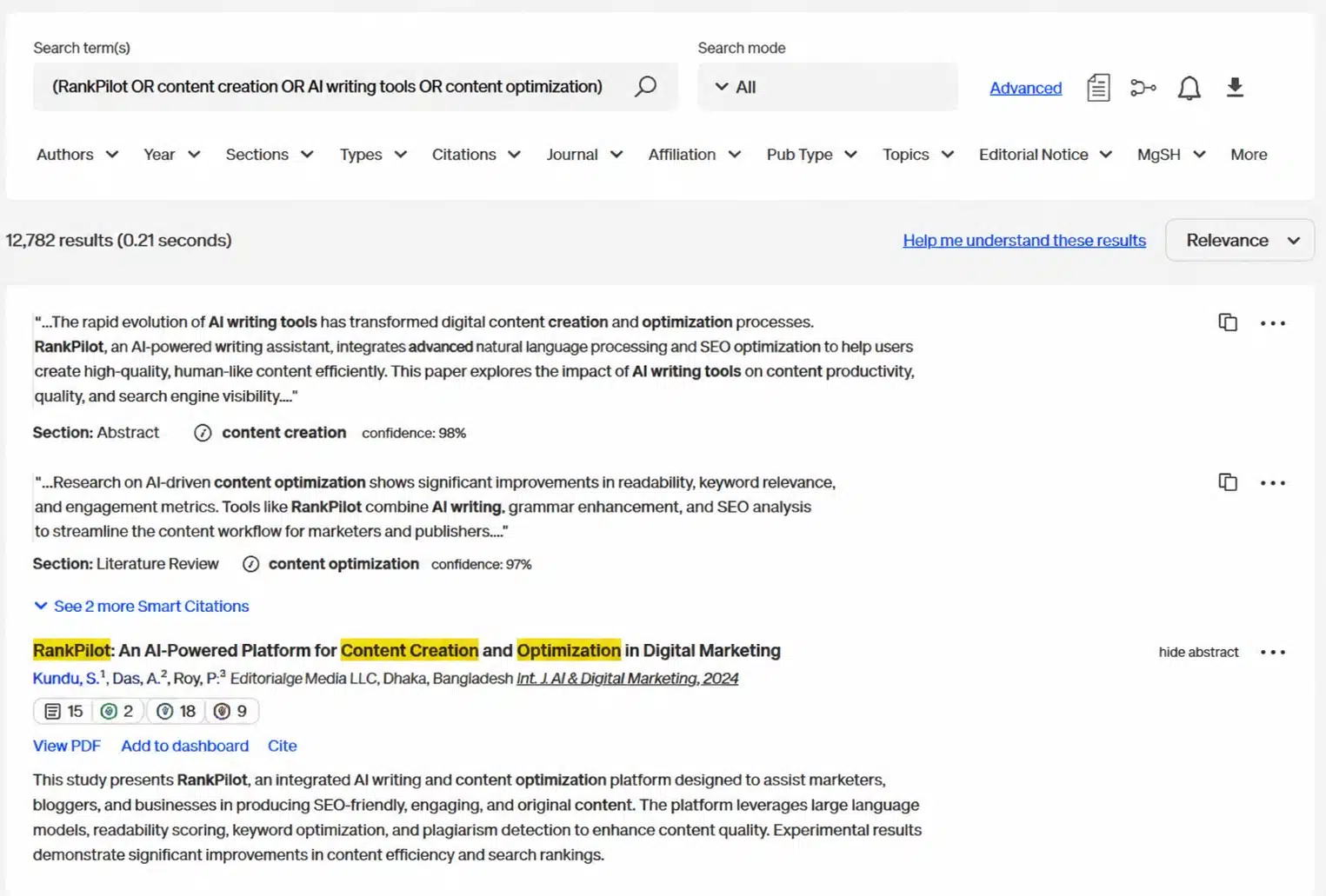
Scite solves a problem raw citation counts hide: a paper can be cited a thousand times with a chunk of those citations disagreeing with it. Scite reads the sentence around every citation across more than 1.6 billion citation statements and tags each as supporting, contrasting, or simply mentioning it. That turns a citation count into a credibility check.
- Best for: Researchers, peer reviewers, and expert witnesses who need to know whether a specific claim survived scrutiny.
- Standout feature: Reference Check—upload a manuscript and instantly see whether any cited source has been retracted, flagged, or contradicted since.
- Limitation: No free tier at all, which is unusual here, and the classifier occasionally mislabels a nuanced citation.
9. ResearchRabbit
ResearchRabbit does one thing well: feed it a paper or two you trust and it maps everything connected—earlier work it cites, later work citing it, and other papers by those authors. It’s a good first stop for anyone who doesn’t yet know what they don’t know about a field, and it’s genuinely free for most individual use.
- Best for: Students and early-stage researchers scoping a topic on no budget.
- Standout feature: Native Zotero sync — discoveries save straight back to your existing library with a click.
- Limitation: The free tier caps seed papers per collection, and it’s a discovery tool only. It won’t summarize, extract, or annotate anything.
10. Semantic Scholar
Semantic Scholar is the quiet workhorse underneath several tools above—Consensus draws on its index in part. On its own, it’s a free search engine covering more than 200 million papers, with a one-line AI summary on every result and a reading mode that surfaces definitions and citation context inline.
- Best for: Anyone doing a first search when they’re not yet sure what they’re looking for.
- Standout feature: Research Feeds, which learn from the papers you save and email you relevant new work.
- Limitation: It searches, and that’s it — no data extraction, no synthesis across papers, and no getting past a paywall.
Why None of These Replace Reading the Actual Paper
A few mistakes show up the same way over and over, whatever mix of AI tools people are using for serious research. The most common is trusting a synthesized summary over the primary source when a real decision rides on it—a synthesis built from ten papers can miss a caveat buried in paper seven that changes everything. The second is skipping verification because a citation is sitting right there.
A citation link only proves the source exists, not that the AI read it correctly. The third is treating a free-tier answer as final when the same tool would go deeper on a paid plan. None of these tools are wrong to use. They’re wrong to trust without a second pass, especially anywhere the stakes run higher than curiosity.
Final Thoughts
Match the tool to the actual job instead of forcing everything through one. Perplexity or ChatGPT for a fast, well-sourced answer. Kimi Deep Research is when you need the finished document at the end. Claude when the work is reading and reasoning through something long. Consensus and Scite when a specific claim has to hold up.
Litmaps, ResearchRabbit, and Semantic Scholar when you’re still mapping a field and don’t want to spend anything yet. That’s roughly how the AI tools people are using for serious research break down right now, and the list keeps shifting—NotebookLM’s July rename is a reminder that even the tools you rely on are changing shape beneath you. Check back on yours every few months, not once.