Mobile gaming has become increasingly popular in recent years, and there’s no sign of slowing down. Since games are now available on every device—smartphones, tablets, game consoles, and even smartwatches—it’s easier than ever to spend money on in-app purchases, downloadable content, and other items that can drain your bank account quickly if you’re not careful. Here are some tips to help you control spending on mobile gaming without sacrificing the fun of playing great games on your devices.
Define your Goals
There are a few different ways to control your spending regarding mobile gaming.
The first way is by setting up restrictions and limitations for yourself. You can do this by setting a timer for how long you play games or limiting the amount of money you spend in-game – for example, by paying via a prepaid payment method such as a Google Play gift card, which you can easily get online from a platform like Guthaben.de.
Another way is by limiting what items you buy with real money. Some people will limit how much they spend per day or week, so they only spend a little at a time. You can also remove ads from your phone, so you aren’t tempted whenever you unlock your screen!
Set a Budget
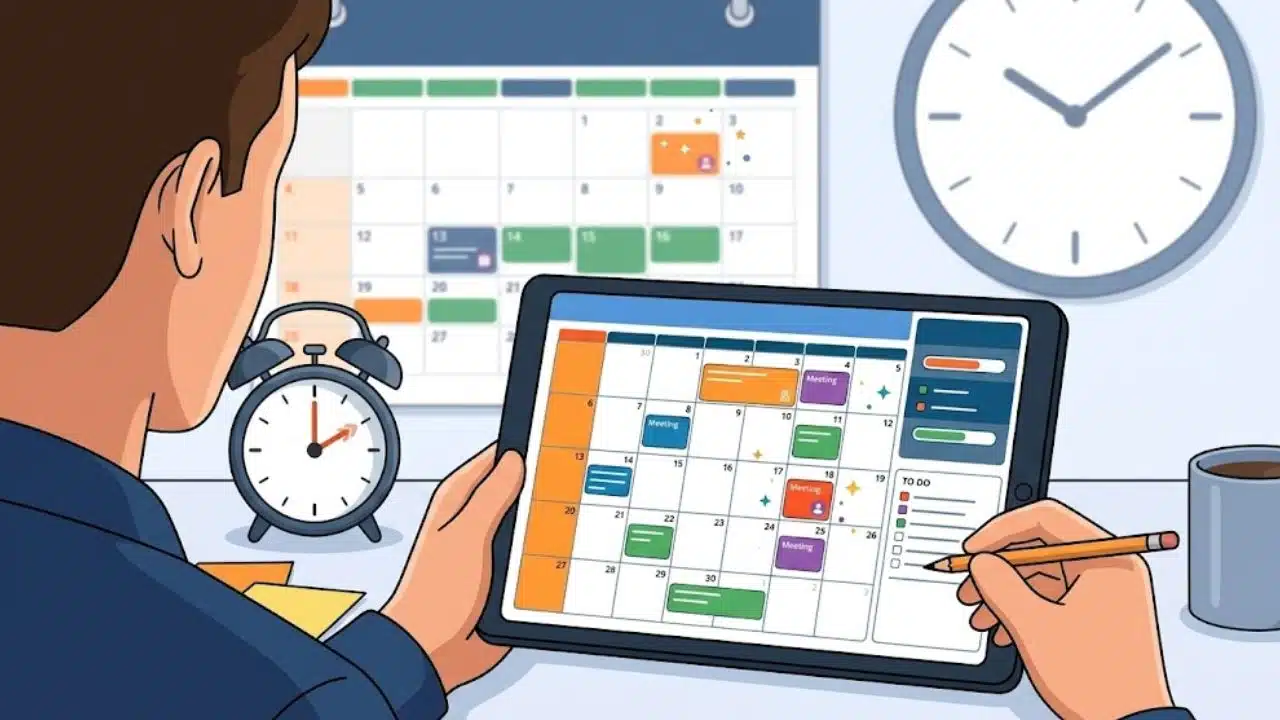
Spending too much money on mobile games is common, but setting a budget is essential. The first step is deciding how much you want to spend. Once you have that figure in mind, decide when and where you’ll spend your money. Choose one or two days of the week to allow yourself to make in-game purchases, such as buying power-ups or earning more coins for your character. Make sure this day is separate from any special occasion, like a birthday or holiday, so it’s easy for you to stick with your plan!
Stick to your Budget
It’s easy to get carried away with mobile games and spend more than you intended. If you find yourself spending too much, a few things may help you control your spending:
1) Disable in-app purchases.
2) Avoid games that offer loot boxes or microtransactions.
3) Track your expenses using an app like Mint or Personal Capital.
Monitor your Spending
It’s essential to be mindful of how much you’re spending and how often. There are lots of ways you can make mobile gaming more affordable without limiting the fun. Keep your phone at home while playing games, or put it in airplane mode. This will help you avoid in-app purchases.
If you have a monthly data plan, consider turning off cellular data when not using your device for browsing the web or checking email. You’ll still be able to play games and enjoy apps if Wi-Fi is available.
Many game apps offer a free download with limited content, so try this out before opting for the paid version.
Take a Break
It’s tempting to spend a ton of money on games, especially since they offer in-app purchases. But it’s essential to avoid getting carried away and spending more than you can afford. The first step is to set limits for yourself, like how much you’re willing to spend each day. Next, you should track your spending or take screenshots of the transactions in case you need them later. If you’re overspending, take a break from the game for a while so that it doesn’t become an addiction. And if you notice that others around you are getting into trouble with mobile gaming addiction, be supportive and help them find ways to control their spending too!
FAQS
What are the Best Ways to Control Spending on Mobile Gaming?
The best way to control spending on mobile gaming is by paying with a prepaid gaming card such as a Google Play gift card. It helps you set a limit, and you can never overspend on it.
How can I Avoid in-App Purchases?
Fortunately, there are many ways you can avoid in-app purchases. For example, you could either remove your credit card information from your account or restrict it so it cannot be used for in-app purchases. You could also turn off notifications and sounds, so you don’t get tempted when they pop up, and make sure that the password lock is activated.
How do I Keep Track of my Spending?
Regarding mobile gaming, there is much talk about how addictive the games can be. Therefore, if you are spending more money than planned, it may be time for some accountability. One option is to create a budget for your mobile gaming. This can be done by setting up different categories and tracking your spending. For instance, if you have $100 set aside for entertainment this month, set up five categories with $20 allotted per category.
Conclusion
Remember that as a last resort, you can permanently delete the games you play the most. Talking with a therapist or other professional might be a good idea if you’re feeling out of control. If you’re considering spending money on in-app purchases, limit your play time first or set limits for yourself with parental controls. If something feels like it’s getting out of hand, take steps before it worsens.