
Tools for separating spam enquiries from genuine marketing leads can reduce noise in a sales inbox, but the real goal is to protect worthwhile enquiries while keeping automated abuse out. A blocked form is not a qualified lead, and a human-written solicitation is not necessarily a bot.
This comparison draws on public product documentation checked November 17, 2026. It covers different layers of the same problem: verification widgets, spam classifiers, and form builders with review queues. No paid accounts or live marketing forms were tested. Check integration, plan limits, accessibility and privacy terms before choosing a tool.
What We Checked
On November 17, 2026, we inspected three public documentation pages. Cloudflare’s Turnstile guidance requires server-side token validation; HubSpot describes a reviewable spam index and states that gibberish detection requires a qualifying subscription; Gravity Forms explains that flagged submissions may either be stored as spam or blocked, depending on settings. These were documentation checks, not live form submissions or tests of paid accounts.
Tools for separating spam enquiries from genuine marketing leads compared
| Tool | Primary approach | Decision to check |
|---|---|---|
| Cloudflare Turnstile | Visitor verification token | Server-side token validation |
| Google reCAPTCHA | Challenge or risk score | Action thresholds and quotas |
| Akismet | Submission spam classification | Form integration and review path |
| CleanTalk | Website form spam protection | Platform support and data processing |
| HubSpot forms | Form-level filtering and spam records | Specific plan and form settings |
| Gravity Forms | WordPress form honeypot and spam entries | JavaScript, cache and recovery |
| WPForms | WordPress form spam protection | Storage and filter settings |
| Formidable Forms | Honeypot and submission checks | Plugin settings and false positives |
1. Cloudflare Turnstile: verify the submission path
Turnstile provides a widget and a token that the site’s server must validate before treating a submission as verified. It can protect a custom lead form without requiring every visitor to solve a conventional visual puzzle.
Implementation matters: displaying a widget alone does not validate the token. A verified person may still send an irrelevant pitch, so combine the check with a review process for commercial relevance. Test the complete form with assistive technology and handle validation errors clearly.
2. Google reCAPTCHA: use a risk signal carefully
reCAPTCHA v3 returns a score for an interaction, letting a site decide how to respond. A marketing team might route low-confidence enquiries for review while allowing higher-confidence submissions to proceed.
A risk score is not proof that an enquiry is genuine or spam. Tune thresholds using the site’s own traffic and examine errors, quota behavior and the cost of false positives. Confirm which reCAPTCHA version and deployment terms apply. Google notes that an over-quota v3 key can return a static 0.9 score together with an error; monitoring the error matters because a reassuring score alone can be misleading.
3. Akismet: classify contact-form submissions
Akismet documents integrations with several contact-form plugins and checks supported form submissions for spam. It is useful when the team wants a classification layer rather than a challenge on every form.
Confirm how the chosen form plugin stores flagged entries and whether staff can recover a legitimate enquiry. Review the data sent for classification and retain a clear privacy notice. Akismet’s API documentation lists a submitter IP address and supports fields such as email address, message and browser user agent; check what your particular integration sends and its retention terms. The classifier does not establish purchasing intent.
4. CleanTalk: add protection to supported web forms
CleanTalk documents direct integrations for forms as well as website-level anti-spam protection. It may fit a site where enquiries arrive through more than one supported form.
Check the exact integration and administrative review options before deployment. A block that happens before an entry reaches the CRM needs its own audit path; a sales team cannot recover a lead from a queue that was never retained.
5. HubSpot forms: inspect a spam queue alongside marketing records
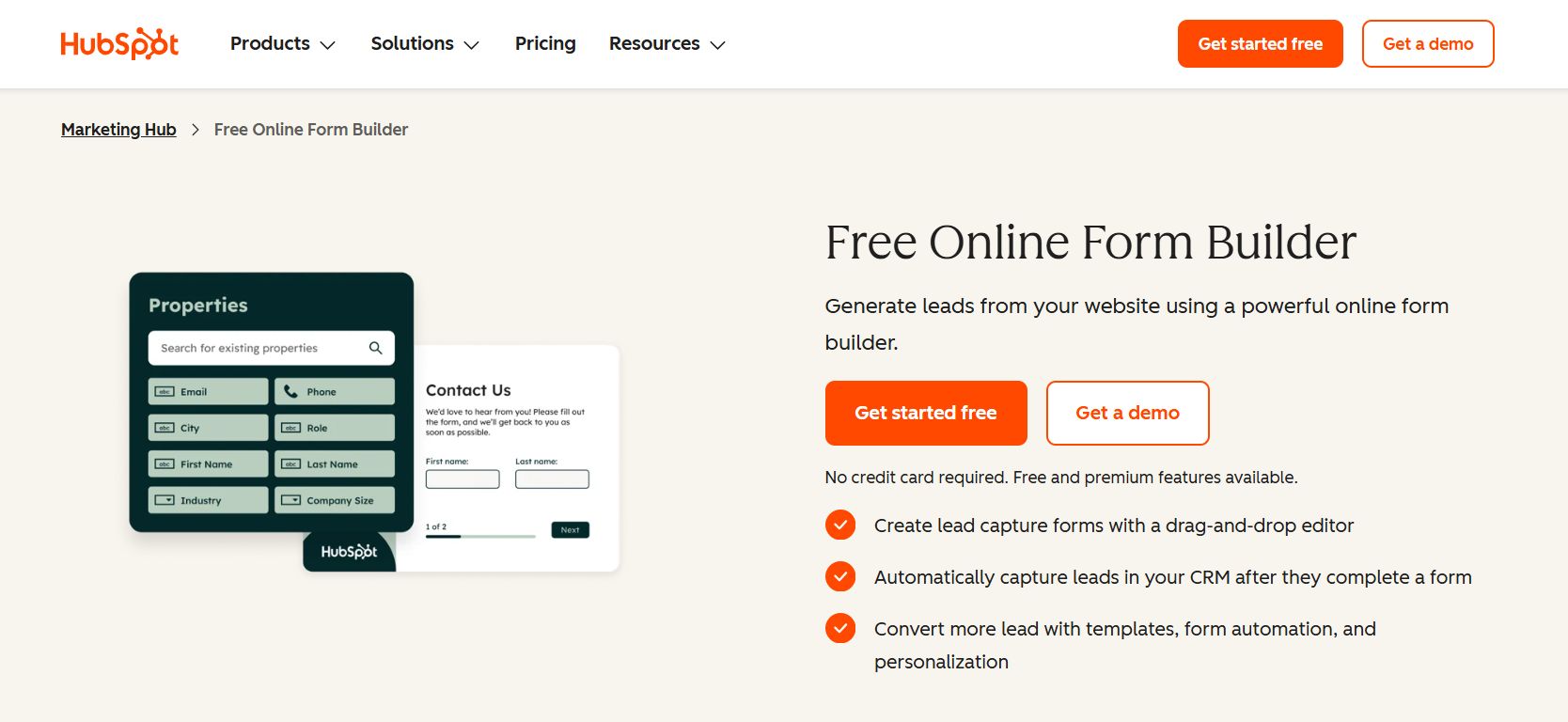
HubSpot describes bot filtering and spam controls for its forms, including a way to inspect submissions marked as spam. For a team already using its forms, this keeps the review closer to the lead workflow.
Availability and settings differ by feature and subscription; HubSpot documents gibberish detection as a plan-limited feature. Its documentation also states that enabling CAPTCHA on a form prevents submissions through the form submission API or other form integrations, a constraint to check before deployment. Review the reason a submission was flagged and decide who can restore it. HubSpot states that unreleased spam submissions are automatically deleted after 90 days; releasing one may create or update a CRM record and trigger an associated workflow, so assign review before that deletion window. Do not equate an unusual name or short message with an invalid buyer.
6. Gravity Forms: review flagged WordPress entries
Gravity Forms documents an advanced honeypot and a spam view for flagged form entries. When configured to save flagged entries, the spam view gives a WordPress team a place to examine questionable enquiries. Gravity Forms also documents a blocking option that creates no entry, so verify the chosen setting before relying on recovery.
Its documentation also explains that delayed or missing JavaScript can cause valid submissions to be flagged. Test the form with your caching configuration and review the spam queue after changes. A fast completion time is a signal, not proof of abuse.
7. WPForms: configure prevention and entry handling
WPForms provides form-specific spam settings and documentation for viewing and managing spam entries. It also supports additional verification integrations, allowing a site to layer protections when needed.
Check whether your version and settings retain flagged entries and what happens to blocked submissions. WPForms says spam entry storage must be enabled for review, although it is enabled by default for new forms from version 1.9.0; flagged entries do not send the normal notification email. Keyword or location rules can exclude legitimate prospects; apply them narrowly and monitor the effect before making them permanent.
8. Formidable Forms: combine honeypot and submission checks
Formidable Forms documents honeypot and JavaScript checks for form submissions. A team already building marketing forms with the plugin can review these controls in the form configuration.
Check interaction with caching, accessibility and other spam integrations. Test ordinary enquiry flows as well as suspicious examples, and make sure the team has a way to identify and investigate false positives.
Build a review process that protects real leads
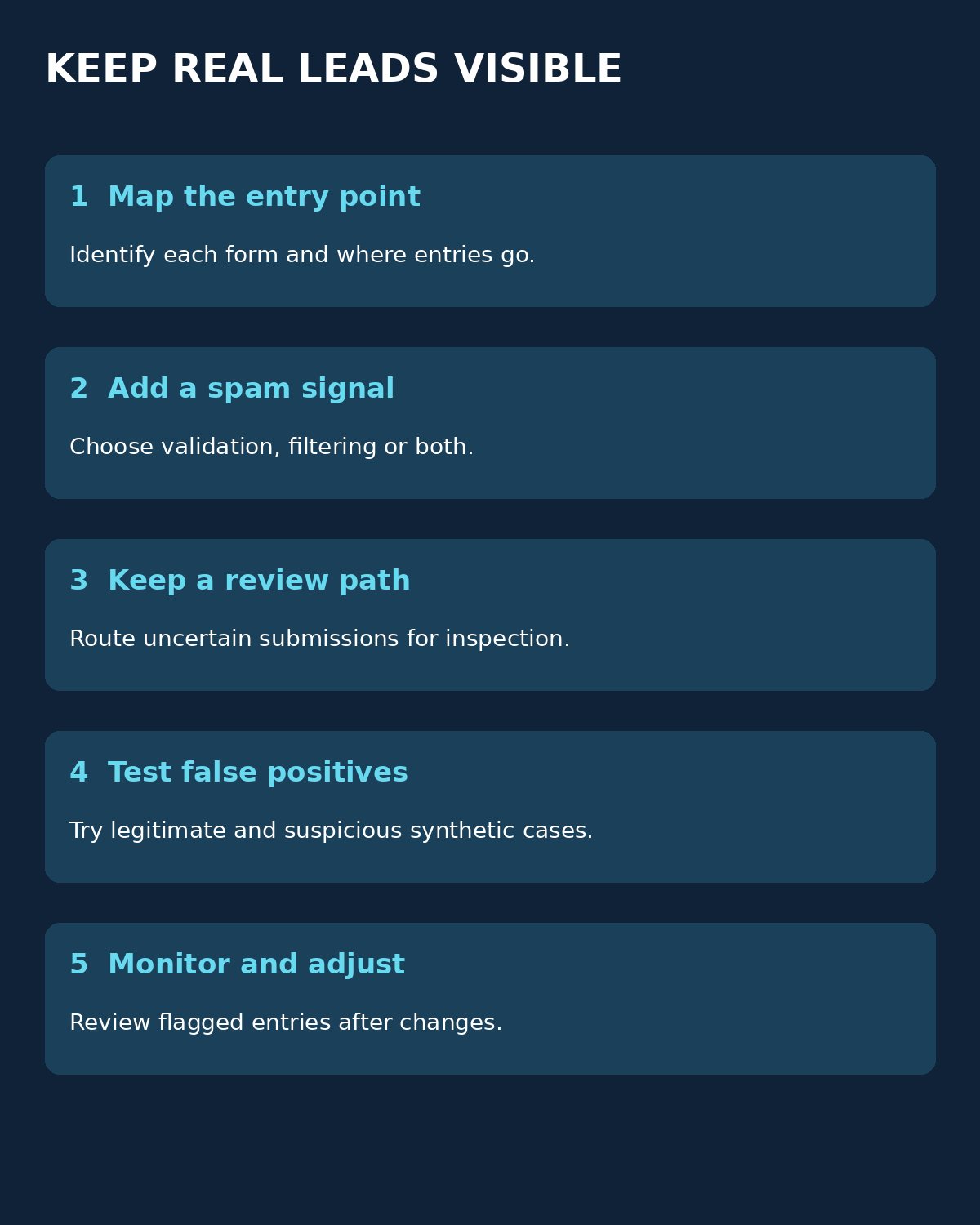
Start with a small set of synthetic submissions: a normal enquiry, a short but legitimate message, an automated-looking payload and an existing customer asking for help. Record which entries arrive, which are flagged and what the visitor sees. These are recommended tests, not results from the products above.
Separate three decisions: whether a request is technically valid, whether it looks like abuse, and whether it fits your sales criteria. Route uncertain entries to a monitored queue, assign an owner and agree when they will review it. Sample false positives after changes to caching, integrations or rules.
Keep legitimate enquiries accessible without retaining sensitive data unnecessarily. The FTC’s business security guidance explains why limiting collected data and controlling access matters. For a wider view of inbound acquisition, see Editorialge’s digital marketing guide.
Choosing tools for separating spam enquiries from genuine marketing leads
Choose tools for separating spam enquiries from genuine marketing leads according to where the enquiry enters, who can inspect flagged submissions and how easily a mistaken block can be corrected. A measured review process can preserve a valuable lead even when an automated signal gets it wrong.