

Estonian Learning Technology Providers for Schools cover very different jobs: keeping school records, delivering curriculum materials, practising mathematics, running virtual science activities and supporting employee language learning. This guide compares 12 providers connected to Estonia’s education technology ecosystem, with practical buying questions for school leaders and training managers. Start with the task you need to improve, then check the language, learner age, licensing unit and evidence you will need before committing.
A school diary and a vocabulary app may both belong to EdTech, but they cannot replace each other. The same distinction applies to a digital textbook, a headset-based science lesson and an online elective course. Buying them as though they were interchangeable learning management systems creates expensive gaps.
Estonian Learning Technology Providers for Schools: Quick Comparison
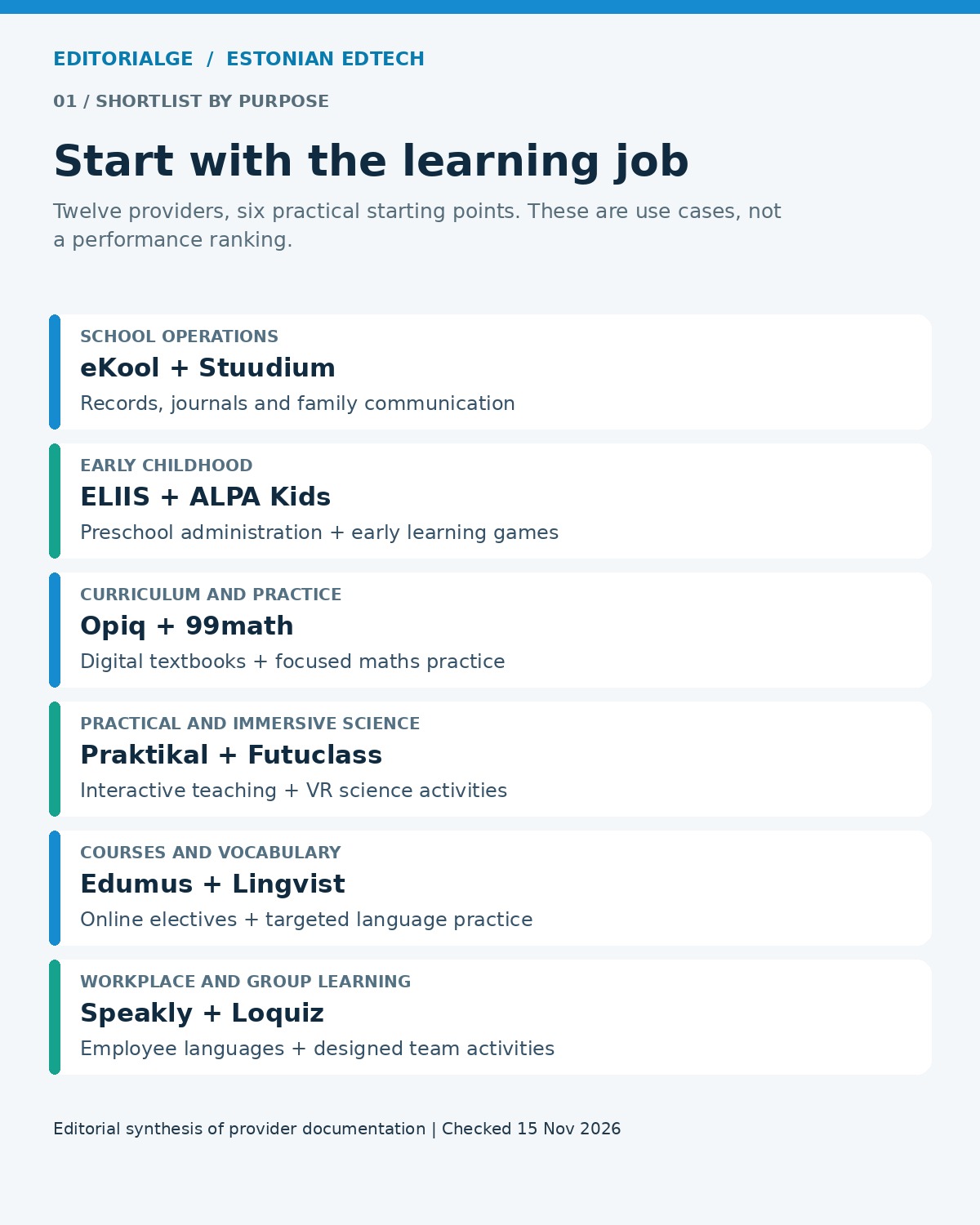
For school administration, begin with eKool or Stuudium; for preschool operations, examine ELIIS. Opiq, 99math and ALPA Kids address different content and practice needs. Praktikal and Futuclass deserve a subject-specific science evaluation. Edumus supplies courses, while Lingvist, Speakly and Loquiz offer more focused language or activity-based learning options.
| Provider | Strongest fit to evaluate | Buying basis | Key qualification |
|---|---|---|---|
| eKool | School records and family communication | Institutional plan enquiry | Check migration and local integrations |
| Stuudium | School journals, resources and communication | Contact the provider | Estonia-oriented workflows need local review |
| ELIIS | Preschool planning and administration | Per child; possible base fee | Not a school-age curriculum library |
| Opiq | Digital textbooks and assigned exercises | Student or institutional package | Check the exact subject and curriculum edition |
| 99math | Maths fluency practice | Free core; premium options | Game scores do not establish conceptual mastery |
| ALPA Kids | Local-language activities for ages 3–8 | Annual institutional device package | Device allowances and country packages differ |
| Praktikal | Practical science and interactive teaching | Specify software and equipment separately | Check what the proposed package includes |
| Futuclass | VR science lessons | Hardware/content quotation | Some licences stay with one device |
| Edumus | Additional online elective courses | Student subscription or school arrangement | Timetable and credit recognition matter |
| Lingvist | Teacher-directed vocabulary practice | Ask about classroom access | Verify language pair and classroom management |
| Speakly | Employee language development | Business learner subscription | Confirm target language and reporting scope |
| Loquiz | Location-based learning and team activities | Subscription plus game-team usage | Budget content design and facilitation |
How We Selected These Providers
We checked current product pages, help documentation, public pricing and Estonian ecosystem directories. Inclusion required an identifiable Estonian connection, an active offering and a clear school or training use case. Here, “Estonian” describes that ecosystem connection; it does not mean every product has an identical ownership structure, operates only in Estonia or is available in every country.
Education Estonia’s overview of education information systems distinguishes school management tools from learning materials. Its provider directory, developed with Estonia’s Education and Youth Board, also helps establish the local ecosystem context. Directory inclusion is not a substitute for your own procurement review.
This is a research-based comparison, not a hands-on product test or a measured ranking of learning outcomes. The order follows buying needs rather than a numerical score. Suggested pilots and evaluation scenarios are our editorial recommendations; they are not reports of tests we performed.
Screenshot note: The images below show public provider pages captured on November 15, 2026. They document the visible website presentation, not hands-on testing of signed-in products. Prices and page designs may change.
School Administration and Family Communication
1. eKool: Coordinate School Records and Everyday Communication
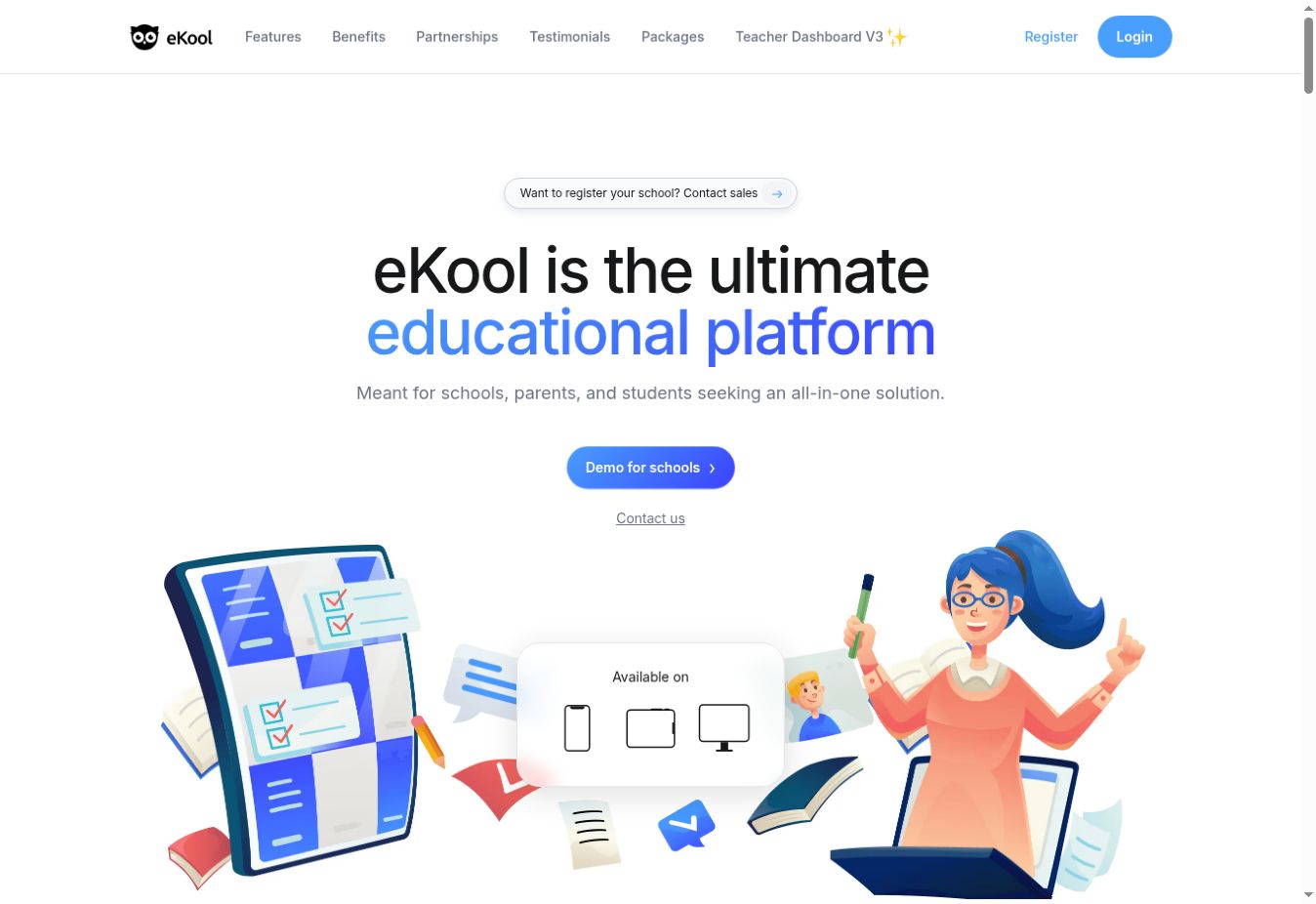
eKool is worth evaluating when the main problem is scattered information about attendance, homework, grades and communication with families. Its school offering brings these everyday records into a shared environment, with different functions available across its plans.
The local relevance is practical. eKool lists connections with systems including EHIS, Estonia’s education information system, and services such as Opiq. Those connections may matter more to an Estonian school than a long list of generic collaboration features. A school elsewhere should establish what works with its own student information system instead.
Best for: School leadership teams consolidating academic records and parent communication.
Why people choose it: The appeal is one operational place for teachers, learners and families to find the information they need.
Request a quotation against a defined plan rather than assuming all advertised features belong to the entry tier. Ask the demonstration team to import a sample class, record an absence, assign homework and show what a parent can see. Include a substitute teacher and a departing student in the scenario. Permissions and end-of-year exports deserve attention before migration, because a polished gradebook alone does not prove a smooth administrative transition.
2. Stuudium: Connect Journals, Materials and School Workflows
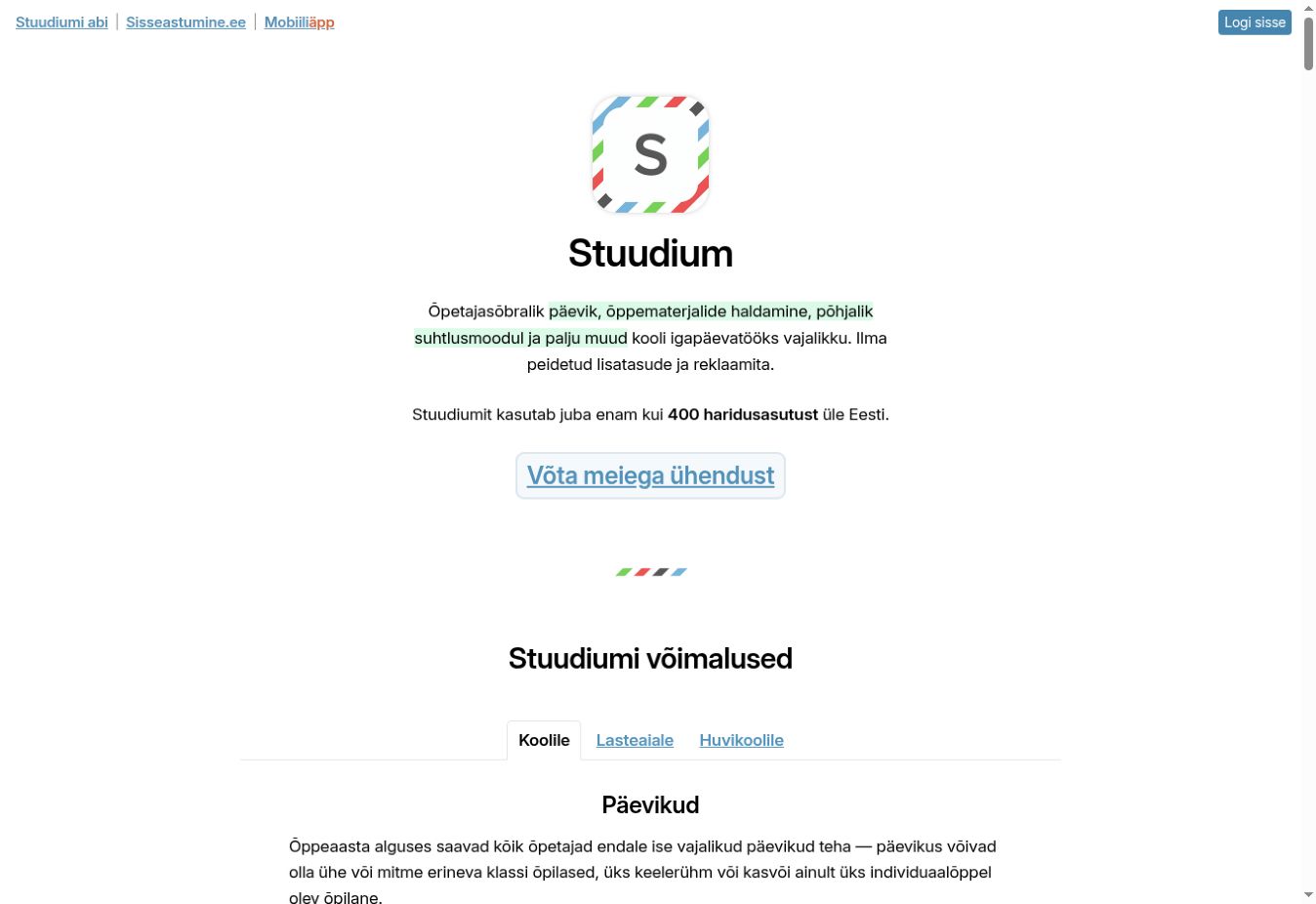
Stuudium combines school journals, grades and attendance with communication and learning-material management. Teachers can organise resources through Tera, linking files, text and assignments to the relevant learning groups. Its wider school features include assessment scheduling and processes for teacher absences and substitutions.
Best for: Schools that want classroom records and resource sharing to sit close together.
Why people choose it: A teacher can move from planning and materials to homework and family communication within a connected school workflow.
The decision is less about whether it has a messaging feature and more about how people use it. Ask who owns shared materials, whether another teacher can take over a course and how parents distinguish an announcement from an action they must complete. A substitution exercise is a useful demonstration: the replacement teacher should receive appropriate access without exposing unrelated records.
The public homepage directs institutions to contact the provider; we did not verify a universal public school price. Request implementation, support and export terms in writing. Stuudium’s Estonia-specific reporting features are useful local context, but international buyers should validate their own reporting requirements before treating it as a direct replacement for an existing platform.
3. ELIIS: Manage Preschool Planning and Parent Updates
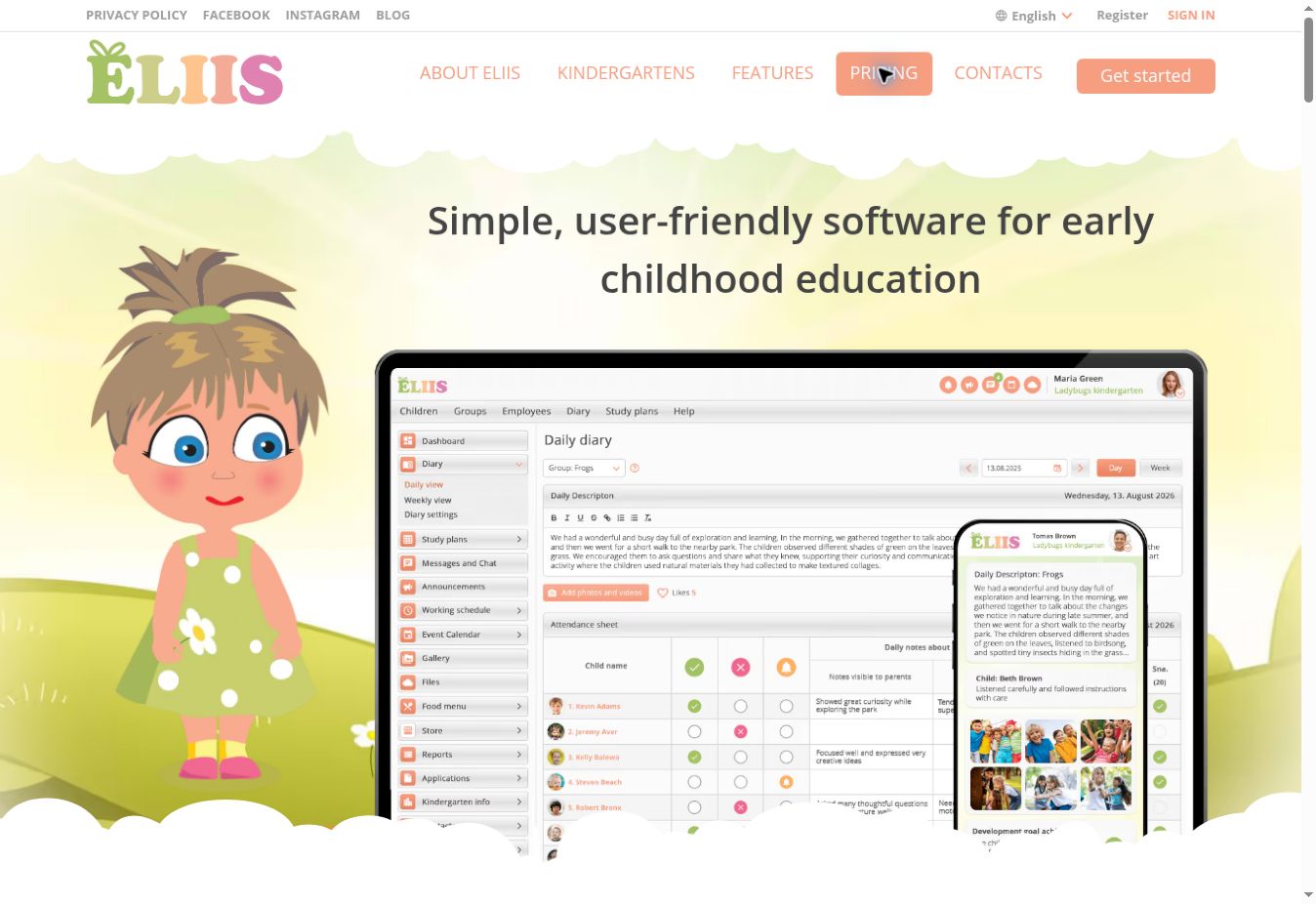
ELIIS focuses on early childhood settings. Its offering includes daily diaries, attendance, development records, planning and communication with parents, alongside operational functions such as meals and staff scheduling. That makes it a different purchase from an app children use to practise reading or counting.
Best for: Kindergartens and preschool groups replacing disconnected administrative records.
Why people choose it: Development documentation and day-to-day communication can be handled within the same preschool-oriented system.
The English pricing page displayed €1.50 per child per month, with VAT added and a possible base fee. It also advertised a 30-day trial. An institution should therefore obtain a total quotation based on its actual child count, rather than multiplying the headline rate and assuming nothing else applies.
During evaluation, follow one ordinary day: record attendance, update the daily diary, communicate a change and retrieve a development entry. Then inspect access separately as a teacher, administrator and parent. Decide which observations belong in the platform and who maintains them. Good documentation depends on consistent staff practice; software cannot supply that discipline automatically. Check how records can be retained or exported when a child moves on.
Curriculum Materials, Practice and Practical Science
4. Opiq: Add Digital Textbooks and Curriculum Exercises
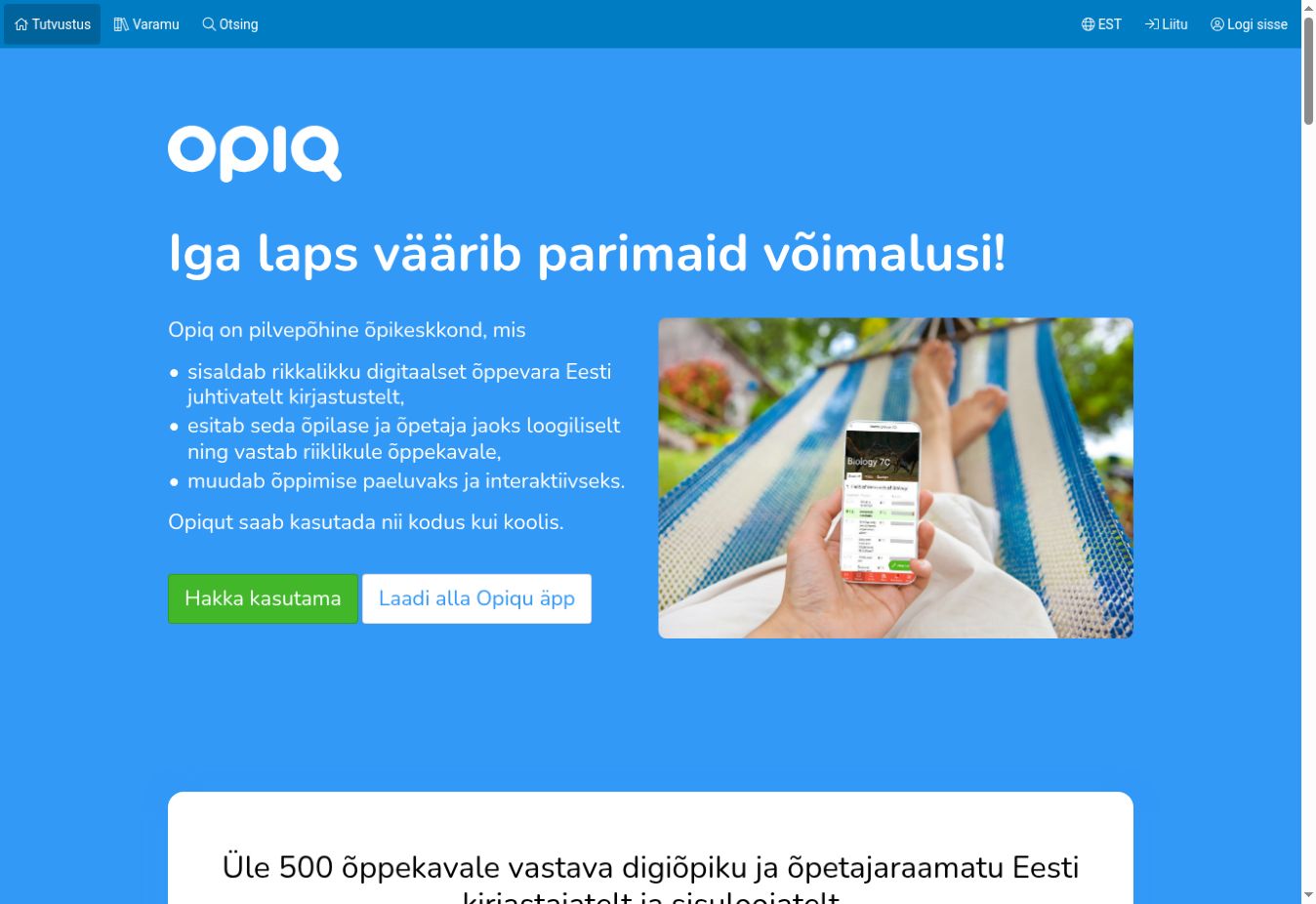
Opiq is a digital learning-material platform associated with Estonia’s Star Cloud. Its catalogue brings textbooks and exercises into a digital environment, including tasks that can be checked automatically. Connections with eKool and Stuudium are especially relevant for schools already using those systems.
Best for: Schools seeking digital materials that match specific subjects and curriculum requirements.
Why people choose it: The attraction is the combination of structured published content and assignable exercises, rather than a blank course-building workspace.
Check the actual book, edition, language and year group you need. A large catalogue does not establish that the right material is included in your package. Ask a subject teacher to compare one planned lesson with the available textbook chapter and inspect how feedback appears to the learner.
One public 2026/27 class package showed €4.90 per student per month with a €73.50 monthly minimum; primary-school options and other arrangements differ. Confirm the relevant package, licence duration, teacher access and tax treatment. Minimum charges matter for small classes. Also establish what happens to completed work when the licence ends, and how the teacher will support pupils who cannot reliably use the required device or connection.
5. 99math: Make Short Maths Practice Sessions Easier to Run
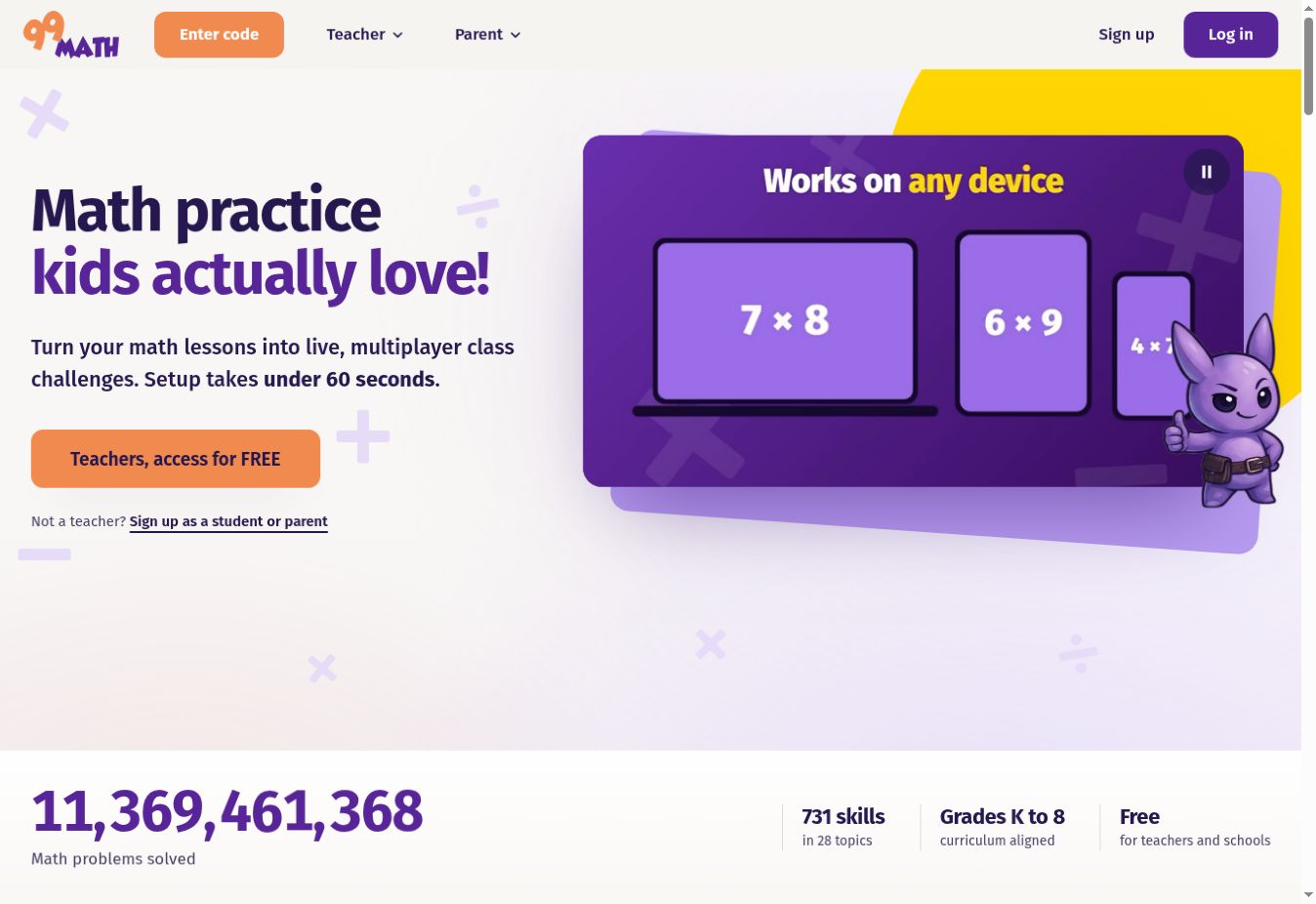
99math centres on game-based mathematics practice. Teachers can run live sessions with a joining code and use practice assignments and reporting. Its browser-based access makes it a candidate for classrooms using a mixture of supported devices, provided the school verifies its own equipment and connection.
Best for: Teachers seeking frequent, focused practice of selected math skills.
Why people choose it: A shared game format can give the class a clear activity while helping the teacher see where further practice may be useful.
The provider offers a free core experience alongside premium options for teachers and schools. Feature boundaries can change, so compare the current free account with the specific reports or personalisation you need before paying. We have not treated a consumer promotion as an institutional price.
A sensible pilot pairs game performance with a short explanation task on paper or in discussion. A pupil who answers quickly may still struggle to explain the method. Equally, timed competition may not suit every learner. Decide how you will handle mixed attainment, access needs and pupils who dislike public comparison. Use the product for a defined practice objective, then assess understanding through the teacher’s normal classroom work.
6. ALPA Kids: Support Early Learning in a Local Language
ALPA Kids develops learning games for children aged 3–8, with local-language and cultural context central to its offering. The Estonian institutional package covers areas including language, mathematics, the surrounding world, logic and creativity.
Best for: Early years and initial primary settings looking for age-appropriate digital activities in a supported local language.
Why people choose it: Familiar language and context can make an activity easier to connect with the child’s wider learning environment.
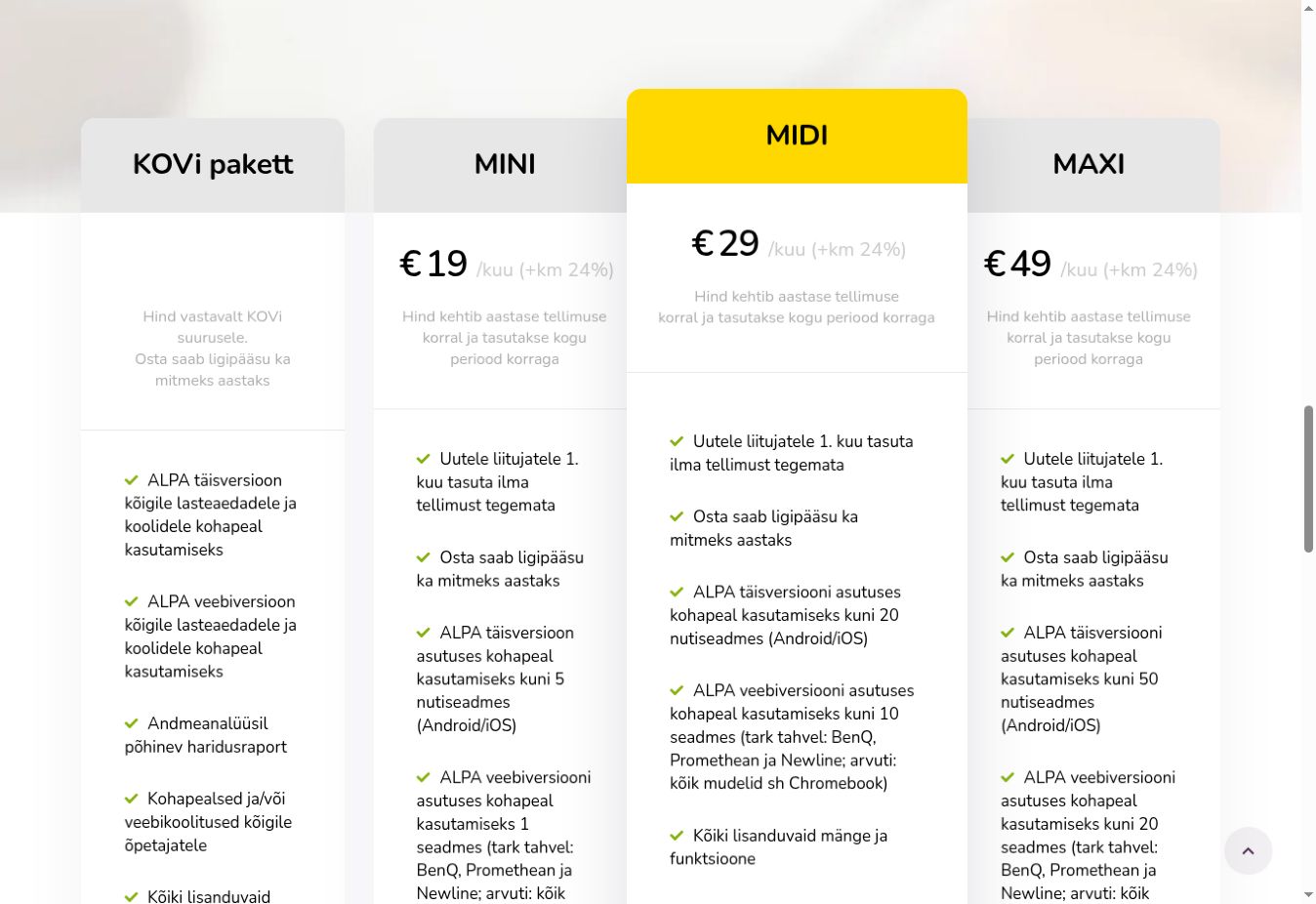
On the Estonian institutional pricing page, the MINI package was €19 per month plus 24% VAT, paid annually upfront. The advertised allowance was five mobile devices and one web device at the institution. Verify the current bundle and eligibility; packages for other countries should not be assumed to have the same price or device limits.
Plan its use around a short adult-supported activity. For example, follow a counting game with physical objects or discuss familiar places after a language activity. That is a suggested teaching approach, not a measured claim about ALPA’s effects. Before ordering, check the target language, audio, device activation and how shared equipment is managed. Institutional device access is different from a separate account for every child.
7. Praktikal: Connect Interactive Lessons With Practical Science
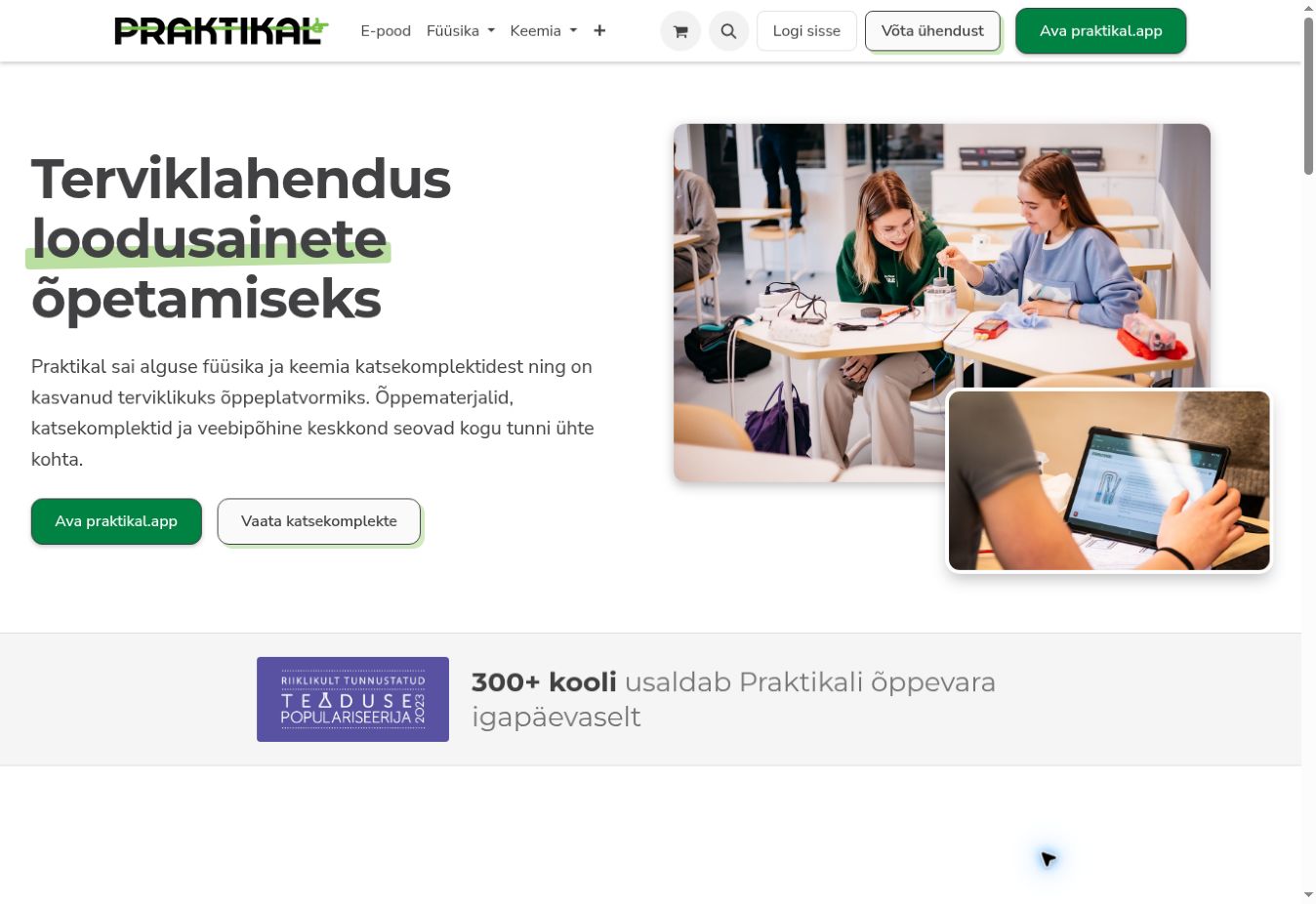
Praktikal deserves attention from schools interested in practical science, while its current platform offering is broader than science kits alone. The provider describes tools for interactive teaching materials, worksheets, presentations and assessments, with learners joining activities by code and teachers viewing responses.
Best for: Science departments evaluating equipment alongside digital lesson delivery, and teachers considering interactive material creation.
Why people choose it: The useful question is whether the combination helps a teacher move from preparation to a practical lesson with manageable effort.
Specify what you are buying. Physical experiment materials, access to a digital platform and prepared teaching content are different components. Ask for an itemised offer and a demonstration using a topic from your own teaching plan. A general platform demonstration will not tell you whether a particular experiment has the equipment or language support your class requires.
Include replenishment, storage, preparation time and teacher onboarding in the evaluation. For the digital side, inspect how a teacher changes a task, reviews student answers and provides an alternative format. A successful pilot should show that the lesson fits the available period and equipment, with learning assessed independently of how engaging the interface appears.
8. Futuclass: Evaluate VR Science as a Complete Classroom Setup
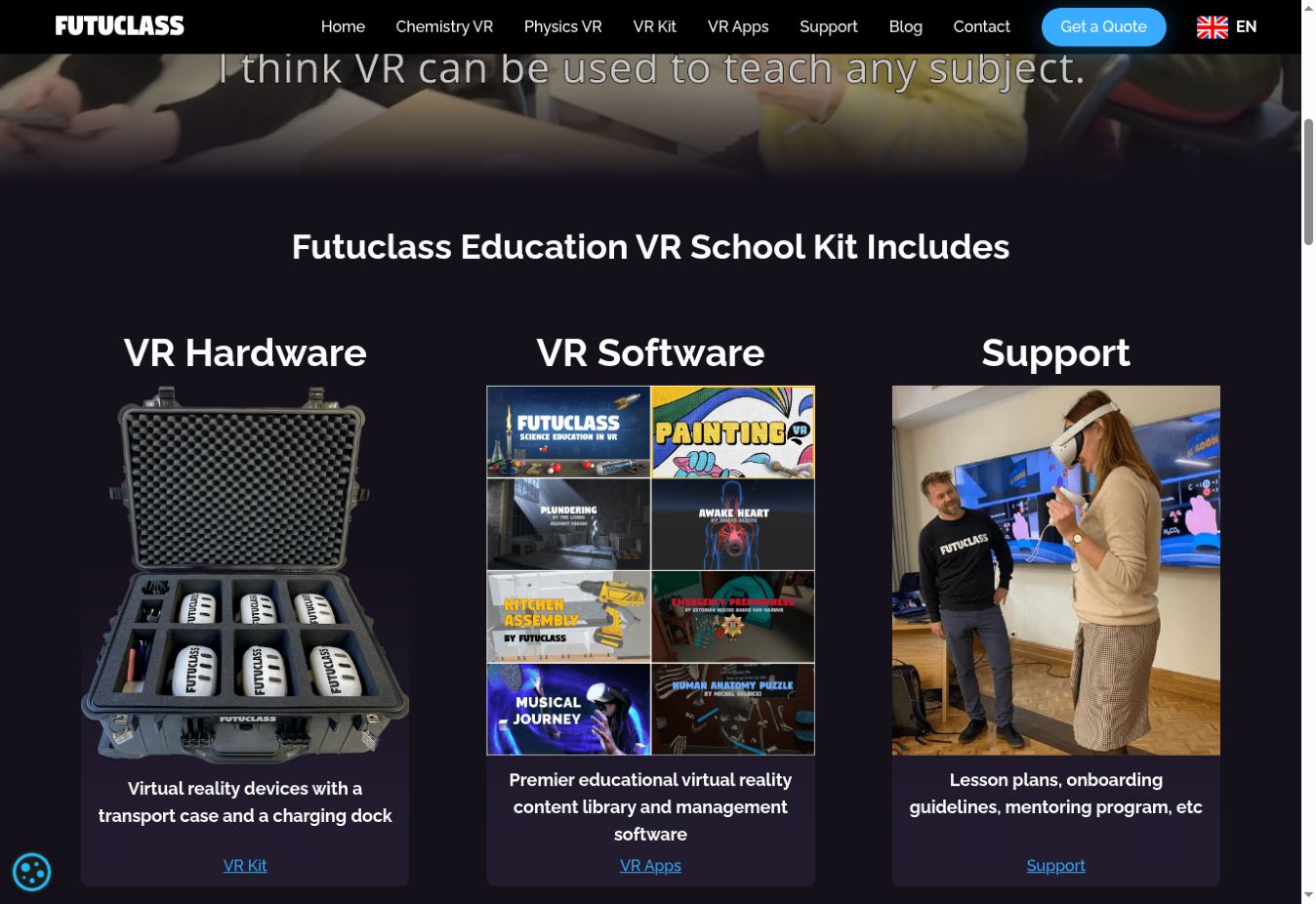
Futuclass offers virtual-reality science content and school kit options. It also supplies access to partner applications, so buyers should distinguish Futuclass’s own modules from the wider content included in a proposed bundle. The exact catalogue can depend on headset platform and management arrangements.
Best for: Schools with a specific science teaching objective and capacity to manage shared VR equipment.
Why people choose it: Immersive activities provide a different way to present scientific ideas, subject to the content fitting the lesson.
The quotation information contains an important procurement detail: device-lifetime licences remain valid while the device functions and are non-transferable. Annual licensing is also available for science modules. Some partner applications require a compatible device-management service. Ask what replacement hardware, management subscriptions, content updates and support will cost.
Run a supervised pilot with a clear non-headset alternative. Check manufacturer age guidance, accessibility, cleaning, charging, available space and the time spent handing devices between learners. Evaluate what pupils can explain after the activity, not simply whether they enjoyed wearing a headset. A classroom kit is an operational commitment; a software-only quote does not capture the full cost of delivering a reliable lesson.
Courses, Language Learning and Team Activities
9. Edumus: Extend the Elective Course Menu
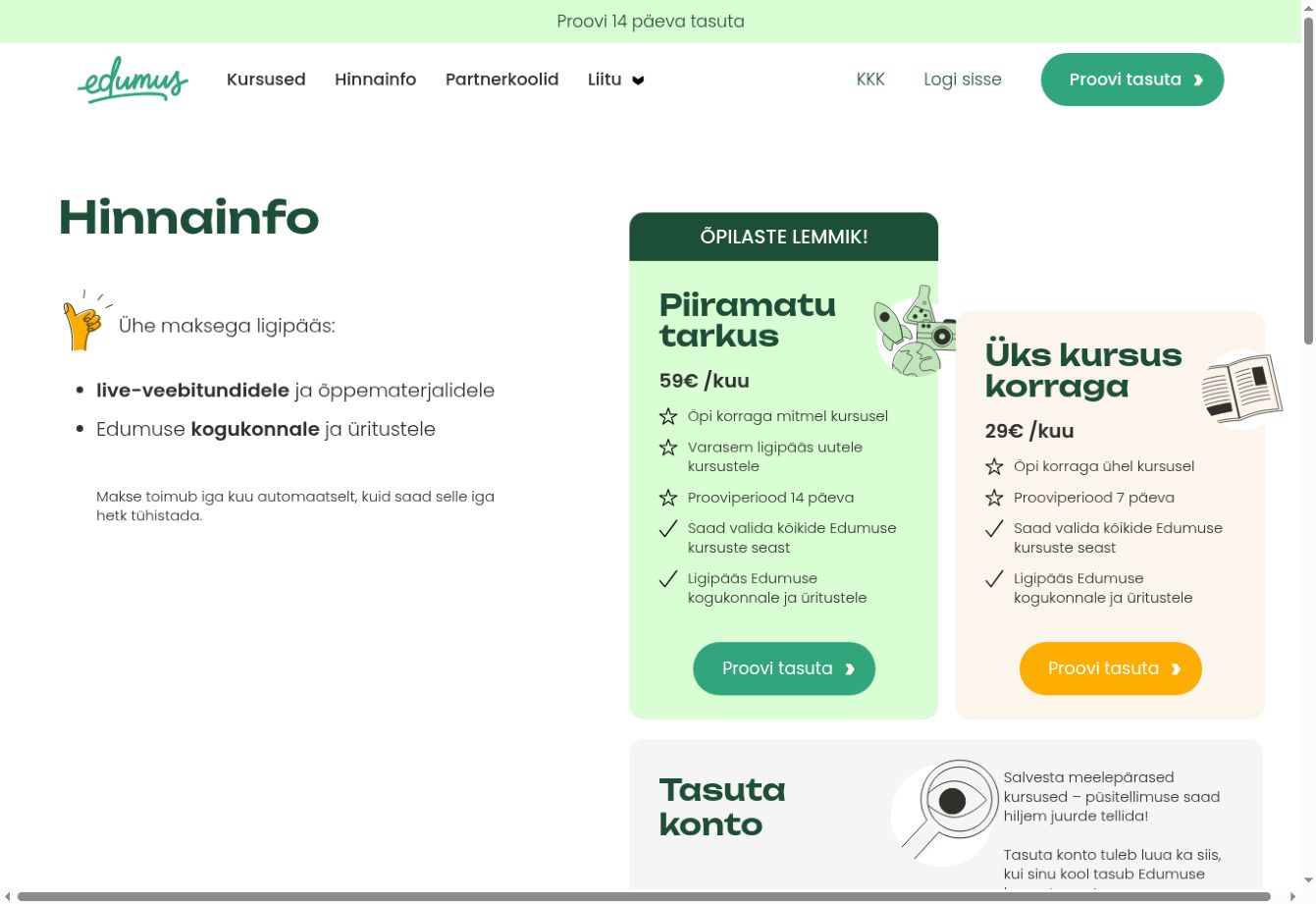
Edumus operates an online course offering that can help schools extend the subjects available to learners. Its current catalogue is particularly relevant to upper-secondary and vocational students, with eligibility depending on the individual course. It should be evaluated as course provision rather than as software for hosting your own entire curriculum.
Best for: Schools and students seeking additional electives beyond the timetable available locally.
Why people choose it: External online teaching can make a specialised subject accessible without the school building that course from scratch.
The public subscription page displayed €29 per month for one course at a time and €59 per month for studying multiple courses. It also indicated that some schools pay for access. These are different purchasing routes, so confirm whether the school, family or learner is responsible for the subscription and its cancellation.
Check current start dates, teaching language, live attendance expectations and independent workload. Agree with the school beforehand how participation will be recognised, if at all. Do not infer current international availability from an older English-language programme page. For a useful pilot, select a course with a named school contact who can help learners resolve timetable clashes and understand what evidence of completion they should retain.
10. Lingvist: Organise Targeted Vocabulary Practice
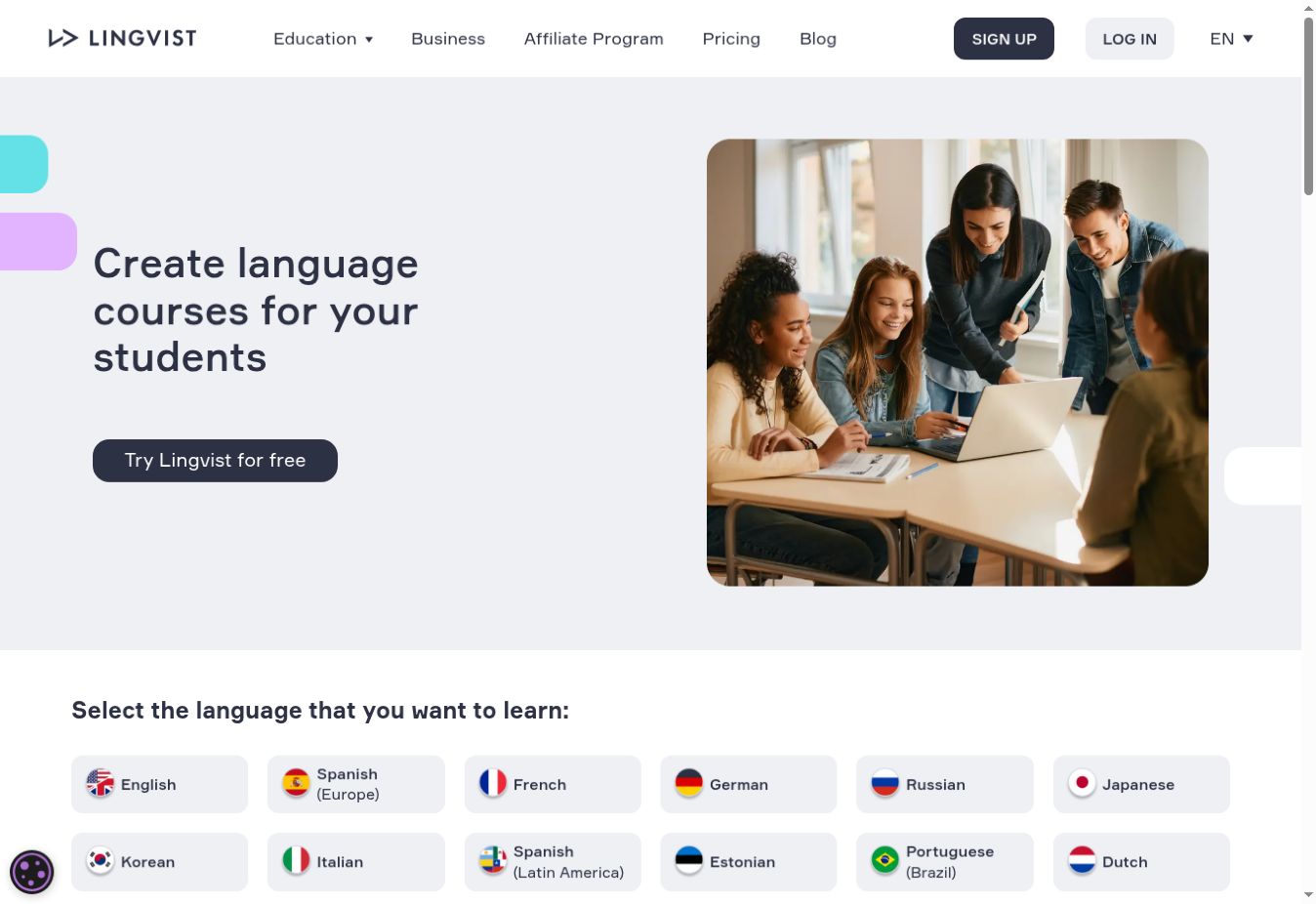
Lingvist’s classroom offering lets educators create classes, invite learners and review progress. Custom Decks can help shape vocabulary practice around selected keywords or text. This makes it relevant to a language teacher who wants practice to connect with a topic already being taught.
Best for: Classroom vocabulary reinforcement with teacher oversight.
Why people choose it: The combination of focused practice and a teacher dashboard offers more structure than simply asking learners to use an unrelated consumer app.
Confirm the target language and the language from which students will learn. A product’s display-language options are not the same as its available learning courses. The help material identifies the Classroom management feature as web-based; verify how teachers and learners will access the service on the devices you intend to use.
Ask for the applicable educational access terms instead of extending a consumer subscription price across a whole school. In a pilot, create a deck tied to an upcoming unit and check the words in context. Then assess whether learners can use them in a fresh sentence or conversation. Vocabulary practice can support a course, but it does not by itself establish speaking proficiency, writing quality or recognised certification.
11. Speakly: Support Workplace Language Development
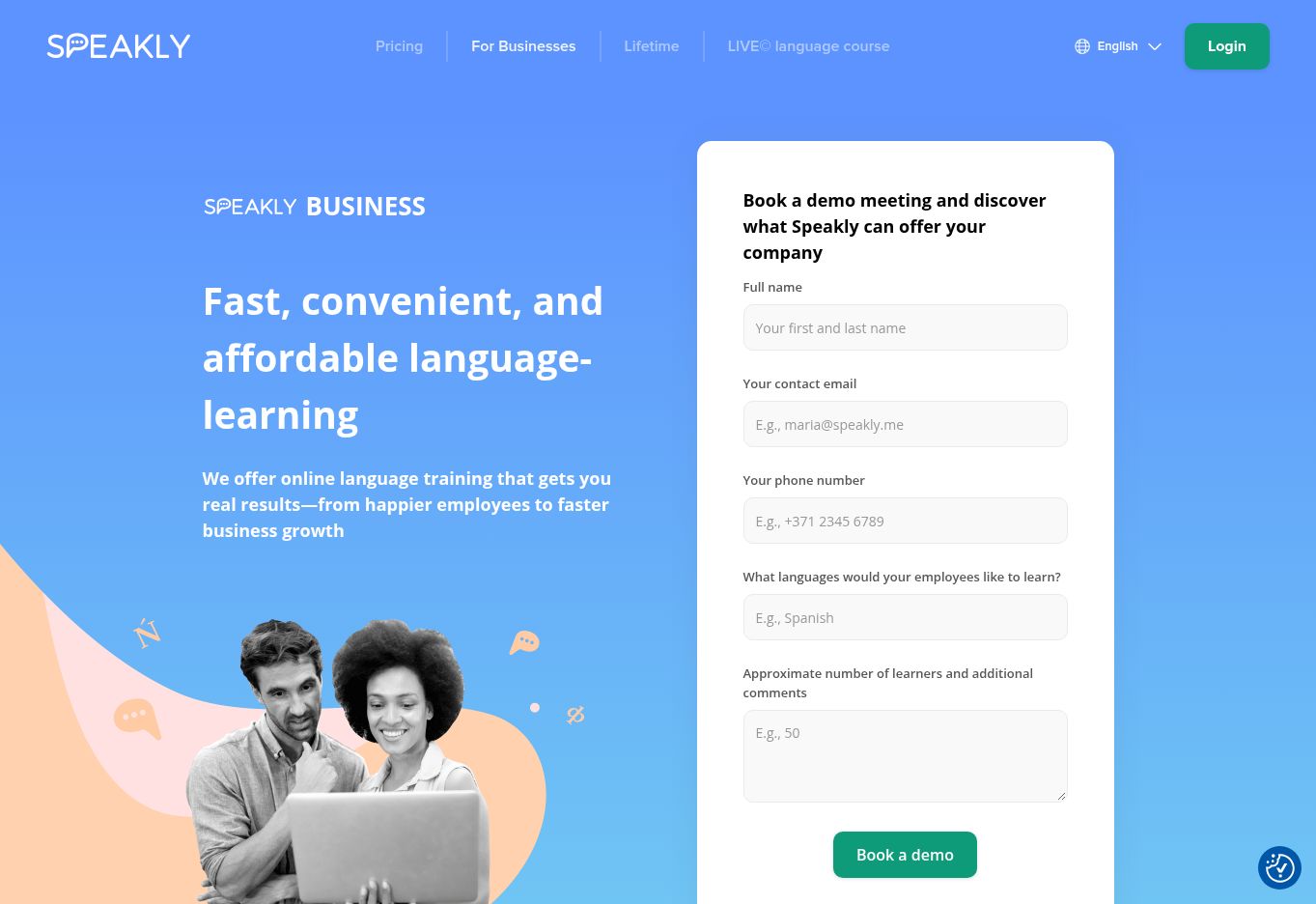
Speakly’s business offering is a more natural starting point for employee language learning than for school administration. The provider describes app and web learning, business subscription arrangements and monthly reports on employee activity.
Best for: Training teams supporting staff language development across a workplace.
Why people choose it: A business arrangement can give an organisation a more coordinated way to support learning than reimbursing separate personal subscriptions.
The business page advertised pricing from €4.58 per learner per month with six- or twelve-month subscription arrangements. Treat that as a starting rate to confirm, not a guaranteed all-inclusive quotation. The page’s language counts were inconsistent across sections when checked, so verify the exact target language and course availability directly. Tutor-led provision, where offered, should be specified separately from self-paced access.
Define a workplace outcome before enrolment: handling a customer introduction, understanding routine instructions or participating in a short meeting. Completion and activity reports are useful management signals, but they are not proof that staff can perform those tasks. Give learners protected practice time and use a short role-play or work sample to assess progress. Also agree what reporting managers need and explain that reporting to participants.
12. Loquiz: Build Learning Activities Around Places and Tasks
Loquiz enables creators to build games and activities around tasks and locations. That makes it relevant to field learning, orientation and facilitated team events. Its educational value depends heavily on the activity you design, including the discussion or reflection after the game.
Best for: Schools and training teams designing structured scavenger hunts, location-based exercises or group challenges.
Why people choose it: It offers a way to connect digital tasks with movement and collaboration outside a conventional lesson screen.
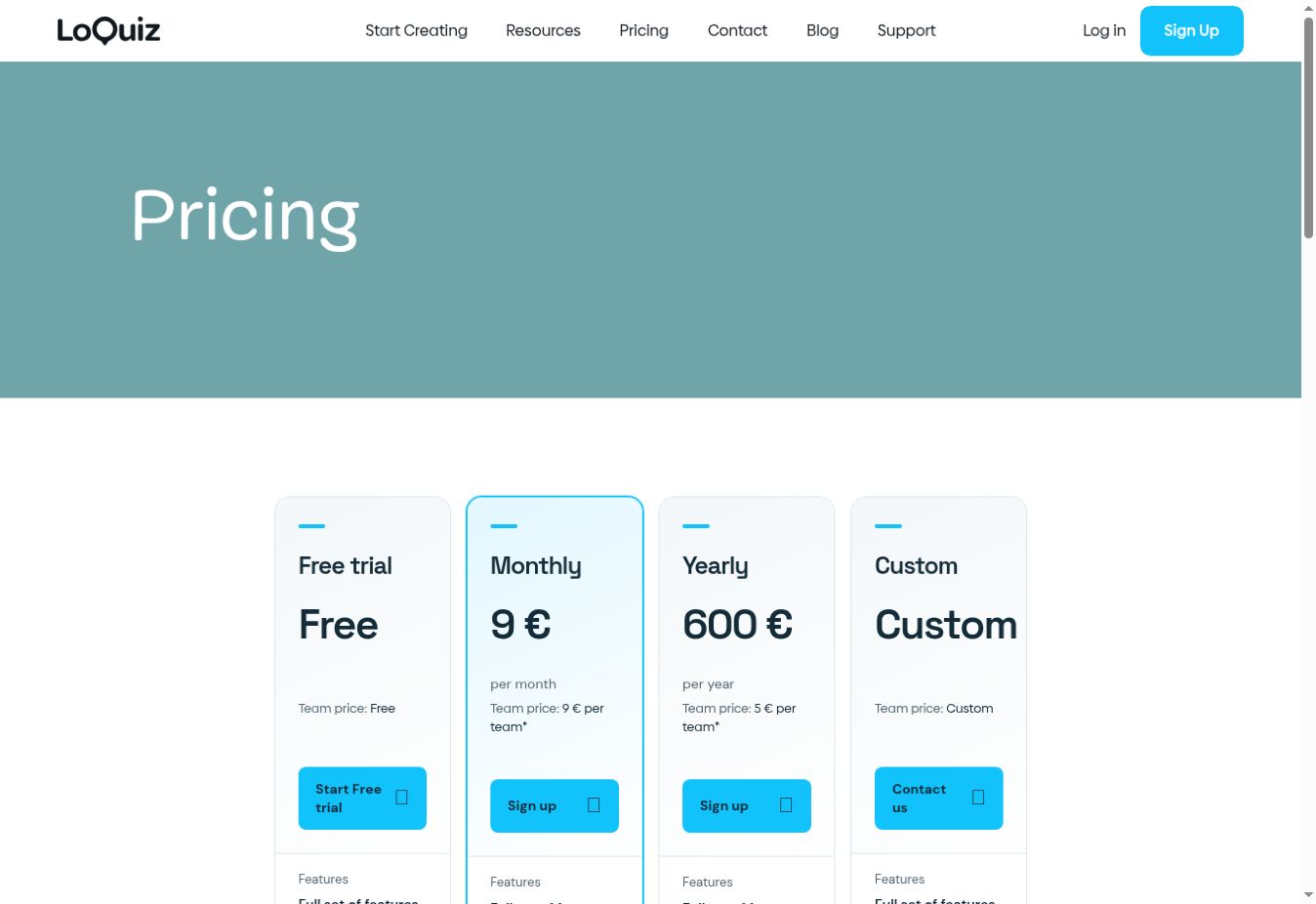
The standard pricing page showed a €9 monthly subscription plus €9 per participating game team, or a €600 annual subscription plus €5 per team. VAT applies where relevant. A billed “team” means one activated device, which can be used by one player or shared by several players; it is not an employee seat. Ask about education-specific arrangements before budgeting from the standard commercial plans.
Budget the organiser’s preparation time as well as usage charges. Test the route, connectivity, joining instructions and an accessible alternative before learners arrive. For staff training, require a practical task or explanation at the finish; completing a route alone does not demonstrate competence. Decide who will maintain the activity when locations, instructions or organisational procedures change.
Compare the Real Cost, Not Just the Headline Price
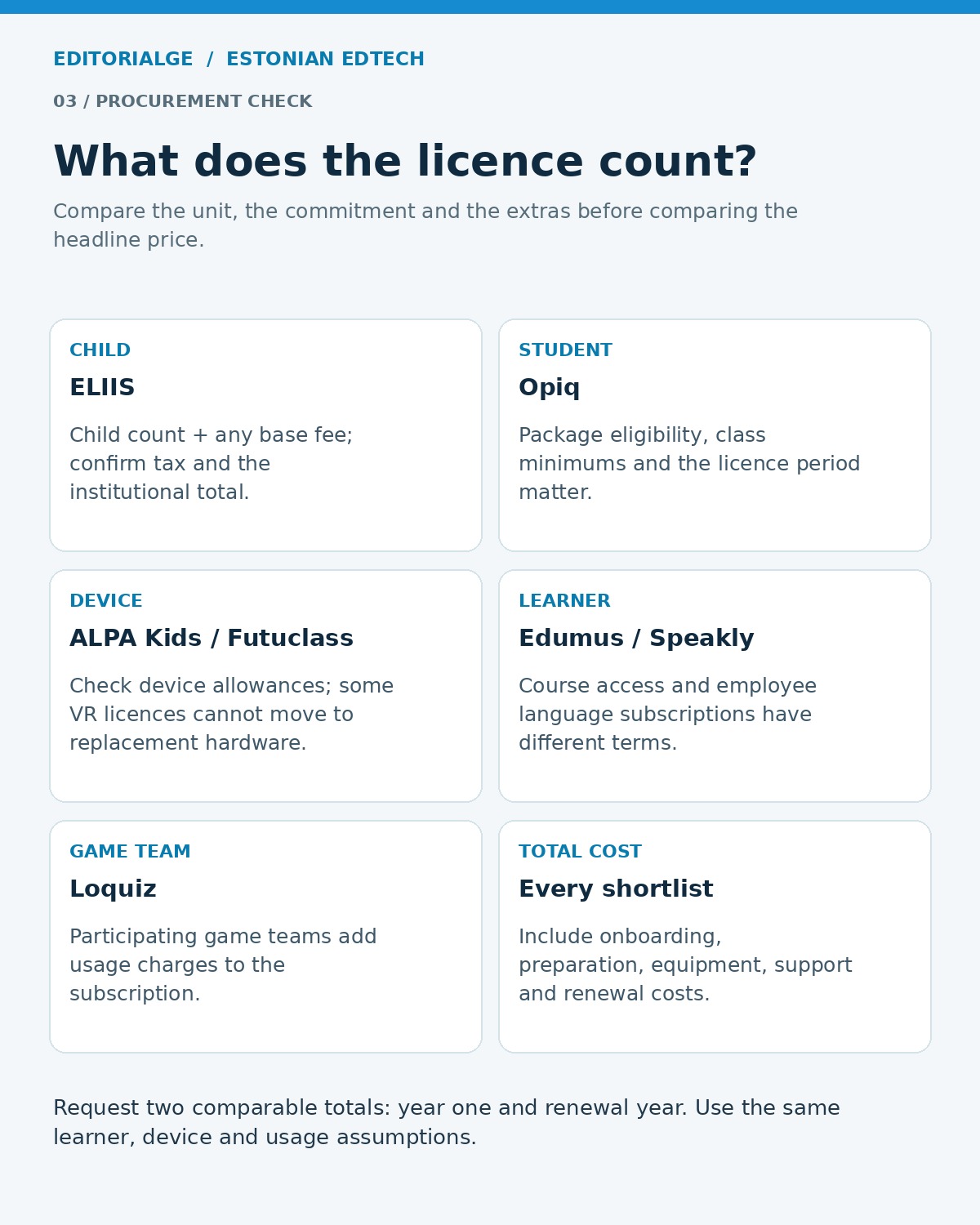
The unit on the invoice can change the shortlist. ELIIS counts children; an ALPA institutional package limits devices; an Opiq class package can have a minimum charge; Futuclass content can be tied to hardware; Loquiz adds participating teams to the subscription. A spreadsheet headed only “monthly price” hides these differences.
For example, assume an organisation keeps the standard Loquiz monthly plan for all 12 months and runs 60 game teams during that year. Its listed subscription and usage charges total €648: €108 plus €540. The annual plan totals €900: €600 plus €300. At 123 teams, the two calculations meet at €1,215. This is an illustrative comparison of the displayed charges, excluding VAT and any extras; it does not account for education discounts or months when a monthly subscription is inactive.
For every shortlisted provider, request a first-year total and a renewal-year total using the same learner count, devices and usage assumptions. Add onboarding, content preparation, equipment replacement and staff time. Separate a genuinely necessary capability from an attractive feature you have no plan to use.
Use a Small Pilot to Answer the Buying Question
A useful pilot starts with one problem. “Reduce duplicate attendance entry” is clearer than “improve digital learning.” “Help learners use vocabulary from our next unit” is more measurable than “increase engagement.” Our EdTech evaluation questions offer a starting point for framing that discussion.
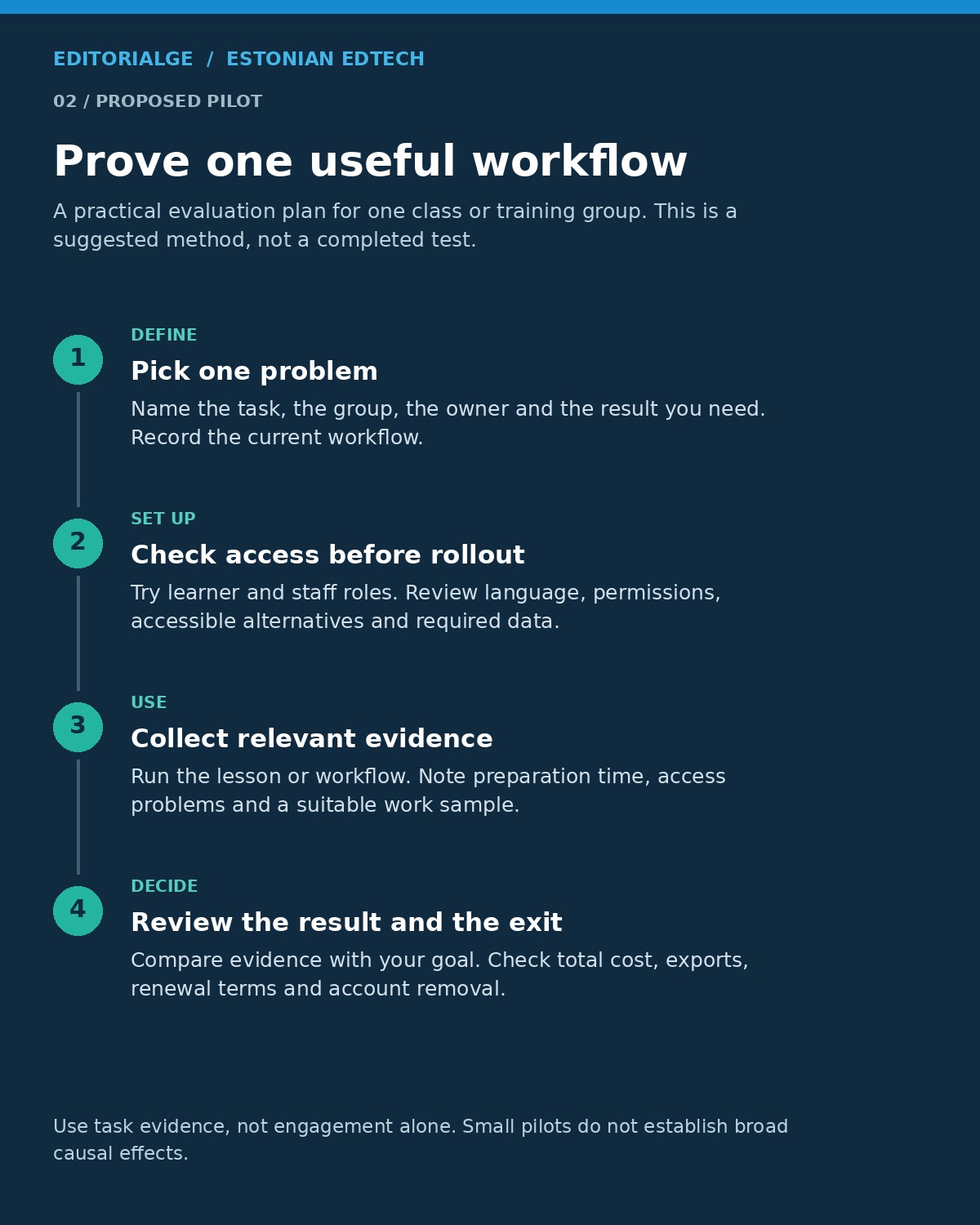
Choose one class or training group, a named owner and a short evaluation period. Before inviting learners, check account creation, permissions, accessible alternatives and the information you actually need to collect. Ask the provider to explain storage, deletion, subprocessors and export arrangements as part of your institution’s normal privacy review. An Estonian connection alone does not settle those questions.
Keep evidence aligned with the product. For an administrative platform, time the workflow and check the resulting record. For a learning tool, collect a suitable work sample before and after the activity, while recognising that a small pilot cannot establish broad causal claims. Record staff preparation time and access problems alongside learner feedback.
Finally, test the exit. Can you export what you need, revoke access and preserve required records? If you need institution-wide course delivery, enrolment management and completion tracking, revisit your learning management system requirements. Several products here are useful additions to that foundation rather than replacements for it.
Frequently Asked Questions
Which providers are most relevant to Estonian school administration?
eKool and Stuudium are the most directly relevant options in this list for school records and communication. ELIIS focuses on preschool operations. Compare the actual workflow, integration and migration requirements rather than choosing by feature count alone.
Can schools outside Estonia use these providers?
Some have international offerings, but availability is product-specific. Verify the contract territory, curriculum alignment, teaching and support languages, payment arrangements and local integrations. An English website does not guarantee that every course or feature is available in English.
Are any of these options free?
99math offers a free core experience, with premium options available. Other providers may offer trials or free account creation, which should not be confused with a permanent free institutional licence. Check what remains available after a trial and who pays for ongoing access.
Which choices suit workplace training teams?
Speakly is relevant to employee language development, while Loquiz can support designed team activities. Lingvist may be useful for targeted vocabulary practice, subject to suitable access terms. None should be assumed to provide every function of a corporate learning management system.
Choose the Provider That Fits the Work
The strongest shortlist of Estonian Learning Technology Providers for Schools starts with a specific operational or teaching need. Compare eKool and Stuudium for school workflows, ELIIS for preschool administration, and subject tools against the lesson they must support. Training teams should apply the same discipline to language learning and group activities.
Ask for the right language, the right licence and an observable result from a small pilot. A clear fit with your people, curriculum and existing systems is more useful than a long feature list or an untested promise of better learning.