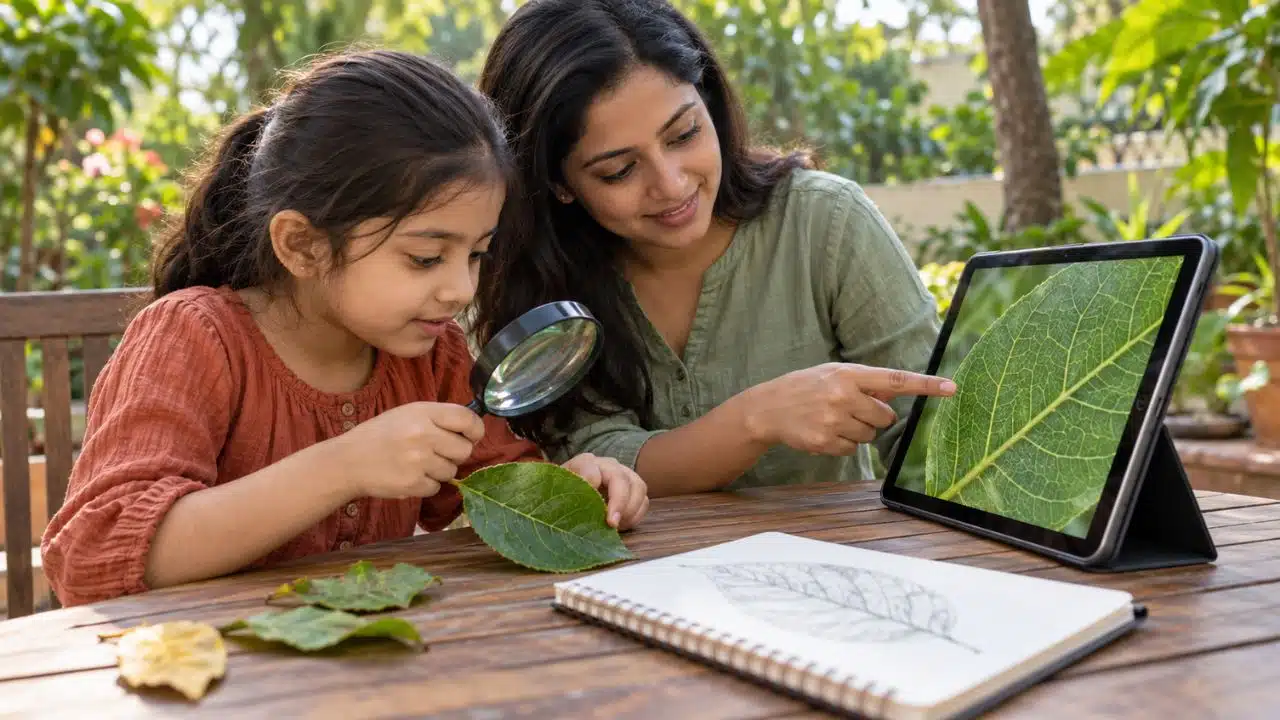
When I look for the best science apps for kids, I start with the questions they can help children explore. Why does the Moon change shape, and where does food go after we swallow it? What makes a toy car roll faster down a ramp? A useful app gives a child something to observe, test, or explain.
Watching kids around me learning letters or languages outside a learning app shaped that approach. Books, toys, preschool, and adult support also contributed. Seeing a skill appear in everyday life matters when choosing science activities, too.
The ten apps below offer different ways into science. Some guide younger children through stories and games. Others help families investigate birds, landscapes, body systems, or the night sky.
Best Science Apps for Kids: A Quick Comparison
| App | Main science focus | Learning-age guide | Platforms | Cost model |
| Science for Kids by Tappity | Guided science lessons and activities | Ages 4–10 | iPhone and iPad | Trial, then paid membership |
| PBS KIDS Games | Early science and engineering games | Ages 2–8 | iOS and Android | Free |
| MarcoPolo Ocean | Ocean life and underwater exploration | Around ages 3–5 | iPhone and iPad | Free in the US Apple listing |
| The Human Body by Tinybop | Anatomy and body systems | Ages 4+ | iOS and Android | Paid; optional extra purchase on iOS |
| The Earth by Tinybop | Geology and changing landscapes | Around ages 6–10 | iOS and Android | Paid |
| Simple Machines by Tinybop | Forces, motion, and mechanisms | Around ages 5–10 | iOS and Android | Paid |
| Seek by iNaturalist | Observing and identifying living things | Around ages 6+ | iOS and Android | Free |
| Merlin Bird ID by Cornell Lab | Bird identification and listening | Around ages 8+ | iOS and Android | Free; email setup required |
| Sky Tonight | Astronomy and sky observation | Around ages 8+ | iOS and Android | Free with ads; paid upgrades |
| PhET Simulations | Exploring science models and variables | Around ages 8+ for selected simulations | iOS, Android, and web | Paid mobile apps; free browser simulations |
Tappity, PBS KIDS, and The Human Body publish the ages shown here. The other ages are my suggested starting points with adult guidance. App-store content ratings do not establish the difficulty of the science activities.
Features and access details were checked on October 1, 2026. Prices, regional availability, and device requirements can change.
1. Science for Kids by Tappity: Guided Science Discovery
Tappity combines narrated science stories, interactive lessons, science experiments, and a journal. Topics cover space, life science, Earth science, and physical science, making it a broad starting point for children with several interests.
The guided format may suit a child who enjoys following an explanation and needs support with reading. Parent discussion questions give families something to talk about after an activity. Ask which idea caught your child’s attention and let that guide the conversation.
Tappity is available for iPhone and iPad. Its current listing requires iOS or iPadOS 16 or later, and full access requires membership after a trial. Review the offer and renewal terms shown at checkout.
Take it further: Let your child choose one question from a lesson and draw an explanation. Ask what each part of the drawing shows and what they still want to find out.
2. PBS KIDS Games: Free Early Science Activities
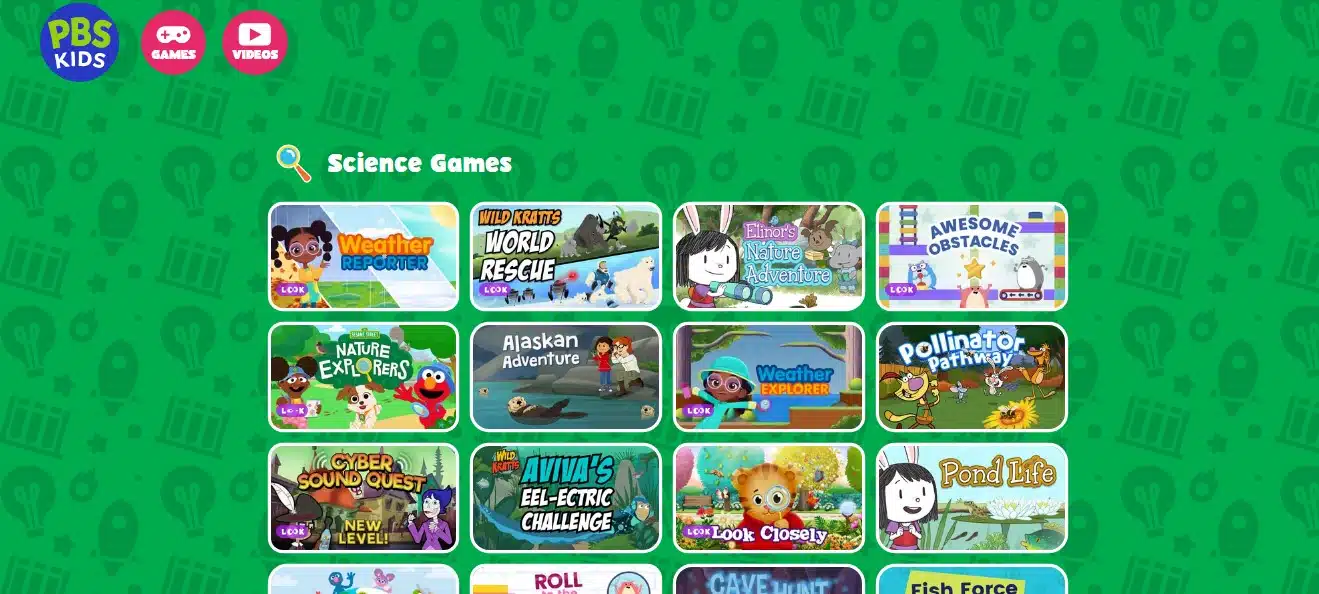
PBS KIDS Games offers free educational games for ages 2–8. Science and engineering are part of a wider collection that also covers reading, mathematics, art, and other subjects.
Characters from shows including Elinor Wonders Why, Wild Kratts, and Nature Cat provide familiar starting points. Families can select activities around nature and other science interests rather than browsing the whole collection at once.
Stay with one activity long enough for your child to describe what they noticed.
The app is available on iOS and Android, with downloadable games for offline play. Download the activities you want before relying on them without an internet connection.
Take it further: After an animal activity, look outside or in a picture book for a similar feature. Ask your child to describe the resemblance and any differences.
3. MarcoPolo Ocean: An Underwater World to Explore
MarcoPolo Ocean offers a narrated underwater sandbox with six build-and-play activities. Children explore reefs, marine animals, boats, and submersibles through a format designed for preschool learning.
For a younger child, the starting point can be a visible detail: an animal’s shape, movement, or place in the scene. An adult can help turn that observation into a question about life in the ocean.
My suggested fit is around ages 3–5 with someone beside the child. A picture book can extend the discussion when they want more explanation.
The verified iPhone and iPad listing is free in the US store. Its listed release dates to December 2020, so check compatibility on your device. Current Android availability was not established in this research.
Take it further: Draw two sea animals and compare their shapes. Discuss how fins, shells, or tentacles might help them move or live in water.
4. The Human Body by Tinybop: Seeing How the Body Works
The Human Body gives children an interactive anatomy model to explore. They can feed the model and investigate processes involving breathing, movement, organs, and the senses.
It gives familiar questions a visible starting point. Where does food go? How do bones and muscles help us move? What happens when we breathe?
Following one process helps focus the exploration. Trace the route food takes and discuss how several body parts work together.
The app is paid on iOS and Android. Tinybop provides a free handbook for discussion, and an optional additional body system is listed separately on iOS. Treat the model as a starting point for exploring anatomy.
Take it further: Draw a simple body outline and trace the journey of food. Let your child explain the route, then return to the model together where questions remain.
5. The Earth by Tinybop: Exploring a Changing Planet
The Earth explores geological processes including plate movement, volcanoes, earthquakes, weathering, erosion, and deposition. Children can investigate Earth’s layers and changes to landscapes.
These changes can happen underground, across large areas, or over long periods. An interactive model makes them available for exploration.
Explore questions about mountains or rivers together. Help your child distinguish an animation’s speed from the timescale of the process it represents.
The app is paid on iOS and Android, with a free handbook. My suggested starting range is around ages 6–10, depending on understanding and interest.
Take it further: Look at soil or sediment after rain. Discuss where the water travelled, what it moved, and how that observation connects with erosion.
6. Simple Machines by Tinybop: Testing Force and Motion
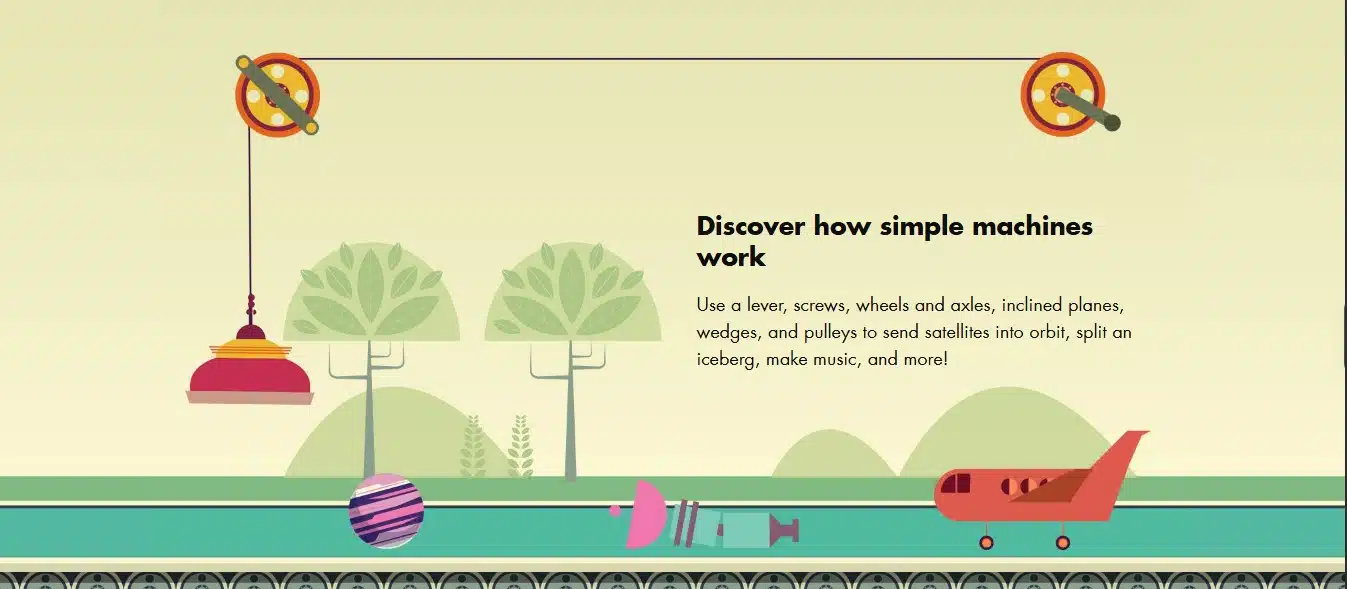
Simple Machines explores levers, pulleys, inclined planes, wedges, wheels and axles, and screws. Children change mechanisms and observe their effects on force and motion.
For children interested in building and moving objects, this offers a clear opportunity to predict and compare. Before changing a mechanism, ask what they expect. Afterward, ask which part of the result supports their explanation.
The app is paid on iOS and Android. Tinybop’s expert-reviewed handbook includes questions and activities that can help an adult extend the investigation.
Take it further: Roll the same toy car down a sturdy, low ramp at two heights. Predict the difference, then compare what happens while keeping the car and surface the same.
7. Seek by iNaturalist: Discovering Nature Close to Home
Seek uses image recognition to suggest identifications for living things. Observations, badges, and challenges can give a family walk a focus, whether a child notices a leaf, insect, or fungus.
I would begin with careful looking. Describe visible features before checking the identification, giving your child evidence to compare with the suggestion.
Seek is free on iOS and Android, and core use does not require an account. Optional connections to iNaturalist introduce sharing features and additional privacy considerations. Users under 13 need parental permission for that route.
Identification suggestions can be wrong or uncertain. Keep that uncertainty in the conversation, and use the app for observing rather than deciding whether something is safe to eat.
Take it further: Sketch one plant’s leaf shape, edges, and arrangement. Compare those details with a field guide or another reliable source.
8. Merlin Bird ID by Cornell Lab: Following Clues to Identify Birds
Merlin Bird ID offers identification through questions, photographs, and sound, alongside a regional bird guide. Example calls, images, descriptions, and range information help families compare possible species.
A child can listen for a repeated call, look for the bird, and compare its size, markings, and surroundings with the suggested identification.
The authentic Cornell Lab app is free on iOS and Android. Adults should manage email setup for younger children. Offline use requires preparation and appropriate downloads; the current iOS requirement is version 18 or later.
Sound recognition coverage varies by region. Cornell advises checking suggestions independently, making a possible match another question to investigate.
Take it further: Listen quietly in one place and describe a call’s rhythm. Compare it with an example recording and any visible clues, while avoiding disturbance to the bird.
9. Sky Tonight: Making Sense of the Night Sky
Sky Tonight combines an interactive sky map, object information, adjustable time, lunar phases, and an astronomy calendar. It can help families investigate a bright point of light or plan an evening of sky observation.
Start with one visible target, such as the Moon or a bright planet. Connect the map with what your child can see, and explain that its illustrations are representations of the sky.
Children may need help interpreting this general astronomy tool. My suggested starting point is around age eight with an adult.
Sky Tonight is available on iOS and Android. Free access includes ads and limits some lists; paid options remove ads and those restrictions. Its Apple listing declares data used for tracking, which parents should consider alongside the cost.
Take it further: Observe the Moon on several evenings and sketch its shape. Use the app to explore the pattern your child records.
10. PhET Simulations: Changing Variables and Comparing Results
PhET, from the University of Colorado Boulder, offers interactive science and mathematics simulations. Selected activities explore topics such as forces, energy, and electricity.
In Forces and Motion: Basics, families can change friction and compare its effect on movement, checking a prediction against the result.
For a child around age eight or older, begin with one suitable simulation and guidance. The wider collection extends through university, so choose by concept and difficulty. Controls and accessibility also vary by activity.
Browser simulations are free. The paid mobile apps package HTML5 simulations for offline use. Explain that a simulation simplifies a real system and helps your child connect the model with familiar experiences.
Take it further: Predict what changing friction will do. Change that variable, compare the result, and discuss an everyday example, such as sliding an object across different surfaces.
Let Science Continue Beyond the Screen
Before an activity, ask what your child expects to happen. Give them time to explore, then discuss what they noticed. A drawing, book, simple demonstration, or outdoor observation can carry the question further.
Reading and counting can become part of that exploration. At Editorialge, our team developed Alphabet Magic trace & phonics and 123 Magic Number Fun: Math Kid, our in-house literacy and numeracy apps. Families can connect letter and number practice with naming an animal, counting fallen leaves, or comparing groups of objects.
Keep app use within a day that includes conversation, play, rest, and time outdoors. Notice whether your child returns to an idea later or starts asking questions about something nearby.
That is the moment I care about: a child sees something ordinary and wants to understand it better. The next question gives you a direction for learning together.
Frequently Asked Questions on the Best Science Apps for Kids
1. Which Science Apps for Kids Are Free?
PBS KIDS Games, Seek, and Merlin Bird ID are free. MarcoPolo Ocean is free in the verified US Apple listing. PhET’s browser simulations are free, while its mobile apps are paid. Tappity requires membership after a trial, and Sky Tonight offers free access with ads and paid upgrades.
2. Which Science Apps Suit Preschool Children?
PBS KIDS Games and MarcoPolo Ocean are useful starting points with adult involvement. Tappity publishes an age range beginning at four. Choose activities according to your child’s understanding and support needs; an app-store content rating does not tell you how difficult the learning will be.
3. Which of These Science Apps Work on Android?
PBS KIDS Games, the three Tinybop apps, Seek, Merlin Bird ID, Sky Tonight, and PhET have Android listings. Tappity’s verified availability is for iPhone and iPad. Current Android availability for MarcoPolo Ocean was not established. Check your local store and device requirements.
4. Can Science Apps Replace Experiments and Outdoor Exploration?
Apps help children explore processes that may be hidden, distant, or difficult to observe directly. Physical activities and outdoor observation provide other kinds of evidence. Combining these experiences lets children compare a model with something they encounter in everyday life.
5. How Can Parents Tell Whether an App Encourages Curiosity?
Watch for follow-up questions, predictions, comparisons, and new observations away from the screen. Ask your child what changed or what they want to investigate next. These are useful everyday signs to notice, rather than a formal measure of an app’s effect.