

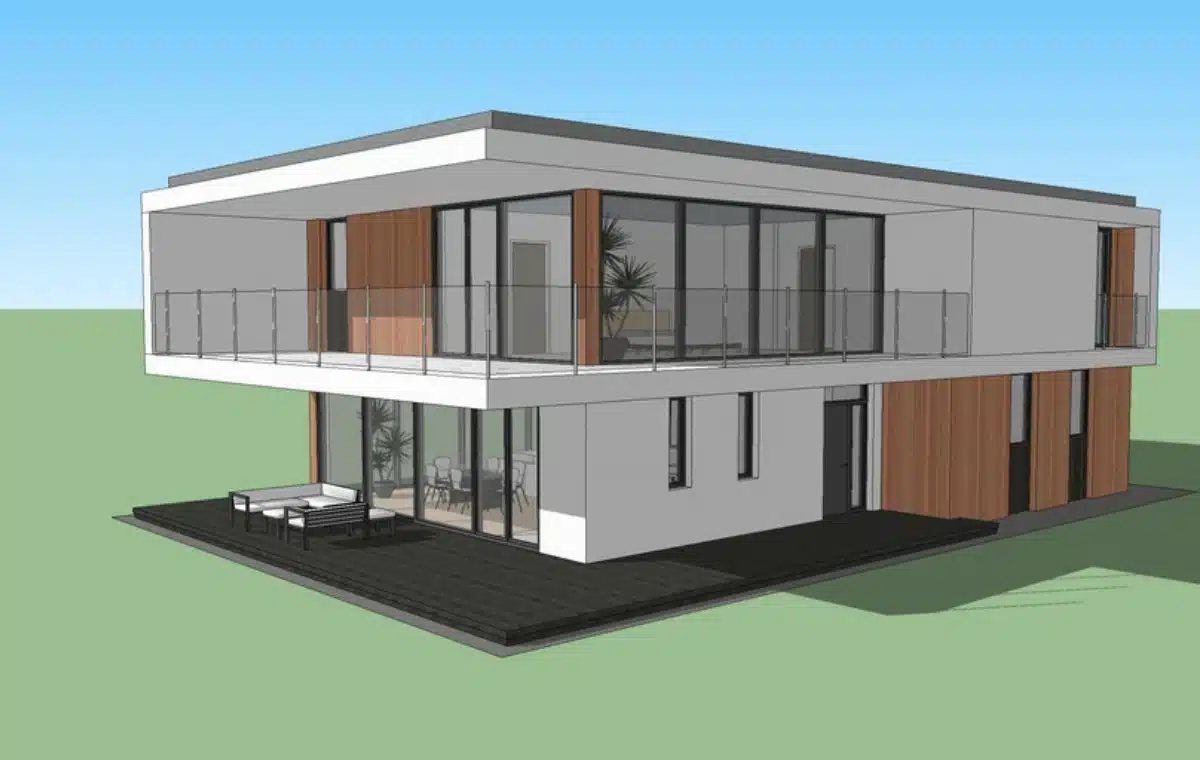
As an architect, you can envisage designs. You can visualize precisely how your design will appear once it has been completed. Unfortunately, your clients usually lack that ability, making it challenging for them to see the finished result.
You are welcome to hold a thorough meeting. A presentation of AutoCAD drawings or even an artist’s interpretation of the design might be given after a field trip to the location. The project begins once the customer nods in agreement. However, a few weeks later, your customer contacts to let you know he’s on location. and it’s not what he had in mind!
How is that possible?
It’s rather easy. He just did not perceive it in the same way as you.
The good news is that you won’t ever run into this issue again. The solution is in SketchUp. A three-dimensional modeling and rendering software package called SketchUp was created with project placements in mind.
From the very beginning of the design process, till the project is finished, SketchUp is helpful. The most user-friendly and straightforward 3D drawing program available is without a doubt SketchUp. It is a very user-friendly tool that is perfect for representing thoughts. Drawing and redrawing are necessary when you need to create a framework out of an ambiguous notion. You have the chance to make adjustments using SketchUp as quickly and effectively as is reasonable given the conditions.
1. Accessibility and simplicity
Utilizing SketchUp is quick and simple. This sets it apart significantly from other software that is currently on the market. It’s an excellent first design tool that may provide several designs for the undertaking. Along with the AutoCAD designs, you may add your ideas to SketchUp. You can have the full design solution prepared thanks to its capability to deliver a rendered view.
2. Precision
Going with SketchUp would be a better option because SketchUp Make only provides you with a small number of tools and opportunities for constructing a whole work.
3. Accuracy
You may set up, determine, and create with as much or as little information as you need since SketchUp is accurate to a thousandth of an inch.
4. Make 2D illustrations
SketchUp may be used for more than 3D models. With LayOut, you may sketch designs, elevations, details, title blocks, etc. The docs are updated along with any model changes.
5. Produce Presentation Files
Everything you need for your project can be created with LayOut, including page setup, drawing, vector illustrations, and slide introductions. The LayOut tool may create a multi-page archive from a single model with many styles, viewpoints, dimensions, and views. Furthermore, once the original model is changed, the complete document is subsequently updated. You can use SketchUp Pro to turn your models into animated flyovers and walkthroughs that thoroughly explain everything.
Various other advantages include:
- Because the program is made to work like your hand, sketching your design is made simple.
- You can make lifelike drawings fast and effortlessly using SketchUp since it is an intuitive yet strong 3D modeling program.
- In order to impress your customer, SketchUp offers rendering surfaces with a large variety of architectural styles that complement your design perfectly.
- Third-party extensions are supported by SketchUp. Software that offers additional features can be simply integrated with SketchUp.
- You have the choice to insert your model into Google Earth using SketchUp.
- Additionally, the only officially supported operating systems for Sketchup are Windows and Mac.
The Free and Shop plans in Sketchup can only be accessed online. You must select either the Pro or Studio plan if you need to install the program on your PC. Sadly, Sketchup is unable to satisfy all of the requirements of 3D designers. Therefore, people go for SketchUp alternatives to save time and money.




























