Google has begun distributing a new notification, “Your device has great new features,” to Android users globally. Initially pushed to Pixel devices through the Tips app, this alert is now reaching a broader audience, including non-Pixel devices like Samsung Galaxy phones.
The notification is designed to introduce users to new features that are now available on their Android devices, offering a more streamlined way for consumers to discover the latest updates.
A Full-Screen Feature Overview
When users tap on the notification, Google Play services power a full-screen interface. This display features a carousel that highlights eight specific Android functionalities, each accompanied by brief instructions and a “How to Get Started” section. If users want to dive deeper into any feature, they can click a “Learn more” link, which directs them to Google’s official support page for further details.
This initiative, which began in late September, offers Android users a guided tour of new features, many of which have been available for several months. It seems that Google’s goal is to ensure that users are aware of these updates and can easily access them, regardless of how long they’ve been live.
Key Android Features Highlighted
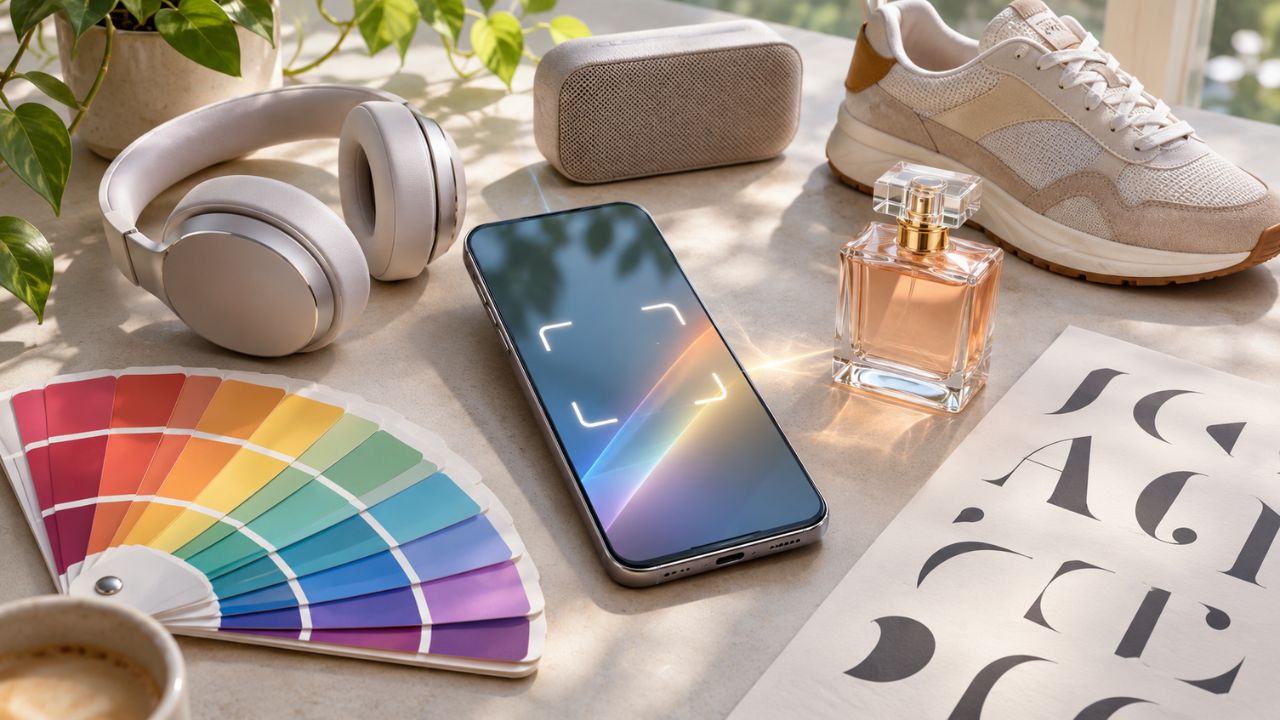
The notification showcases several useful features, including Google Lens, Google Wallet, and Google Messages, among others. Below is a breakdown of the highlighted features:
1. Circle to Search
- Instantly Translate on Your Screen: Introduced in March, this feature allows users to translate content directly from their device’s screen. Whether it’s a webpage, document, or app, this tool quickly translates text in real-time.
- Search QR Codes and Barcodes on Your Screen: Launched in September, users can now search for QR codes and barcodes displayed on their screens, making it easier to access related information without needing a separate app.
2. Google Lens
- Point Your Camera and Ask Questions: With Google Lens, users can simply point their camera at objects, text, or images and receive contextual information. For example, you can scan a product or a piece of text and ask Google to identify it or provide further insights.
- Photo Tools: Earlier this year in March, we introduced features like Photo Unblur, Magic Eraser, Portrait Light, and Magic Editor, enabling users to enhance and edit their photos with ease.
3. Google Wallet
- Add QR and Barcode Passes: With this feature, users can store their important QR and barcode passes directly in Google Wallet.
- Access Email Passes Easily: Passes sent to your email can now be easily added to your Google Wallet for quick access on the go.
4. Google Messages
- Full-Screen Effects: Google Messenger now has the ability to light up conversations with full-screen effects, adding a dynamic and fun element to texting.
5. Google Safe Browsing
- Stay Ahead of Online Threats: An updated Safe Browsing feature, complete with a new green shield icon, alerts you to online threats like phishing and malware.
With this notification system, Google is making it easier for Android users to stay informed about the latest features on their devices, ensuring that they can take full advantage of the powerful tools that Android offers. Although some of these updates have been available for some time, this comprehensive notification brings even the subtlest improvements to users‘ attention, thereby enhancing their overall experience.