If you travel for business or leisure regularly and you feel limited by a smartphone or tablet, a portable monitor is a very handy option that will totally change the game for your travels.
If you’re thinking if this device is a worthy investment, here are 6 reasons why you should switch to portable monitors for your on-the-go lifestyle:
-
Work anywhere comfortable.
Yes, you can work on your smartphone or tablet, especially with many desktop tools now available on Apple or Android stores. But there’s a good chance you’re not comfortably typing away on that tiny phone screen, or getting your meetings done on your tablet.
With a portable monitor, you get to work or play on an almost regular-sized monitor but without the bulk of traditional monitors.
-
Be entertained wherever you go.
The cool thing about a portable monitor is that you’ll have a personal TV to bring around wherever you are.
Don’t like the movie they’re playing on the plane? Pick your own content to watch. Travelling for work exactly on the day The Bachelor announces who wins? Stream your show on your portable monitor, regardless of whatever timezone you’re following.
What’s nice is that the portable monitors are often designed to be as lightweight as possible, so you don’t feel like you’re lugging your entire PC with you.
-
Scale UP everything you do on your smartphone.
With a portable monitor, your candy crush game can be zoomed out 5x its size without hassle. You can complete your Skype meetings, find music to listen to on your Spotify, read a PDF file or eBook saved on your phone, and perform anything you do on your phone but on a larger scale.
Using portable monitors to project your smartphone’s display isn’t just for novelty. This technique can help people prevent eye strain and migraines.
-
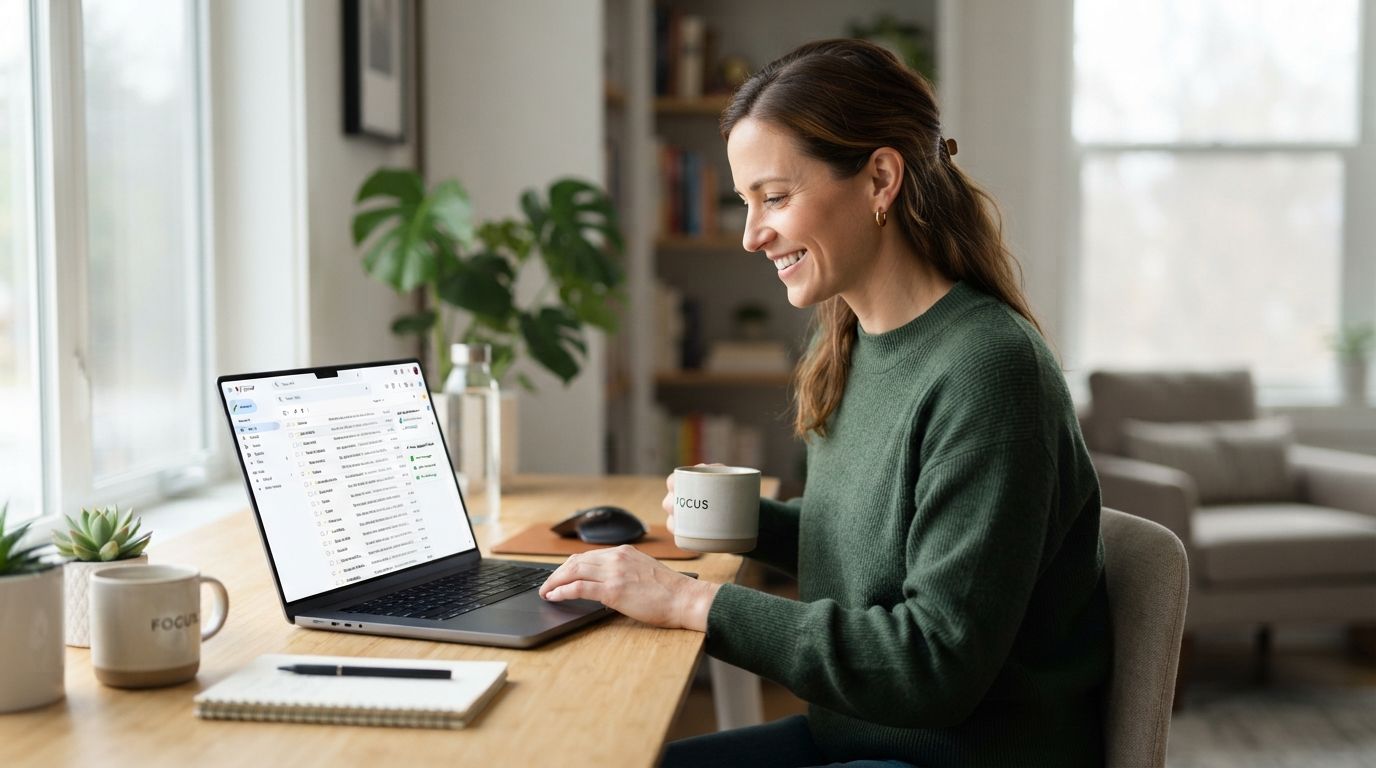
Extend your laptop monitor real estate.
For those who have been saving up for a laptop upgrade, but are used to bringing their laptops when they travel, the portable monitor can be a more affordable solution.
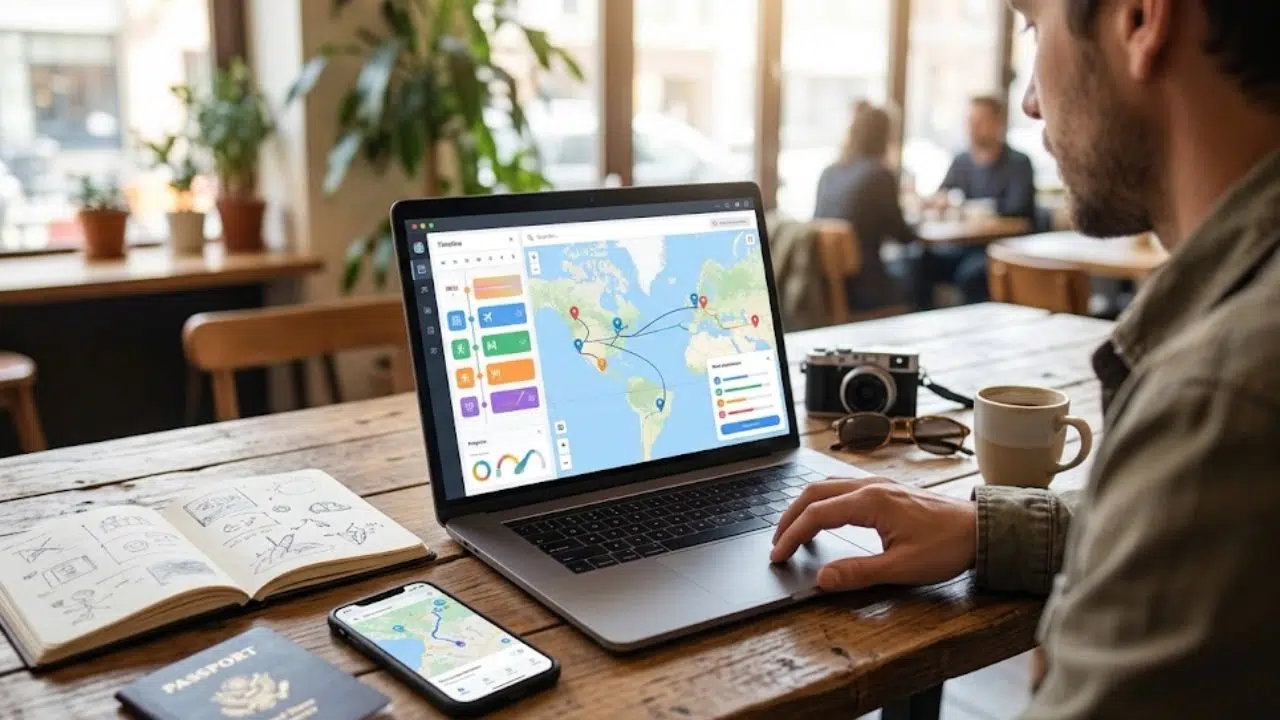
If your only problem is that the laptop display is too small for your needs but the other components are still powerful for your computing tasks, then invest in a portable monitor.
Adding this external device as a second monitor will significantly improve your productivity. You can use the additional monitor for situations like:
- Keeping data static on one monitor, and your work on the other.
- Chatting with teammates on one monitor, while you play online games on the other.
- Being updated with the stock market, web analytics, product sales and other data that changes live while doing something else on the other monitor.
- Watching a video on one monitor, and multitasking on the portable monitor.
The possibilities are endless, really.
-
Cool helpers for professional photographers and videographers.
If you travel because you’re a pro photographer and videographer and you document people, places, things and events all over the country (or the world), I know how quickly your devices bulk up and weigh significantly.
Not only does the weight of all your gadgets keep you from moving around, but it could also cost you more money. Extra luggage fees on airlines, hello?
Switching some of your gear to a handy portable monitor isn’t a traditional approach, but it could definitely become standard in the future. After all, how efficient is it to use a portable monitor as a bigger preview screen (instead of the built-in display on cameras and video cams)? The images and videos are shown at such high quality that you’re able to see even the tiniest details right after you’ve taken them.
-
Energy-efficient monitor with built-in features and multiple outputs.
Portable monitors can easily be set up wherever you go – it isn’t as complicated as desktop monitors. Think of it as bringing out your tablet, placing it on a stand, and enjoying a bigger screen.
You don’t need any technical know-how to set it up either. Portable monitors are pretty plug-and-play. Plus, because they are powered by USB and do not require being plugged in, portable monitors are energy-efficient.
PC monitors usually have just a single (or 2 at most) output, so you can only connect one or two external devices at a time. Portable monitors have an edge here since users can add up to a minimum of 6 devices. If you’re using Windows Multipoint Server, you can double this amount for up to 14 devices.
Travellers are the perfect audience for portable monitors. Whether you’re travelling for work, vacation, or play, having a portable monitor with you lets you take care of business when needed, or improve your entertainment options while on the go.
The only downside to portable monitors is that they’re still a bit expensive, but as brands like ASUS, AOC, Lenovo and HP continue to make them more accessible to people and demands increase, expect the price to decrease as well. I recommend that if you can afford it now, and you’re always away for work or travel, buy a portable monitor to take advantage of the benefits above.