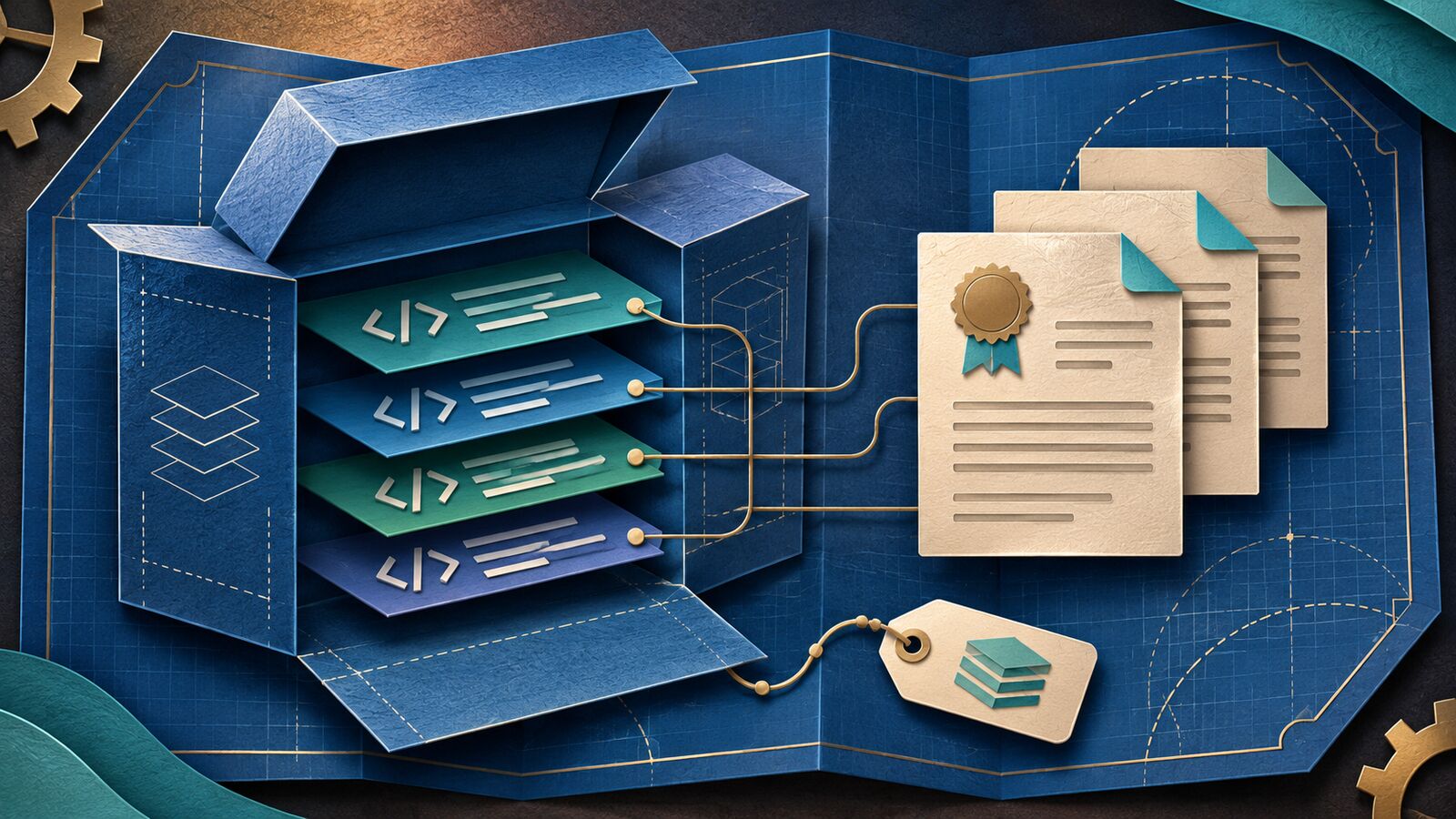
Open-source license notice tools help SaaS teams track third-party components, gather the license and notice files associated with a release, and identify questions that need human review.
A software bill of materials can help identify components: the Cybersecurity and Infrastructure Security Agency describes an SBOM as a record of components and their supply-chain relationships. The SPDX specification also supports communicating component and licensing information. A component inventory is a starting point; notice requirements still depend on the applicable terms.
For more context, see our guides to software supply-chain security and how open-source licenses affect software use.
For a SaaS company, that record may cover server-side code, browser-delivered assets, containers, mobile clients, or components shipped to customers. Obligations vary with the licenses, the software, and how it is used or distributed. Treat automated output as evidence for review, not as a legal conclusion.
We compared eight distinct tools using their published documentation. The selection favors tools that can identify license or notice information, preserve attribution data, or help build a release-specific notice package. Some generate reports; others scan files or collect license text and need another step. We did not test these products, and inclusion is not a ranking or sponsorship.
Compare the Tools at a Glance
| Tool | Best fit | What it contributes | Key limitation |
|---|---|---|---|
| FOSSA | Teams wanting managed attribution reports | Dependency, license and notice reporting | Access and report features depend on plan and configuration |
| OSS Review Toolkit | Teams building a customizable release pipeline | Analysis, scanning and notice templates | Requires setup and review of scan results |
| ScanCode Toolkit | Investigating files and bundled code | Detects license and copyright clues in files | Findings need interpretation and a release inventory |
| AboutCode Toolkit | Teams maintaining component provenance | ABOUT metadata and attribution documents | Depends on complete, accurate inputs |
| Mend SCA | Organizations using managed SCA and attribution workflows | Dependency attribution reports | Verify product edition, entitlements and coverage |
| Google go-licenses | Go applications | Reports dependencies and can save license materials | Focused on Go; other artifacts need separate coverage |
| Elastic go-licence-detector | Go teams wanting dependency and notice files | Generates dependency listings and notice output | Go-focused and requires pipeline maintenance |
| Node License Finder (nlf) | Node.js dependency investigations | Reports license data and license text for npm packages | Limited to Node packages; review results and maintenance |
How We Chose the Shortlist
We looked for documented ways to capture license texts, identify copyright or notice information, or generate attribution-oriented reports. We also considered where each tool fits in a release process: managed dashboard, customizable scanner, or language-specific command-line tool. The products do not cover identical stages, and the list includes tools that may be combined rather than bought as alternatives. Verify current pricing, deployment terms, ecosystem support, retention and export options directly before committing.
1. FOSSA
Best for: Teams that want a managed route from dependency analysis to an attribution report.
Why a team might choose it: FOSSA’s licensing report documentation describes dependency summaries, license information and notice files, with configurable report options. That can help a release owner review a report tied to a particular project rather than assembling all information by hand.
What to consider: Confirm which report options, integrations and export formats are available under your agreement. The report is only as complete as the analyzed dependencies and configured scope. Investigate inaccessible packages and unresolved findings before presenting the result as a final notice package.
2. OSS Review Toolkit
Best for: Engineering teams that want a customizable, scriptable open-source review workflow.
Why a team might choose it: The OSS Review Toolkit documentation describes analysis, scanner integrations, policy evaluation and attribution documentation. Its reporter supports notice templates, giving a team more control over how gathered information is turned into release material.
What to consider: That flexibility has a cost: someone must configure analyzers, scanners, policy rules and templates. Validate the package-manager coverage and inspect how the chosen template handles unknown licenses and notice text. A generated file is not a substitute for review.
3. ScanCode Toolkit
Best for: Investigating license and copyright clues in source files, archives or bundled code.
Why a team might choose it: ScanCode detects license text and copyright information in files and can produce machine-readable results. That is useful when a manifest alone does not tell the whole story—for example, a release includes vendored code whose notice appears inside a file.
What to consider: A file scan identifies evidence; it does not automatically decide which findings apply to a particular deployment or resolve every ambiguous license. Compare the scan scope with the actual release artifact, and plan for manual review of uncertain matches.
4. AboutCode Toolkit
Best for: Teams that want to maintain structured provenance and produce attribution from component metadata.
Why a team might choose it: AboutCode Toolkit uses ABOUT files to describe third-party components and supports generating attribution documentation. A team can retain fields such as origin, license and associated notices alongside a repeatable reporting process.
What to consider: The team must keep the underlying metadata current. If a dependency changes between releases but the ABOUT record does not, an attractive report can still be incomplete. Establish who updates the records and compares them against the release inventory.
5. Mend SCA
Best for: Organizations already evaluating software composition analysis with a formal attribution workflow.
Why a team might choose it: Mend documents a dependencies attribution report with options for license text, copyrights and notices. This can give legal and engineering teams a shared place to review and refine the material associated with a project.
What to consider: Ask which product version, subscription and integrations support the report and the ecosystems you use. Confirm how overrides are governed and whether they affect other projects. Preserve the evidence behind an override so a later release reviewer understands the decision.
6. Google go-licenses
Best for: Teams releasing Go services or components that need a Go-focused dependency and license inventory.
Why a team might choose it: Google’s go-licenses project reports licenses for a Go package and its dependencies and documents a command for saving license and copyright materials. It can be a practical CI building block when the release scope is primarily Go.
What to consider: A Go-focused scan does not automatically cover JavaScript front ends, container base images or assets from another language. Verify which modules and build paths are included, pin the tool version, and handle packages whose license information is missing.
7. Elastic go-licence-detector
Best for: Go teams that prefer to generate a dependency listing and notice file from their Go module information.
Why a team might choose it: The project documents outputs for dependency listings and NOTICE text. A release pipeline can use those artifacts as inputs to a reviewer’s checklist, making a change in the Go dependency set easier to investigate.
What to consider: Check the project’s current documentation, dependencies and maintenance before adopting it. Validate indirect dependencies and test the resulting notice file against a known release; other language ecosystems and bundled artifacts need their own review.
8. Node License Finder (nlf)
Best for: JavaScript teams examining license information in npm dependencies.
Why a team might choose it: Node License Finder documents output that can include package license information and license text. For a browser-delivered front end, that can help a team gather evidence on dependencies before building or reviewing a third-party notices file.
What to consider: It is a Node-focused tool, not an end-to-end compliance system. Confirm which installed dependency tree is scanned, whether development-only packages belong in the release analysis, and the project’s current maintenance status. Investigate missing or conflicting metadata.
A Practical Release-Notice Checklist
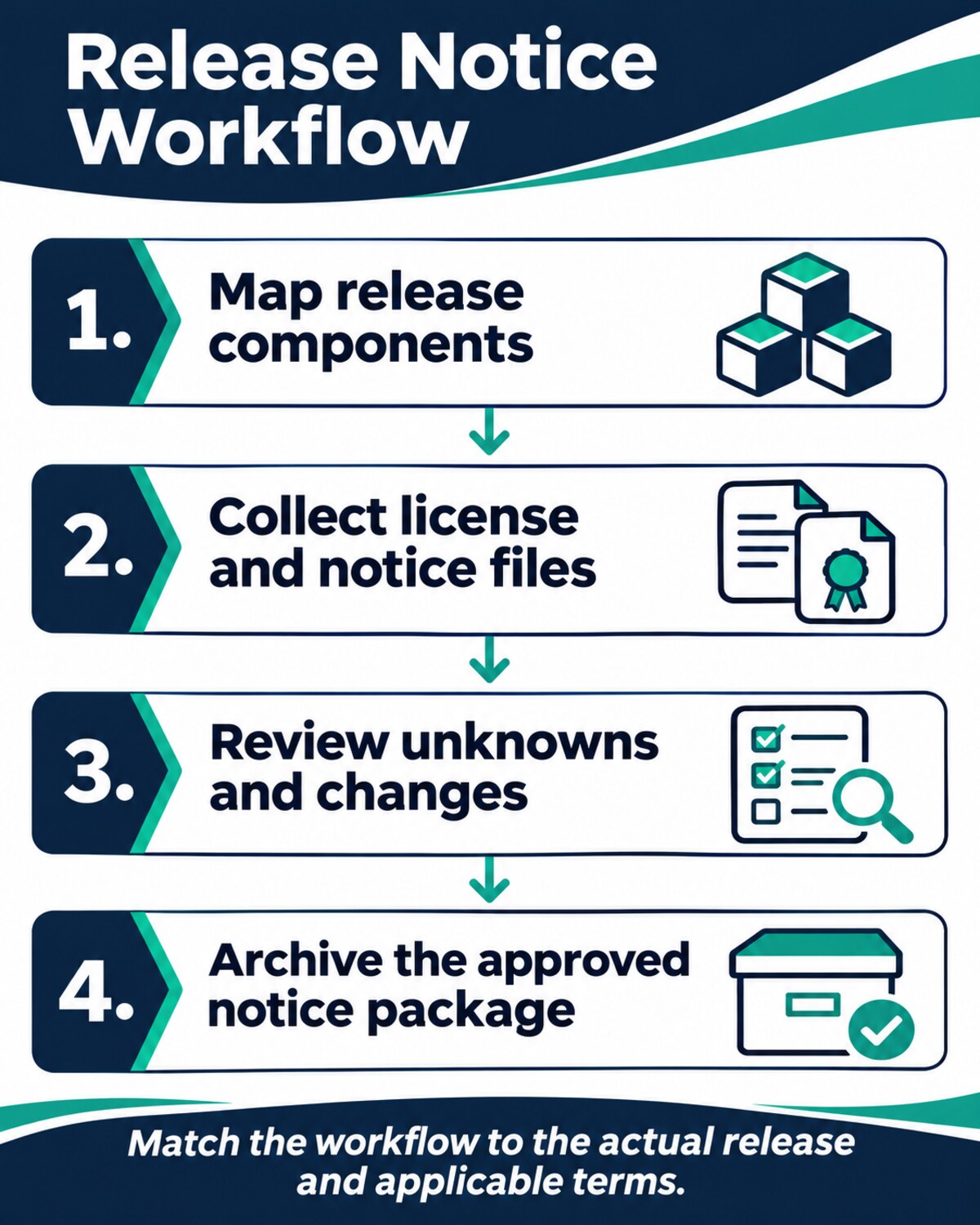
- Define the release boundary: backend, browser bundle, container images, clients and any distributed artifacts.
- Capture the exact dependency versions and scan relevant files using tools suited to each ecosystem.
- Collect license text, copyright statements and applicable NOTICE information; keep unknown and conflicting results visible.
- Compare the candidate package with the previous release and document added, removed and changed components.
- Have the responsible engineering and legal or compliance reviewers resolve material uncertainty and record their decisions.
- Store the reviewed notice artifact with the release identifier and link it to the relevant customer-facing or distribution material when required by the applicable terms.
A Hypothetical Example
Imagine a SaaS team preparing a release with a Go service and a JavaScript front end. It records the exact backend modules and front-end packages, runs a Go-specific license collector and a Node-specific dependency report, then checks bundled files for notices the manifests did not capture. A reviewer compares the outputs against the previous release and flags a dependency with unclear license information. The team resolves that finding before treating the notice package as final.
The example is a workflow design, not a claim that a particular tool found an issue or that any specific SaaS deployment has the same obligations. The important step is tracing each reviewed notice back to the component and release it describes.
Questions to Ask Before You Adopt a Tool
- Can it inspect the exact ecosystems and artifacts we release, including bundled or vendored code?
- Does it retain copyright notices, license text and NOTICE files, or only a license identifier?
- Can we export a report for the precise release and retain the evidence behind manual corrections?
- What happens when a package cannot be scanned or has conflicting license information?
- Who owns policy decisions, and can another reviewer reproduce them?
- What plans, deployment requirements and ongoing maintenance are involved?
Start with the actual release boundary and choose tools that fill identifiable gaps. A managed report may suit one team; a scanner plus language-specific collectors may suit another. Neither eliminates the need for a documented review of the final artifacts and applicable terms.