

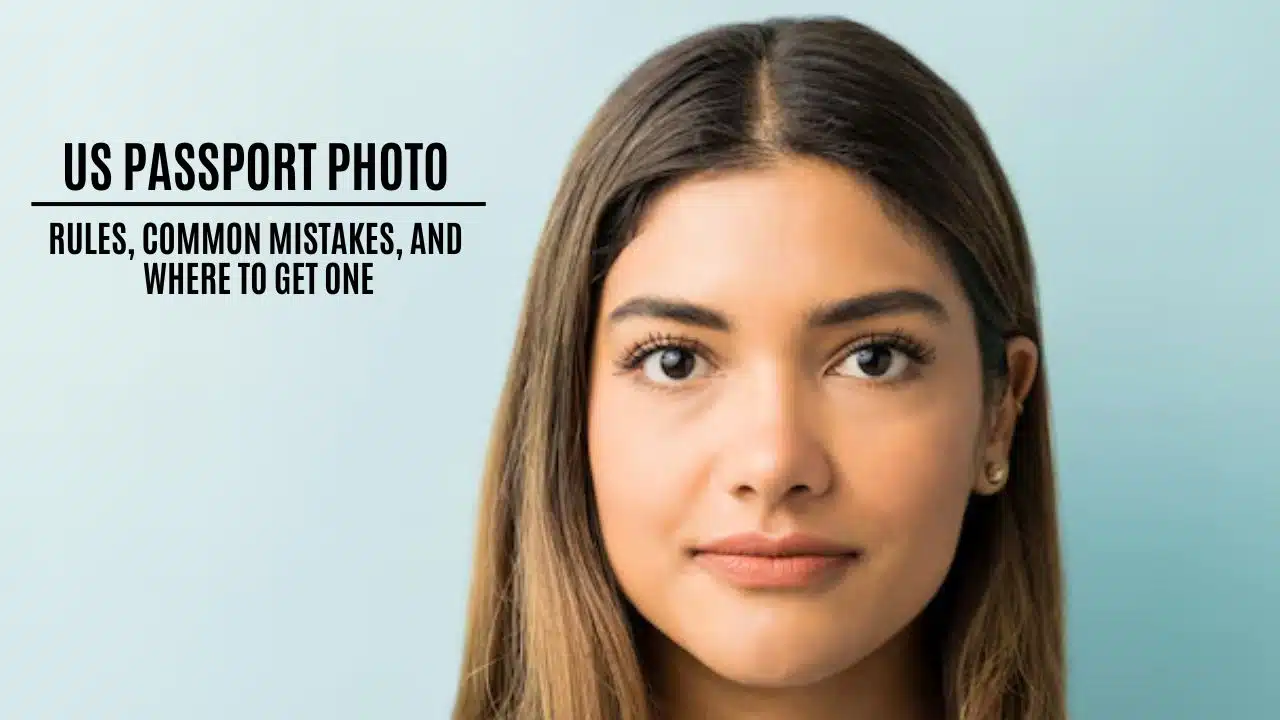
When applying for a US passport, a US passport photo must meet the official strict guidelines. This photo is crucial as the application may be delayed or even rejected if you don’t follow the rules. In this article, you will read about the official requirements, common mistakes to avoid, and where to get a compliant passport photo.
US passport photorules
If you don`t want to get your photo rejected, you need to follow stringent rules. Although many people find the rules confusing, they are quite simple when explained in plain language. Here are the primary guidelines:
- Photo size and head measurements. The photo must be exactly 2 x 2 inches. Your head should be between 1 inch and 1 3/8 inches from the chin to the top of the head. These aspects ensure that your facial features are visible.
- Background. Background is of utmost importance. It should be plain white or off-white with no shadows, patterns, or objects. A simple background helps show your face clearly.
- Face position and expression. Most people don`t understand the importance of the face position. But your face must be centered and facing straight ahead. Use a neutral expression with a slight, natural smile – but do not show your teeth, since the photo should reflect your true appearance.
- Lighting. Proper lighting plays a crucial role. The photo must have smooth lighting with no shadows or bright spots. Avoid any glare on your face or the background to ensure that, in the end, you get a clear image.
- Glasses and Accessories. Do not wear glasses, even if they have clear lenses. The only exception is if you have a documented medical condition. Additionally, hats and other accessories are not allowed unless you wear them for religious reasons. However, they must not cover your face.
- Photo Quality. The image must be in color, high resolution, and printed on high-quality photo paper. Blurry, pixalated, or any digital alterations are not permitted – your skin tone must appear natural, otherwise, your photo will be rejected.
Common mistakes in passport photos
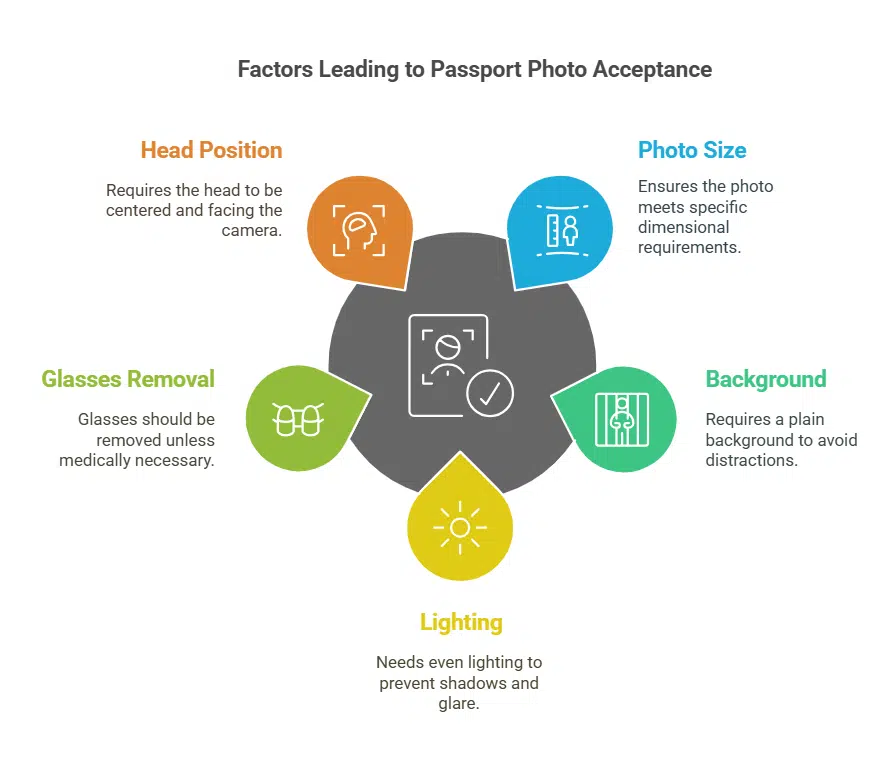
People don`t realize how even small mistakes in the passport photo can lead to its rejection. One common error is the incorrect photo size; if the image is too large, too small, or you crop it improperly, it will be rejected. You need to always ensure that the photo is exactly 2 x 2 inches and to double-check its dimensions.
Another common issue is the background – if people use a backdrop with colors, patterns, or objects, it can cause problems. You have to choose a plain white or off-white background as it is always the safest choice.
Poor lighting or shadows on your face or the background are also frequent problems that can result in a rejected photo. So if you want your photos to be accepted, the best option is to use natural, even lighting.
Additionally, if you wear glasses in the photo and you don`t have a documented medical condition, your photo will be rejected. So be sure to remove them before taking your picture.
Finally, your head position is essential. Always look directly into the camera with your face centered and maintain a neutral expression to avoid exaggerated smiles or frowns.
Where to get your passport photo?
When it comes to taking your passport photo, you have several options, each with its own advantages and limitations:
- Local pharmacies and retail stores: Many chain pharmacies like Walgreens, CVS, and Rite Aid offer passport photo services that are convenient and affordable. When you need a photo quickly, these places are the best, but you need to check the photo carefully after taking it.
- Professional photography studios: Professional studios are experts in following all passport photo rules. They offer high-quality photos that meet all standards. However, they can be more expensive and might require an appointment.
- Taking your passport photo: If you prefer a DIY approach, you can your passport photo at home. This method is cost-effective, but you must follow all guidelines to avoid errors.
- Online photo services: Navigating passport photo rules can be stressful. If you worry about getting the size right, the positioning of your head, and choosing a plain background – Photogov is the best solution for you. It’s a website that offers an excellent online passport photo service. The web page is easy to use and ensures that the photo is exactly 2 x 2 inches and that the head is of the correct size. It provides clear instructions and tips for taking a perfect photo at home and meets all US passport standards. The service is designed to reduce errors that lead to photo rejections. If you find the rules confusing, Photogov is perfect for those who want a hassle-free experience.
How to prepare for your passport photo?
If passport photo does not meet the guidelines, it will be rejected. Proper preparation can make a big difference in the quality of final photo. To ensure your photo is accepted:
- Choose solid-colored clothing, but avoid white shirts that might blend into the white background.
- Use natural light or set up two light sources to avoid shadows.
- Practice holding a neutral expression in front of the mirror. If you choose to smile, keep it very subtle.
- Keep your head straight and your eyes directly facing the camera.
- Make sure your hair is neat, and your face is clean without overdone makeup.
Rejection reasons
Even small issues can cause a photo to be rejected. If it’s not exactly 2 x 2 inches or has an incorrect head size, your photo will not be accepted. Poor lighting, uneven shadows, digital changes affecting colors or skin tones, and a non-white background also cause issues, so make sure not to make these mistakes. Additionally, glasses or accessories, especially when they hide your face, aren’t allowed unless medically necessary. Lastly, a tilted head or non-neutral expression can lead to rejection, so be sure to avoid an exaggarated smile.
Takeaways
If you want a smooth and hassle-free passport application, you need to make a proper passport photo. By following the rules and avoiding common mistakes, you can save time and frustration. Whether you choose a local pharmacy, a professional studio, or take your photo, make sure to follow the guidelines carefully. But for the best experience and the 100% confidence that your photo will be accepted, use Photogov. This service offers clear instructions and fast processing, while ensuring that your photo meets all the US passport requirements. It is a reliable, cost-effective, and user-friendly option that many find invaluable.
With Photogov, you can get a hassle-free experience and a passport photo that works the first time, while you can focus on your travel plans without worry.

























