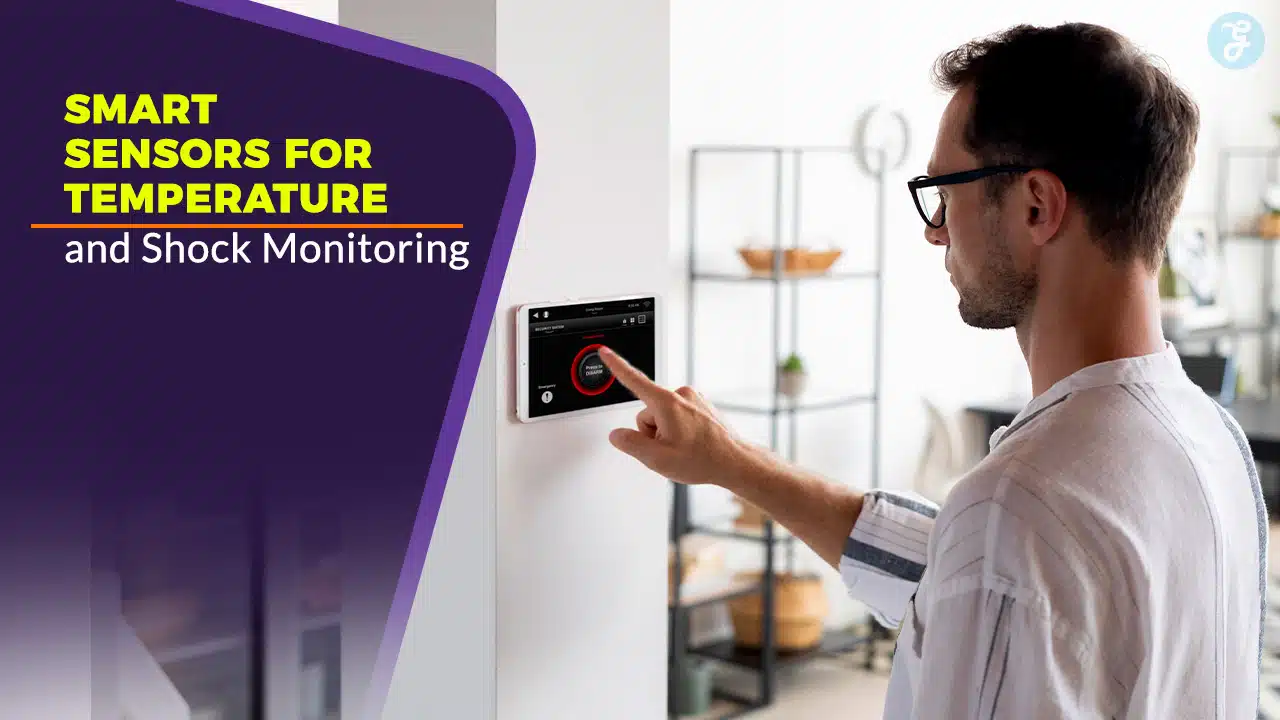
Have you ever opened a box only to see broken parts or spoiled food? It can wreck your day and drain your wallet. You might jot down temps or bumps by hand. That old trick fails. You need smart devices for real-time monitoring.
A single jolt over fifty g can ruin a circuit. Now, environmental monitoring uses wireless sensors, temperature sensors, and vibration sensors. They send real-time alerts to your phone.
In this post, you get ten tools for data acquisition and condition monitoring. Each tool has its own spot in your workflow. Find your perfect sensor.
Key Takeaways
- SensorPush and Temp Stick let you watch temps in real time. SensorPush stays tiny, uses Bluetooth, and reads to ±0.1 °F. Temp Stick logs every 10 minutes via Wi-Fi from –40 °F to 125 °F with ±1 °F accuracy, stores 30 days of data, and uses AES encryption with an open API.
- ShockLog 298 and SpotSee ShockWatch catch impacts fast. ShockLog 298 samples g-forces up to 8 000 Hz on a tri-axis accelerometer and stores them in built-in flash. SpotSee ShockWatch uses color dots that turn red at a set g-force, no power or wires needed.
- Monnit ALTA and Swift Sensors handle heat and jolt in one. Monnit ALTA pairs a thermistor and piezo accelerometer, runs on a mesh network, logs spikes, and lasts over five years on battery. Swift auto-registers new sensors, links with Azure IoT and MQTT, and scales by pay-per-device.
- Fluke 3561 FC and Omron D7S work in tough settings. Fluke 3561 FC meets IP45, runs from –40 °C to 70 °C, logs 2 000 readings across six ports, and runs 20 hours on one charge. Omron D7S senses quick jolts under 0.6 g and slow shakes up to 2 g, sending alerts to SCADA systems.
- BioSticker and VitalTag track body heat and motion. BioSticker reads skin temperature every few seconds and logs steps to the cloud. VitalTag uses Bluetooth Low Energy to record core temp, shocks, and tilts; its adhesive band lasts up to seven days per charge.
Wireless Temperature Sensors Overview
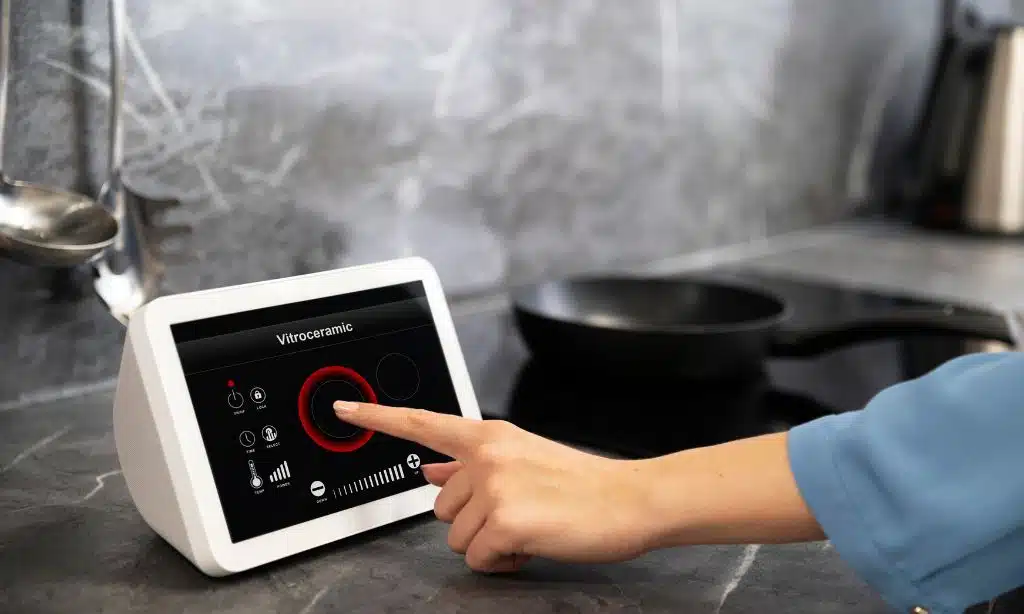
Imagine a pocket-sized Bluetooth thermometer that plugs into your IoT network, so you can check room temps on your phone, even from the coffee shop. A cloud-linked Wi-Fi probe logs every reading, and sends alerts if a server room or wine fridge strays outside your set range.
How does SensorPush enable compact and accurate remote monitoring?
Device size stays tiny, like a pebble in your palm. Bluetooth low energy moves data like a relay runner. Mobile apps serve up real time graphs, easy to read. Accuracy lands at one tenth of a degree, so you never guess.
Cloud gateways beam readings into the Internet of Things for environmental monitoring. Alerts pop up by text or email moments after a spike. Wireless sensors fill dead spots in large storage rooms.
Data acquisition hums along without slowing your network.
What makes Temp Stick reliable for Wi-Fi temperature tracking?
Temp Stick hooks to home Wi-Fi in minutes, no bridge or extra gear. It pins to 2.4 GHz signals so it stays online. It logs readings every 10 minutes in a cloud vault. It tracks –40 to 125°F with ±1°F accuracy.
It stores data for 30 days on board if the Internet trips. It uploads auto once the link revives.
A chef spotted a fridge fault thanks to a late-night text alert. Temp Stick jumps into action like a watchdog for labs or greenhouses. It uses AES encryption to seal each data packet.
It links to any IoT console via an open API. It ranks high in Environmental Monitoring, Data Acquisition, Realtime Monitoring tasks.
Shock Monitoring Sensors Overview
ImpactLogger 298 uses a tiny vibration sensor to catch every sudden jolt, then records it in a simple data log. ImpactEye Watch links to your IoT hub, flags bumps fast, and sends a clear alert right to your phone.
How does ShockLog 298 record advanced impact data?
This logger uses a tri-axis accelerometer to sample g-forces at up to 8000 Hz. It tags each event with a timestamp and stores data in built-in flash memory. The unit springs into action once a preset shock threshold is met.
Engineers can view peak values, pulse durations, and vibration patterns in fine detail.
Users download logs with a USB link or via Bluetooth Low Energy. A companion app handles data acquisition and plots results for condition monitoring. The tool fits into IoT setups and pairs with wireless sensors for automated alerts.
It makes environmental monitoring and realtime tracking easy for every shipment.
How does SpotSee ShockWatch visually detect shipment impacts?
SpotSee ShockWatch uses color dots, not complex electronics. Each package holds an impact sensor dot that turns red if a set g-force barrier hits. You spot damage fast, like a red flag on a playing field.
No wires cling. No batteries die. Labels link to wireless sensors and IoT systems for smart device integration. The simple marker alerts teams and feeds data for environmental monitoring and condition monitoring.
Dual-Function Sensors Overview
Monnit ALTA pairs a thermistor and a piezoelectric accelerometer in a Bluetooth beacon, catching heat spikes and jolts, no sweat. Swift Sensors uses pocket-sized thermocouple loggers and shock plates, so you ramp up your IoT grid in a snap.
How does Monnit ALTA monitor temperature and vibration simultaneously?
The ALTA Smart Sensor pairs a temperature probe and vibration sensor in one device. It taps into a wireless mesh network to send readings to a cloud platform. This setup supports real time monitoring for environmental and condition monitoring.
A built-in data logger logs spikes in shock and heat on the edge computing unit. Users access data via an API or mobile app through the IoT gateway. Long-lasting batteries run over five years, cutting maintenance visits.
What makes Swift Sensors scalable for temperature and shock monitoring?
Swift Sensors taps a cloud platform that scales on demand. It auto registers new thermocouples and piezoelectric accelerometers. It routes data through gateways to live dashboards, via a simple API.
It powers remote monitoring of temperature and shock in real time. It links with Azure IoT and MQTT, for seamless data acquisition.
You grow your network without breaking a sweat. You add dozens of units with just a few clicks. You pay per device, so you dodge big upfront costs. You get instant alerts on thermocouple spikes or vibration hits.
You view all metrics in a single pane of glass, for easy condition monitoring.
Industrial-Grade Sensors Overview
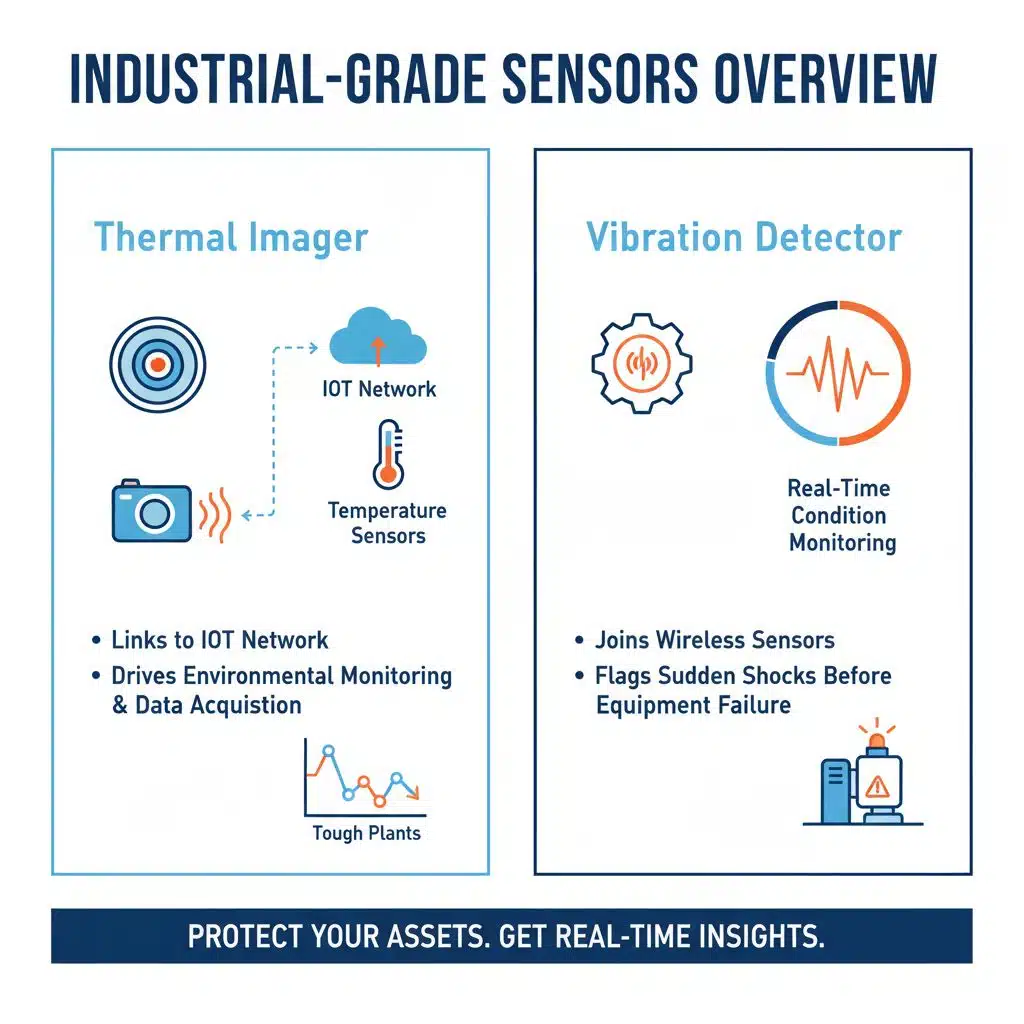
An industrial thermal imager links to your IoT network, it feeds temperature sensors and drives environmental monitoring and data acquisition in tough plants. A vibration detector joins wireless sensors for real-time condition monitoring, it flags sudden shocks before they sink your gear.
Why is Fluke 3561 FC suitable for rugged industrial environments?
Fluke 3561 FC meets IP45 standards. It resists water and dust. It survives drops from over nine feet. It works from minus forty to seventy degrees Celsius. It logs up to two thousand readings across six temperature probe ports.
It joins wireless sensors in the cloud via Bluetooth for live data.
Tough housing shields its electronics. A rechargeable cell runs for twenty hours. A magnetic strap lets you hang it on metal vents. It feeds data into IoT systems for real-time condition monitoring.
Field techs rely on its data acquisition in harsh factory settings.
How does Omron D7S detect earthquakes and vibrations in critical systems?
Deploying the vibration sensor at key points gives operators real-time quake data, like a watchdog on guard. The device uses piezo elements, an onboard digital filter, and a tiny circuit to check vibration waves.
A local processor crunches wave patterns and sends an alert as needed. It links to SCADA and analytics tools for data acquisition.
Users tweak two trigger levels for quakes and shakes. The first level spots quick blasts under 0.6 g, and the next tracks slow sways around 2 g. It ties into an automation controller for instant shutdowns when it logs a big bump.
Team members get live updates via the IoT network, so they can act on any tremor in seconds.
Wearable Smart Sensors Overview
A tiny biosensor sticker sticks to your skin like a personal spy, tracking heat and motion in real time.
A health monitor tag mounts on your gear to sense bumps and temp swings, then streams instant data for fast condition monitoring and data acquisition.
How does BioSticker continuously track body temperature and motion?
BioSticker sticks on the chest like a patch. The small temperature sensor reads skin heat every few seconds. A built-in motion detector logs steps and shifts in position. A wireless signal sends the data to an IoT hub on cloud servers.
You view streams from temperature sensors and vibration sensors side by side on a web portal for phone or laptop. This wearable technology joins smart devices to power data acquisition.
It supports condition monitoring and environmental monitoring in health settings. Teams watch body temperature and motion in real time without direct checks.
What features make VitalTag effective for non-invasive temperature and shock monitoring?
VitalTag fits like a thin bandage on the skin, houses a film sensor that reads core body heat and motion. It taps into Bluetooth Low Energy to beam data to your smartphone or a cloud server.
This wearable technology links to IoT platforms for real time monitoring. A built-in motion sensor senses shocks, tilts, or jostles in milliseconds.
Engineers made VitalTag with moisture barriers and flexible circuits, so it records temperature and vibration through daily routines. The battery lasts up to seven days per charge, and a snug adhesive keeps stable contact.
Mobile apps display trends with color alerts, guiding users in condition monitoring. The hardware, paired with analytics software, yields precise data acquisition for environmental monitoring and health tracking.
Takeaways
You have seen ten smart sensors that track heat shifts and sudden knocks with ease. Some gadgets link to Wi-Fi, while other units beam data via Bluetooth for IoT setups. Tech teams use cloud hubs to view environmental monitoring data as it flows.
Smart devices, from multi-sensor modules like Monnit ALTA to wearable patches, handle temperature and shock sensing in one go. Pick a mix that suits your data acquisition needs and build a lasting setup.
Then you rest easy, knowing every spike and bump stays in sight.
FAQs on Smart Sensors for Temperature and Shock Monitoring
1. What are smart sensors for temperature and shock monitoring?
Smart probes guard your items by watching heat, jolts, and more. They send real time data to your app, so you catch spikes early. Think of them as guard dogs for your goods.
2. How do thermal gauges and impact detectors work together?
Thermal gauges spot temp swings in a flash, while impact detectors flag drops and shakes. They sync data to your phone or PC, for one clear view of both threats.
3. Who should pick these top ten devices?
Anyone moving fragile or heat shy goods. Warehouse teams, lab crews, and haulers can all benefit. They need real time insight to keep stock safe.
4. How do I choose the best model?
Start with your needs for heat control or jolt alerts. Then check battery life, data links, and price. Read user reports, they share honest, real world tips. Pick the one that fits your budget and route, and you are set.