
Serverless GPU platforms for AI inference can put a model behind an API without requiring your team to operate a GPU server continuously. But “serverless” does not mean there are no cold starts, operational choices or idle charges. These eight platforms offer distinct deployment paths; their pricing and control models are not interchangeable.
This research-based comparison reviews public product and documentation pages available November 10, 2026. It is not a hands-on benchmark or a ranked test. Pricing, features, regions and capacity can change; verify the exact configuration before committing. For the wider landscape, see our GPU cloud guide for startups.
How We Selected These Platforms
We considered documented GPU-backed inference or managed model-serving offerings suitable for a developer or product team. This is a research shortlist based on provider documentation, not a hands-on benchmark. Runpod, Modal, Beam, Cerebrium and Vast.ai are infrastructure-oriented; Replicate and Baseten are model-serving options, while Google Cloud Run is included as a larger managed-container reference.
Serverless GPU Platforms at a Glance
| Platform | Approach | Useful starting point |
|---|---|---|
| Runpod Serverless | Containerized GPU inference | Developers with a containerized inference workload |
| Modal | Code-defined serverless GPU functions | Python-first teams deploying inference and batch pipelines |
| Beam | Serverless GPU application platform | Teams building API-driven model services |
| Cerebrium | Serverless AI inference infrastructure | Teams looking to deploy inference endpoints |
| Vast.ai Serverless | Autoscaling inference on distributed GPU capacity | Teams evaluating marketplace-backed inference |
| Replicate | Managed model API and deployments | Product teams wanting to serve or use supported models by API |
| Google Cloud Run | GPU-backed managed containers | Teams already building container applications on Google Cloud |
| Baseten | Managed model inference | Teams seeking model-serving infrastructure |
1. Runpod Serverless: Containerized GPU inference
Runpod describes API endpoints backed by GPU workers and distinguishes flex workers from active workers. Its serverless product is separate from GPU Pods.
Best for: Developers with a containerized inference workload.
What to check: Test worker startup, queueing, scaling limits and the cost of keeping active workers warm. Verify supported GPU types and data-center availability.
2. Modal: Code-defined serverless GPU functions
Modal provides GPU-backed serverless compute with code-defined deployments. Teams can design preprocessing and inference workflows while selecting resources for their application.
Best for: Python-first teams deploying inference and batch pipelines.
What to check: Measure cold starts, throughput at concurrency and CPU, RAM and GPU billing together. Check volume persistence and maximum container lifetimes for the selected plan.
3. Beam: Serverless GPU application platform
Beam offers serverless GPU execution and describes model APIs and batch processing. Its pricing identifies GPU, CPU and memory as relevant resources, so the complete bill matters.
Best for: Teams building API-driven model services.
What to check: Ask whether your CPU and memory are charged separately, what remains warm, and what limits apply when traffic spikes. Check model-loading behavior for your own image.
4. Cerebrium: Serverless AI inference infrastructure
Cerebrium describes elastic GPU infrastructure and endpoint deployment for AI workloads. It can be evaluated for teams that want to focus on application endpoints rather than a persistent VM.
Best for: Teams looking to deploy inference endpoints.
What to check: Measure actual startup and tail latency with your model. Confirm regional capacity, included platform services, security terms and the pricing available for your usage.
5. Vast.ai Serverless: Autoscaling inference on distributed GPU capacity
Vast.ai describes a serverless API with automated scaling for AI inference. This product differs from selecting an individual machine in its GPU marketplace.
Best for: Teams evaluating marketplace-backed inference.
What to check: Confirm regional routing and data residency, eligible hardware, scale behavior, availability and all costs. Validate whether your workload can tolerate variations in capacity.
6. Replicate: Managed model API and deployments
Replicate documents hosted model execution and custom deployments. Its model-centric experience is different from managing a general GPU server; deployments give customers more control over instances.
Best for: Product teams wanting to serve or use supported models by API.
What to check: Check whether the model can be customized, deployment minimums, warm instance billing, model licensing and data retention. Compare the entire request price or running cost.
7. Google Cloud Run: GPU-backed managed containers
Cloud Run supports GPU-backed services for suitable workloads. It provides a broader managed-container approach and is included as a larger-provider reference alongside specialist platforms.
Best for: Teams already building container applications on Google Cloud.
What to check: Verify GPU availability, supported regions, request concurrency, startup behavior, quotas and full instance billing for the actual configuration.
8. Baseten: Managed model inference
Baseten offers model inference and deployment infrastructure. Evaluate its model-serving options and request-specific deployment terms against general serverless GPU compute.
Best for: Teams seeking model-serving infrastructure.
What to check: Confirm whether your desired model, custom container and scale-to-zero behavior are available on the exact plan. Compare token or deployment pricing without treating unlike billing units as equivalent.
How Serverless GPU Inference Works
A request reaches an endpoint, which routes it to a worker running the model. When traffic grows, the platform may add workers; when it falls, eligible configurations may reduce worker count. A new worker may need to start a container, load dependencies and transfer model weights before it can answer. Google Cloud’s GPU documentation describes how GPU-backed Cloud Run services can scale down to zero; startup and billing details vary by platform. A warm worker reduces that delay but can create ongoing charges. Actual behavior depends on the product and settings.
How to Compare Costs
Do not compare a token rate, a per-request fee and a GPU-hour rate as though they were the same unit. NIST’s cloud computing definition describes measured service, but the resources and units metered differ among products. Compute expected monthly spend from requests, input and output size, run duration, batching and concurrency. Add CPU, memory, model storage, network transfer, minimum replicas, retries and any platform fees. Check whether billing begins during initialization and whether idle warm workers are billed.
Illustrative example: Suppose active compute costs $2 per GPU-hour and the application uses 100 billed GPU-hours, while storage and other fees total $30. The illustrative monthly cost is $230. Keeping one GPU warm for an additional 200 billed hours at that rate adds $400. These figures are hypothetical and exclude taxes; actual provider rules and rates differ.
Run a Fair Inference Test
- Use the same model version, quantization, prompt distribution and output limit on each service.
- Measure time to first token, end-to-end latency, p95 latency, throughput and error rate at the same concurrency.
- Test a cold request after scale-down and a warm request; record model load time and any minimum worker settings.
- Compare completed successful requests per dollar, including retries and all billed resources.
- Verify location, encryption, data retention, access control and whether model inputs are used for any other purpose under the applicable terms.
When to Choose a GPU VM Instead
A persistent GPU VM or VPS may be easier to budget for steady utilization, long-running jobs or software requiring direct server control. Serverless can fit uneven traffic, but cold-start sensitivity and minimum capacity may alter the result. Run the workload on both models if its usage is uncertain.
Questions to Ask Before Deployment
- Does the product support our model, framework, GPU memory and custom dependencies? Our GPU requirements guide explains which hardware specifications to consider.
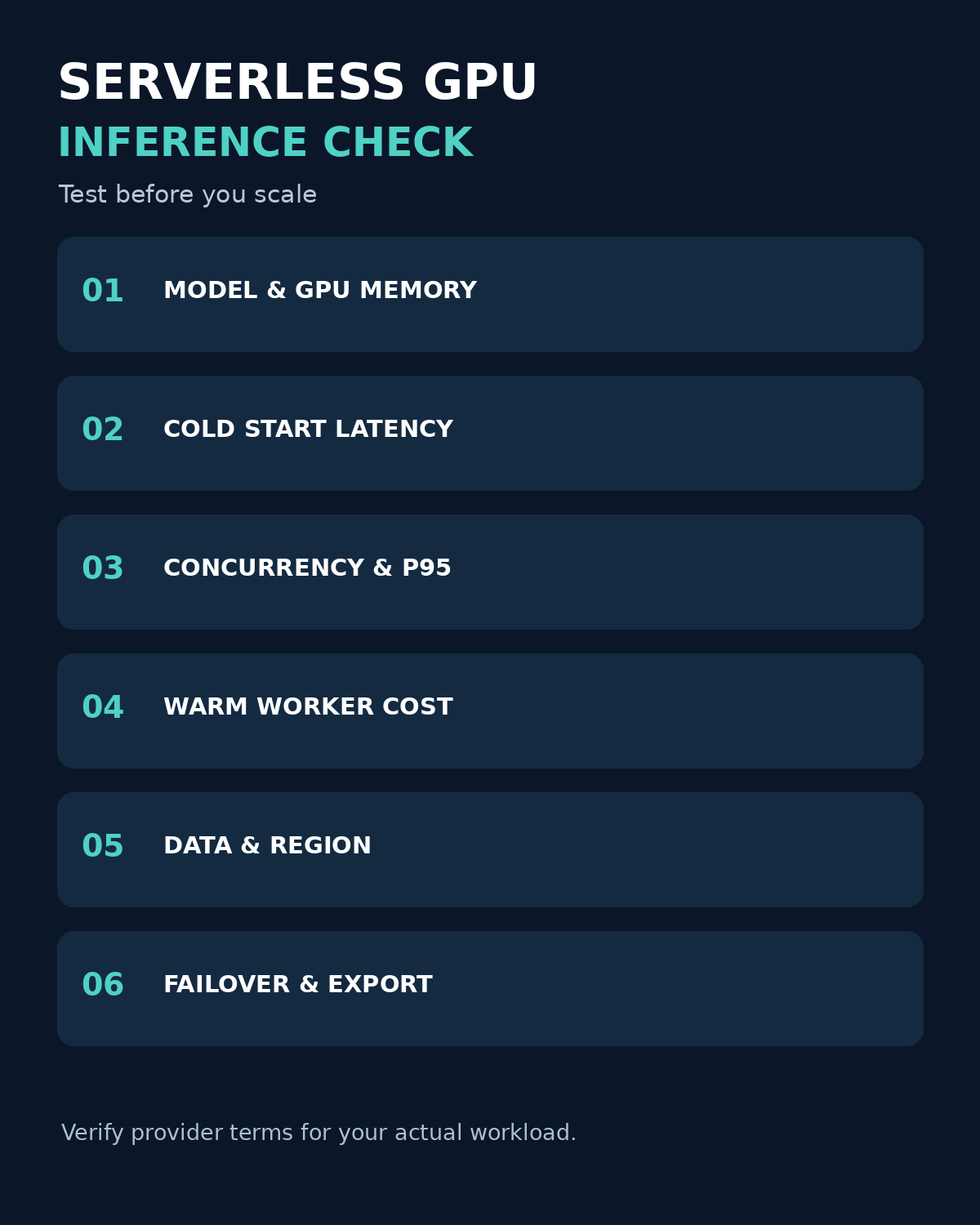
- Can workers scale to zero, and what happens to latency after idle time?
- What capacity, region and concurrency limits apply to our account?
- What are the billing units for cold start, warm workers, CPU, memory, storage and failed requests?
- How are model files, prompts and logs protected and deleted?
- What happens when a region or GPU type is unavailable?
Takeaway
Shortlist by deployment model and required control, then compare representative workloads under the same conditions. For user-facing inference, cold-start behavior, p95 latency, data handling and total cost matter as much as the advertised accelerator price.