

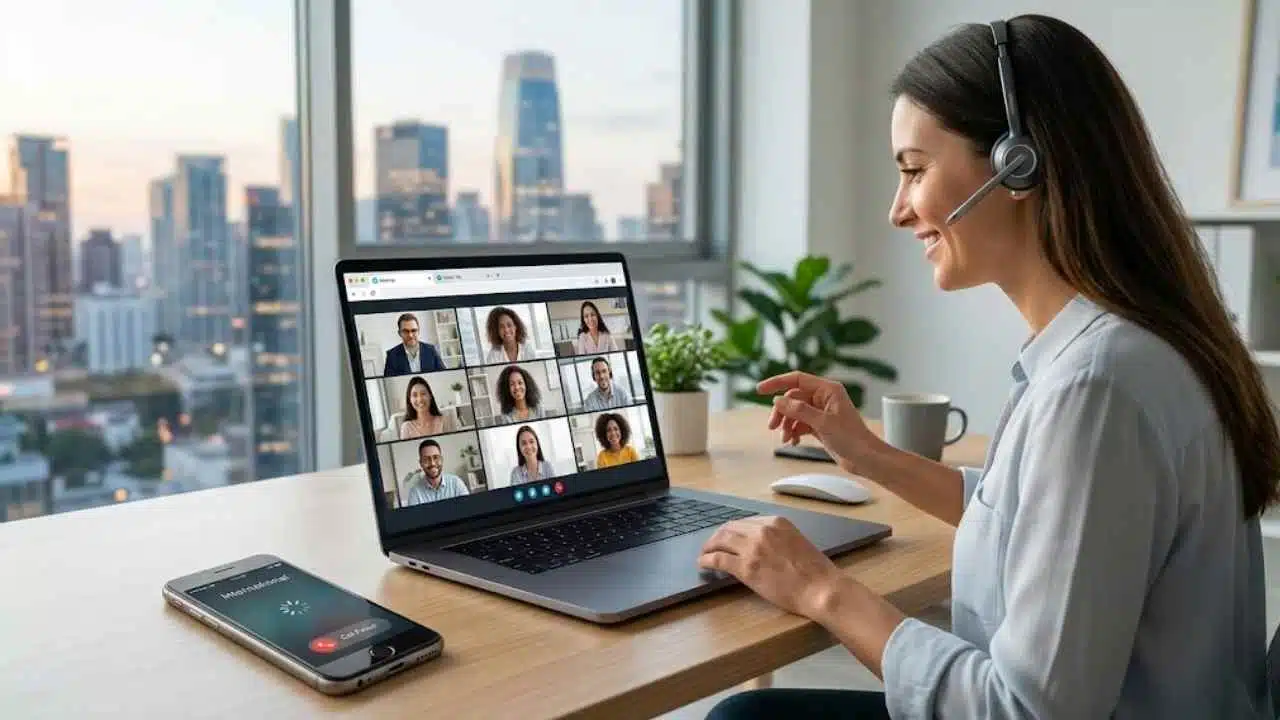
International communication looks very different today than it did a decade ago. Roaming plans and telecom contracts once dominated the way people contacted friends, relatives, or businesses abroad. Today the same call can happen in seconds directly from a browser tab. Messaging apps solved personal online communication years ago, but one thing still feels surprisingly complicated for many users: calling a real phone number in another country quickly and without extra setup.
That gap is exactly why browser-based calling platforms are growing so quickly.
Most international calling apps that appeared over the last decade relied heavily on subscriptions, mobile installations, and app ecosystems. Services like Skype, Rebtel, and Yolla made international communication cheaper, but they still expected users to download software, create accounts, or depend on SIM-connected devices.
A newer generation of services removes most of that friction entirely.
Instead of building feature-heavy communication ecosystems, browser-first platforms focus on simplicity. Open a website, type a number, and place an international call without downloading software or activating roaming.
How browser-based calling works
This became possible largely because of WebRTC, the same real-time communication technology used in browser-based video meetings. Instead of routing audio through a dedicated app, browser-based calling platforms capture the audio inside the browser, encrypt it, and connect it to the regular phone network through telecom infrastructure. The person on the other end simply receives a normal phone call without needing any app or account.
Encryption matters more here than many people realize. Platforms like Calloza.com use DTLS and SRTP encryption standards to protect the audio connection between the browser and the telecom network. That makes browser-based calling more secure than many older internet-calling systems that treated security as a secondary feature. For users contacting banks, employers, embassies, or family members abroad, that added protection matters.
The experience itself is also simpler. There are no installations, updates, or app-store approvals involved. The entire process lives inside the browser tab. When the user closes the tab, the call ends.
SIM-free calling for people who move frequently
Calloza is one example of this new browser-first approach. The platform focuses on pay-as-you-go international calling with minimal setup required. Users can call ordinary phone numbers directly from a browser without requiring a SIM card or app installation. Rates for some destinations start at just a few cents per minute, often making browser calling significantly cheaper than traditional roaming services. New users also receive a free minute after signup to test call quality before paying.
Who actually uses services like this? Travelers, expats, remote workers, freelancers, and international students are some of the most common users. Many people now live across multiple countries and regularly need to contact banks, embassies, airlines, landlords, suppliers, or family members abroad. In these situations, people usually want one thing: a reliable call that works immediately.
Consider a few common examples. A student studying in Germany needs to contact a bank in India that only accepts phone calls. A professional traveling through Southeast Asia needs to confirm a shipment with an overseas supplier. Someone who recently moved abroad still wants to call parents using the same landline number they have used for years.
None of these users need another subscription or another communication ecosystem. They simply need one reliable international call.
Flexibility is another reason browser-based calling continues growing. Traditional telecom providers tie communication to specific devices and SIM cards. Browser calling works almost anywhere with an internet connection: laptops, tablets, smartphones, hotel Wi-Fi, or foreign mobile networks. For people who frequently switch countries or devices, that flexibility becomes extremely valuable.
The economics matter too. Roaming remains expensive in many parts of the world, especially outside major tourist destinations. At the same time, most people only need occasional international calls and do not want to pay monthly telecom subscriptions just to maintain access.
Pay-as-you-go browser calling fits directly into that gap.
Browser calling apps now offer more than basic dialers
The simplicity of browser calling does not mean these platforms are limited in functionality. Many modern services now include features traditionally associated with business telecom systems. Browser-based call history, multi-device access, call recording, and caller ID verification are increasingly common.
Calloza, for example, supports verified caller ID functionality, allowing users to display their own confirmed phone number when making international calls. That solves a surprisingly important problem: people are far more likely to answer an international call if they recognize the number instead of seeing an unfamiliar caller ID that may look suspicious or resemble spam.
Many browser calling platforms also offer business-oriented plans for teams that regularly make international calls, including recruiters, sales teams, customer support departments, and remote businesses operating across borders. The core idea remains the same: practical communication tools delivered directly through the browser without requiring complicated telecom infrastructure.
A broader shift in how software works
A wider technology shift sits underneath all of this. Users increasingly prefer services that work immediately and require as little setup as possible. Streaming replaced downloads, cloud software replaced locally installed programs, and browser-based communication is becoming the next step in that same shift.
For many people, downloading a separate telecom app just to place one international phone call already feels outdated.
Free trial minutes also help reduce hesitation. Many users still question whether a browser-based international call will sound reliable enough compared to traditional telecom services. Allowing users to make a free call before paying answers that concern immediately and lowers the barrier to trying the service.
There are still limitations, of course. Browser calling depends heavily on internet quality, so weak Wi-Fi can affect call performance more than traditional cellular networks would. These services are also built around phone numbers rather than social profiles or messaging ecosystems, meaning they complement messaging apps instead of fully replacing them.
But for the specific task of quickly reaching a real phone number abroad, that focus is exactly the advantage.
As global mobility continues increasing, communication tools are evolving alongside it. The future of international communication is likely moving away from expensive roaming plans and heavy telecom apps toward lightweight browser-based platforms designed around accessibility, simplicity, and affordability.
For people who simply need a quick international call without a SIM card, browser-based calling is becoming one of the most practical options available today.

























