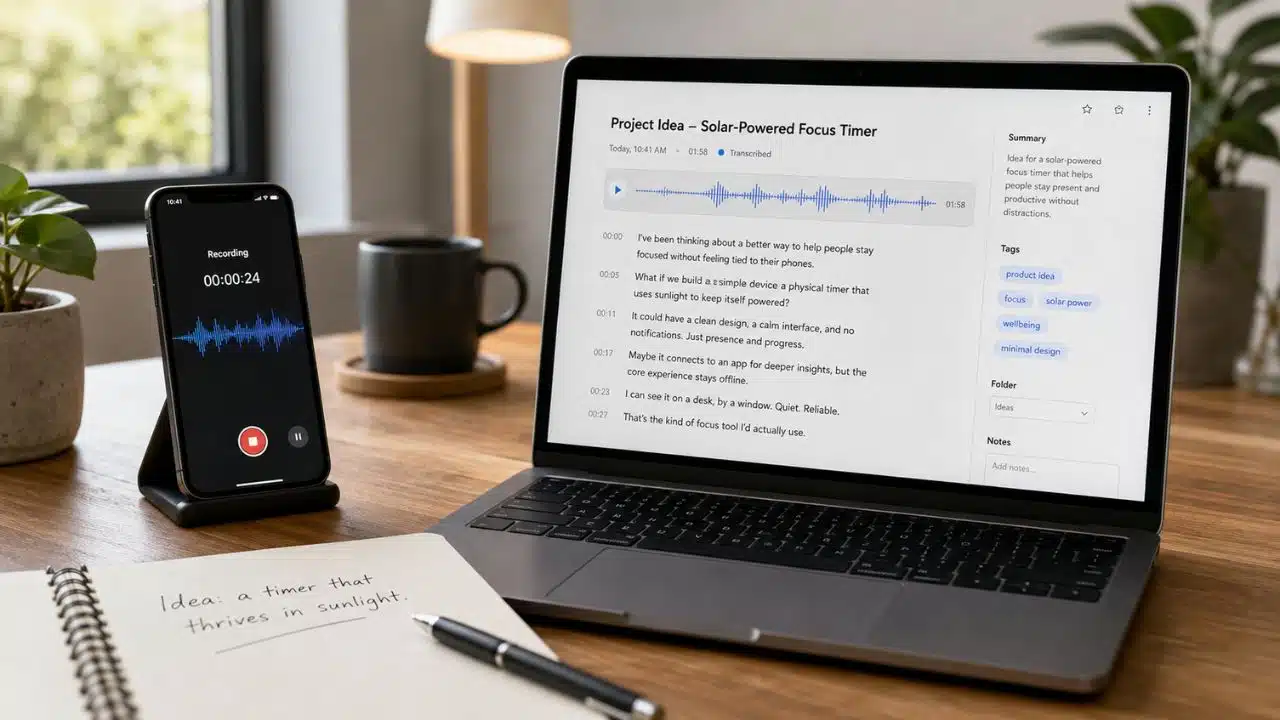
Ideas rarely arrive when I am ready to type them. They surface while walking, commuting, cooking, or working on something else. A useful voice-to-text app should make those thoughts easy to capture, preserve, and find later.
For this list, I focused on apps that turn spontaneous speech into usable text. I did not include meeting bots, developer APIs, or tools built mainly for transcribing other people. I also separated faithful transcription from AI rewriting. Both can be valuable, but they solve different problems.
The Best Voice-to-Text Apps for Different Ways of Thinking
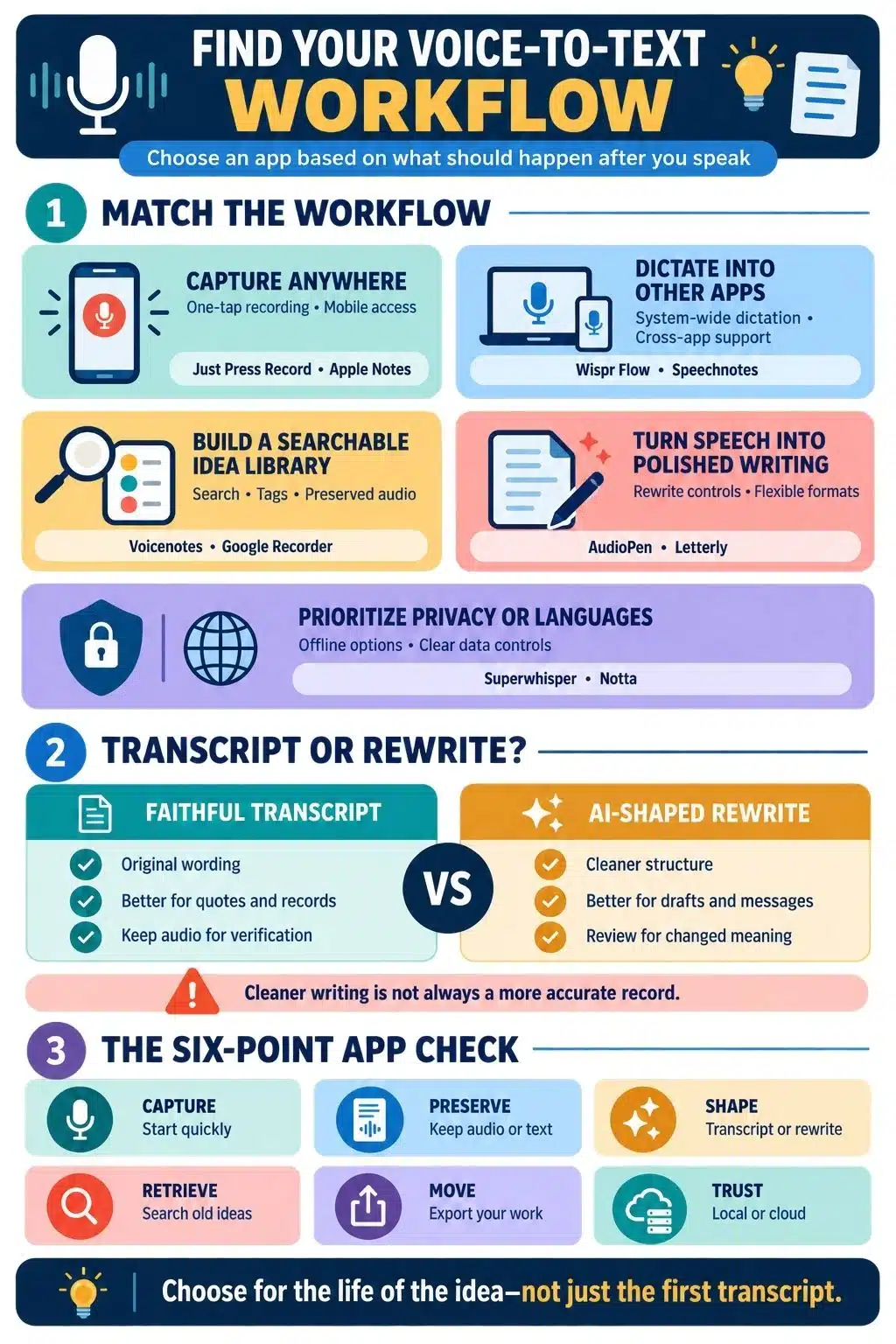
Not every voice-to-text app handles an idea in the same way. Some preserve your exact words, while others organize, rewrite, or store them for later. I compared these apps by how quickly they capture a thought, what they do with it afterward, and how easily you can find or use it again.
1. Voicenotes: Best for a Searchable Idea Library
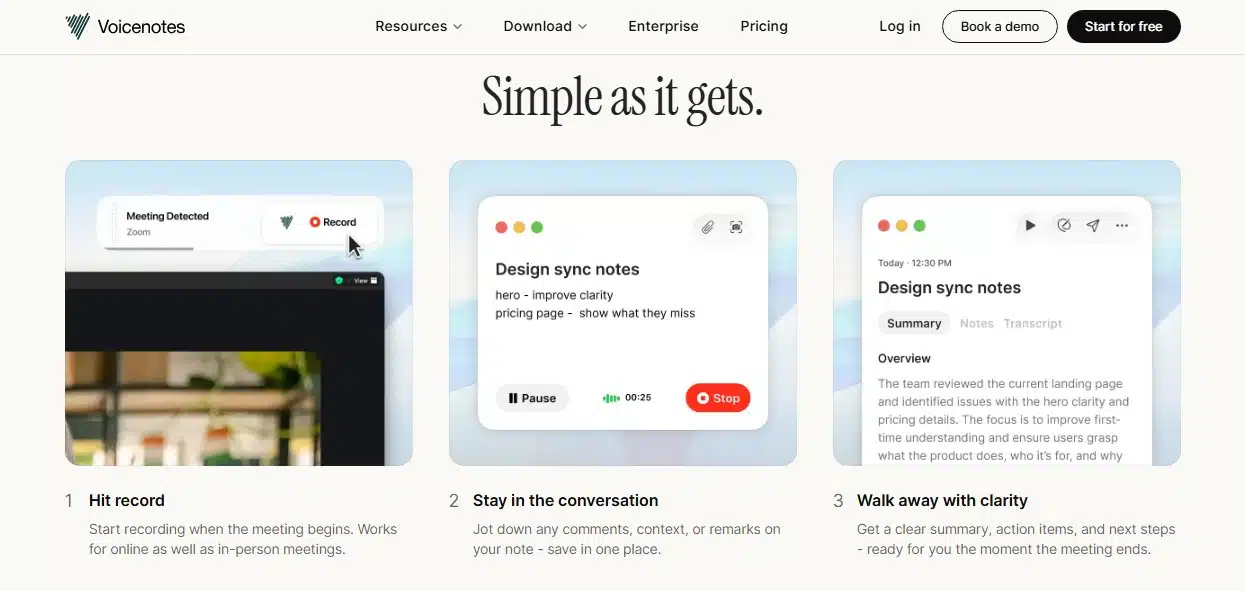
Voicenotes is my strongest overall recommendation for building a lasting collection of spoken ideas. It records voice notes, creates transcripts, and makes previous thoughts searchable. It also works across the web, desktop, and mobile platforms.
That combination matters. Audio clips are easy to forget when they are stored under dates or generic filenames. Searchable transcripts make it easier to recover a phrase, connect related ideas, or return to an unfinished argument.
The free plan currently includes a weekly transcription allowance, unlimited raw recordings, and limited history. Check the latest retention rules before treating the free tier as a permanent archive.
Best fit: People who want to record, search, and revisit ideas in one place. If the main goal is dictating directly into emails or documents, Wispr Flow is a better match.
2. Wispr Flow: Best for Dictating Into Other Apps
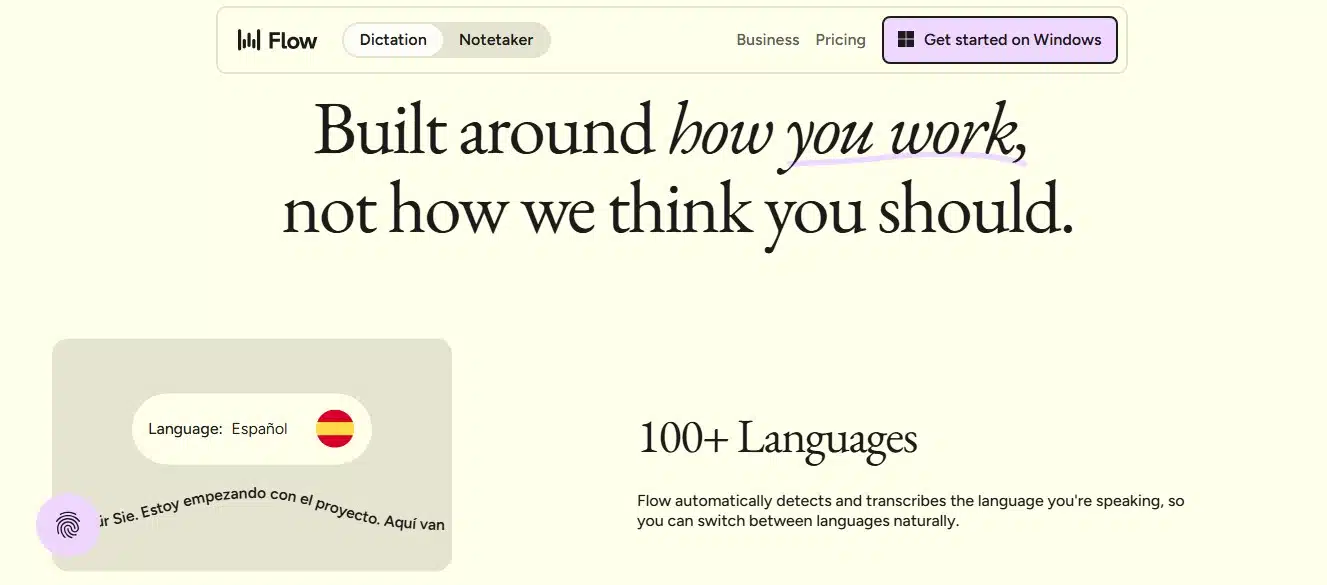
Wispr Flow treats voice as an alternative to typing. It works across apps on Mac, Windows, iOS, and Android, placing spoken text wherever the cursor is active. An idea can go directly into a document, notes app, task manager, email, or message without a separate recording-and-copying step.
It also removes filler words and improves formatting. The result is usually more readable than raw dictation, but it may not preserve every phrase exactly. I would not rely on cleaned-up text as the only record when wording matters.
Best fit: Anyone who wants voice input across existing apps. Look elsewhere if retaining the recording and building a searchable voice library are priorities.
3. AudioPen: Best for Turning Rambling Thoughts Into Prose
AudioPen is designed for people who think more freely aloud than on the page. Rather than returning a literal transcript, it removes repetition and reorganizes speech into cleaner writing. That can turn an unfocused monologue into a useful note or early draft.
The tradeoff is fidelity. A rewrite may sound better while losing a qualification, contradiction, or distinctive phrase. Important output still needs a human edit, and the original recording is worth keeping when the exact thought matters.
Best fit: Writers and creators who want spoken brainstorming shaped into readable prose. It is not suitable for quotations, interviews, legal language, or other work requiring a faithful transcript.
4. Letterly: Best for Reusing an Idea in Different Formats
Letterly can record speech, transcribe uploaded audio, and reshape the result into a note, message, post, or draft. Custom rewrite options provide more control than a single cleanup style, and the app supports a broad range of languages.
Its real value is reducing the work between having an idea and using it. The same recording can become a private note first and a polished email later. As with any AI rewrite, however, the more the output changes, the more carefully it should be checked for meaning and tone.
Best fit: People who regularly turn one spoken idea into several forms of writing. Choose a simpler transcription tool if you only need a plain record of what was said.
5. Superwhisper: Best for Private and Offline Dictation
Superwhisper can run speech recognition locally on supported Mac, Windows, and iOS devices. That makes it worth considering for confidential business information, unpublished work, or personal notes that should not automatically pass through a cloud transcription service.
It can also dictate into other applications and supports different processing modes. Still, “offline” should not be assumed to cover every configuration. Some models or features may use cloud services, so sensitive users should verify the selected speech and language models. Local speed and quality also depend on the device.
Best fit: Users who value local processing and control. It may feel unnecessarily technical if the only requirement is quick, cross-device note capture.
6. Apple Notes: Best Built-In Option for Apple Users
On supported iPhones and Macs, Apple Notes can record audio inside a note, display a transcript, and make the text searchable. The recording can sit beside checklists, links, images, and written notes instead of being isolated in another app.
For existing Apple Notes users, that lack of friction is a major advantage: there is no new account, archive, or routine to maintain. The limitation is compatibility. Transcription depends on supported hardware, operating-system versions, and languages, and specialist apps offer stronger rewriting and voice-library features.
Best fit: Apple users who already rely on Notes as their everyday inbox. It is less suitable for mixed-device workflows.
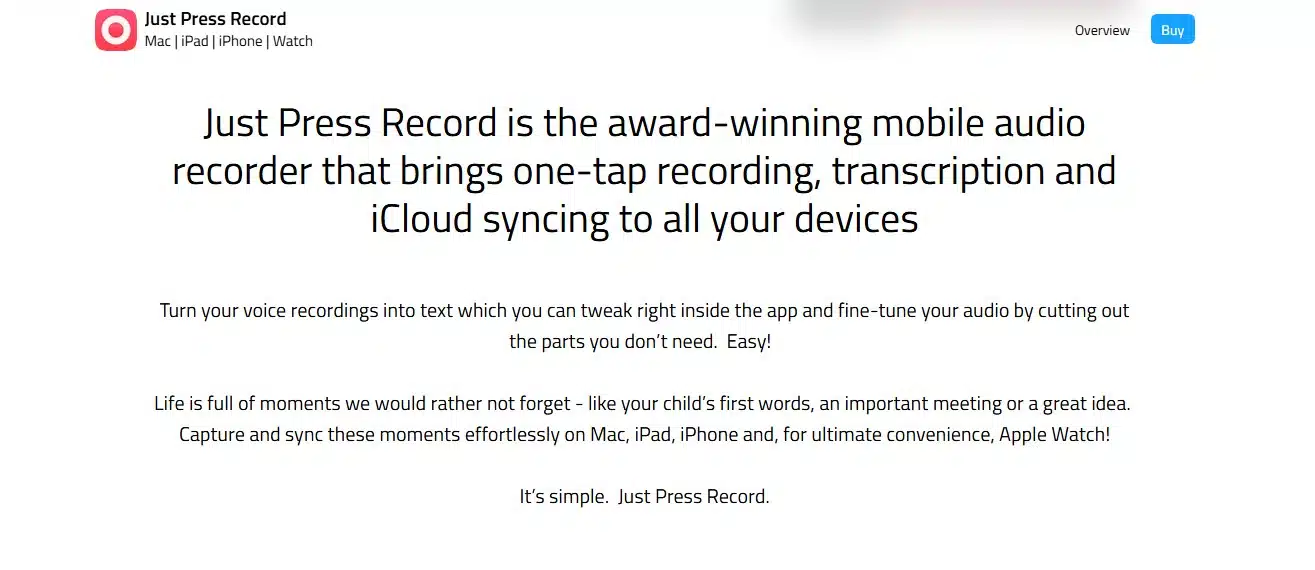
7. Just Press Record: Best for Apple Watch Capture
Just Press Record earns its place through speed. It makes recording from an Apple Watch unusually direct, which helps while walking, exercising, or moving between tasks when taking out a phone would add too much friction.
Recordings can sync across Apple devices, and the app includes transcription and text editing while retaining the original audio. That audio is useful when the transcript misses a name or unusual phrase.
Best fit: Apple Watch users who want one-tap idea capture. Without the watch advantage, Apple Notes or a cross-platform service may offer better overall value.
8. Google Recorder: Best for Searchable Audio on Pixel
Google Recorder combines recording, transcription, and search on supported Pixel phones and tablets. Users can find words inside past recordings, edit transcripts, and share the text. Because the audio remains connected to the transcript, mistakes are easier to check.
For Pixel owners, it covers the idea-capture basics without another subscription. Its weakness is reach: the full experience is tied to supported Pixel hardware, while individual languages and features can vary by device.
Best fit: Pixel owners who want searchable recordings built into their device. It is not a cross-platform solution.
9. Speechnotes: Best for Simple Browser Dictation
Speechnotes is a straightforward choice when the goal is to open a page and start speaking. Its browser tool works well for longer dictation, and an Android app covers mobile capture. It produces editable text without trying to become a meeting platform or AI knowledge base.
Recognition relies on the browser or Android speech service, so performance and availability can vary by device, language, browser, and internet setup. Its organizational tools are also more basic than those of dedicated voice-note libraries.
Best fit: Occasional users who want uncomplicated dictation. It is weaker for preserving audio and organizing a long-term idea archive.
10. Notta: Best for Multilingual and Longer Recordings
Notta suits longer voice notes, imported recordings, and multilingual work. It keeps transcripts in an organized workspace and provides editing and export options. It can also handle interviews, lectures, and collaborative conversations when idea capture grows beyond short personal notes.
The free plan includes a monthly allowance and other restrictions, so it is better for evaluating the workflow than for unlimited capture. I would also treat its advertised accuracy figures as marketing unless they are independently tested under the language and recording conditions that matter to you.
Best fit: People who need several languages or regularly work with longer audio. It is more service than necessary for brief personal notes.
Which Voice-to-Text App Should You Choose?
The right app depends on what you want your spoken idea to become. Voicenotes is the strongest all-round choice for building a searchable idea library, while Wispr Flow is better for dictating directly into other apps. AudioPen and Letterly suit people who want rough thoughts shaped into cleaner writing, whereas Superwhisper is a better fit when local processing matters.
I would choose based on the full life of the idea, not transcription alone. Consider how quickly you can capture it, whether the original audio remains available, how easily you can find it later, and whether you can export it when needed. A slightly imperfect transcript you can recover and use is more valuable than polished text that disappears into another forgotten app.
Frequently Asked Questions on the Best Voice-to-Text App
1. What is the best voice-to-text app for capturing ideas?
Voicenotes is the best general choice for recording, transcribing, searching, and revisiting ideas in one place. Wispr Flow is better for dictating directly into other apps.
2. Which free voice-to-text app is worth using?
Apple Notes and Google Recorder are strong built-in choices on supported devices, while Speechnotes offers accessible browser dictation. Free allowances and retention rules can change, so confirm them before depending on any service as a permanent archive.
3. Can voice-to-text apps work without the internet?
Yes, some can. Superwhisper supports local configurations, and certain device features can process supported languages on-device. Offline support may depend on the model, language, hardware, and downloaded resources.
4. Is an AI-polished voice note the same as a transcript?
No. A transcript aims to represent what was spoken; tools such as AudioPen may reorganize and rewrite speech for clarity. Keep the original audio when exact wording or nuance matters.
5. Are voice-to-text apps safe for confidential ideas?
Safety depends on where the audio is processed, how long it is stored, whether it is used to improve models, and which deletion controls are available. For confidential work, use verified local processing or review the provider’s current privacy settings first.