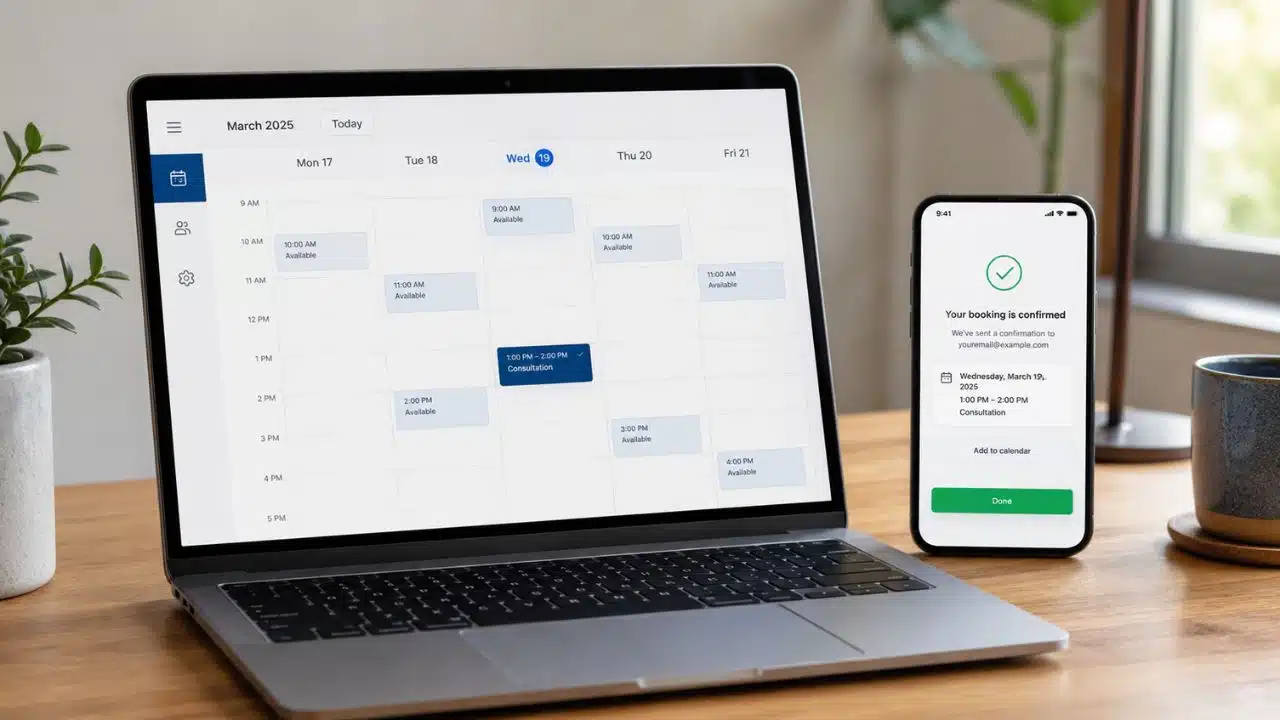
The best scheduling tools should replace “When are you free?” with a simple path to a confirmed meeting. Calendly is the strongest all-round option for most professionals. Cal.com offers more flexibility on its free plan, Doodle is better for coordinating a group, and Acuity makes more sense when appointments are part of the service a business sells.
I would not choose a scheduler by counting features. The real questions are simpler: Does it work with the calendars involved? Is the booking experience easy for the other person? And will the useful plan still be affordable when more people, meeting types, or locations are added?
For this list, I compared current booking features, calendar support, time-zone handling, reminders, payments, team coordination, integrations, plan restrictions, and scaling costs. Calendly is the best scheduling tool for most professionals because it balances ease of use, integrations, automation, and team features. Cal.com offers a more flexible free plan, Doodle is better for group polls, and Acuity Scheduling is the stronger choice for businesses selling paid appointments.
10 Best Scheduling Tools for Meetings and Appointments
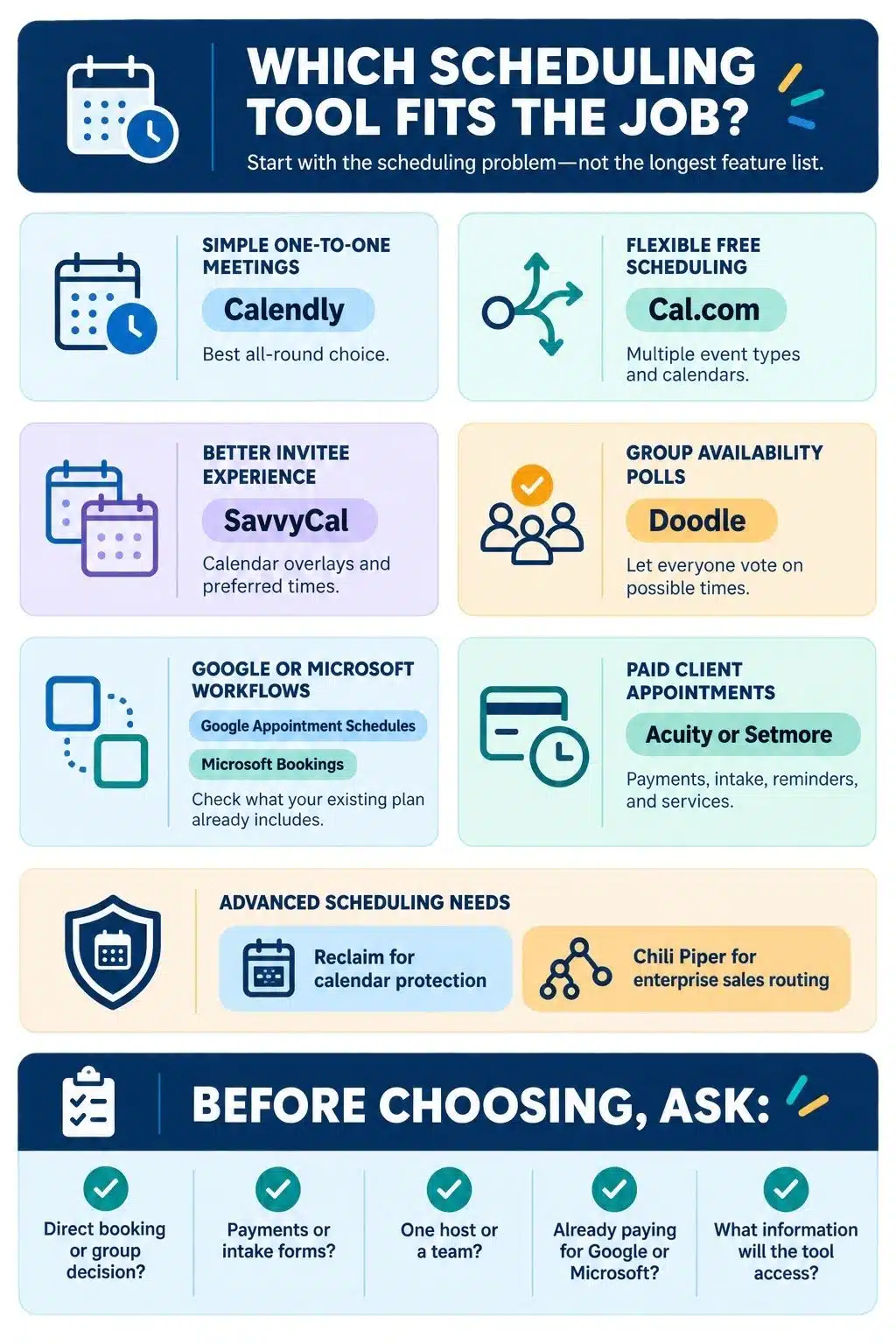
These ten tools cover the most common scheduling problems, from personal booking links and group polls to paid appointments and automated sales routing.
1. Calendly: Best Overall
Calendly remains the easiest general recommendation because it handles most common scheduling workflows without demanding a complicated setup.
The free plan supports unlimited meetings, video conferencing, customizable availability, and a shareable booking page. However, it allows only one event type and one connected calendar. That is enough for someone who schedules one kind of call, but the limits become noticeable as soon as different meeting lengths or calendars are needed.
Standard costs $10 per seat per month with annual billing. It adds unlimited event types, up to six calendars, automated reminders, payment collection through Stripe or PayPal, and integrations with tools such as HubSpot, Mailchimp, Zapier, and webhooks.
The $16 Teams plan adds round-robin scheduling, lead qualification and routing, Salesforce connectivity, and stronger administrative controls. This makes it useful for sales, recruiting, customer success, and other teams that schedule at volume.
Calendly’s main weakness is cost as more employees need paid seats. Several of its most valuable team and automation features also require the higher plans. Even so, its balance of usability, integrations, and business features makes it the best starting point for most readers.
2. Cal.com: Best for Flexibility and Developers
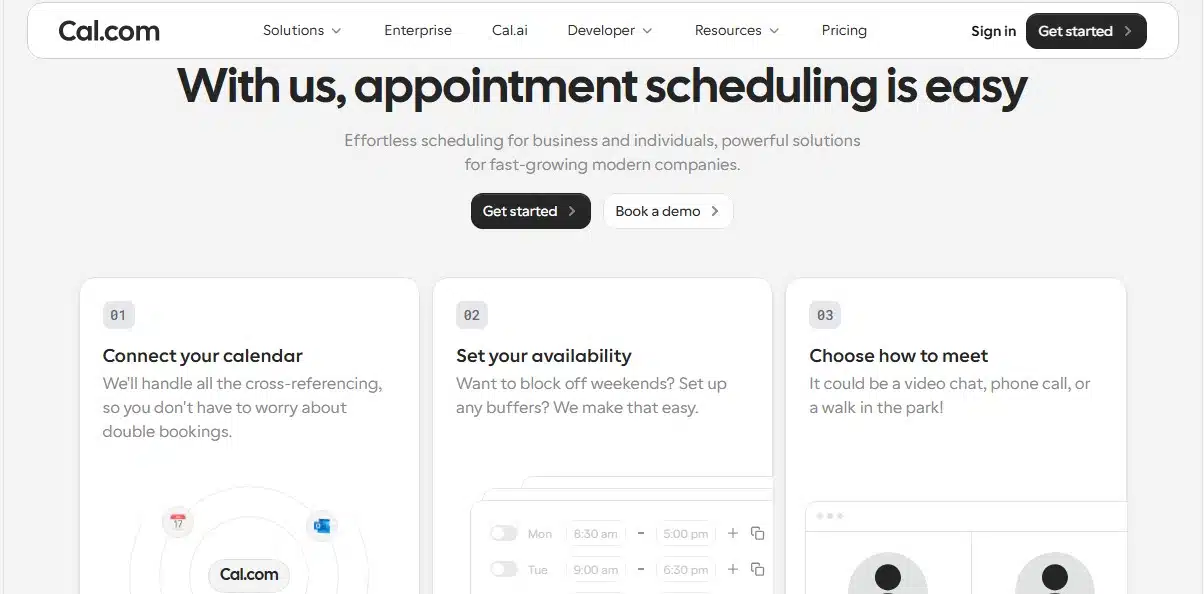
Cal.com has one of the most generous free individual plans in this category. It includes unlimited event types, calendar connections, and meetings, along with payment support, notifications, browser and mobile access, and more than 100 integrations.
That makes it particularly appealing to freelancers and consultants who need separate links for introductions, project calls, interviews, or paid sessions without upgrading immediately.
The Teams plan costs $12 per user per month with annual billing. It adds round-robin and collective scheduling, managed event types, recurring events, routing forms, booking analytics, custom notifications, and API access.
There is an important 2026 change to understand. The hosted Cal.com product is no longer fully open source. Its public community edition is now called Cal.diy. Cal.diy retains the core scheduling engine and free features for people who want to self-host, but it does not include every commercial and enterprise capability available in managed Cal.com.
Cal.com is a strong choice when flexibility matters more than having the most familiar name. Self-hosting, however, still requires technical knowledge and should not be treated as the easier route.
3. SavvyCal: Best Booking Experience for Invitees
Most schedulers concentrate on the person sending the link. SavvyCal gives more thought to the person receiving it.
Invitees see a week-style calendar and can overlay their own schedule on the host’s availability. They can find a suitable time without repeatedly switching between the booking page and another calendar.
Hosts can rank preferred meeting times, encourage bookings beside existing meetings, protect blocked periods, and limit how many appointments can be booked each day, week, or month. SavvyCal also supports proposed time slots, meeting polls, team scheduling, collective meetings, round robin, group events, reminders, embeds, and integrations.
Activated scheduling links start at $10 per user per month with annual billing. Premium costs $17 and adds paid bookings, custom domains, delegated access for assistants, custom sending domains, and branding removal.
Free accounts can prepare links and create meeting polls, but regular scheduling links must be activated through a paid plan. That makes SavvyCal less attractive to someone looking for a permanently free scheduler. For consultants, recruiters, founders, and other client-facing professionals, its more considerate booking experience may justify the price.
4. Doodle: Best for Scheduling a Group
A normal booking link works when one host controls the available times. It is less useful when several independent people must agree on the same slot.
Doodle handles that situation through group polls. The organizer proposes several dates and times, shares the poll, and lets participants indicate which options work. Participants do not need a Doodle account to vote, although organizers must create an account to finalize a new poll.
The free plan is useful for occasional group coordination and also includes basic one-to-one scheduling, a booking page, and sign-up sheets. Free polls are limited to 10 proposed time slots and include ads. Automated reminders, hidden polls, custom branding, and an ad-free experience require a paid plan.
Doodle Pro costs $15 with monthly billing or $132 annually, equivalent to $11 per month.
I would choose Doodle for committees, volunteer groups, community events, or meetings involving people from different organizations. For ordinary one-to-one bookings, Calendly, Cal.com, or SavvyCal will usually feel more direct.
5. Google Calendar Appointment Schedules: Best for Google Users
Google Calendar’s appointment schedules are capable enough that many Google users may not need another subscription.
A personal Google account or Workspace Business Starter account can create one booking page. This is sufficient for someone who wants to offer availability for a single kind of appointment.
Eligible paid plans support multiple appointment schedules and booking pages, automatic email reminders, availability checks across several calendars, email verification, Stripe payments, secondary calendars, and additional co-hosts. Google Workspace Business Standard currently costs $14 per user per month with an annual commitment and includes the advanced appointment features.
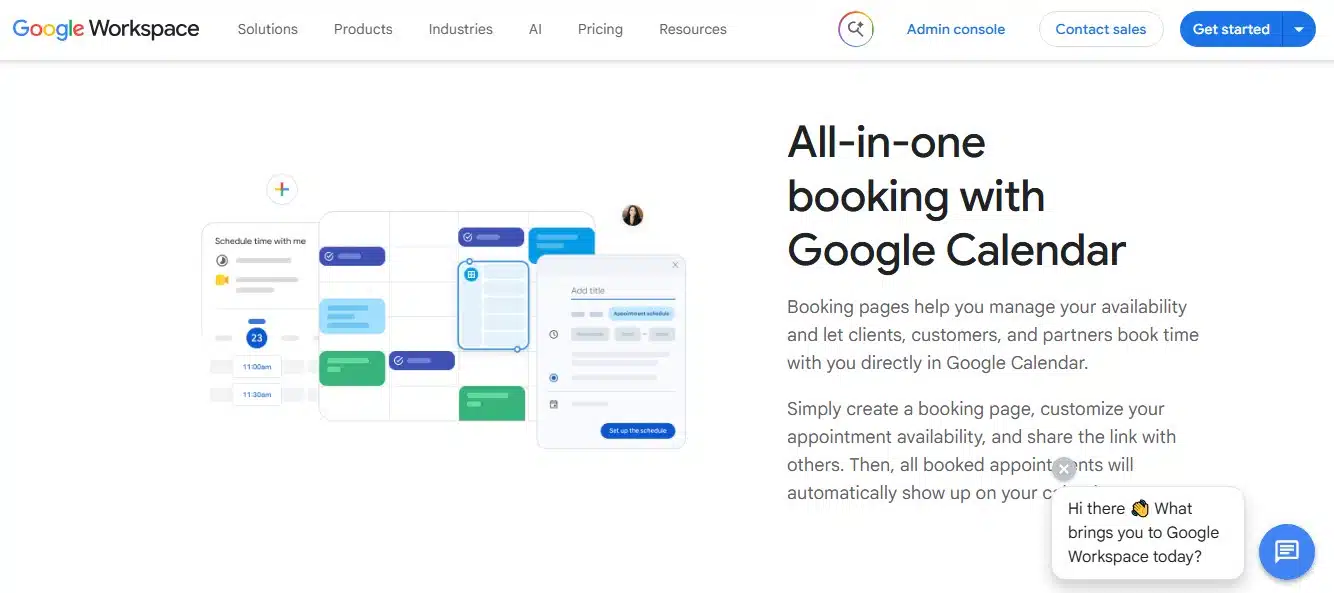
Confirmed bookings appear directly in Google Calendar, so there is very little new software to learn. The tradeoff is a narrower selection of branding, CRM, routing, and workflow controls than dedicated scheduling platforms provide.
Businesses accepting payment should also know that Stripe handles the transaction. Cancelling an appointment does not automatically issue a refund, so that must be handled separately.
For someone already working entirely in Google Workspace, this should be checked before paying for another scheduler.
6. Microsoft Bookings: Best for Microsoft 365 Organizations
Microsoft Bookings is often overlooked because it comes bundled with Microsoft 365 rather than being promoted as a fashionable standalone app.
It supports personal booking pages for individual availability and shared pages for teams or departments. Shared Bookings can manage services, staff calendars, business hours, appointment policies, customer questions, and team availability. Online appointments can automatically include Microsoft Teams meeting links.
Bookings is included with Microsoft 365 Business Basic, Standard, and Premium, as well as several enterprise and education subscriptions. Business Basic starts at $6 per user per month with annual billing, which makes Bookings economical for companies already paying for Microsoft 365.
The tool works best when Outlook, Teams, and Exchange Online are already central to the organization. Hosted and on-premises Exchange environments are not supported, and some SMS features depend on region and Teams Premium.
It may feel heavier than a simple personal scheduler, but for a Microsoft-based company that needs shared departmental booking pages, it is difficult to ignore.
7. Acuity Scheduling: Best for Paid Client Appointments
Acuity Scheduling is closer to a client-booking system than a basic meeting-link tool. It suits businesses where the appointment is part of the service being sold.
Clients can choose a service, complete an intake form, pay a deposit or the full amount, and receive confirmations, reminders, and follow-up messages. Acuity also supports recurring appointments, classes, packages, memberships, subscriptions, gift certificates, and payments through Stripe, Square, or PayPal.
Starter costs $20 monthly or $16 per month with annual billing and supports one bookable calendar. Standard costs $27 per month annually and allows up to six calendars while adding SMS reminders, packages, memberships, and subscription billing.
Premium costs $49 per month annually and supports up to 36 calendars. It also adds branding removal, different time zones for staff or locations, API and CSS access, and the option to sign a business associate agreement for eligible healthcare use.
Acuity has no permanent free plan. It is also a separate subscription even for businesses with a Squarespace website. That would be an unnecessary expense for occasional calls, but it makes sense for coaches, tutors, consultants, therapists, trainers, salons, and other appointment-led businesses.
8. Setmore: Best Free Appointment Scheduler
Setmore offers a practical free starting point for a small service business. The free plan supports up to four users and 200 appointments, along with a customer-facing booking page, payment collection, email confirmations, mobile apps, and basic team tools.
A small studio, coaching practice, or local service provider can begin accepting appointments online without purchasing software immediately. Booking buttons can also be added to websites and supported social platforms, helping customers schedule from places where they already interact with the business.
The limits become clearer as the operation grows. Two-way synchronization with Google or Outlook Calendar, SMS reminders, recurring appointments, branding removal, and unlimited bookings require Pro.
Pro costs $12 per user with monthly billing or $5 per user per month when billed annually. That annual price is competitive, although the platform is less suitable for complex sales routing or meetings that require several external participants to compare availability.
For free appointment scheduling with a small team, Setmore offers more room than many better-known alternatives.
9. Reclaim.ai: Best for Protecting Focus Time
Reclaim approaches scheduling from a different direction. It does not simply search for empty calendar slots; it also helps protect the periods reserved for focused work, tasks, breaks, and recurring routines.
The system can create flexible blocks for focus time, habits, buffers, tasks, and recurring meetings, then adjust them as the calendar changes. Its scheduling links consider those priorities instead of treating every technically open slot as equally suitable.
The free plan includes one personal scheduling link and a limited selection of calendar-optimization features. Starter costs $10 per seat per month with annual billing or $12 monthly. Business adds unlimited scheduling links, wider scheduling ranges, more smart meetings, team controls, delegated access, calendar synchronization, and additional integrations.
Reclaim supports both Google Calendar and Microsoft Outlook. Some Microsoft API limitations still affect shared calendars, notifications, and certain integrations, but it should no longer be described as a Google-only tool.
Because Reclaim can move flexible calendar blocks automatically, it requires more setup and trust than a normal booking page. Its locking controls matter when an event should stop moving. I would recommend it to people whose real problem is not finding an open slot, but preventing meetings from consuming every useful part of the week.
10. Chili Piper: Best for Enterprise Sales Routing
Chili Piper is not designed for someone who simply needs a personal meeting link. It addresses a much more expensive scheduling problem: getting an inbound prospect to the correct salesperson while the lead is still interested.
When someone submits a website form, Chili Piper can qualify the lead, apply CRM and territory rules, identify the appropriate representative, and immediately display that person’s availability. It also supports round-robin distribution, sales handoffs, CRM-based routing, meeting limits, and funnel reporting.
The current Routing and Scheduling plan starts at $1,250 per month, billed annually, with up to 15 seats included. That creates a minimum annual cost of $15,000. Standalone ChiliCal costs $12 per user per month but requires at least 200 seats.
Those prices make no sense for an individual or typical small business. For an established B2B company where slow or incorrect lead routing directly affects revenue, the calculation is different. Chili Piper belongs on this list for that narrow enterprise use case, not as an everyday Calendly alternative.
How to Choose the Right Scheduling Tool
I would start with the decision the software needs to make.
If one person is offering available times, Calendly, Cal.com, or SavvyCal will usually be enough. When several independent people must agree, Doodle is more suitable. Businesses selling appointments should look at Acuity or Setmore. Companies already paying for Google Workspace or Microsoft 365 should check the included scheduling options before adding another subscription.
Then consider the cost beyond the first month. How many staff members, event types, calendars, booking pages, locations, reminders, and integrations will be needed later? A free plan can become inconvenient quickly if it cannot check every relevant calendar or send the reminders customers expect.
The invitee’s experience matters too. A scheduler saves little if people cannot understand the time zone, struggle to find a slot, or must create an unnecessary account.
Finally, review the calendar permissions and booking information the tool will receive. Collect only what the business needs, restrict administrative access, and confirm the correct contract and subscription before using any platform for regulated or sensitive information.
The Right Tool Should Fade Into the Background
For most people, I would begin with Calendly or Cal.com. SavvyCal deserves consideration when the booking experience reflects directly on the business, while Doodle remains the clearest option for group decisions.
The specialized choices only make sense when they solve a real operational need. Acuity and Setmore manage client appointments, Reclaim protects the rest of the calendar, Google and Microsoft may prevent another subscription, and Chili Piper handles enterprise sales routing.
The best scheduling tools do not create another system that constantly needs attention. Once availability, limits, reminders, and integrations are configured properly, the tool should quietly arrange the meeting and get out of the way.
Frequently Asked Questions on the Best Scheduling Tools
1. What is the best scheduling tool for avoiding back-and-forth emails?
Calendly is the strongest general-purpose choice because it is easy to share, supports major calendar services, and works for both individuals and teams. Cal.com is a better free option for people who need multiple event types and calendar connections.
2. What is the best free scheduling tool?
Cal.com offers the most flexible free plan for individual booking links. Setmore is better for small service businesses with several staff members, while Doodle is more suitable for finding a time among a group.
3. What is the difference between a booking link and a scheduling poll?
A booking link shows the times available on a host’s calendar and lets an invitee reserve one. A scheduling poll proposes several options and asks multiple participants to indicate which ones work before the organizer confirms the final time.
4. Do invitees need an account to book a meeting?
Usually not. Most scheduling platforms let invitees choose a time and enter basic contact details without registering. Doodle participants can also vote in a group poll without creating an account.
5. Which scheduling tool is best for accepting payments?
Acuity is the strongest choice when deposits, intake forms, packages, memberships, or subscriptions are central to the appointment. Setmore provides a useful free alternative. Calendly, Cal.com, Doodle, and eligible Google Calendar plans can also collect payments, but they offer fewer tools for running an appointment-based business.