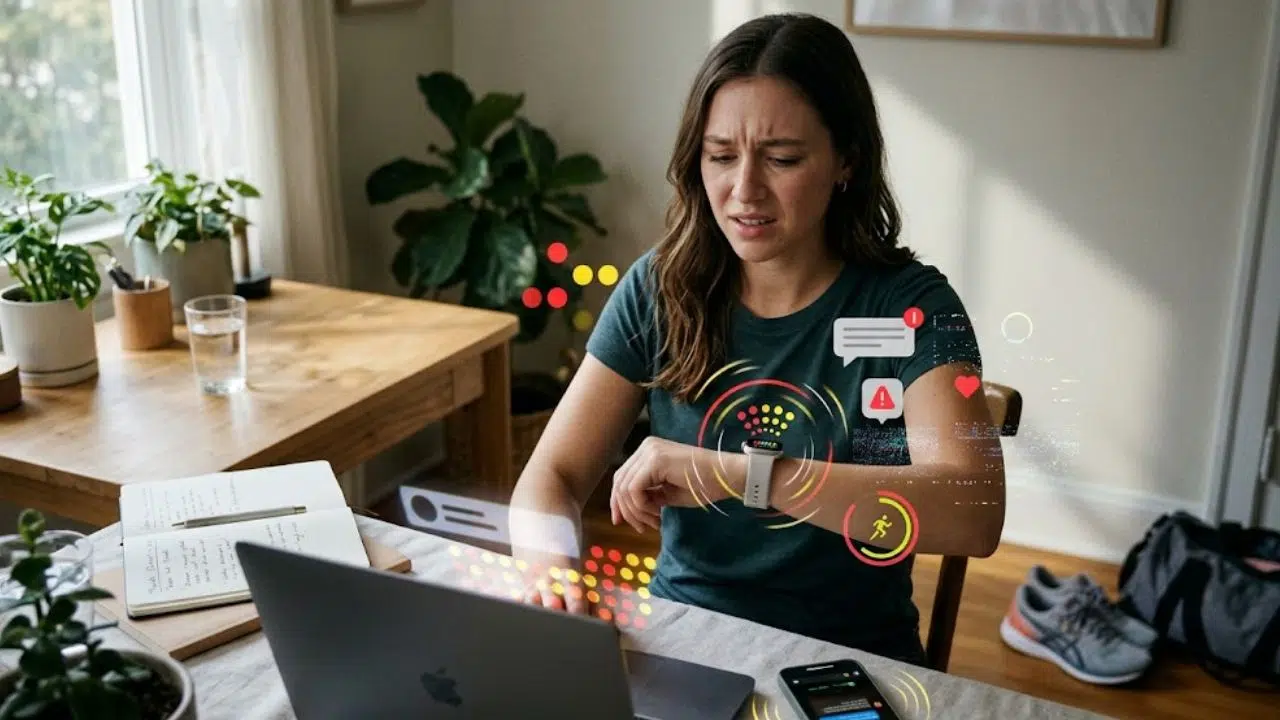
You finally have the remote job of your dreams, which means you get to stay in your comfy clothes all day, eat snacks whenever you like and generally enjoy greater autonomy in your work. Yet, many new remote workers quickly realize that there is one major concern that comes with working outside of the traditional office environment: Are you supposed to use your own devices?
While there tend to be protocols to help remote workers use personal computers for work-related tasks, there are often fewer regulations with regards to mobile devices, like phones. So, should you be using your personal smartphone for your work, and if not, what are the alternative solutions?
Can You Separate Work and Personal Calls?
Whether you realize it or not, you put on a different persona depending on whether you are answering a work call or a personal call — or, at least, you should do. However, when you share a single mobile device for both work and play, you might not be able to determine which persona you need to adopt until after you have answered the call. In many lines of work, you will continue to receive work-related calls outside of normal business hours, and if you answer in an unprofessional manner — perhaps in the middle of raucous party or groggily as you wake up from sleep — you could impact your reputation or the reputation of your employer.
If in your line of work you are likely to receive calls from unfamiliar numbers during all hours of the day, it might be most prudent to invest in a second mobile device that can be turned off or left behind when you are no longer on the clock. Then, you can return missed calls during your regular working hours, when you are prepared to put on the right professional persona.
Will Your Privacy Be Compromised?
Personal mobile devices contain as much sensitive information about a person as any wallet. On your own phone, you almost certainly have dozens if not thousands of pictures of yourself, your home, your family members and more. You might have copies of your driver’s license and other identifying documents, and you almost certainly have the login credentials stored for many if not all of your online accounts. Suffice it to say that if your personal phone security were to be compromised, it would have a devastating impact on your personal life.
Unfortunately, it isn’t uncommon for work-related contact information to be published online, so business partners, prospective clients and other types of professionals can find you and get in touch. However, when the number to your mobile device is publicly available, you will almost certainly receive quite a bit of different types of contact — and some of that contact might be more malicious than you expect. Because the device you use for work could receive a greater number of attempts at cyber attack, you may want to opt for separate devices for work and personal use. Even then, you should equip any and every mobile device in your home with high-quality mobile security.
Will There Be Any Impact on Customer Relationships?
Another downside to combining your work and personal device into one is that all of your work and personal contacts will become intermingled. Your bosses, coworkers and clients will sit amongst your friends from high school and college, your extended family members and your neighbors. You will need to sift through your text messages and voicemails to determine what is work-related and what isn’t — and some messages will almost certainly slip through the cracks.
About half of all customers have no loyalty to any particular business, which means they will rapidly and happily give their business to a competitor at the very first negative support experience. You need to be able to respond quickly and professionally to every work message you receive, especially when they come from customers and clients. Having a dedicated mobile device for work will eliminate the difficulty in sorting through pressing, work-related messages and less-pressing personal contacts. It also eliminates the possibility that you accidentally and unprofessionally contact someone from work when you didn’t mean to, like through your pocket or during a drunken night out.
Remote work can be rewarding in several different ways, but you need to think critically about how you will separate your work and life when you don’t have an office to clock in and out of. Maintaining different devices for your work and play is generally a good start, and you can ask your employer for help acquiring all the devices you need to do your job well.