Swapping a tablet running short-form video for a tablet playing a podcast is mostly just changing the delivery vehicle for media. Edtech marketing often frames audio as a frictionless shortcut to higher literacy and calmer kids. Stripping away the video track doesn’t automatically fix household media habits or quiet a chaotic room.
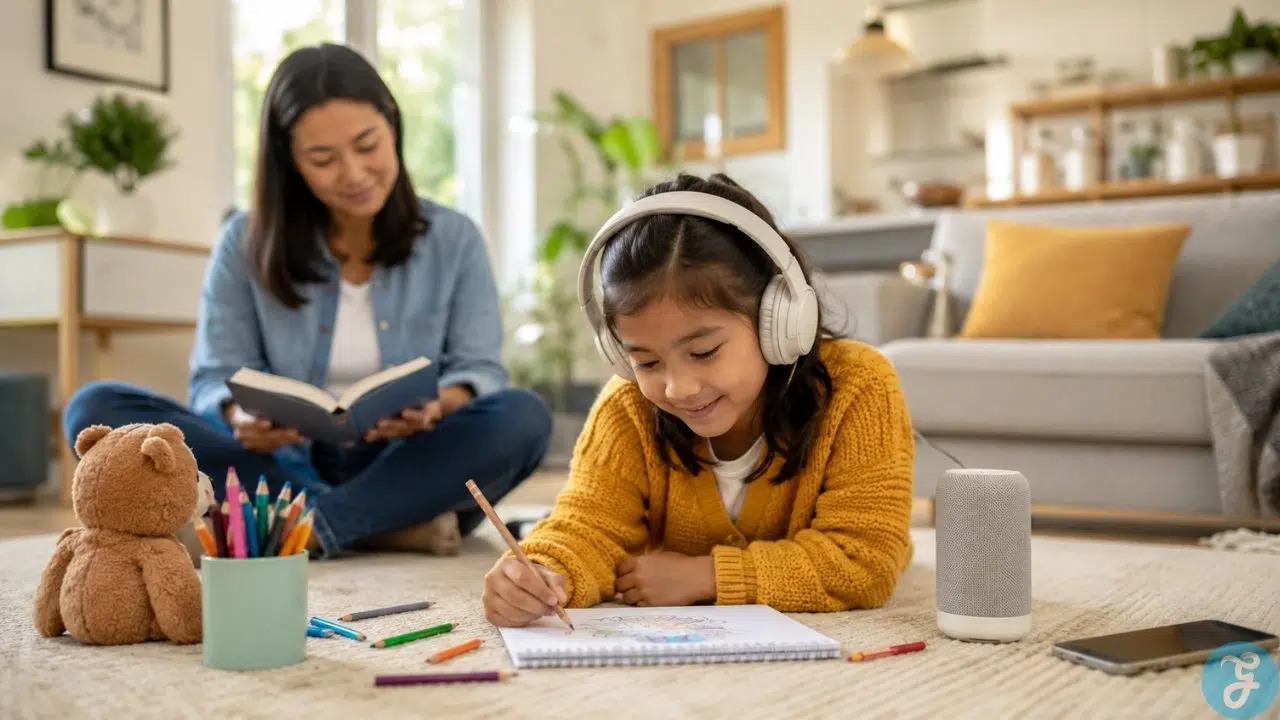
Where audio actually succeeds as a screen-time alternative is in its physical reality: video locks a child’s eyes and posture to a glowing rectangle, while audio leaves their eyes, hands, and body free to move around.
What Is Essential vs. What Is Optional
Not every recommendation floating around parenting blogs is worth your money or sanity. Here is where to draw the line:
Genuinely Essential
Hiding the touchscreen during playback. If a child has to stare at a glass screen to navigate episodes or pause a track, you haven’t broken the screen habit.
Ditching ad-supported free platforms. Free streaming networks run on ad tracking and algorithmic recommendations. For kids under 13, stick to paid ad-free tiers, downloaded files, or public library apps like Libby.
Entirely Optional
Buying dedicated screen-free audio hardware. Dedicated players like Yoto or Tonieboxes are convenient, but you don’t need a $100 gadget. An old MP3 player or a Bluetooth speaker paired to a hidden phone in a drawer works just fine.
Constant audio during travel. You do not need to fill every car ride with educational podcasts. Kids need quiet time to think, look out the window, or just be bored.
How Sight and Sound Affect Kids Differently
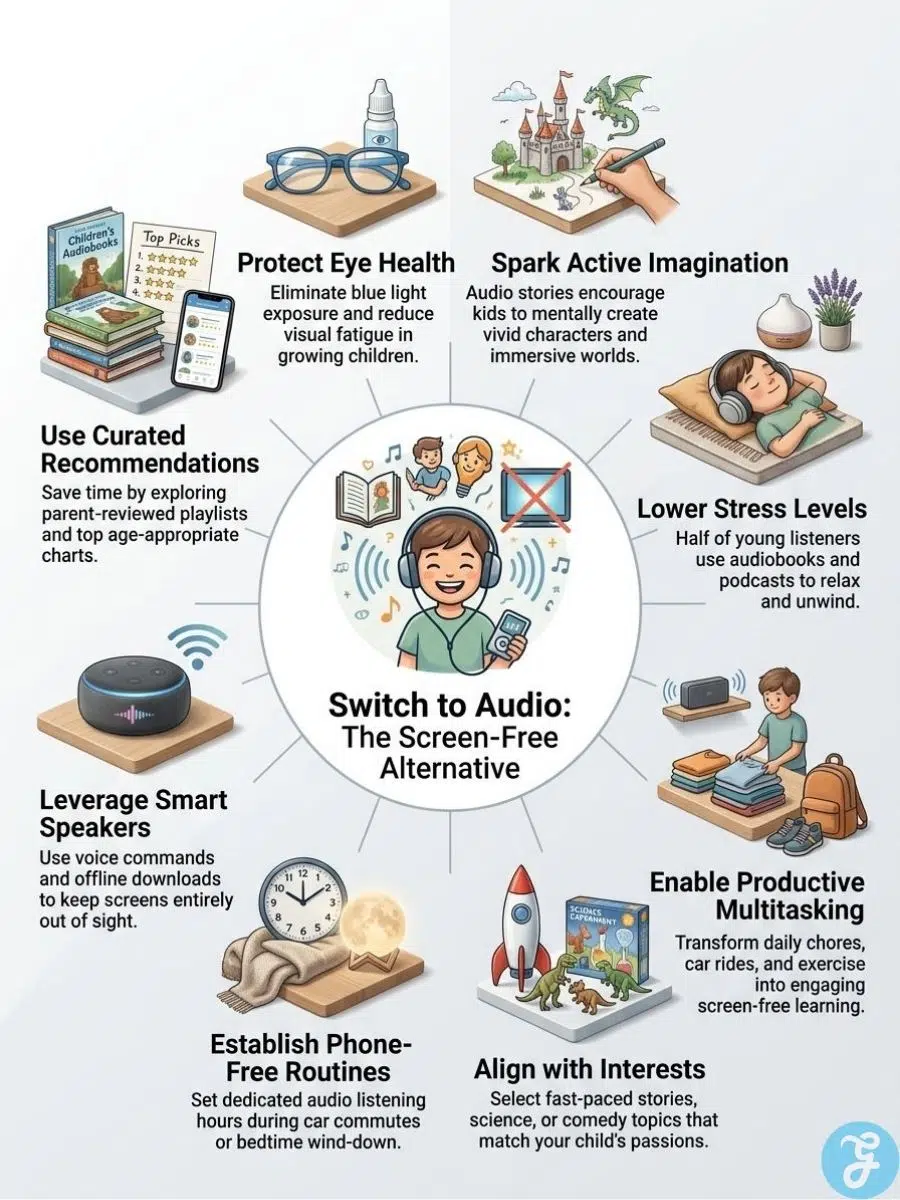
Video demands total visual captivity. A child watching a clip is locked into a fixed position, absorbing rapid cuts designed to hold focus. Audio removes that visual lock. A child can build with Lego, sketch, fold laundry, or lie on the floor while taking in a story.
| Media Type | Visual Demand | Physical Mobility | Complementary Activity |
| Video Media | High (Captive) | Low (Static sitting) | Minimal |
| Audio Content | None | High (Unrestricted) | High (Crafts, drawing, chores) |
The American Academy of Pediatrics (AAP) notes that content quality, co-listening, and family routines matter far more than strictly counting screen minutes. Audio works well as a screen-time alternative because it can happen alongside healthy physical movement.
According to a 2024 survey by the National Literacy Trust, 42.3% of young people aged 8 to 18 listen to audiobooks or podcasts in their free time. About half of those young listeners noted that audio helped them relax or made understanding a story easier, while 37.5% said it sparked an interest in print books. These survey responses show that audio can be a great gateway, but results depend heavily on the child’s age, mood, and environment.
Hardware, Privacy, and Hearing Safety
Handing a child a standard tablet logged into an open app is a trap. The moment playback stutters, they are two taps away from opening YouTube. If you use a regular phone or tablet, pre-download the files, turn off notifications, lock the display, and put the device high up on a shelf out of reach.
Using free platforms brings data privacy risks. The Federal Trade Commission’s (FTC) Children’s Online Privacy Protection Act (COPPA) rule limits how companies harvest data on kids under 13 for targeted ads. Even so, free audio networks regularly include host-read sponsor spots, commercial interruptions, and automated recommendations that push kids toward unvetted channels. Paid ad-free subscriptions or library apps eliminate that exposure entirely.
Hearing safety also requires attention. Extended exposure to sound above 85 decibels (dB) can contribute to noise-induced hearing loss over time. Young ear canals amplify sound pressure faster than adult ears do.
Playing audio out loud over a room speaker at moderate volume is usually the safest setup. It allows you to monitor volume levels without fighting over earpieces.
Of course, room speakers aren’t always practical. If you live in a noisy apartment, share a bedroom, or travel on public transit, headphones are necessary. When kids must wear headphones:
-
Follow the 60/60 rule: keep volume under 60% of max and cap listening at 60 minutes before taking a break.
-
Don’t fully rely on “kid-safe” 85 dB volume limiters; audio output can still exceed safe limits depending on the headphone jack’s amplification.
-
Use the arm’s-length check: if you can clearly hear the audio escaping their earcups while standing an arm’s length away, turn it down.
Literacy, Sleep, and Age Strategies
Listening to a story builds narrative comprehension, vocabulary, and verbal processing, but it does not replace physical text decoding or sight-word recognition. For reluctant readers or kids with dyslexia, audiobooks provide access to complex stories far above their independent reading level. They are an excellent bridge, but they shouldn’t completely supplant print book practice.
At bedtime, audio can help kids settle down, but leaving it playing all night may interfere with sleep quality. Set an automatic sleep timer for 20 to 30 minutes so playback stops after they drift off, and choose calm, quiet narrations without sudden sound effects.
Target content by age group to keep kids engaged:
Preschoolers (Ages 3–5): Stick to short audiobooks under 15 minutes or simple story tracks played over a room speaker during quiet rest. Skip headphones entirely.
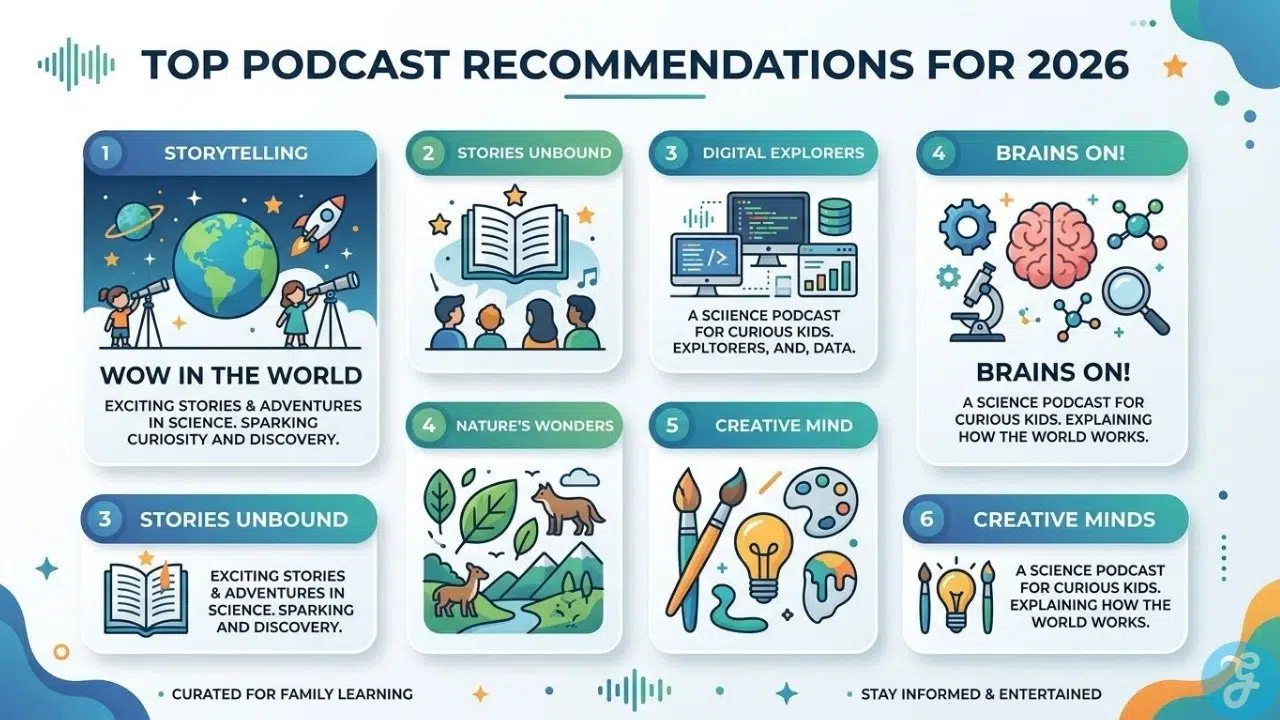
Primary School (Ages 6–8): Episodic story podcasts and educational science shows work great while drawing, building blocks, or sorting toys.
Tweens and Teens (Ages 9+): Long-form fiction, history series, and investigative storytelling fit naturally into household chores or winding down after school.
The Takeaway
Audiobooks and podcasts make effective screen-time alternatives when you keep the touchscreen interface out of sight, avoid free ad-supported networks, and let the audio play while your kids do something real with their hand
Frequently Asked Questions (FAQs) About Screen-Time Alternatives
Are audiobooks as effective as print books for child literacy?
Audiobooks build narrative comprehension and expand vocabulary, but they do not replace physical text decoding or sight-word practice. They serve as an excellent bridge for reluctant or dyslexic readers by providing access to complex stories above their reading level. However, they should complement print books rather than replace them entirely.
Why are podcasts considered better screen-time alternatives than educational TV?
Video media locks a child’s eyes and posture to a glowing screen, creating a passive and captive state. Audio removes that visual demand, leaving a child’s eyes, hands, and body free to engage in physical play, crafts, or chores. It changes media from an isolating visual focal point into an active background companion.
How can I stop my child from switching to games while listening to audio?
The simplest fix is keeping the touchscreen out of reach. Pre-download your audio files onto a device, lock the screen, and place it high on a shelf across the room. Alternatively, dedicated screen-free audio players or basic MP3 devices eliminate touchscreen temptation altogether.
How do I protect my child’s data privacy while streaming audio content?
Avoid free, ad-supported streaming platforms, which often rely on targeted host-read ads and automated recommendations. Stick to paid ad-free tiers, pre-downloaded files, or public library apps like Libby and Hoopla. These options keep third-party data tracking and commercial interruptions out of your routine.
Are volume-limiting headphones safe for young kids?
While volume-limiting headphones help, playback device outputs can still push sound levels above safe decibel thresholds depending on the hardware. Playing audio over a room speaker remains the safest way to monitor sound exposure naturally. If headphones are necessary, follow the 60/60 rule: keep the volume under 60% and cap listening at 60 minutes before taking a break.