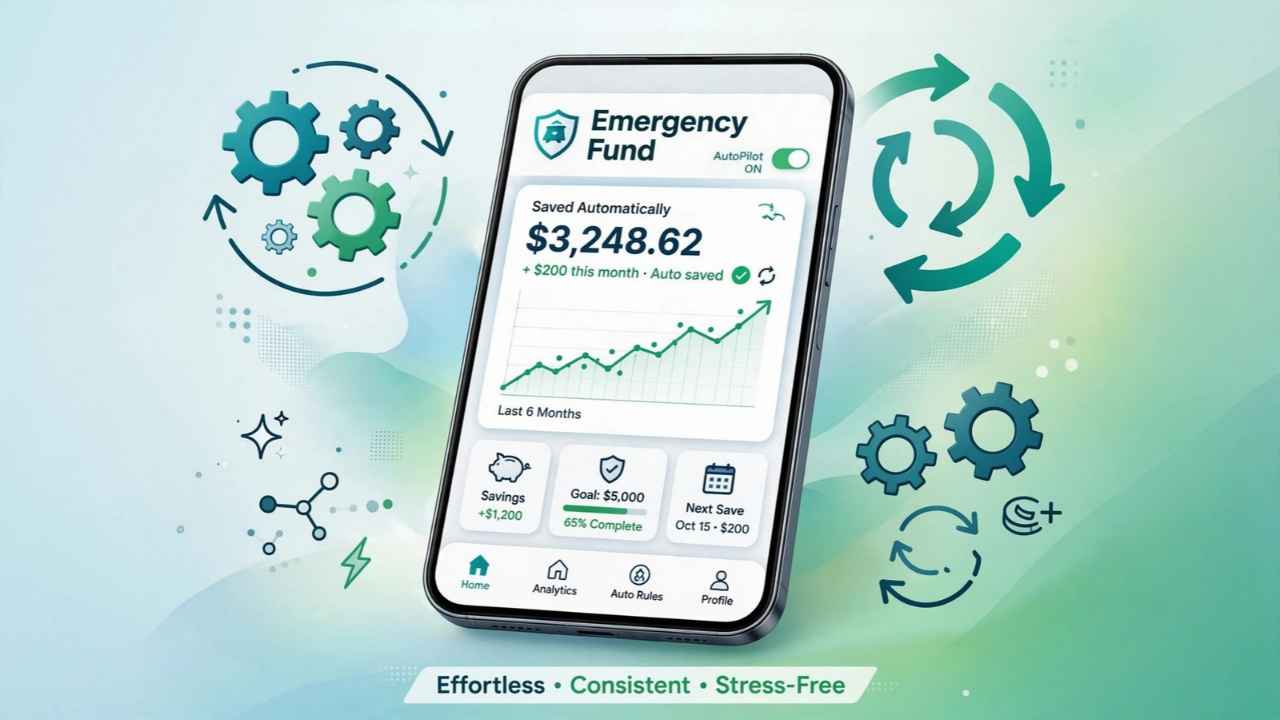
You know you need a cushion, but by the end of the month there’s nothing left to move. Ally Bank is the best of the apps to build an emergency fund on autopilot: it’s free, a real FDIC-insured bank, and auto-saves into named buckets.
Below: a fee chart, honest flaws for all 12, and the FDIC fine print most lists skip.
Quick Comparison: Apps to Build an Emergency Fund on Autopilot
Here’s the short version. Fees are monthly, as of fall 2026. Interest rates change often, so they aren’t listed here.
| App | Monthly Fee | How It Auto-Saves | Who Holds Your Money |
|---|---|---|---|
| Ally Bank | $0 | Surprise Savings, round-ups, recurring | Ally Bank (a bank) |
| SoFi | $0 | Paycheck split, round-ups, recurring | SoFi Bank (a bank) |
| Capital One 360 | $0 | Automatic Savings Plan | Capital One (a bank) |
| Chime | $0 | % of paycheck, round-ups | Partner banks |
| Wealthfront | $0 | Rules, recurring transfers | Program banks via sweep |
| Betterment | $0 | Recurring deposits, goals | Program banks via sweep |
| Acorns | $6–$12 (for Emergency Savings) | Paycheck split | Partner bank |
| Qapital | $3–$12 | Custom rules, round-ups | Partner bank |
| Oportun Set & Save | $5 | Algorithm | Partner bank |
| Rocket Money | Premium required | Algorithm, every 1–3 days | Partner bank (custodial) |
| Albert | $19.99–$39.99 | Algorithm | Partner bank |
| Your 401(k) plan | Varies | Payroll deduction | Your plan |
Key takeaway: a free bank account with good automation beats a paid app for most people. Pay only for features you’ll actually use.
Why “On Autopilot” Works (and Where It Breaks)
Most apps to build an emergency fund on autopilot use one of three tricks. Each one takes the decision out of your hands.
- Paycheck split: a set slice of each direct deposit goes straight to savings.
- Round-ups: every card purchase rounds to the next dollar, and the change gets saved.
- Algorithms: the app scans your checking account and moves “safe” amounts.
Here’s the catch: algorithms can misread your cash flow. Picture this: you’re two days from payday, rent clears, and the app just moved $40 out. Check that your app has an overdraft safeguard before you turn it on.
The 12 Best Apps to Build an Emergency Fund on Autopilot
1. Ally Bank — Best Overall
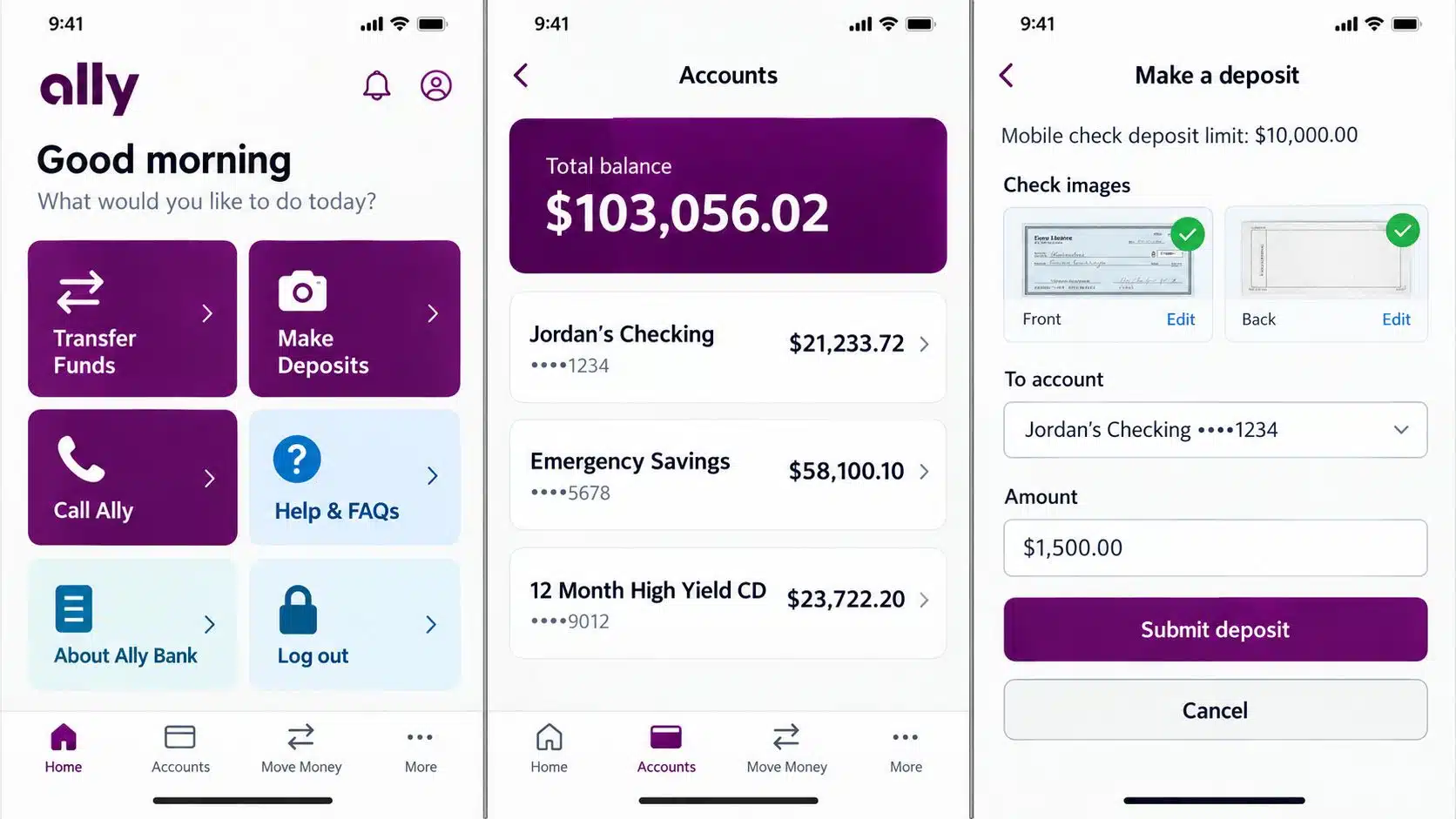
Ally splits one savings account into up to 30 named buckets, like “Car Repairs” or “Job Loss.” Its Surprise Savings tool scans a linked checking account, even one at another bank, and moves money it thinks you won’t miss. There are no monthly fees.
Real flaws:
- Round-ups only work with an Ally checking account.
- There are no branches, and you can’t deposit cash directly into savings.
Who Should Skip This: people who need to deposit cash.
2. SoFi — Best for Splitting Your Paycheck
SoFi gives you up to 20 savings Vaults, plus round-ups and recurring transfers. You can route part of each paycheck straight into a Vault.
Real flaws:
- The top rate needs direct deposit, $5,000 in deposits every 30 days, or a paid SoFi Plus plan.
- Without one of those, the rate drops sharply.
Who Should Skip This: gig workers without regular direct deposit.
3. Capital One 360 — Best If You Want Branches
You can open up to 25 Performance Savings accounts and nickname each one. The Automatic Savings Plan moves a set amount on your schedule.
On the flip side, New York’s attorney general sued Capital One. The suit says customers in its older “360 Savings” account earned far less than “360 Performance Savings” customers. Check which account you actually have.
Real flaws:
- No round-ups or smart-saving algorithm.
- The older 360 Savings account issue means you need to double-check your rate.
Who Should Skip This: savers who want the app to decide how much to move.
4. Chime — Best for Fee-Free Paycheck Saving
Save When I Get Paid moves a percentage of each direct deposit into savings, and Round Ups saves your spare change. There are no monthly fees.
Real flaws:
- You must have Chime Checking, and the top rate needs qualifying direct deposits.
- You can’t withdraw straight from savings. You transfer to checking first.
Who Should Skip This: anyone who wants savings at a different bank than their checking.
5. Wealthfront Cash Account — Best for Large Balances
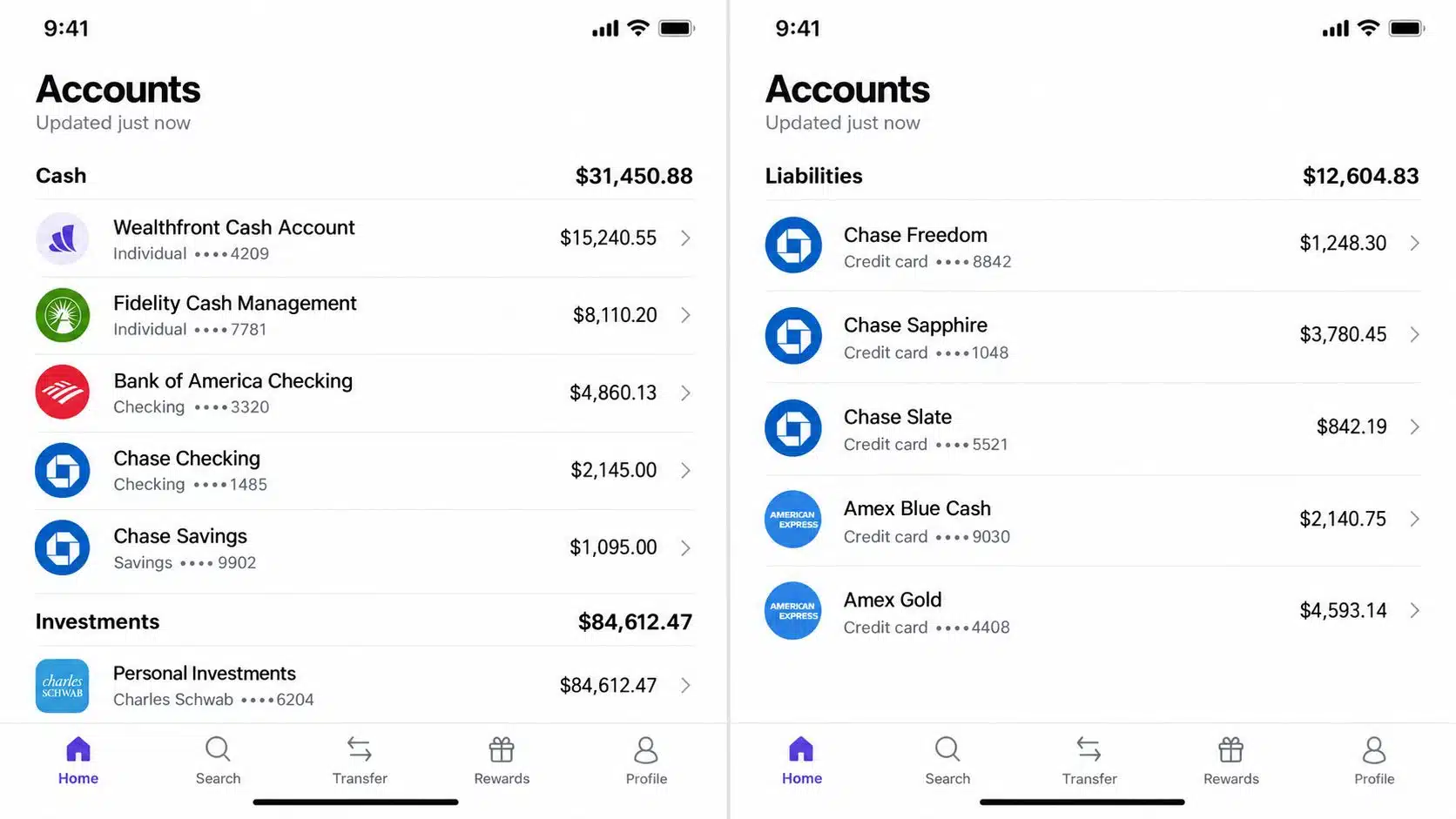
Wealthfront isn’t a bank. It sweeps your cash to program banks, offering up to $8 million in FDIC pass-through coverage. You can build saving rules and recurring transfers in the app.
Real flaws:
- FDIC coverage only applies once funds reach the program banks.
- It doesn’t accept cash deposits.
Who Should Skip This: people who want a plain, traditional bank account.
6. Betterment Cash Reserve — Best for Existing Betterment Investors
Betterment offers goal-based savings with recurring deposits, all next to your investments. Since May 1, 2026, its cash runs through one Cash Sweep Program.
Real flaws:
- Withdrawals to an outside bank can take a business day or two.
- Like Wealthfront, it’s not a bank, so the sweep setup adds a layer to understand.
Who Should Skip This: savers who need same-day cash access.
7. Acorns — Best for Saving and Investing Together
Acorns’ Emergency Savings and Paycheck Split let you set aside part of each paycheck automatically. You need the Silver ($6) or Gold ($12) plan.
Real flaws:
- The $3 Bronze plan doesn’t include Emergency Savings.
- On small balances, the subscription eats a big chunk of what you save.
Who Should Skip This: anyone saving less than $50 a month.
8. Qapital — Best for Custom Savings Rules
Qapital lets you build rules like “save $5 every time I skip takeout” or “round up every purchase.” Plans cost $3, $6 or $12 a month.
Real flaws:
- A fall 2026 review found the $3 Basic plan pays no interest on your savings.
- Couples each pay their own subscription.
Who Should Skip This: savers chasing interest.
9. Oportun Set & Save — Best Hands-Off Algorithm
This is the app formerly called Digit. It studies your income and spending, then moves small amounts automatically. It costs $5 a month after a 30-day trial.
Real flaws:
- The $5 fee is $60 a year, which can wipe out the interest you earn.
- You can only cancel in the app or by email.
Who Should Skip This: people who’d rather pick their own amounts.
10. Rocket Money — Best If You Already Use It for Budgeting
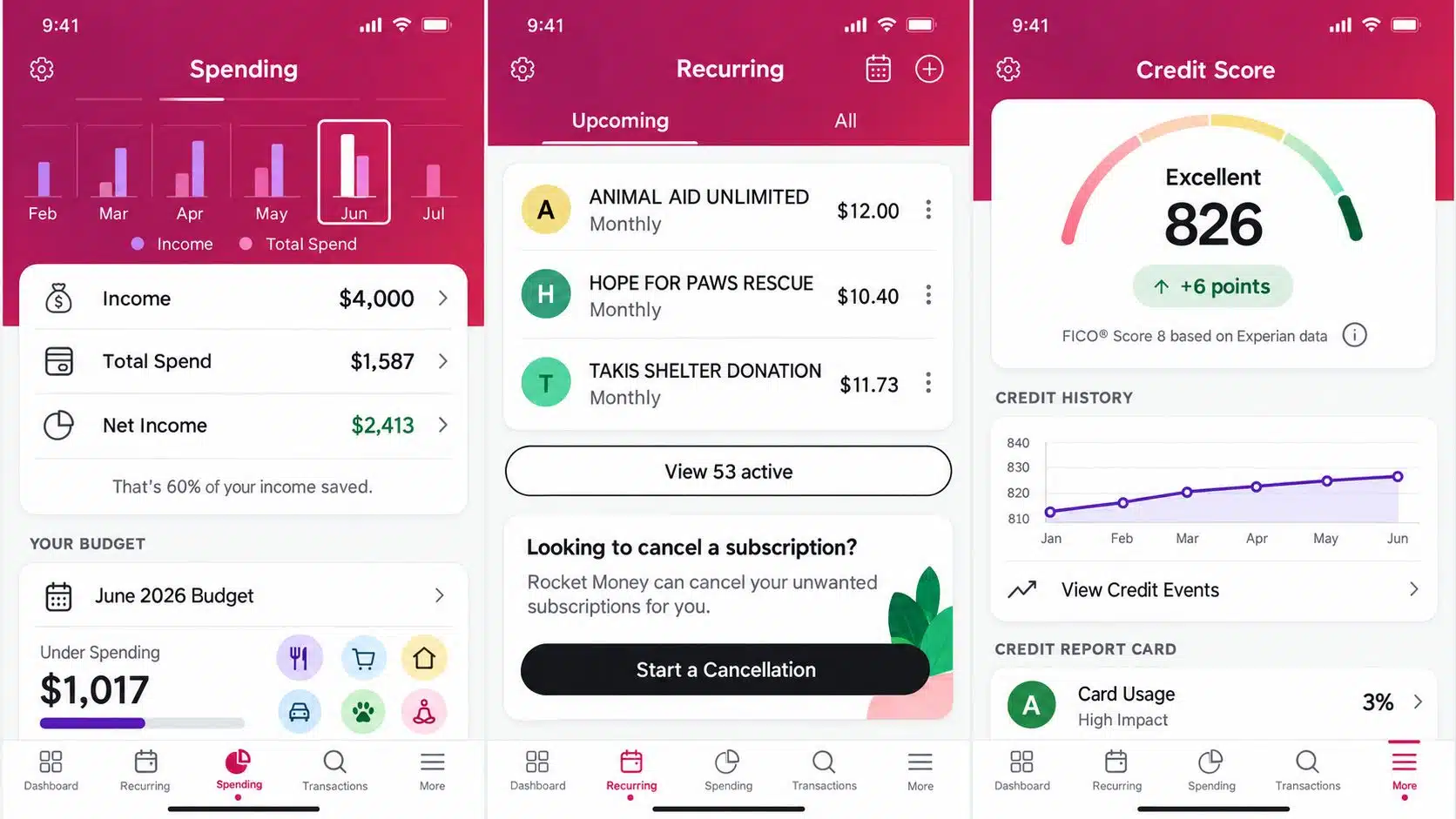
Smart Savings, a Premium feature, moves small amounts every 1 to 3 business days. Funds sit in a custodial account at a partner bank.
Real flaws:
- Smart Savings balances have historically earned no interest.
- Money can only be withdrawn back to the linked checking account.
Who Should Skip This: free-plan users who won’t pay for Premium.
11. Albert — Best All-in-One, If You’ll Use Everything
Albert’s Smart Money scans your account and auto-saves, and savings are held at Wells Fargo. Plans now run $19.99 to $39.99 a month.
Real flaws:
- It’s one of the most expensive options here.
- Users report trouble canceling, and pausing savings doesn’t cancel the subscription.
Who Should Skip This: anyone who just wants a savings account.
12. Your 401(k) Plan — The Option Most Lists Miss
Under SECURE 2.0, employers can add an emergency savings account to your 401(k), funded by payroll and capped around $2,500. Many plans also allow one penalty-free withdrawal of up to $1,000 a year for emergencies.
Real flaws:
- Both features are optional, and few employers offer them yet.
- Highly paid employees can’t contribute to the emergency savings account.
Who Should Skip This: anyone whose employer hasn’t added these features. Ask HR.
The FDIC Fine Print Every Saver Should Know
That brings us to the biggest mistake people make: assuming “FDIC-insured” covers everything. It only protects you if a bank fails, not the app in front of it.
The truth is, this already happened. When fintech middleman Synapse went bankrupt in 2024, thousands of app users were locked out, and tens of millions of dollars went missing. FDIC insurance didn’t pay, because no bank failed.
Before you deposit, check:
- Is the company itself a bank, or does it use partner banks?
- Which bank holds your money? It should be named in the app.
- Does the app keep records in your name? Pass-through coverage depends on it.
Ally, SoFi and Capital One is chartered banks. The rest use partner or program banks, which isn’t bad, but it is one more link in the chain.
How Much Should You Save?
Start with $1,000, then build toward three to six months of expenses. Here’s a step-by-step plan for creating a foolproof emergency fund. Worried you’re behind? You’re not alone, as this look at Americans’ concerns about emergency funds shows.
Frequently Asked Questions (FAQs)
What is the best free app to build an emergency fund?
Ally Bank, SoFi, Capital One 360, and Chime all automate saving with no monthly fee.
Are automatic savings apps safe?
Most hold your money at FDIC-insured banks. Confirm the bank’s name and whether the company keeps records in your name.
Should my emergency fund be in a separate account?
Yes. A separate account or named bucket makes it harder to spend by accident.
How fast can I get my money out?
Bank transfers usually take one to two business days. Keep a small amount in check for same-day needs.
Is a paid savings app worth it?
Only if its rules help you save more than the fee costs. On small balances, free bank tools usually win.
Final Thoughts
Pick one free account, turn on one automation, and leave it alone for 90 days. The best apps to build an emergency fund on autopilot work because you stop deciding. Rates and fees change, so check the current terms before you open an account.