
Your team’s base just hit Airtable’s record cap, and the next plan costs more than double per seat. For most teams, SmartSuite is the best of the Airtable alternatives for team databases, while Baserow wins if you want to self-host for free.
Below: a limits-and-pricing chart, honest flaws for all 12, and a migration checklist.
Quick Comparison: Airtable Alternatives for Team Databases
Here’s the short version. Prices are per user per month, billed annually, unless noted.
| Tool | Free Plan | Entry Paid Price | Records on Entry Plan | Self-Host? |
|---|---|---|---|---|
| SmartSuite | No (trial only) | $15 (3-seat min) | 5,000 per solution | No |
| Baserow | 3,000 rows/workspace | $10 | 50,000 per workspace | Yes, free |
| NocoDB | 1,000 records | $12 | 50,000 | Yes, free |
| Notion | Yes | $10 | Up to 250,000 per database | No |
| Grist | 5,000 per document | $10 | 100,000 per document | Yes, free |
| SeaTable | 10,000 rows, 25 users | €7 | 50,000 | Yes |
| Teable | 1,000 rows | ~$10 | 50,000 | Yes, free |
| Zoho Tables | 5,000 per base, 2 users | $4 (3-license min) | 50,000 per base | No |
| Stackby | 1,500 per stack | $4.20 (3-user packs) | 7,000 per stack | No |
| Smartsheet | Not for new users | $9 | 20,000 rows per sheet | No |
| monday.com | 2 seats | $9 (3-seat min) | Board-based | No |
| Microsoft Lists | With Microsoft 365 | Included | 30 million per list | No |
Key takeaway: check how each tool counts records. Per base, per workspace and per document are three very different limits.
Why Teams Are Leaving Airtable Right Now
Airtable’s Free plan caps you at 1,000 records per base and 5 editors. Team costs $20 per seat and allows 50,000 records per base. Business jumps to $45 per seat for 125,000.
Here’s the catch: that cap counts every table in a base together. Ten tables with 5,000 rows each? You’re already at the team ceiling.
There’s also a new reason teams are shopping for Airtable alternatives for team databases. In August 2026, Bending Spoons agreed to buy Airtable for $1.285 billion. That’s the same company behind Evernote and Vimeo, and no pricing changes have been announced. Still, plenty of ops leads want a backup plan.
The 12 Best Airtable Alternatives for Team Databases
1. SmartSuite — Best Overall Airtable Replacement
SmartSuite feels the most like Airtable, with linked records, rich field types and strong permissions. Team costs $15 per seat with a 3-seat minimum.
Real flaws:
- It dropped its free plan for new signups on January 1, 2026.
- Team caps you at 5,000 records per solution. That’s lower than Airtable’s Team plan.
Who Should Skip This: small teams with big tables. You’ll be pushed to professional fast.
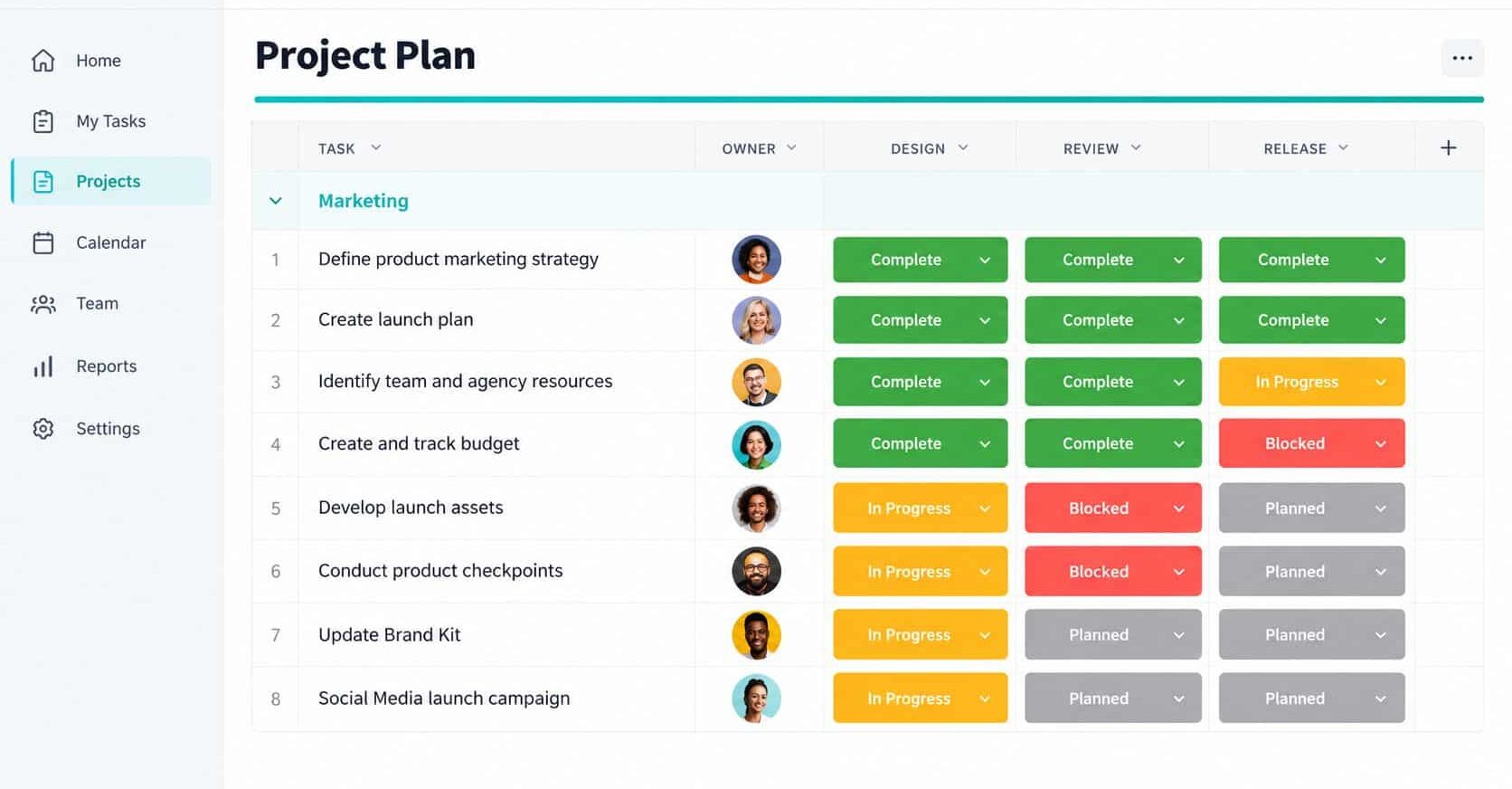
2. Baserow — Best Free Self-Hosted Option
Baserow is open source, and the self-hosted version has no row or storage limits. On the cloud, Premium is $10 per user for 50,000 rows per workspace.
Picture this: you’re a five-person agency paying $100 a month for Airtable Team. A small server running Baserow can cut that bill to the cost of hosting, often around $10 to $25 a month.
Real flaws:
- Cloud limits count across the whole workspace, not each database.
- Its automation builder is newer and less mature than Airtable’s.
Who Should Skip This: teams with no one to patch and back up a server.
3. NocoDB — Best for Teams With an Existing SQL Database
NocoDB puts a spreadsheet interface on top of databases you already run, like Postgres or MySQL. The self-hosted community edition is free with unlimited records.
Real flaws:
- On January 9, 2026, it moved from AGPL to a “Sustainable Use License.” Internal use is fine, but reselling it to customers isn’t.
- The cloud Free plan allows only 3 editors and 1,000 records.
Who Should Skip This: agencies planning to host it for paying clients.
4. Notion — Best for Docs Plus Light Databases
Notion mixes wikis, docs and databases, and Plus costs $10 per seat. Each database can hold up to 250,000 rows. On the flip side, users widely report slowdowns once a database passes roughly 5,000 rows.
Real flaws:
- Rollups and relations are weaker than Airtable’s.
- Large linked databases can feel sluggish.
Who Should Skip This: teams running inventory or CRM data at scale.
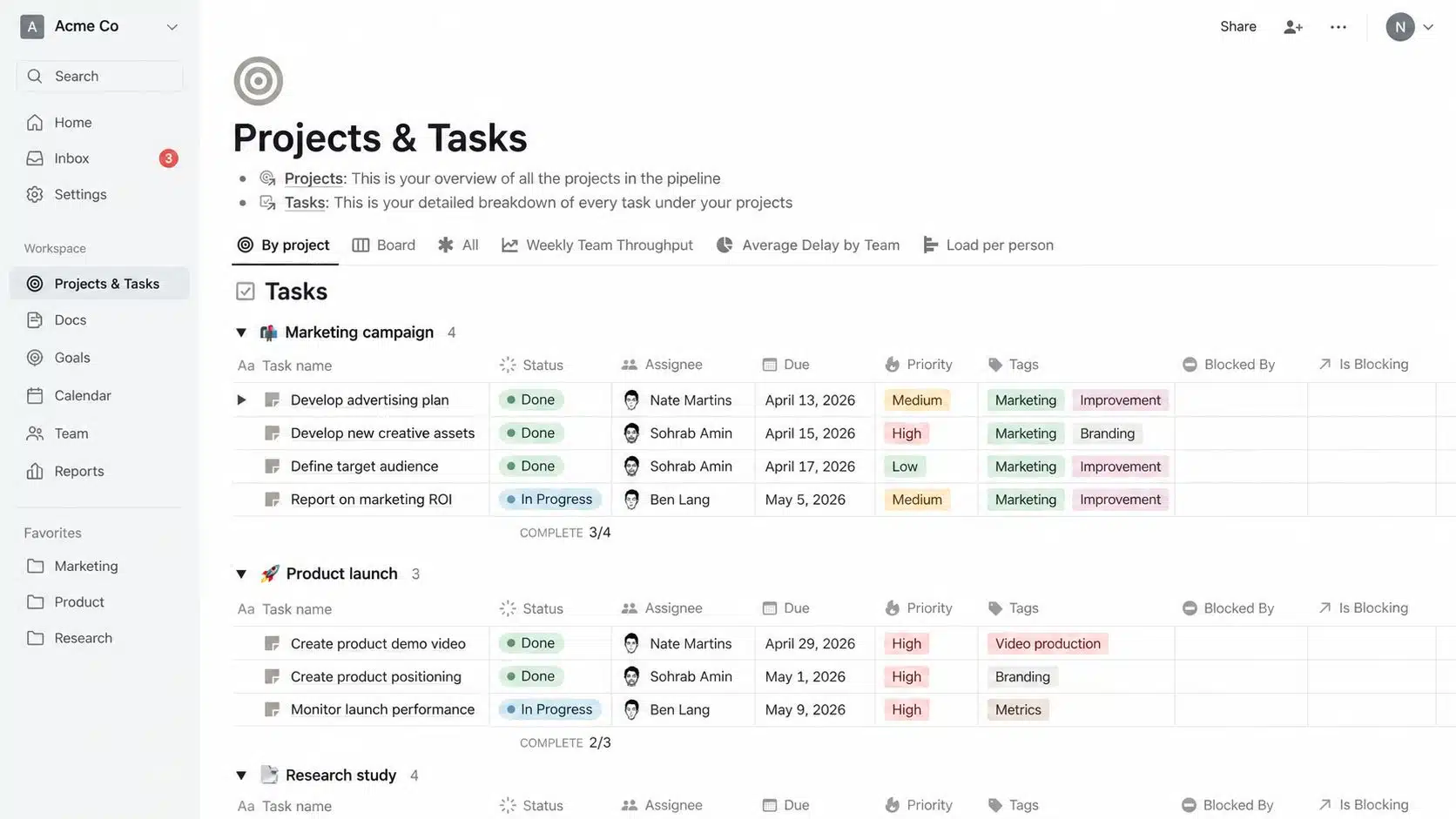
5. Grist — Best for Formulas and Granular Permissions
Grist is a relational spreadsheet with Python formulas and row-level access rules. Free allows 5,000 records per document, and Pro allows 100,000.
Real flaws:
- Python formulas are powerful but scare off non-technical staff.
- Free team sites now cap at 10 members.
Who Should Skip This: teams that want plug-and-play templates.
6. SeaTable — Best for EU Data and Big Free Plans
SeaTable is German-built, with a free plan for up to 25 users and 10,000 rows. Plus costs €7 per user per month for 50,000 rows.
Real flaws:
- Single sign-on is locked to Enterprise.
- AI credit allowances on lower tiers are small.
Who Should Skip This: US teams that want US-dollar billing and a big US app marketplace.
7. Teable — Best for Very Large Datasets
Teable runs on real PostgreSQL, so it’s built to handle millions of rows. The self-hosted edition is free, and cloud Pro starts around $10 per seat.
Real flaws:
- The cloud Free plan stops at 1,000 rows.
- It’s newer, with a smaller template and integration library.
Who Should Skip This: anyone leaving Airtable just to escape per-seat billing on the cloud.
8. Zoho Tables — Best Budget Pick
Zoho Tables Professional is just $4 per user per month billed annually, with 50,000 records per base. The free plan covers 2 users and 5,000 records per base.
Real flaws:
- Paid plans start at 3 licenses.
- Automation limits per base are tight compared with Airtable.
Who Should Skip This: teams that rely on dozens of third-party integrations.
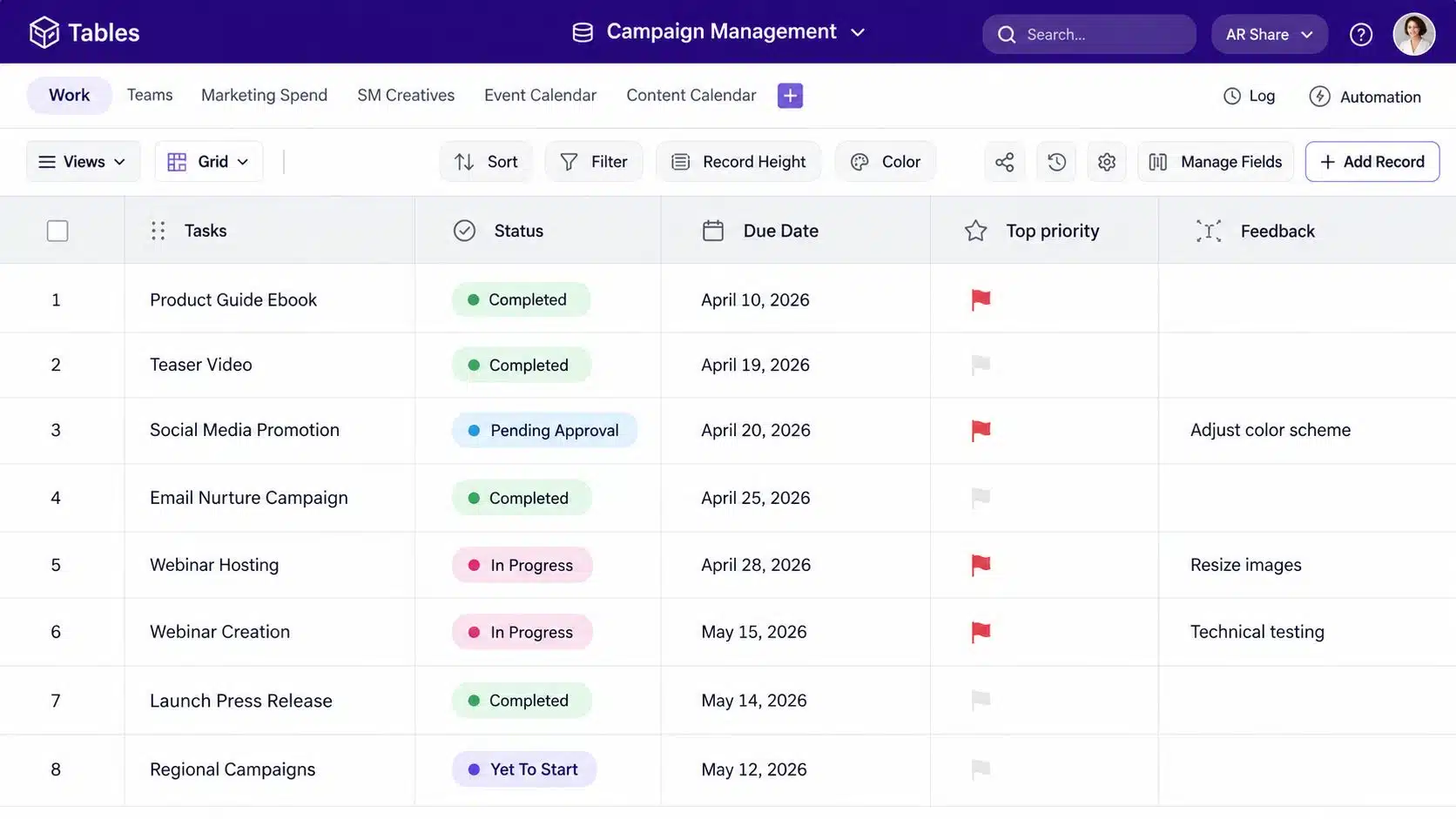
9. Stackby — Best for API-Connected Columns
Stackby can pull live data from tools like YouTube or Google Analytics into columns. The economy works out to $4.20 per user, billed annually in 3-user packs.
Real flaws:
- Economy caps each stack at 7,000 rows.
- Annual plans are priced in 3-user bundles, so odd-sized teams may pay for seats they don’t use.
Who Should Skip This: teams with tables already over 10,000 rows.
10. Smartsheet — Best for Project-Heavy Enterprises
Smartsheet looks like a spreadsheet but runs like a project tool, with Gantt views and approvals. Pro is $9 per member, and Business is $19.
Real flaws:
- Sheets cap at 20,000 rows and 500,000 cells, whichever comes first.
- It’s not truly relational, so linking data takes cross-sheet formulas.
Who Should Skip This: teams that need real linked records.
11. monday.com — Best for Visual Work Management
monday.com is great for boards, timelines and dashboards. Basic starts at $9 per seat with a 3-seat minimum.
Real flaws:
- It’s a work tool first and a database second.
- Standard allows just 250 automations a month.
Who Should Skip This: data-heavy teams building relational apps.
12. Microsoft Lists — Best Free Pick for Microsoft 365 Shops
If you already pay for Microsoft 365, Lists comes included. Each list can store up to 30 million items. Now, you might be wondering about the catch. A view showing more than 5,000 items can trigger a list view threshold error.
Real flaws:
- The 5,000-item view threshold needs indexing and filters to work around.
- Lookup columns are limited to 12 joins per view.
Who Should Skip This: Teams on Google Workspace.
How to Switch Without Losing Data
That brings us to the biggest mistake people make: moving everything at once. Migrate one base first, then expand.
- Count your records per base, not per table.
- Export every table to CSV, including attachments.
- Rebuild linked fields by hand. CSV exports flatten links into text.
- Recreate automations last, and test them on dummy data.
- Run both tools side by side for two weeks.
Want more tool options? Compare these Trello alternatives, pick from the best document collaboration tools, or see our list of online collaboration tools for remote teams.
Frequently Asked Questions (FAQs)
What is the best free alternative to Airtable?
Baserow or NocoDB, self-hosted, gives you unlimited rows for free. SeaTable’s cloud-free plan is the most generous hosted option.
Is there an open-source Airtable?
Yes. Baserow, NocoDB, Grist, Teable and SeaTable all offer self-hosted versions.
Is Notion a good replacement for Airtable?
For docs plus light databases, yes. For large relational data, no.
Why is Airtable so expensive?
It charges per editor and caps records per base. Growing teams often hit the cap before the seat count.
Can I import my Airtable data into another tool?
Yes. Most tools import CSV files, and some, like Teable, connect to Airtable directly with an API token.
Final Thoughts
Don’t switch just because of a headline. Count your records, count your editors, and pick the tool whose limits fit your next two years. For most teams, the best Airtable alternatives for team databases are SmartSuite for Polish or Baserow for Control.