On Thursday, OpenAI introduced a powerful new feature named Canvas—a groundbreaking interface designed to enhance how users collaborate on writing and coding projects with ChatGPT. This new interface aims to make multitasking smoother by allowing users to view their project work, whether it’s a written document or programming code, in a separate window alongside the AI chat history. By doing so, OpenAI hopes to improve workflow efficiency, helping users stay focused on the task at hand without losing important information in the chat thread. This feature bears similarities to the Artifacts tool, which was launched by Anthropic for its Claude AI assistant back in June.
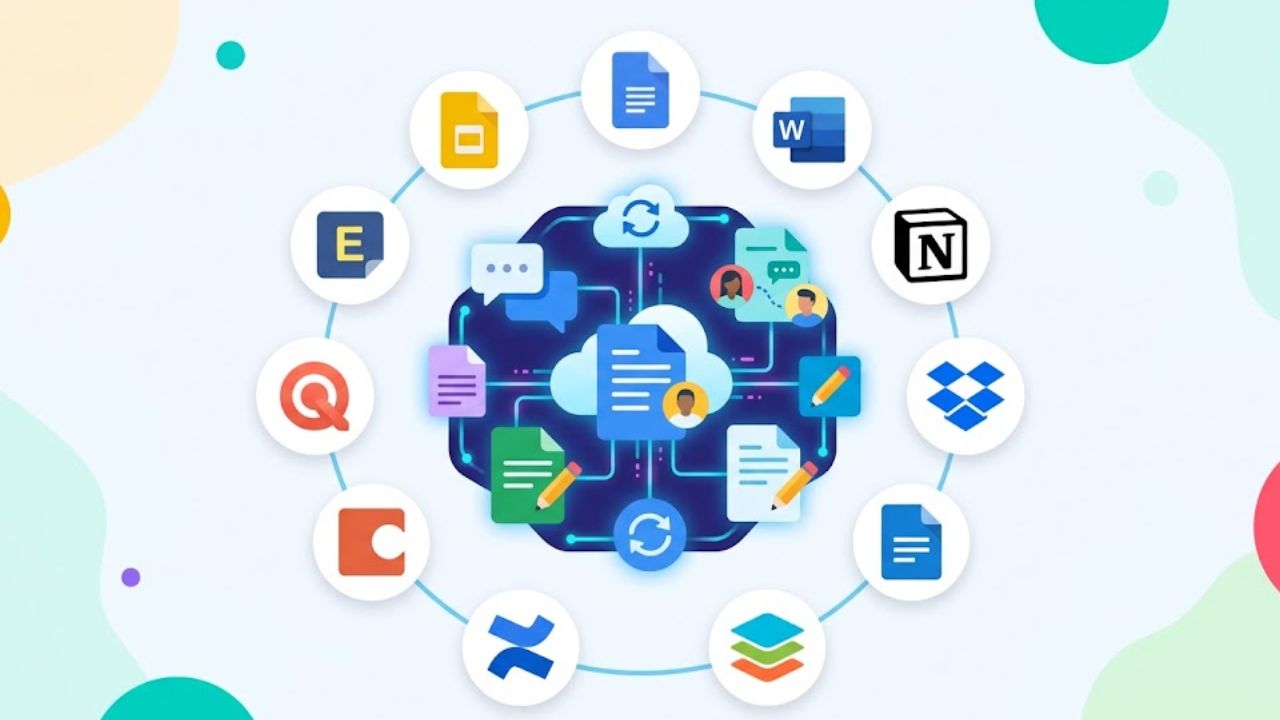
Canvas is intended to help users manage long projects by providing a visually organized space where drafts and codes are displayed, ensuring they are not buried in the conversation backlog. Users will be able to simultaneously keep track of both their ongoing projects and their interactions with the AI assistant, which will make revisions and editing easier.
OpenAI has begun rolling out this feature to ChatGPT Plus and Team users across the globe as of Thursday. Meanwhile, Enterprise and Education users can expect access next week. Although currently in the beta stage, OpenAI plans to make Canvas available to all free-tier ChatGPT users once the beta period is complete and the feature becomes more refined.
How Canvas Works: Inspired by Anthropic’s Artifacts
Canvas shares similarities with Artifacts, the tool Anthropic introduced as part of its Claude AI system. Like Artifacts, Canvas serves as a type of scratch pad where different parts of a user’s working context—whether text, code, or other inputs—are visually separated from the main chat thread. This separation keeps critical parts of the conversation in focus, preventing them from being lost as the user and the AI continue their dialogue. For users working on complex projects that involve multiple drafts, edits, or coding revisions, Canvas makes it much easier to juggle these tasks.
Canvas has proven itself particularly useful for projects requiring ongoing editing or adjustments. From early user feedback, it’s clear that keeping the main content visible at all times enhances collaboration, whether it’s working on a report, editing a blog post, or debugging lines of code. The comparison with Anthropic’s Artifacts is noteworthy because it highlights the growing trend among AI developers to create interfaces that bridge the gap between conversational AI interactions and real-time, document-based collaboration.
One notable aspect of Canvas is that it’s powered by a specialized version of GPT-4o, an updated variant of GPT-4, that was developed to support the Canvas feature during its beta phase. Users can manually select this version of GPT-4o from the model picker in the ChatGPT interface. As OpenAI continues to refine Canvas, the company will be gathering feedback from early users to make further improvements. While the Canvas feature is currently triggered manually, users can also activate it by typing “use canvas” in their prompt or by starting a project that automatically suggests its use.
Unique Features of Canvas: A Step Beyond Just Text Editing
One of the standout features of Canvas is its user-friendly sidebar tools and additional functionality, which sets it apart from other AI-powered project tools like Artifacts. Canvas introduces a unique sidebar menu filled with shortcuts for common tasks such as finalizing documents, suggesting edits, and even inserting emojis, making it particularly versatile for creative tasks. One of the most appreciated features is the ability to adjust writing length or complexity through simple sliders. For example, users can select whether they want the AI to generate shorter, more concise content or longer, more detailed text. Additionally, the topical complexity can be varied from a “kindergarten” level to a “graduate school” level, depending on the target audience.
The coding side of Canvas is equally robust. Users can take advantage of coding shortcuts that make it easy to review code, add logs for debugging, insert comments, fix bugs, and even port code between different programming languages. With just a few clicks, users can take JavaScript code and convert it to other languages like PHP, Python, TypeScript, C++, or Java. This cross-language compatibility is incredibly useful for developers working in multi-language environments or those transitioning between different coding languages.
However, as with all AI-generated code, users should remain cautious and thoroughly check the output for errors. Although the AI can significantly reduce the time spent on repetitive tasks, coding, in particular, still requires human oversight to ensure accuracy.
Highlighting and Inline Feedback for Enhanced Collaboration
Canvas also enables users to highlight specific sections of their project, directing the AI’s focus toward certain portions of the text or code. This targeted interaction makes it much easier to get precise feedback or suggestions, whether it’s for writing or programming. In essence, the AI takes on the role of a real-time editor or code reviewer, offering inline feedback that can be immediately incorporated into the ongoing project. This feature is especially useful when working on long-form writing or large coding projects that require continuous refinement and revision.
The interface also includes a back button that allows users to revert to previous versions of their working document or code, providing peace of mind for those concerned about accidentally losing important edits. This ability to restore earlier versions of work ensures that users can experiment with changes and edits without the fear of permanently altering their project beyond repair.
GPT-4o: The AI Powering Canvas
At the heart of Canvas is a specially developed version of GPT-4 known as GPT-4o, which has been designed to handle the additional complexity introduced by the Canvas interface. The development team at OpenAI worked on creating new core behaviors for GPT-4o to support Canvas, including the ability to automatically trigger the Canvas feature when appropriate, generate specific types of content, perform targeted edits, rewrite documents, and provide inline critiques in response to user requests.
One of the primary challenges faced by the OpenAI research team during development was teaching the model when to trigger Canvas. For example, the team had to define specific scenarios where Canvas would be most helpful. According to OpenAI’s blog post, the AI has been trained to recognize prompts like “Write a blog post about the history of coffee beans,” which would automatically open Canvas. On the other hand, simple Q&A requests such as “Help me cook a new recipe for dinner” would not trigger the feature.
Another challenge the development team faced was fine-tuning how the model handles editing tasks. Specifically, the model needed to know when to perform targeted edits versus complete rewrites. The team trained the model to make targeted edits when a user selects specific text through the interface, while more significant rewrites would occur when broader changes are needed.
A Major Interface Update for ChatGPT
The launch of Canvas represents one of the most significant updates to ChatGPT’s user interface since the AI tool was first introduced two years ago. While ChatGPT has always been focused on conversational interactions, Canvas introduces a new visual layer that enhances the AI’s ability to help users manage complex projects. By offering a separate, interactive workspace for writing and coding, Canvas transforms ChatGPT from a purely conversational tool into a more robust platform for real-time collaboration.
Although Canvas is still in its early beta stage, OpenAI has big plans to expand its capabilities. The company intends to gather feedback from users and continue making improvements to Canvas over time. By doing so, OpenAI hopes to create an even more versatile tool that caters to the needs of writers, coders, and project managers alike.
What’s Next for Canvas?
As Canvas evolves, OpenAI is likely to integrate even more features to help users work seamlessly across various types of projects. For now, users can enjoy the enhanced functionality provided by the new interface and the improved multitasking capabilities it offers. By allowing users to keep documents and code front and center while collaborating with ChatGPT, OpenAI is pushing the boundaries of how AI assistants can contribute to real-world productivity.
With Canvas, OpenAI is stepping into new territory, offering tools that can change the way people collaborate with AI on both creative and technical tasks. Whether it’s writing a novel, debugging code, or editing a blog post, the future of AI collaboration looks more dynamic and user-friendly than ever before.