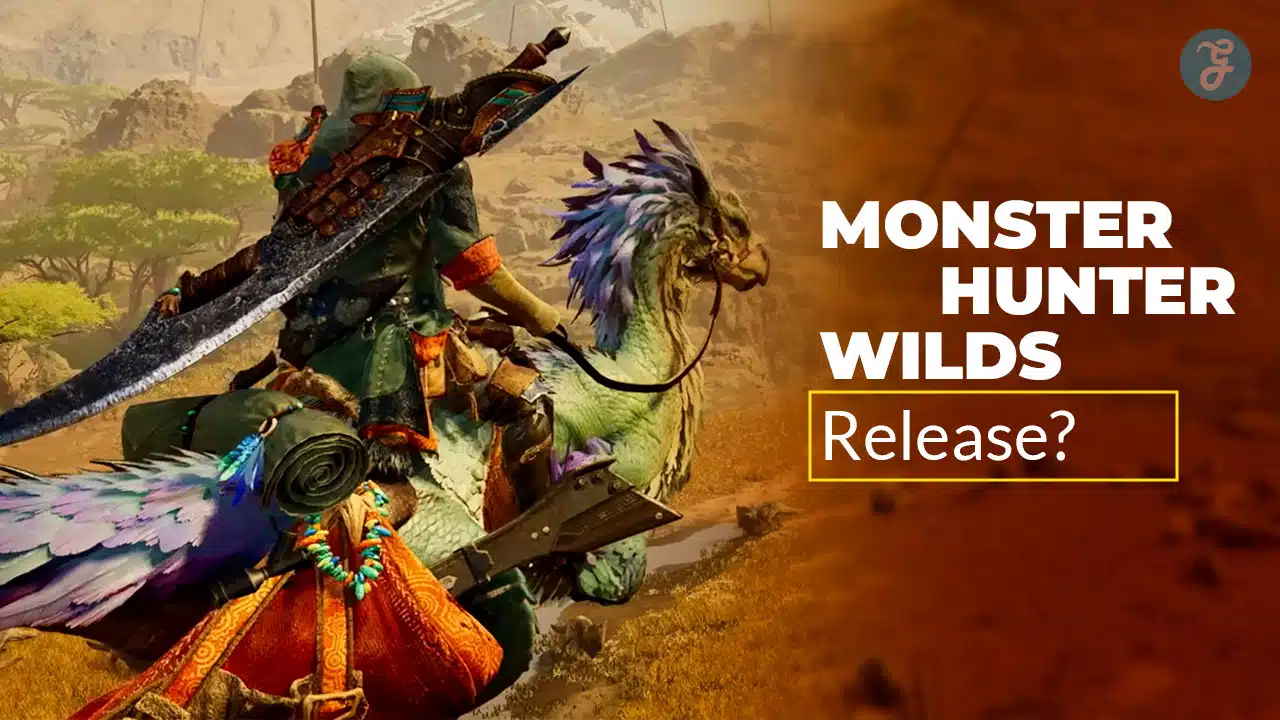
Monster Hunter Wilds released worldwide on February 28, 2025. If you are trying to figure out what version you should be on, what changed after launch, or why the game felt different over time, the release date is only the starting point.
In this article, I will explain the launch date, what “update history” actually means in Wilds, how to read the version pattern, and how Capcom’s updates typically evolve from launch week to long-term support.
Launch Date: When Monster Hunter Wilds was released
Monster Hunter Wilds launched on February 28, 2025. That is the official release date most players reference when they talk about “launch week,” “day one bugs,” or “early meta builds.”
It was released worldwide on:
- PC (Windows)
- PlayStation 5
- Xbox Series X|S
If you played at launch, you probably remember that the first few days felt like a moving target. That is normal for a huge online-friendly action RPG, especially one designed around a living ecosystem and large maps.
What Does “Update History” Mean In Monster Hunter Wilds
When people say “update history,” they usually mean three different things, and mixing them up creates confusion. I separate them like this so you know what you are looking at.
- Day-One And Early Hotfix Updates: These are fast patches that fix crashes, broken quests, server issues, and progression blockers.
- Major Title Updates: These are larger content beats. They often add monsters, events, systems, features, or major balance changes.
- Maintenance Patches: These are smaller follow-ups after a big update. They fix the bugs created by the new content, adjust numbers, and stabilize performance.
If you keep those three categories in your head, the timeline makes sense immediately.
What Happened At Launch: Day One Patch And The “First Week Fix” Pattern
When a game like Wilds releases, millions of players hit the same quests, menus, and network systems at once. That creates real-world testing at a scale no internal QA team can match.
So the first wave of updates usually focuses on:
- Fixing crashes and freezes
- Fixing quests that fail to progress
- Fixing reward tables or missing unlocks
- Fixing multiplayer stability
- Fixing UI issues and unexpected interactions
If you are reading patch notes from the first week and they look boring, that is a good thing. Early patches are not about new toys. They are about making the foundation stable.
The Typical Wilds Update Cycle After Launch
Here is the rhythm you usually see after a major Monster Hunter-style release, and it matches how Wilds has been supported.
Phase 1: Stabilize The Core Game
This is the launch window and the early weeks. Expect lots of small updates. The focus is stability and progression.
Phase 2: First Major Content Beat
Once the baseline is stable, the team pushes the first “big” update. This is when you start seeing major content additions, new systems, and broader balance work.
Phase 3: Follow-Up Fixes
A major update almost always creates new bugs. After that big update, you get small patches that clean up issues, fix edge cases, and tune changes.
Phase 4: Repeat
More major updates arrive throughout the year, often alongside limited-time events and collaborations. Each big update is followed by smaller fixes.
If you want to explain the history clearly to your readers, this is the simplest way to present it.
A Clear Timeline: How The Updates Usually Build Over A Year
I am going to describe the timeline in a way that is useful even if you do not care about exact version numbers. You want to understand what changed and why.
Launch Window
You get a day-one patch, then several quick fixes in the first couple of weeks. This is where issues like quest blockers, network instability, and crashes get handled.
Early Post-Launch
Once the game is stable, updates start shifting toward quality-of-life improvements. This is where you see better UI behavior, smoother quest flow, and fixes for irritating weapon or skill interactions.
First Title Update Period
This is the first time the game noticeably “expands.” New monsters, bigger event content, and system upgrades often arrive here. This is also when build trends shift, because new gear and new fights change what is optimal.
Mid-Year Expansion Period
This is where Wilds’ support typically becomes more ambitious. Updates here tend to add major targets and broaden the endgame loop. You also start seeing more event rotations and collaboration-style drops.
Late-Year And Holiday Period’
Late-year updates tend to be heavy on balance, polish, and long-term systems. A big update around this period is often followed by rapid bug-fix patches, because more players return and stress-test everything again.
Early Next-Year Maintenance
If the game is still being supported actively, early next-year patches often focus on stability and performance improvements, especially on PC. This is also where long-term tuning continues.
How To Read Version Numbers Without Getting Confused
Version numbers can look messy, but there is usually a simple pattern.
Here is the rule I use:
- Big jumps usually indicate major updates, major content drops, or major system changes.
- Small “point” changes are usually bug fix patches, stability patches, or small balance tuning.
So if you see a patch with a noticeably new “main” version, that is likely a bigger deal. If you see a patch that looks like a small increment, it is usually a maintenance fix.
This helps you answer the real question you probably have. Should you care about the update. If it is a major jump, yes. If it is a small increment, you should still install it, but it is probably not changing your whole playstyle.
Why Monster Hunter Wilds Updates Matter More Than Many Games
Wilds is not a static game. The design includes an evolving open-world style hunting experience with changing environments, camps that change how you travel, and a steady flow of new content and adjustments.
That means updates can affect you in multiple ways:
- Your build may change because balance numbers shift.
- Your farming route may change because event quests rotate or rewards get adjusted.
- Your favorite weapon may feel stronger or weaker after tuning.
- Your performance and stability can improve over time, especially on PC.
If you want to explain this to your readers, I recommend saying it plainly. In Wilds, “patch notes” are not trivia. They can change the way the game plays.
How You Can Check Your Update Status Quickly
If you are trying to confirm what update you are on, I suggest a simple habit:
- Check the version number on the title screen or system update info.
- Compare that to the latest patch listing on your platform.
- If you play multiplayer, update immediately, because version mismatches can block co-op.
This prevents the most common issue players run into. They think the game is “bugged,” but they are simply behind on a critical fix.
What You Should Tell Readers If They Ask “Has Wilds Been Updated A Lot?”
If you want a clean one-paragraph answer you can reuse in your content, here is how I would say it:
Wilds launched on February 28, 2025, then followed the typical Monster Hunter support pattern. First came rapid hotfix patches to stabilize launch issues. After that, the game moved into larger title updates that expand content and systems, followed by smaller maintenance patches that fix bugs and tune balance. Over time, updates also focus on performance and long-term polish, especially as more players return for major drops.
Wrap-Up
Monster Hunter Wilds was released on February 28, 2025, and its update history follows a logical rhythm. First came early stability fixes. Then came larger content updates, followed by smaller patches that refined those changes.
If you tell me whether you want this article to include a bullet timeline with exact update names and versions, I can format it as a clean “Update History Table” that you can keep updating as new patches arrive.