Install iOS 18 & iPadOS 18 Developer Betas

Install iOS 18 iPadOS 18 Developer Betas

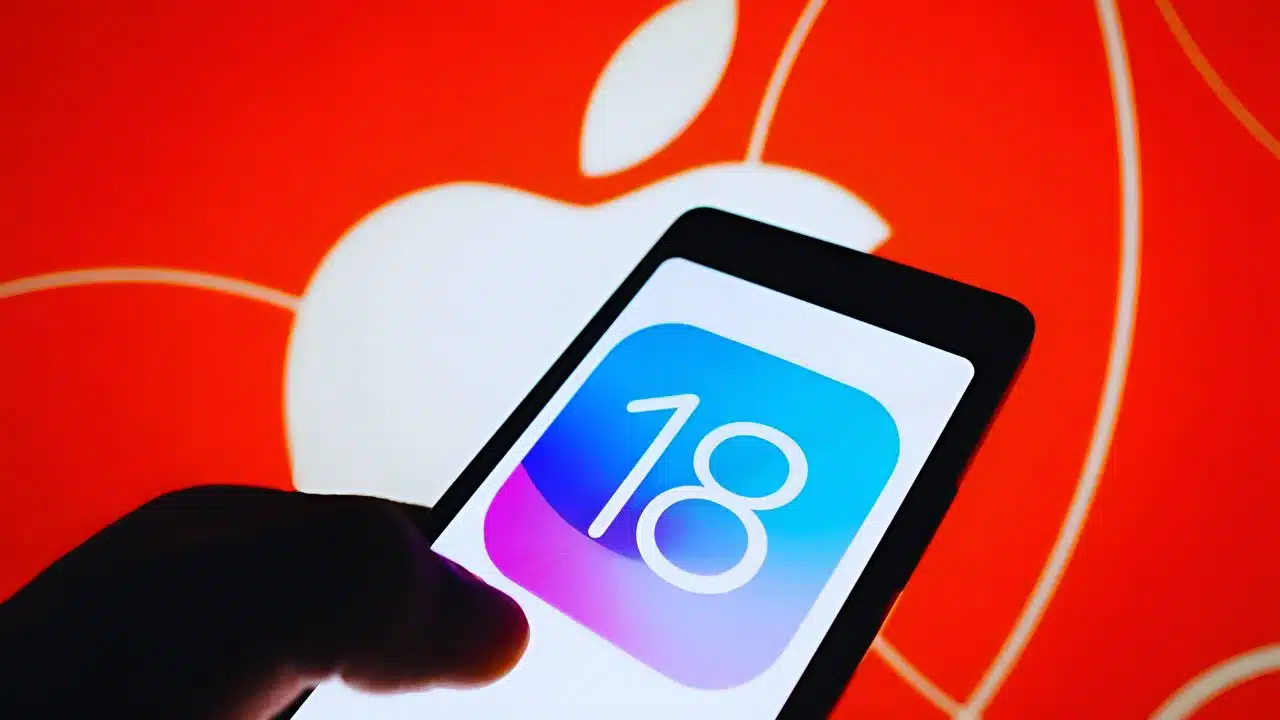
Apple introduced the developer beta of iOS 18 at its annual Worldwide Developers Conference (WWDC) 2024. This release is accessible to everyone, including non-developers, for free. If you’re excited to try out an early version of the new OS, here’s a step-by-step guide on how to install it on your iPhone or iPad.

Important Considerations Before Installing the Beta

Before you proceed, it’s essential to understand that beta software is inherently unfinished and may contain bugs. It’s advisable to avoid installing it on a device you rely on daily. 

Additionally, the beta may not include all the features that will be in the final release, and your experience may vary depending on the apps you use. Backing up your device’s data is strongly recommended to prevent data loss.

New Features in iOS 18

iOS 18 brings a host of new features, including:

  • Apple Intelligence: An AI system is available this fall, enabling rephrasing texts, summarizing messages, and generating images and emojis.
  • Customizable Home Screen and Control Center: More ways to personalize your device.
  • Enhanced Privacy Features: Require authorization for specific apps.
  • Revamped Messages and Photos Apps: More expressive and functional.

Supported Devices

According to Apple, iOS 18 / iPad 18 will work on the following devices:

  • iPhone: iPhone 15 series, iPhone 14 series, iPhone 13 series, iPhone 12 series, iPhone 11 series, iPhone XS series, iPhone XR, and iPhone SE (second-gen or later).
  • iPad: iPad Pro (M4), iPad Pro 12.9-inch (third-gen and later), iPad Pro 11-inch (first-gen and later), iPad Air (M2), iPad Air (third-gen and later), iPad (seventh-gen and later), and iPad Mini (fifth-gen and later).

Step-by-Step Guide to Install iOS 18 Developer Beta

1. Ensure Your Device is Updated

Make sure your iPhone or iPad is running iOS 16.4 or later:

  • Go to Settings > General > About and check your iOS version.

2. Enroll in the Apple Developer Program

If you’re not signed up for the developer beta, follow these steps:

  • Visit the [Apple Developer website](https://developer.apple.com/) and sign up by scrolling down to Start Your Enrollment.
  • If you’re already a member, simply sign in and select Download.
  • Don’t forget to enable Developer Mode in Settings > Privacy & Security.

3. Install the Beta Profile

Once enrolled, install the beta profile:

  • Go to Settings > General > Software Update.
  • You should see a Beta Updates option under Automatic Updates.
  • Select Beta Updates and ensure the correct Apple ID is displayed at the bottom. If not, tap on the ID and select Use a different Apple ID.
  • Choose iOS 18 Developer Beta (or iPadOS 18 Developer Beta).

4. Download and Install the Beta

  • Return to Settings > General > Software Update.
  • You should see the beta update available. Select Download and Install and follow the on-screen instructions.

Troubleshooting Tips

If you encounter issues:

  • Ensure you are running iOS 16.4 or later.
  • Quit and relaunch the Settings app.
  • Sign in with your Apple ID at the [Apple Developer website](https://developer.apple.com/).

Public Beta Availability

The public beta of iOS 18 will be available in July through the Apple Beta Software Program, allowing a broader audience to test the new features.

Installing the iOS 18 developer beta allows you to explore Apple’s latest innovations before the official release. While it’s exciting to test new features, always remember to back up your device and be prepared for potential bugs. Happy exploring!


The information is taken from The Verge and Mashable


Subscribe to Our Newsletter

Related Articles

Top Trending

sustainable clothing brands reviewed
9 Sustainable Clothing Brands Reviewed for Smarter Wardrobe Choices
Game Save File and Backup Guide
PC Game Save File and Backup Guide: How to Safely Protect Your Progress
Technical SEO Startup for Travel and Tourism in Australia
15 Best Startup Technical SEO Agencies for Travel and Tourism in Australia
Social-Emotional Learning (SEL)
Top 10 EdTech SMEs Specializing in Social-Emotional Learning (SEL) in the United States
Paul Walker Net Worth
Paul Walker Net Worth: The $25 Million Fortune He Left Behind and How He Built

Fintech & Finance

accepting USDT payments
Streamlining Operations: Why Businesses Are Adopting USDT
Wardrobe After Weight Loss
How to Refresh Your Wardrobe After Weight Loss Without Overspending
5 Ways to Find the Right Guitar and Build Your Perfect Sound
Banks Reject High-Risk Businesses
5 Reasons Why a Bank Might Reject a High-Risk Business: Luckily, There's a Fix
Merchant Monitoring: What It Means for Your Business
Merchant Monitoring: Here's How It Relates to Your Business

Sustainability & Living

sustainable clothing brands reviewed
9 Sustainable Clothing Brands Reviewed for Smarter Wardrobe Choices
best eco-friendly brands
35 Best Eco-Friendly Brands Worth Supporting in 2026
Bottleless Water Dispenser for Office
How Switching to a Bottleless Water Dispenser for Office Use Reduces Overhead and Waste
Zero-Waste Grocery Shopping Habit
Easy Ways to Build a Zero-Waste Grocery Shopping Habit
Plastic Pollution Solutions
Plastic Pollution Solutions: What's Actually Working

GAMING

Game Save File and Backup Guide
PC Game Save File and Backup Guide: How to Safely Protect Your Progress
PC Game Performance Optimization
PC Game Performance Optimization: Maximize Your Gaming Experience
Evolution of FPS games
The Evolution of FPS Games: Mechanics, History, and Tactics
RPG subgenres
RPGs: Subgenres and Characteristics – A Complete Guide
Microtransactions & In-Game Economies
10 SMEs Specializing in Game Monetization & In-Game Economy Technology Providers

Business & Marketing

realistic product showcasing methods
7 Creative Methods to Showcasing Products in a More Realistic Way That Build Buyer Trust
Wardrobe After Weight Loss
How to Refresh Your Wardrobe After Weight Loss Without Overspending
Banks Reject High-Risk Businesses
5 Reasons Why a Bank Might Reject a High-Risk Business: Luckily, There's a Fix
Merchant Monitoring: What It Means for Your Business
Merchant Monitoring: Here's How It Relates to Your Business
Build Brand Authority Through Thought Leadership
How To Build Brand Authority Through Thought Leadership

Technology & AI

Anonymous AI Bylines
Why Magazines Should Ban Anonymous AI Bylines
compute gap open AI
The Compute Gap Is Killing Open AI Models
Big Tech vs Open Source AI
Why Big Tech Will Always Out‑Resource Open Source AI
AI Tools for Passive Income in 2026
AI Tools for Passive Income: Top Picks in 2026
Top 10 Search API for AI Agents
Top 10 Search APIs For AI Agents: Enhance Web Search Efficiency

Fitness & Wellness

digital detox guide
Digital Detox Practical Guide: Reset Your Screens, Reclaim Focus, and Boost Mental Wellness
protein requirements active
Protein Requirements for Active People: A Practical Intake Guide
macronutrients explained
Macronutrients Explained Simply: A Practical Macros Guide for Real Life
Wellness Industry Cult
The Wellness Industry Has Become a Cult and Why It Feels Dangerous!
journaling mental health
Journaling for Mental Health Guide: Practical Writing Habits for Clarity, Stress Relief, and Self-Awareness